
Desktop CAD / Technical Drawing Printers: A Complete Guide for Precision & Productivity
Desktop CAD and technical drawing printers have become essential tools for engineers, architects, designers, and manufacturers who need precise, fast, and reliable prints. Whether you’re producing detailed architectural blueprints, mechanical part diagrams, or complex 3D design schematics, having the right printer dramatically improves workflow efficiency and output quality. In this guide, you’ll discover how these printers work, key features to look for, and why they’re vital for modern design environments.
What Are Desktop CAD / Technical Drawing Printers?
Desktop CAD and technical drawing printers are specialized devices engineered to produce highly detailed line work, vector graphics, and large-format schematics. Unlike standard home or office printers, these models offer greater accuracy, larger print widths, and advanced ink technologies designed for technical applications. They support formats like DWG, DXF, and PDF while ensuring every line, symbol, and annotation appears exactly as intended.
These printers serve industries where precision is critical. Mechanical engineers rely on them for tolerance-based drawings, architects use them for layout plans, and product designers utilize them for prototyping documentation. Their ability to deliver consistent, sharp output makes them indispensable for professional environments.
Why Desktop Technical Drawing Printers Matter
Accuracy is the foundation of technical design. Even small distortions or misprints can lead to costly errors in manufacturing or construction. High-quality CAD printers eliminate these risks by producing prints that maintain scale, proportion, and line integrity.
Additionally, desktop units offer an affordable and space-saving alternative to large-format plotters, making them ideal for small studios or private offices. Their compact footprint ensures they fit easily on a desk while still delivering professional-grade prints.
Key Features to Look For in CAD / Technical Drawing Printers
1. High Resolution Output
Resolution is essential for technical line work. Look for printers offering at least 1200 x 1200 dpi for clean, crisp details. Better resolution ensures diagrams, measurements, hatches, and annotations are legible and accurate.
2. Wide Format Capability
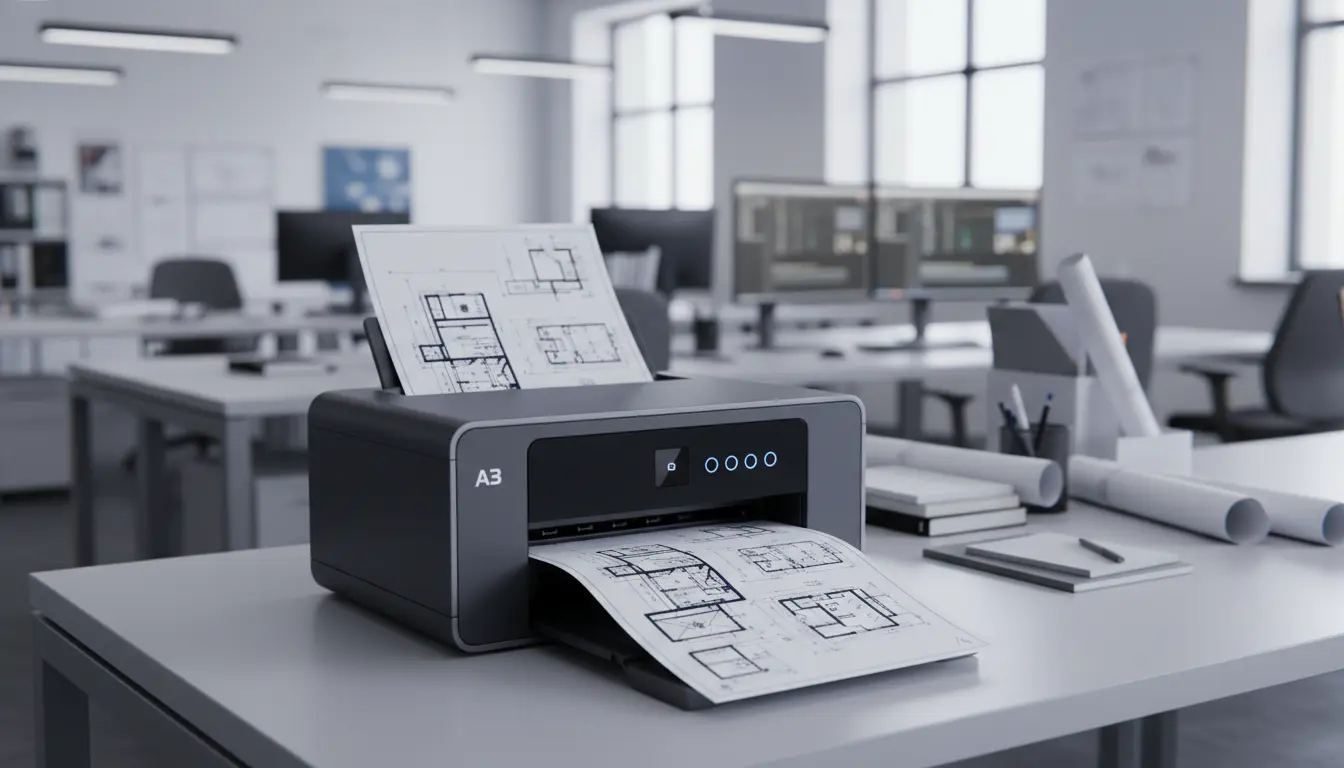
Many desktop models print up to A3 or 13×19 inches, which is ideal for engineering drawings. This flexibility supports larger renderings without requiring oversized plotters.
3. Precision Line Accuracy
Line accuracy ensures your printed dimensions reflect your digital models. Professional CAD printers maintain consistent alignment and spacing, which is crucial for mechanical part schematics and architectural scaling.
4. Fast Print Speeds
If you generate multiple revisions or large sets of drawings, choosing a printer with fast output can significantly reduce downtime. Modern CAD printers offer quick first-page times and efficient page-per-minute speeds.
5. Durable Pigment-Based Inks
Pigment inks resist smudging, fading, and moisture—important for long-term archival of engineering documents. They also produce sharper lines compared to dye-based inks.
6. CAD-Compatible Software Integration
Seamless integration with software like AutoCAD, SolidWorks, Revit, and Fusion 360 helps streamline printing workflows. Many printers include drivers optimized for technical formats.
7. Multifunction Capabilities (Optional)
Some models include scanning and copying features for digitizing physical drawings. This is useful for revising or archiving old prints.
Benefits of Using CAD / Technical Drawing Printers
Desktop CAD printers offer a variety of advantages that enhance professional workflows:
- Superior Line Clarity: Fine lines are sharply defined, with no bleeding or distortion.
- Cost Efficiency: Ideal for small studios needing precise prints without investing in large plotters.
- Compact Size: Designed to fit on standard desks while offering wide-format printing.
- Reduced Outsourcing: Eliminates delays and expenses associated with printing services.
- Enhanced Productivity: Fast print speeds and reliable output accelerate project timelines.
- Archival Quality Prints: Pigment inks ensure longevity and durability.
Use Cases Across Industries
Architecture
Architects rely on CAD printers for site plans, elevations, and floor layouts. The ability to print accurate, to-scale drawings supports accurate construction and client presentations.
Engineering
Mechanical, electrical, and civil engineers produce complex diagrams requiring absolute precision. CAD printers ensure every line, label, and tolerance note is perfectly replicated.
Product Design
Designers generate prototypes, assembly diagrams, and technical documentation. High-resolution prints improve communication across manufacturing teams.
Education
Technical schools and universities use CAD printers for coursework, research projects, and engineering labs.
How to Choose the Right Desktop CAD Printer
Before selecting a printer, consider the following:
- Printing Volume: High-volume environments need printers with faster speeds and larger ink capacity.
- Connectivity: Look for USB, Wi-Fi, and Ethernet support for flexible workflows.
- Media Types: Ensure the printer handles heavy paper, glossy media, or specialty technical sheets.
- Budget: Balance initial cost with long-term ink efficiency and durability.
- Maintenance: Choose models with easy-to-replace cartridges and auto-calibration features.
A well-chosen CAD printer delivers long-term reliability and professional-grade accuracy, making it a worthwhile investment for any technical field.
Recommended Desktop CAD Printer (Amazon Product)
HP DesignJet T210 Large Format Compact Wireless Plotter Printer
Available on Amazon, this model is perfect for small studios requiring professional CAD output. It offers high accuracy, fast speeds, and excellent compatibility with technical software.