
The Best Tablets for Retirees in Florida: Big Screens and Effortless Navigation
Sun-drenched mornings on the lanai and relaxing afternoons by the Gulf Coast define retirement in the Sunshine State. Florida retirees enjoy active lifestyles that blend leisure, travel, and strong social connections. Staying in touch with grandchildren up north, streaming favorite shows, managing telehealth appointments, and reading digital bestsellers all require dependable technology. However, struggling with tiny fonts, heavy devices, and overly complicated menus can quickly turn modern convenience into daily frustration. The ideal portable gadget must strike a balance between generous visual space, lightweight portability, and intuitive software.
When selecting personal electronics for senior living, visual comfort stands out as the primary priority. As eyesight naturally changes over time, high-contrast panels and expansive displays prevent uncomfortable eye strain during long reading sessions. Many older adults find standard smartphone displays too restrictive for casual browsing or video calling family members across the country. A properly sized display transforms daily digital activities into relaxing pastimes rather than strenuous chores. Furthermore, modern anti-reflective coatings significantly improve outdoor visibility, allowing Floridians to read eBooks under bright patio umbrellas without distracting screen glare.
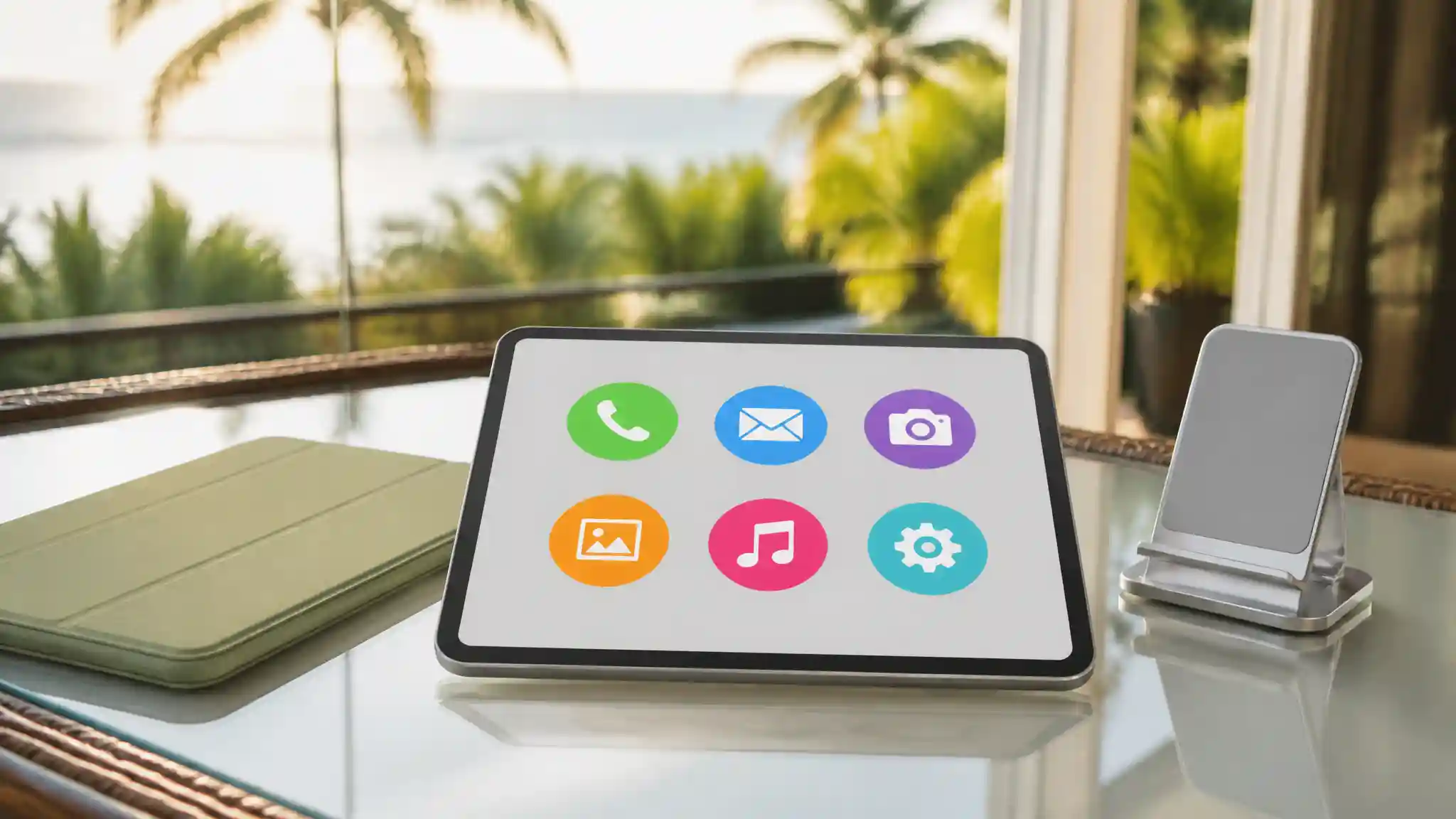
Operating system simplicity represents another crucial pillar for older adults adopting modern technology. Cluttered layouts, hidden sub-menus, and complex multi-finger gestures create unnecessary barriers for casual tech users. Modern manufacturers now design simplified interfaces with clean home screens, oversized icons, and highly responsive voice assistants. Instead of memorizing multi-step navigational paths, users can simply speak commands to launch applications, check local weather updates, or call loved ones. Built-in accessibility settings also enable instant customization of font sizes, audio clarity, and touch sensitivity.
Audio clarity and hardware weight further influence long-term satisfaction and everyday comfort. Built-in stereo speakers featuring dedicated voice-enhancement profiles ensure clear dialogue during virtual doctor consultations and family catch-ups. For individuals managing arthritis or reduced grip strength, lightweight aluminum frames and ergonomic protective covers prevent wrist fatigue during extended use. Excellent battery longevity also gives retirees the freedom to spend full afternoons at community centers or poolside cabanas without searching for wall outlets.
Key Features to Look for in Senior-Friendly Devices
Finding the right electronic companion requires evaluating specific hardware and software features designed around user convenience. Generous screen dimensions, preferably between 10 and 13 inches, deliver ample workspace for split-screen multitasking, comfortable video streaming, and effortless typing. High-resolution screens ensure crisp typography, making digital newspapers and magazines as readable as traditional print editions.
Battery endurance ranks equally high for active Floridians who frequent coastal parks and golf clubs. A dependable battery lasting all day eliminates frequent charging interruptions and keeps navigation tools ready for road trips across the peninsula. Sturdy construction, combined with shock-absorbing silicone cases, protects investments against accidental drops on tile or concrete surfaces. Fast Wi-Fi connectivity and optional cellular capabilities guarantee seamless access to cloud libraries, entertainment channels, and real-time community notices wherever retirement adventures lead.
Top Display Technologies for Sunny Climates
Bright Florida sunshine often creates harsh reflections on standard glass screens, making specialized display hardware a valuable consideration. Laminated panels with anti-glare finishes dramatically reduce sunlight bounce, preserving rich contrast and accurate colors even outdoors. Many premium models incorporate ambient light sensors that automatically adjust display luminosity based on room lighting conditions.
Software-level display adjustments provide additional visual comfort during evening hours. Features like blue light filtering and specialized dark modes reduce sleep-disrupting eye fatigue after sunset. Some tablets even offer dedicated reading modes that convert color screens into monochrome, paper-like displays, providing an authentic book-reading experience that reduces eye strain during lengthy mystery novels or historical biographies.
Software Accessibility and Ease of Setup
Modern accessibility tools have evolved far beyond basic magnification settings. Today, intuitive operating systems offer full voice navigation, automated closed captions for streaming media, and high-contrast color palettes. Setting up a new device no longer requires advanced technical expertise, thanks to guided on-screen onboarding tutorials.
Family members can also configure parental controls or remote assistance tools to provide quick troubleshooting support from afar. Simplified app stores allow seniors to download reputable entertainment, brain-training, and health-tracking applications with a single tap or biometric scan. By removing unnecessary technical friction, these user-friendly platforms empower older adults to explore digital creativity, connect with community groups, and manage daily schedules with total independence.
Durability and Practical Accessories
Investing in functional accessories enhances overall usability and extends the hardware lifespan. Rugged protective cases with built-in kickstands allow hands-free viewing during recipe preparation in the kitchen or video chats with distant relatives. Tempered glass screen protectors prevent scratches from sand or keys, while magnetic stylus pens offer precise input for digital crosswords, watercolor painting apps, and handwritten notes.
Ergonomic charging docks simplify daily power management by eliminating the hassle of plugging in tiny charging cables. Placing the unit onto an upright charging stand keeps the display visible as a digital photo frame or smart home dashboard while replenishing the battery. These thoughtful physical additions transform a standard mobile screen into an accessible, versatile household hub.
Recommended Choice on Amazon.com
For Florida retirees seeking the ultimate balance of generous screen size, vibrant display quality, and intuitive everyday operation, the Apple iPad (10th Generation, 10.9-inch Liquid Retina Display) on Amazon.com stands out as an exceptional choice. Its expansive Liquid Retina screen provides crisp text and vivid colors, while the user-friendly iPadOS interface delivers unmatched accessibility features, responsive Siri voice commands, and reliable all-day battery life for sunny retirement living.