
Apple’s latest software refinements focus on familiar moments: organizing a conversation, checking a door, and opening your music library. The iOS 27.2 new features highlighted in this week’s beta bring practical controls alongside a noticeably different visual identity for Apple Music.
According to 9to5Mac’s October 16 report, the additions include customizable Messages suggestions, extra smart lock settings in Home, and a refreshed Music appearance. These changes remain part of beta software, so readers should distinguish the current testing experience from whatever Apple ultimately ships.
Messages Suggestions Give You More Control
A useful message often contains something you need to act on later. Someone shares a meeting time, sends an address, or mentions a task. Apple’s Suggestions feature helps turn that information into an action without making you reconstruct the details manually.
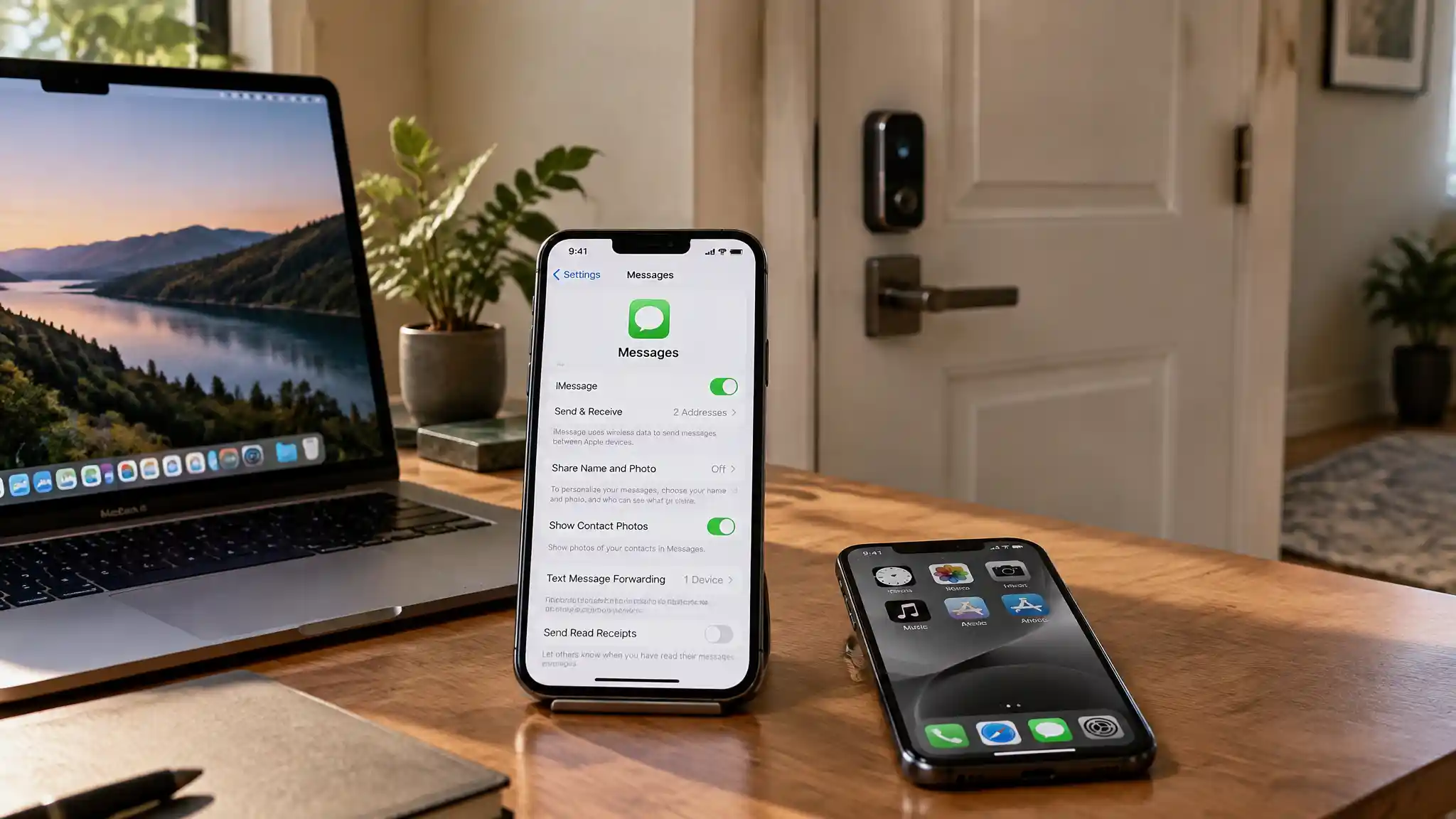
The latest Messages suggested actions settings add individual switches for five categories: Add to Calendar, Add to Reminders, Add to Notes, Show in Maps, and Flights and Packages. You can find these controls by opening Settings, choosing Apps, selecting Messages, and entering Suggested Actions.
That flexibility matters more than simply adding another automated feature. You might welcome calendar suggestions while preferring to manage notes yourself. Separate toggles let you keep the shortcuts that fit your habits and disable categories you do not need.
The report also notes that Apple originally planned Suggestions for iOS 27.0 before removing it during summer testing. Its return in iOS 27.2 therefore represents a delayed feature gaining more granular controls, rather than an entirely unrelated messaging tool.
Home Adds Practical Smart Lock Settings
The Home app smart lock updates address two different situations: a closed door that should lock automatically and a door that someone leaves open.
The new Lock After Closing setting lets owners of compatible smart locks choose how quickly a door locks after closing. This adds a useful timing choice to a routine that otherwise demands another manual check.
Door Left Open notifications tackle the second problem. The reported options let users turn alerts off or request a notification after 5, 10, 15, or 30 minutes. A shorter interval could suit a frequently monitored entrance, while a longer delay might better accommodate a busy household moving items through a doorway.
Compatibility remains essential. The source describes these controls for compatible locks, not every smart lock on the market. Before buying hardware specifically for these additions, check the manufacturer’s current information rather than assuming that Home app support guarantees every new setting.
Apple Music Trades Red for Monochrome
The Apple Music redesign creates the most immediately visible change. In beta 4, Apple replaces the familiar red branding with black and white app icons and darker widget styling. The active tab also switches from a red accent to blue.
These adjustments change how listeners recognize the app before they even start a song. A monochrome icon may suit a restrained Home Screen arrangement, but removing a familiar color also changes an established visual cue. Whether that feels cleaner or less distinctive depends on personal preference.
9to5Mac describes the early online response as largely negative. That observation does not establish a representative verdict from all Apple Music subscribers, and beta feedback can change. For now, treat the new appearance as a design direction under testing, not proof that Apple will keep every detail unchanged.
What These Changes Mean Before Release
Together, these additions show three different priorities: personal control in Messages, household awareness in Home, and visual consistency within Music. They do not carry equal importance for every iPhone owner.
If conversations regularly become appointments or tasks, start with the suggestion switches. If you already use a compatible connected lock, examine the new timing and alert options. If music dominates your daily screen time, the updated icon and widgets will probably draw your attention first.
The report describes iOS 27.2 as approaching a wider launch but does not provide a confirmed release date. It also does not establish a complete device compatibility list. Avoid planning around an exact rollout day or assuming that every feature will appear identically across all setups.
The strongest reason to follow these iOS 27.2 new features is their everyday relevance. Small settings can reduce repetitive decisions, while a visual refresh can alter how familiar software feels.
For most readers, the sensible approach is to review the controls that match their existing routines, then watch subsequent release notes for confirmation of availability, hardware requirements, and any further changes before updating devices.