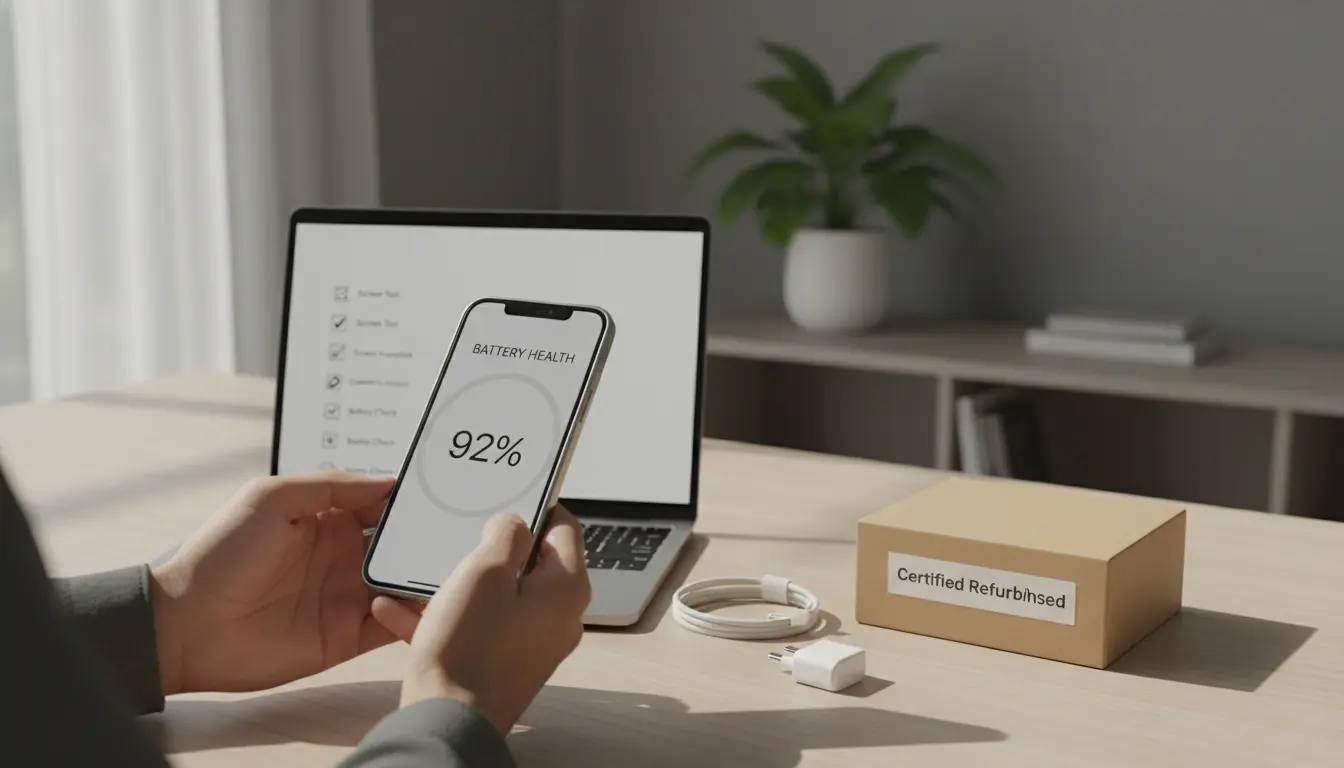

Refurbished or renewed devices have evolved from niche bargains into mainstream smart buys for consumers and businesses. With rising new-device prices, tighter budgets, and mounting e‑waste concerns, more people are asking whether refurbished phones, laptops, tablets, and wearables can offer dependable performance at a lower cost. The short answer: yes—if you know what to look for. This guide explains how to evaluate refurbished devices, minimize risk, and maximize value, while keeping your SEO needs in mind for organic reach and high uniqueness.
What “Refurbished” Really Means
“Refurbished” usually indicates a pre-owned device that has been inspected, repaired if necessary, tested, cleaned, and repackaged for sale. However, the depth and rigor of refurbishment vary widely across sellers:
- Manufacturer refurbished: Typically the gold standard, with genuine parts, rigorous multi‑point testing, and near‑new packaging. Often includes official warranty.
- Certified refurbished by reputable retailers: Strong alternative with documented inspection, testing, and return policies.
- Seller refurbished: Quality depends on the seller’s process and transparency. Always verify testing checklists, parts provenance, and warranty.
“Renewed” is often used interchangeably with “refurbished,” but some marketplaces use “renewed” to denote devices restored to good working order without guaranteeing original parts. Always read the exact definition used by the seller.

Grades and What They Mean
Most refurbished devices are graded to set expectations about cosmetic condition:
- Grade A/Like New: Minimal to no visible wear; performance like new.
- Grade B: Light wear such as small scuffs; full functionality.
- Grade C: Noticeable wear (scratches, dents); fully functional but cosmetically aged.
Tip: Grades describe appearance more than performance. A Grade B device with a fresh battery can outperform a Grade A device with an aging battery. Always check functional specifications and test results, not just the grade.
The Non‑Negotiables Checklist
Before you buy, verify these essentials:
- Warranty and Return Policy
- Prefer at least a 6–12 month warranty. Avoid units with “no returns” unless the discount is exceptional and you can accept the risk.
- Return window: Minimum 14–30 days for a full evaluation period.
- Battery Health and Replacement
- For phones, tablets, and laptops, battery health is critical. Ask for a battery health percentage or cycle count.
- Confirm whether the battery has been replaced with a new, high‑quality or OEM battery. Batteries are consumables; a new one dramatically improves longevity.
- Parts Authenticity and Repair History
- Clarify whether parts are OEM, high‑quality third‑party, or mixed.
- Some devices are sensitive to non‑OEM components (e.g., camera modules, displays, Face ID/Touch ID). Ask for a repair log.
- Diagnostic Testing Report
- Look for a multi‑point inspection covering CPU/GPU stress, storage health (SMART for SSD/HDD), display, touch, cameras, speakers, microphones, ports, Wi‑Fi/Bluetooth, cellular modem, sensors, and buttons.
- For iPhones and Macs, ask if Apple Diagnostics or an equivalent independent diagnostic suite was run.
- Software and Security
- Confirm a clean OS install with no bloatware and official activation.
- Ensure the device is not carrier‑locked
- Check how many years of OS/security updates remain; this affects long‑term value.
- Accessories and Packaging
- Verify what’s included: charger, cable, original box, SIM tool.
- Third‑party chargers should meet safety standards; cheap accessories can damage batteries.
- Device Identity and Legitimacy
- Request IMEI/serial number
- Confirm that the device is not reported lost/stolen.
- Cosmetic Transparency
- Ask for real photos of the exact device, not stock images, especially for Grades B–C.
- Scrutinize edges, camera rings, and ports—these reveal drops and heavy use.
How to Evaluate Value vs. Price
A smart refurbished purchase isn’t just about the lowest sticker price; it’s about total cost of ownership and utility:
- Depreciation curve: Some models hold value longer. Last year’s flagship may outperform this year’s mid‑range at the same price.
- Remaining support horizon: Devices nearing end‑of‑support cost less but may become security risks sooner.
- Included upgrades: A renewed laptop with upgraded SSD and RAM can extend usable life and productivity—worth paying a small premium.
- Battery replacement: A refurb with a fresh battery often beats a cheaper unit with an old one.
Rule of thumb: Aim for 25–45% savings versus new for the same configuration in Grade A/Certified condition with a real warranty. Larger discounts may signal higher risk or shorter support window.
Red Flags to Avoid
- Vague or missing warranty details.
- No diagnostic report or battery metrics.
- iCloud/FRP lock not clearly stated as “OFF.”
- Unrealistic “like new” claims without photos or grade definition.
- Prices that are significantly below market with no explanation.
- Sellers refusing IMEI/serial disclosure for verification.
Device‑Specific Tips
Phones
- Battery health target: 85%+ or freshly replaced.
- Check display authenticity (True Tone, brightness uniformity, touch responsiveness).
- Test radios: 5G/4G, Wi‑Fi 5/6, Bluetooth stability.
- Confirm water‑resistance claims are not guaranteed post‑repair.
Laptops
- SSD health: Check SMART data; avoid drives with high reallocated sectors.
- Thermals: Ask for stress‑test temps; recent thermal paste or cleaning helps.
- Keyboard and trackpad: Verify no dead keys or erratic tracking.
- Battery cycles: Under 300–500 cycles is desirable, model‑dependent.
Tablets
- Display: Inspect for lamination issues, dead pixels, ghost touch.
- Pencil compatibility: Verify if digitizer is original and pressure levels are accurate.
- Battery: Replacement is costlier—prefer units with proven high health.
Wearables
- Battery and sensors: Heart rate, SpO2, GPS accuracy, water exposure history.
- Bands and charging pucks: Ensure safe third‑party compatibility.
Sustainability and Compliance
Refurbished devices reduce e‑waste and carbon emissions by extending product lifecycles. Reputable refurbishers follow data sanitization standards (e.g., NIST 800‑88) for corporate off‑lease devices. Ask for documentation if privacy is a concern.
How to Test Immediately After Delivery
Within your return window:
- Run full diagnostics: Speaker/mic, cameras, sensors, ports, buttons.
- Battery drain test: Monitor hourly drop during normal use.
- Connectivity: Pair Bluetooth, join multiple Wi‑Fi networks, insert SIM.
- Storage: Run a quick read/write test and SMART check when possible.
- Visual: Inspect under bright light for hairline cracks and pixel defects.
Document any issues with photos and timestamps to simplify returns.
Where to Buy
- Manufacturer outlets: Often best-in-class QA and warranties.
- Certified refurb programs from major retailers: Good balance of price, coverage, and convenience.
- Specialist refurbishers: Look for transparent grading, detailed checklists, and strong reviews.
- Marketplaces: Vet seller ratings, policies, and real-device photos carefully.
SEO Considerations for Organic Reach
To keep content organic and highly unique:
- Use precise, helpful, experience-backed tips rather than generic definitions.
- Include semantic variations (LSI terms) naturally throughout the text.
- Structure with clear headings and scannable lists.
- Target search intent: Buyers want risk reduction, checklists, and negotiation tips.
- Refresh content periodically to reflect model cycles and warranty norms.
Quick Negotiation Tips
- Ask for battery replacement or a small discount if battery health is borderline.
- Request real photos and diagnostics before committing.
- Bundle accessories or upgraded storage for better total value.
Bottom Line
Refurbished and renewed devices can be excellent purchases if you verify the refurbishment process, insist on transparent diagnostics, and prioritize battery health, warranty, and software security. Approach the deal like a checklist-driven inspection rather than an impulse buy. Do that, and you’ll get near‑new performance, meaningful savings, and a smaller environmental footprint—without compromising reliability.