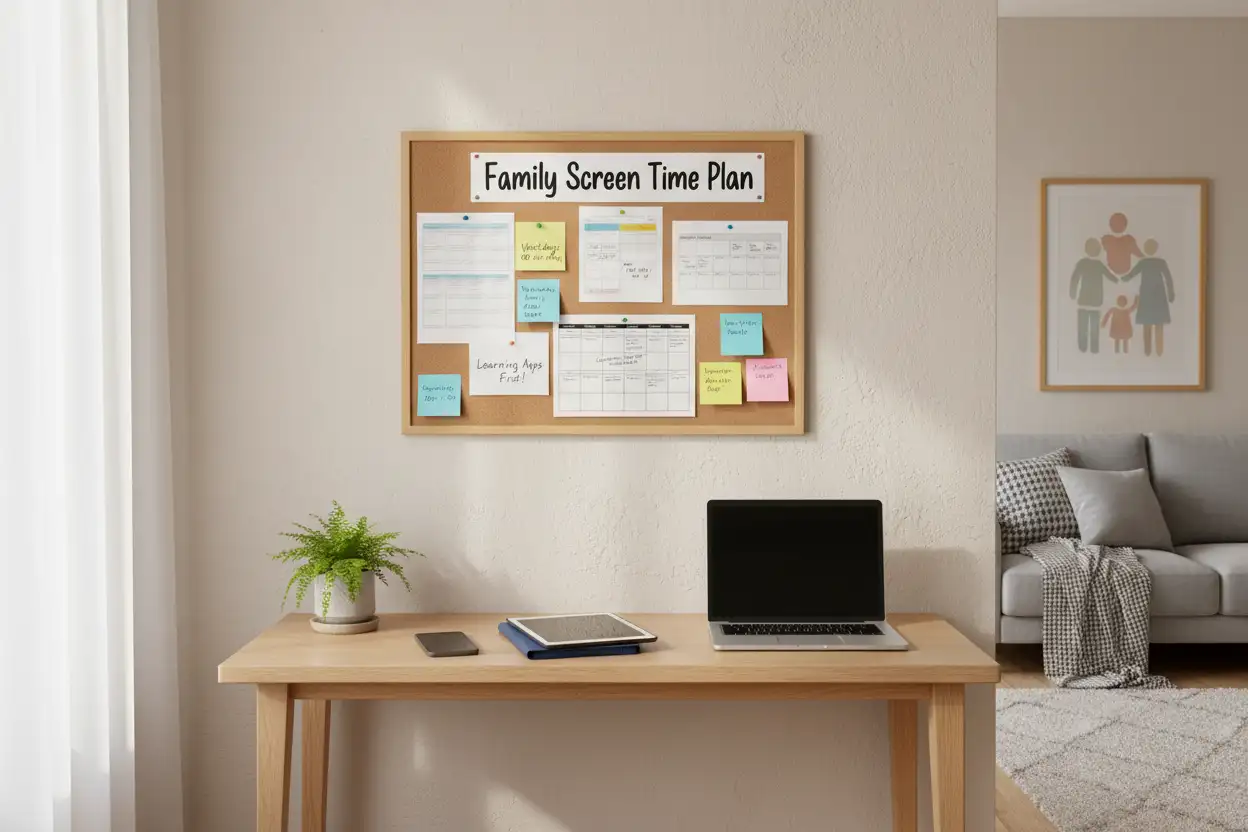

In today’s always-connected world, screen time is woven into daily life—schoolwork, socializing, entertainment, even health tracking. Yet without clear boundaries, screens can crowd out sleep, physical activity, in-person relationships, and focused learning. That’s why families increasingly turn to a Screen Time Management and Family Agreement Template: a simple, shared plan that sets expectations, defines limits, and creates accountability for every family member. This guide explains how to build a practical, flexible agreement that supports healthy tech habits while respecting each child’s age, needs, and personality.
Why a Family Agreement Works
A family agreement is more than a set of rules. It’s a collaborative framework that:
- Turns conflict into conversation by clarifying expectations ahead of time.
- Reduces power struggles because guidelines are co-created, visible, and consistent.
- Builds digital citizenship—kids practice self-regulation, empathy, and online safety.
- Adapts with your child’s development, device types, and school requirements.
Crucially, when parents model the same standards—such as “no phones at the dinner table”—children are more likely to comply and internalize healthy habits.

Core Principles of Screen Time Management
- Developmentally aligned: Younger children need tighter limits and more co-viewing; teens need voice, trust, and gradual autonomy.
- Context over minutes: Educational, creative, and social uses can be more valuable than passive scrolling. Focus on quality, not only quantity.
- Balanced routines: Prioritize the “big four” before entertainment screens—sleep, schoolwork, physical activity, and family time.
- Predictable boundaries: Clear times and tech-free zones prevent negotiation fatigue.
- Shared responsibility: Kids help set goals and reflect on outcomes; parents provide guidance, structure, and support.
What to Include in a Family Agreement Template
Consider these sections when drafting your family contract. Keep it one page if possible; post it somewhere visible and revisit it monthly or quarterly.
- Purpose and Values
- Example: “We use technology to learn, connect, and create. We protect our sleep, mental health, and relationships by keeping screens in balance.”
- Device Inventory and Access
- List all devices (phones, tablets, consoles, laptops, TVs) and who uses them.
- Specify login and app store permissions.
- Clarify who owns the device and what that means for monitoring.
- Time Boundaries
- Daily or weekly limits by age and school schedule.
- Time windows for entertainment vs. school.
- Bedtime cutoffs (e.g., devices off 60 minutes before sleep).
- Place Boundaries (Tech-Free Zones)
- Bedrooms, bathrooms, dining table, family gatherings, and car rides (optional).
- Charging stations outside bedrooms to protect sleep.
- Content and App Guidelines
- Age-appropriate ratings, app approvals, and game/chat features.
- Co-viewing for younger kids; discuss themes, ads, and in-app purchases.
Other
- Notifications and Do Not Disturb
- Use Focus/Do Not Disturb during homework, meals, family time, and sleep.
- Turn off non-essential alerts to reduce interruptions.
- Privacy, Safety, and Digital Citizenship
- No sharing personal info or location.
- Ask before posting others; respect consent and kindness.
- Report uncomfortable content or cyberbullying immediately.
- Social Media and Communication
- Minimum age for accounts; private profiles; approved followers.
- Family expectations for texting etiquette and response times.
- Rules for group chats, disappearing messages, and screen-shared content.
- Parental Controls and Monitoring
- Tools used (e.g., screen time dashboards, content filters).
- What parents will review (app installs, public posts, purchase history).
- Transparency: explain the “why” and taper monitoring as trust grows.
- Homework and Learning
- Separate device or profile for schoolwork.
- One-tab rule or site blockers during study time.
- Short breaks between study blocks (e.g., 25–45 minutes on, 5–10 off).
- Physical Health and Wellbeing
- Daily movement targets before gaming.
- Posture and eyesight tips: 20-20-20 rule (every 20 minutes, look 20 feet away for 20 seconds).
- Outdoor or offline activities scheduled weekly.
- Financial Boundaries
- Require permission for in-app purchases and subscriptions.
- Family policy for ad-supported vs. paid apps.
- Digital allowance for teens, tied to budgeting lessons.
- Consequences and Repair
- Logical consequences (e.g., losing app privileges if rules are violated).
- Emphasize repair: talk it through, revise the plan, rebuild trust.
- Avoid shame; focus on learning and future choices.
- Review and Flexibility
- Check-in date (monthly) to adjust for changing needs, seasons, sports, exams.
- Celebrate wins and problem-solve together.
- Signatures
- Each family member signs; parents sign to model accountability.
Sample Family Agreement Snippet
Use this as a starting point and adapt to your home:
- Devices off at 8:30 PM; charge in kitchen.
- No phones at meals, in bedrooms, or during family movie night.
- Schoolwork first; entertainment screens start after homework and chores.
- Max 90 minutes of entertainment on school nights; 2 hours on weekends.
- New apps require a request and a discussion about privacy/ratings.
- Use Do Not Disturb during homework and after 9 PM.
- Keep profiles private; ask before posting photos of friends/family.
- Uncomfortable content or messages? Tell a parent right away—no punishment for asking for help.
- First missed boundary: conversation and a plan. Repeated issues: lose the specific app for 48 hours.
- Review date: the first Sunday of each month.
Implementation Tips That Actually Work
- Co-create with your child: Ask what feels fair and what support they need to succeed. Buy-in beats enforcement.
- Use built-in tools: Screen time dashboards, downtime schedules, app limits, and website filters reduce micromanagement.
- Habit stacking: Link screens to routines, not moods. Example: after homework + 30 minutes outside, then entertainment.
- Model it: Put your phone away during meals and conversations. Kids copy what they see.
- Teach “pause power”: Encourage kids to announce, “I’m pausing and wrapping up in 2 minutes,” to transition gracefully.
- Embrace “quality screen time”: Coding, creativity apps, documentaries, co-op games with strategy and teamwork.
- Plan offline joy: Board games, weekend hikes, family cooking, library trips—make offline options easy and appealing.
- Prepare for exceptions: Travel, holidays, sick days. Document temporary rules to avoid confusion.
- Discuss algorithms: Help kids recognize endless feeds, social comparison, and FOMO. Name the triggers; practice breaks.
Measuring Success
Watch for improved sleep, fewer conflicts, better homework focus, and more balanced routines. If problems persist—late-night scrolling, repeated secrecy—tighten boundaries, reintroduce co-viewing or shared screens, and consider professional guidance if needed.
Keep It Human
The goal isn’t zero screens; it’s healthy, intentional use that supports learning, creativity, and relationships. A family agreement makes expectations visible, fair, and flexible—so tech serves your life, not the other way around.









