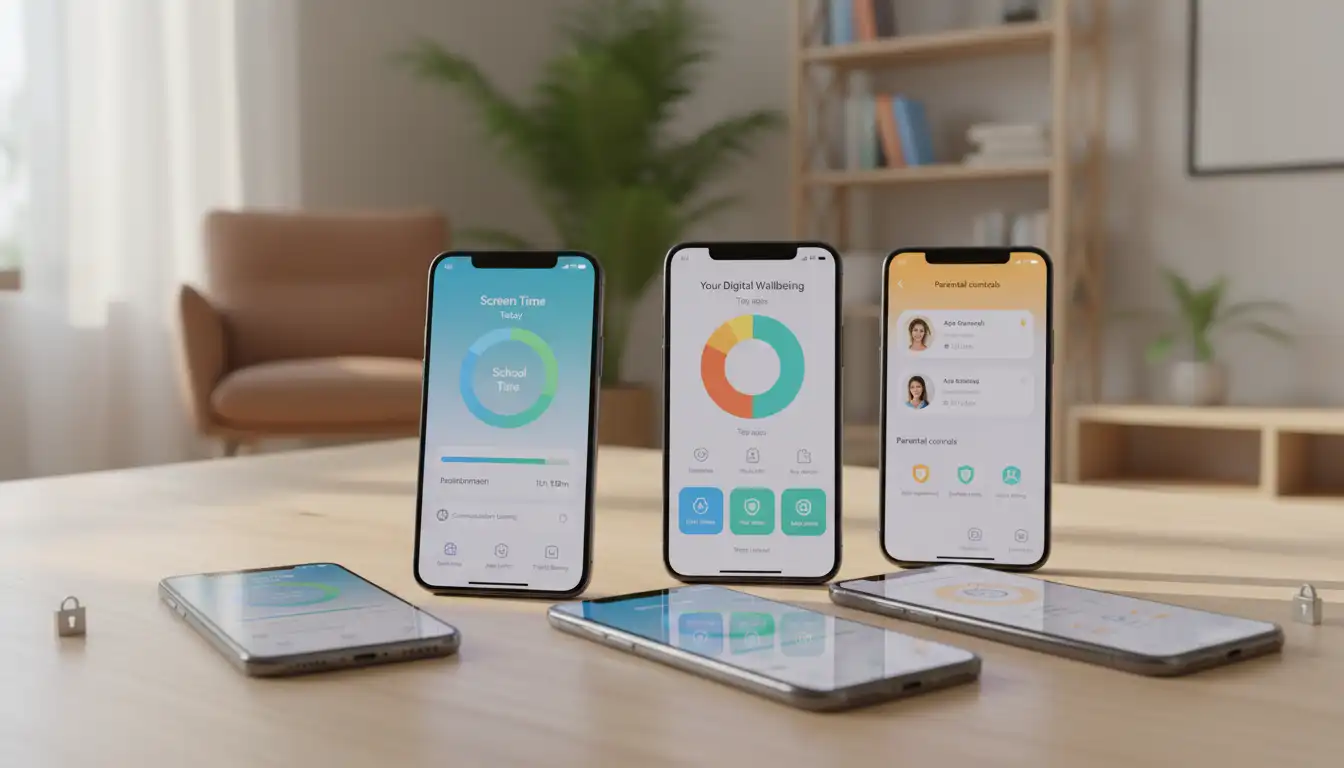

Screen Time Limits for Kids: New Features Introduced on iOS and Android
In today’s digital world, children spend more time on smartphones and tablets than ever before. While technology creates new learning opportunities, it also increases concerns about excessive screen exposure, online safety, and digital well-being. To help families create healthier habits, both Apple and Google have introduced advanced parental control and screen time management features on iOS and Android.
These new tools allow parents to monitor device usage, set daily limits, approve app downloads, filter inappropriate content, and encourage balanced digital lifestyles. More importantly, they help families build trust while giving children the freedom to explore technology responsibly.
This guide explains the latest screen time features available on iOS and Android, how they work, and how parents can use them effectively to create healthier digital routines.



Why Screen Time Management Matters
Children use mobile devices for education, entertainment, communication, and creativity. However, excessive screen time can negatively affect sleep quality, concentration, physical activity, and emotional well-being.
Digital parenting is no longer just about limiting access to devices. It focuses on teaching children how to use technology responsibly while maintaining healthy daily routines.
Modern parental control systems make this process easier by offering flexible tools that adapt as children grow older.
Apple’s Latest Screen Time Features on iOS
Apple continues to improve Screen Time with every major iOS update. The latest improvements give parents more control without making the experience overly restrictive.
Better Communication Safety
Apple now offers stronger Communication Safety features that automatically detect sensitive images received through Messages and other supported apps.
Instead of simply blocking content, the system warns children before they view potentially inappropriate images and encourages them to seek guidance from a trusted adult.
This privacy-focused approach keeps image analysis on the device instead of sending personal data to external servers.
Easier Family Sharing Controls
Family Sharing allows parents to manage every child’s Apple device from their own iPhone or iPad.
Parents can:
- Set daily app limits
- Restrict purchases
- Manage content ratings
- Approve download requests
- View screen time reports
- Schedule Downtime
Managing multiple children has become much simpler thanks to centralized family controls.
Improved App Limits
Parents can now customize limits for individual apps or entire app categories.
Examples include:
- One hour for gaming
- Thirty minutes for social media
- Unlimited educational apps
- Longer limits during weekends
This flexibility creates realistic digital habits instead of forcing strict restrictions.
Downtime Scheduling
Downtime automatically locks most apps during selected hours.
Many families schedule Downtime:
- Before bedtime
- During homework
- During family meals
- During school hours
Children can still access emergency contacts and approved educational applications.
New Android Family Features
Google continues expanding Family Link, making Android one of the strongest ecosystems for parental supervision.
The latest updates improve both usability and transparency.
Family Link Dashboard
The redesigned dashboard gives parents a complete overview of:
- Daily screen time
- Most-used applications
- Device activity
- Battery status
- Device location
- App installation requests
The dashboard makes it easy to identify unhealthy digital habits before they become problems.
School Time Mode
One of Android’s most useful additions is School Time Mode.
Parents can temporarily limit distractions during school hours by allowing only educational or approved applications.
Games and entertainment apps remain unavailable until school ends.
This helps children stay focused without completely disabling the phone.
Expanded App Approval
Parents now receive notifications whenever children request new apps.
Instead of automatically allowing installations, adults can review:
- App ratings
- Permissions
- Developer information
- Privacy practices
This creates safer app discovery for younger users.
More Flexible Time Limits
Android now allows parents to create personalized schedules for different days.
For example:
- Two hours on weekdays
- Four hours on weekends
- Extended limits during vacations
- Reduced limits before exams
These customized schedules better reflect real family life.
Comparing iOS and Android Screen Time Tools
Both platforms now provide excellent parental control systems, but each has unique strengths.
Apple focuses heavily on privacy, seamless device integration, and family management.
Google emphasizes flexibility, cross-device compatibility, and powerful Family Link features.
Regardless of platform, both systems now offer:
- Daily usage reports
- App limits
- Device bedtime schedules
- Content filtering
- Purchase approvals
- Location sharing
- Remote management
Parents can confidently manage children’s digital experiences on either ecosystem.
Building Healthy Digital Habits
Technology alone cannot solve screen addiction.
Parents should combine digital tools with healthy routines.
Some practical strategies include:
- Create screen-free family meals.
- Encourage outdoor activities.
- Establish consistent bedtime routines.
- Promote reading and creative hobbies.
- Discuss online safety regularly.
- Set a positive example through your own device use.
Children learn digital behavior by watching adults.
Healthy habits become much easier when the entire family participates.
Online Safety Beyond Screen Time
Managing hours spent on devices is only one part of digital safety.
Parents should also teach children about:
Privacy Protection
Children should avoid sharing:
- Home address
- School information
- Phone numbers
- Passwords
- Personal photos
Learning these basics early significantly reduces online risks.
Cyberbullying Awareness
Parents should encourage children to report uncomfortable online interactions immediately.
Open communication builds trust and prevents small issues from becoming larger problems.
Responsible Social Media Use
Older children increasingly use social media platforms.
Parents should discuss:
- Digital footprints
- Respectful communication
- Fake accounts
- Online scams
- Privacy settings
Education remains the strongest protection.
How Much Screen Time Is Appropriate?
There is no universal limit that fits every child.
Instead of focusing only on hours, experts encourage families to consider:
- Age
- School requirements
- Physical activity
- Sleep quality
- Emotional health
- Family interactions
A child who completes homework, exercises regularly, sleeps well, and spends time with family may safely enjoy more recreational screen time than someone who neglects these healthy habits.
Quality often matters more than quantity.
Common Mistakes Parents Should Avoid
Many parents unintentionally make screen time management more difficult.
Common mistakes include:
Ignoring their own device habits.
Using screens as the primary reward or punishment.
Setting unrealistic restrictions.
Failing to explain the reasons behind limits.
Not reviewing privacy settings regularly.
The best results come from consistency, communication, and mutual respect.
The Future of Digital Parenting
Artificial intelligence continues to improve parental controls.
Future updates may provide:
- Smarter content filtering
- Personalized wellness recommendations
- Better educational insights
- Improved mental health monitoring
- Adaptive screen time suggestions
- Enhanced privacy protections
Both Apple and Google continue investing heavily in digital well-being, giving parents more effective tools every year.
Final Thoughts
The newest screen time features on iOS and Android demonstrate that technology companies increasingly recognize the importance of child safety and digital wellness. Advanced parental controls, customizable app limits, school-focused modes, communication safety, and family management tools empower parents to guide children toward healthier technology habits without eliminating the many benefits digital devices provide.
Successful digital parenting is not about banning screens. It is about creating balance, encouraging responsible behavior, and maintaining open conversations. By combining the latest iOS and Android screen time features with clear family expectations, parents can help children develop lifelong digital skills while protecting their physical, emotional, and online well-being.
Recommended Amazon Product
An excellent option for families is the Amazon Fire HD 10 Kids Pro Tablet. It includes a durable kid-proof case, built-in parental controls, age-appropriate content, and a two-year worry-free guarantee, making it a practical choice for safe and educational screen time.