
Best Low-Energy Consumption TVs
Choosing a low-energy consumption TV is no longer just about saving on your electricity bill—it’s also about embracing smarter, more sustainable technology without compromising on picture quality, features, or longevity. Modern televisions have made substantial strides in efficiency thanks to OLED and Mini-LED advancements, refined local dimming algorithms, refined power management, and stricter energy labeling across regions. In this guide, you’ll learn what truly makes a TV energy-efficient, how to compare models, which features to prioritize, and how to optimize your setup for the lowest possible power draw while preserving an excellent viewing experience.
Why Energy Efficiency Matters
Televisions are among the most-used electronics in the home. Even modest improvements in energy use can compound into significant savings over time—especially for households that stream daily content, game on next-gen consoles, or keep the TV on for background news. Lower energy consumption also reduces heat generation, which can extend the lifespan of components and contribute to a quieter, cooler home environment. From an environmental perspective, an efficient set reduces your carbon footprint without sacrificing performance.
Display Technologies and Power Draw
- OLED: Organic light-emitting diode panels light each pixel individually, enabling perfect blacks and exceptional contrast. OLEDs can be very efficient in darker scenes because black pixels consume virtually no power. However, very bright, full-screen content (like sports on a white scoreboard or vivid HDR highlights across the entire frame) can increase power draw. Newer OLED variants (e.g., MLA/MLA-like micro lens arrays or QD-OLED) are more efficient at delivering brightness per watt.
- Mini-LED and Full-Array Local Dimming (FALD) LCDs: These use thousands of tiny LEDs and zone-based dimming to cut power when darker scenes dominate. Many Mini-LED models balance high peak brightness with better efficiency than older edge-lit LCDs. They typically use more energy than OLED in very dark content but can be competitive or better for mixed and bright scenes, depending on settings.
- Traditional LED/LCD: Older edge-lit TVs can be efficient at lower brightness levels but lack the fine control of local dimming, often requiring a brighter backlight overall to achieve a similar picture quality.
Interpreting Energy Labels and Specs
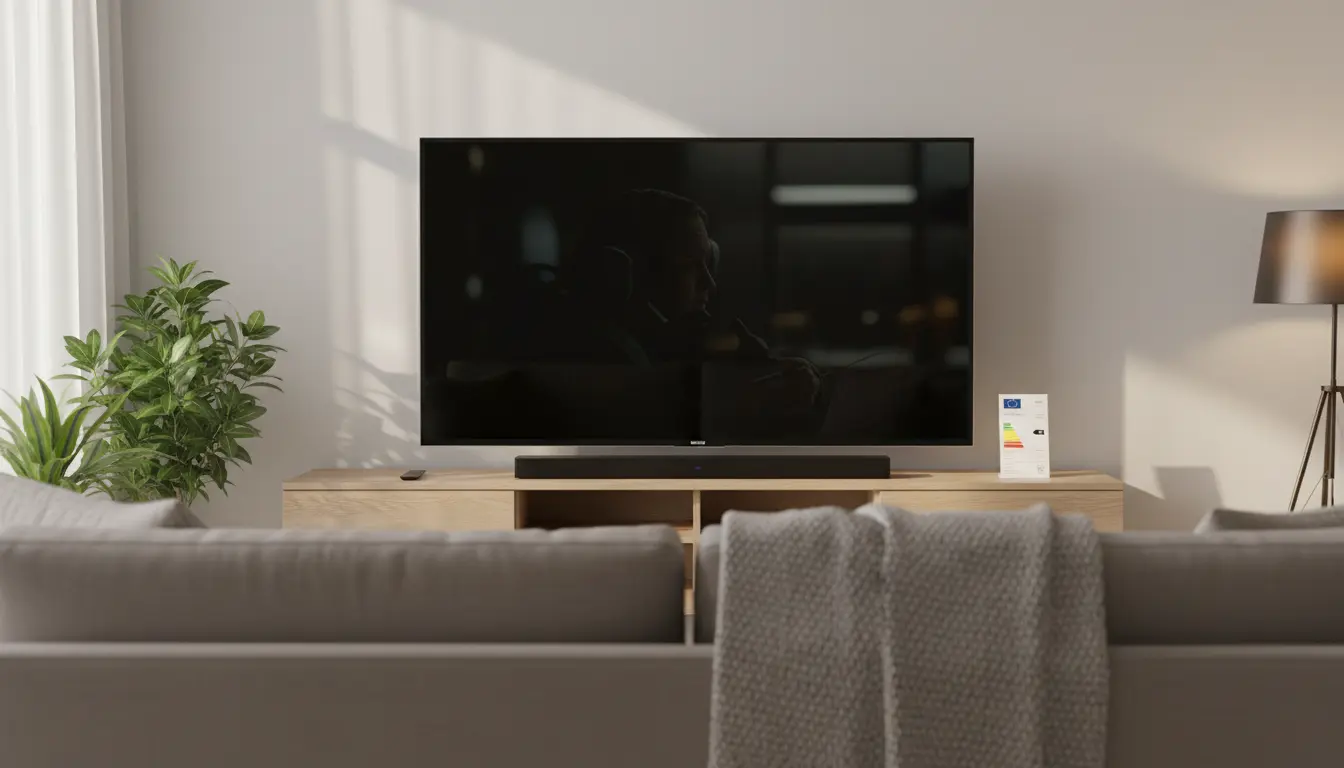
- Energy Labels (e.g., EU energy label): These give a quick efficiency class rating and provide typical power consumption in standard picture modes. Use them as a baseline, not the final word, because real-world usage varies with settings and content.
- On-Mode Power (W): The wattage a TV uses during regular operation. Compare similar screen sizes to get a fair picture.
- HDR vs. SDR Consumption: HDR content typically runs brighter and draws more power. If you primarily watch SDR or use Eco modes, your real-world consumption could be much lower than HDR benchmarks suggest.
- Standby Power: Look for <0.5W standby. Many modern TVs meet or beat this threshold, but features like “Always Ready,” “Quick Start,” or voice assistant standby can raise idle usage.
Features That Improve Energy Efficiency
- Eco/Energy Saving Modes: These settings dynamically tune brightness, contrast, and sometimes motion processing to reduce power. Some TVs adjust based on ambient light via room sensors.
- Local Dimming and Pixel-Level Control: The more precise the dimming, the less unnecessary light is emitted—especially in darker scenes.
- Adaptive Brightness and Tone Mapping: Intelligent tone mapping can deliver perceived brightness and detail without blasting the backlight or OLED brightness unnecessarily.
- Power Scheduling: Some TVs allow you to schedule sleep timers or automatically power down after inactivity.
- Efficient Panels: Newer-generation OLEDs and Mini-LED backlights often provide higher nits per watt thanks to better materials, microlens arrays, and quantum dot layers.
Sizing and Use Case Considerations
- Screen Size vs. Power: Larger screens generally draw more power. If efficiency is paramount, consider whether a 65-inch is necessary or if a 55-inch meets your needs.
- Bright Room vs. Dark Room: Bright rooms often tempt users to crank up brightness. Mini-LED sets can maintain punch with efficient peak brightness; OLEDs excel in dark rooms where they sip power on black-dominant content.
- Gaming and High Refresh: 120Hz gaming with VRR is fantastic but can increase draw, especially with bright HDR titles. If you game frequently, fine-tune HDR and peak brightness settings to balance visuals and efficiency.
Practical Tips to Reduce Power Usage Without Ruining Picture Quality
- Start with “Filmmaker,” “Cinema,” or “Movie” Modes: These modes are usually more accurate and often less aggressive with brightness than “Vivid” or “Dynamic.”
- Enable Eco or Ambient Light Sensor: Let the TV automatically dial down brightness in dim rooms.
- Cap Peak Brightness for Daily Use: Keep full HDR punch for movie nights by creating a custom HDR profile with slightly lower peak brightness and APL (Average Picture Level) where possible.
- Disable Unused Features: Turn off “Quick Start,” Always-On voice assistants, or animated screensavers. Use a short sleep timer.
- Update Firmware: Manufacturers sometimes deliver efficiency improvements or better tone mapping through updates.
What to Look for When Comparing Models
- Verified Energy Labels: Compare on-mode power in watts for the same size class.
- Real-World Reviews: Look for measurements in both SDR and HDR. Lab-tested data often reports average power for varied scenes.
- Dimming Quality and ABL (for OLED): TVs with refined Automatic Brightness Limiting can keep power reasonable while preserving highlights. Mini-LED models with more zones typically dim more precisely, reducing wasted light.
- Panel Generation: Newer OLED panels (e.g., with MLA or QD-OLED tech) or next-gen Mini-LED models often boost efficiency year over year.
Longevity and Sustainability
Efficient TVs often run cooler, which can benefit panel and component longevity. Many brands now use recycled plastics and greener packaging, and offer extended support to keep your device updated longer. Choosing an efficient model is a sustainability win beyond your utility bill.
Example Scenarios
- Movie Buff in a Dark Room: Consider OLED with Eco mode enabled and a calibrated Cinema profile. Expect excellent blacks, lower average power in dark scenes, and best-in-class contrast.
- Bright Living Room Sports Fan: A Mini-LED TV with strong local dimming and a restrained Bright or Standard mode can deliver punchy images with efficient power usage—especially if you enable the ambient light sensor.
- Mixed Use with Gaming: Either OLED or Mini-LED works; create separate profiles for SDR streaming (efficient), HDR movies (balanced), and gaming (slightly brighter but still tuned).
Setup Checklist for Efficiency
- Choose the right size for your seating distance.
- Start from an accurate picture mode; avoid “Vivid.”
- Enable Eco mode and ambient sensor.
- Tweak HDR peak brightness down slightly if you watch lots of HDR.
- Turn off unnecessary always-on features; use sleep timers.
- Keep firmware updated for efficiency refinements.
By focusing on panel technology, smart picture modes, and practical settings, you can enjoy top-tier image quality while keeping energy consumption impressively low. Efficiency isn’t just a spec—it’s a set of choices you make in the store and at home that add up to meaningful savings and a smaller footprint.
- LG C3 OLED (55-inch)
- Why it fits: Pixel-level lighting uses very little power in dark scenes; solid Energy Saving and Filmmaker Mode options.
- Pros: Perfect blacks, great for dark rooms; 120Hz/VRR/ALLM for gaming.
- Consider: Full-screen bright HDR can raise power draw.
- Search: “LG C3 OLED 55 inch Amazon”
- Samsung QN90C Neo QLED Mini-LED (55-inch)
- Why it fits: Mini-LED with advanced local dimming and ambient light optimization keeps brightness efficient in bright rooms.
- Pros: Excellent in well-lit spaces; typically competitive energy figures.
- Consider: Not as inky black as OLED, but very efficient for mixed/bright usage.
- Search: “Samsung QN90C 55 inch Amazon”
- Sony A80L OLED (55-inch)
- Why it fits: OLED efficiency plus Sony’s tone mapping delivers realistic brightness at lower power; robust Eco controls.
- Pros: Natural color, strong motion handling; very economical in dark–moderate light rooms.
- Consider: Very high full-screen brightness increases power usage.
- Search: “Sony A80L 55 inch Amazon”