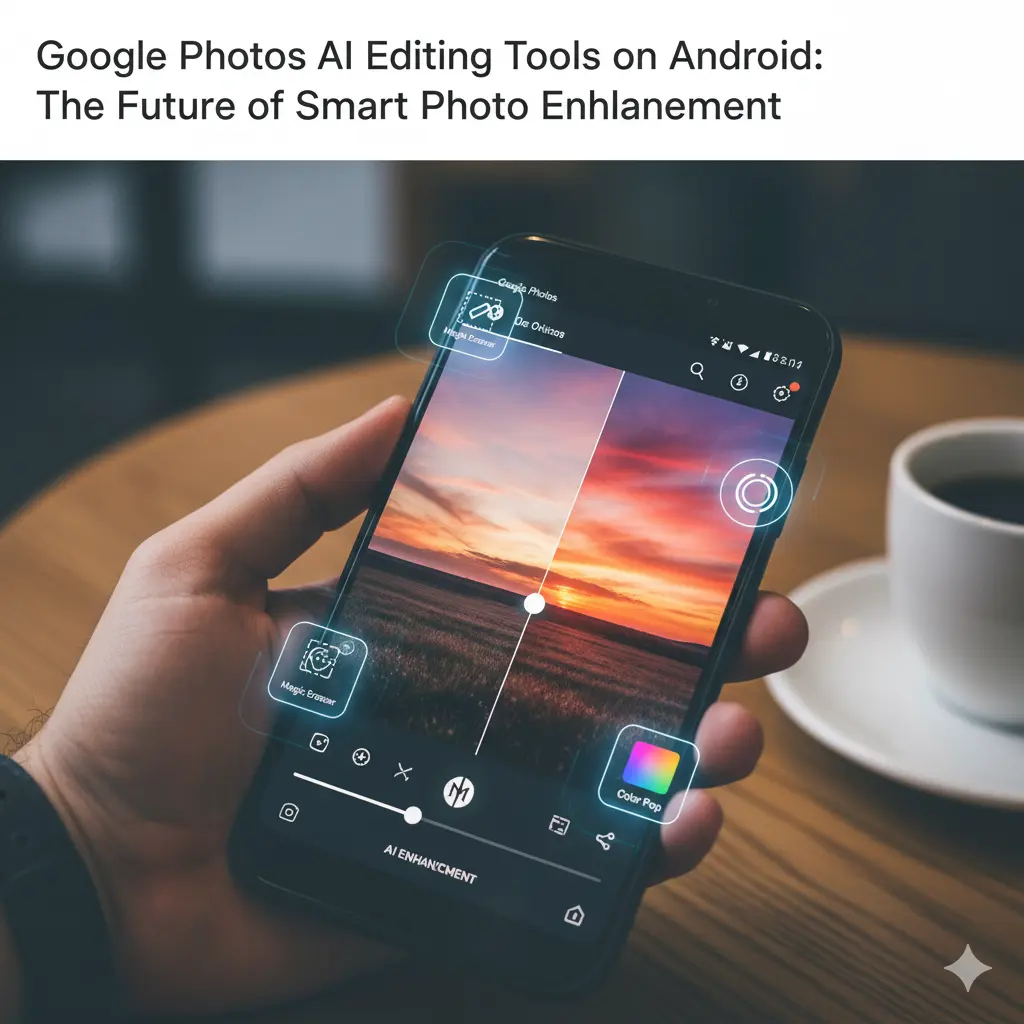

Google Photos AI Editing Tools on Android: The Future of Smart Photo Enhancement
Google Photos stands out as a revolutionary app for Android users in the realm of photo management and editing. Thanks to its artificial intelligence (AI)-powered editing tools, users can create professional-quality photos effortlessly. In this article, we will explore the AI-based editing features available in the Android version of Google Photos, explaining how this technology simplifies and enhances the photo editing experience.
Understanding Google Photos and Artificial Intelligence
Google Photos uses AI algorithms to analyze, enhance, and offer the best editing options for your photos. The AI recognizes objects, faces, colors, and lighting conditions within images. This allows it to provide automatic improvements and suggestions, saving users valuable time and effort.
AI-Powered Editing Tools on Android
For Android users, Google Photos offers a variety of AI-driven editing tools. These include automatic enhancements, portrait mode adjustments, color correction, lighting tweaks, and more. The AI identifies which parts of the photo need improvement and offers tailored suggestions to optimize the image.
Automatic Enhancement Feature
One of the most popular AI features in Google Photos is automatic enhancement. This tool analyzes key photo parameters such as brightness, contrast, and saturation, then applies the best adjustments automatically. With just one tap, users can transform their photos into professional-looking images.
Portrait Mode and AI Background Blur
Portrait mode uses AI to blur the background, bringing the subject into sharp focus. On Android, Google Photos optimizes this effect using AI, accurately detecting faces and objects to create a natural and aesthetically pleasing blur.
Color and Lighting Adjustments
AI analyzes the color tones and lighting balance in photos to make automatic corrections. Google Photos also allows users to manually adjust these settings, with AI-powered suggestions helping to find the perfect combination of color and light.
Face Recognition and Advanced Portrait Editing
Google Photos employs AI-based face recognition to enhance portrait photos. The AI detects facial features, improves skin tones, brightens eyes, and reduces noise, resulting in vibrant and natural-looking portraits.
AI Noise Reduction and Sharpening
In low-light photos, AI algorithms reduce noise and sharpen details automatically. This feature improves photo quality significantly, making images clearer and more detailed.
Easy to Use and Fast Editing
Google Photos’ AI tools simplify complex editing processes. Android users can quickly enhance their photos using AI suggestions, making them ready to share on social media in no time.
AI-Powered Filters and Effects
Google Photos offers AI-optimized filters that enhance the mood and atmosphere of photos by fine-tuning colors and lighting. The AI recommends the best filter for each photo, ensuring the perfect look every time.
The Future of AI in Google Photos
AI technology is continuously evolving, and Google Photos is at the forefront of these advancements. Android users can expect smarter, faster, and more effective editing tools in the future. AI will continue to push the boundaries of photo editing, enabling everyone to create professional-quality images effortlessly.
Google Photos’ AI editing tools on Android make photo editing easier and more effective. Features like automatic enhancement, portrait mode, and color and lighting adjustments are powered by AI to provide a user-friendly and powerful editing experience. This technology improves photo quality while saving time, allowing everyone to create professional-looking photos.









