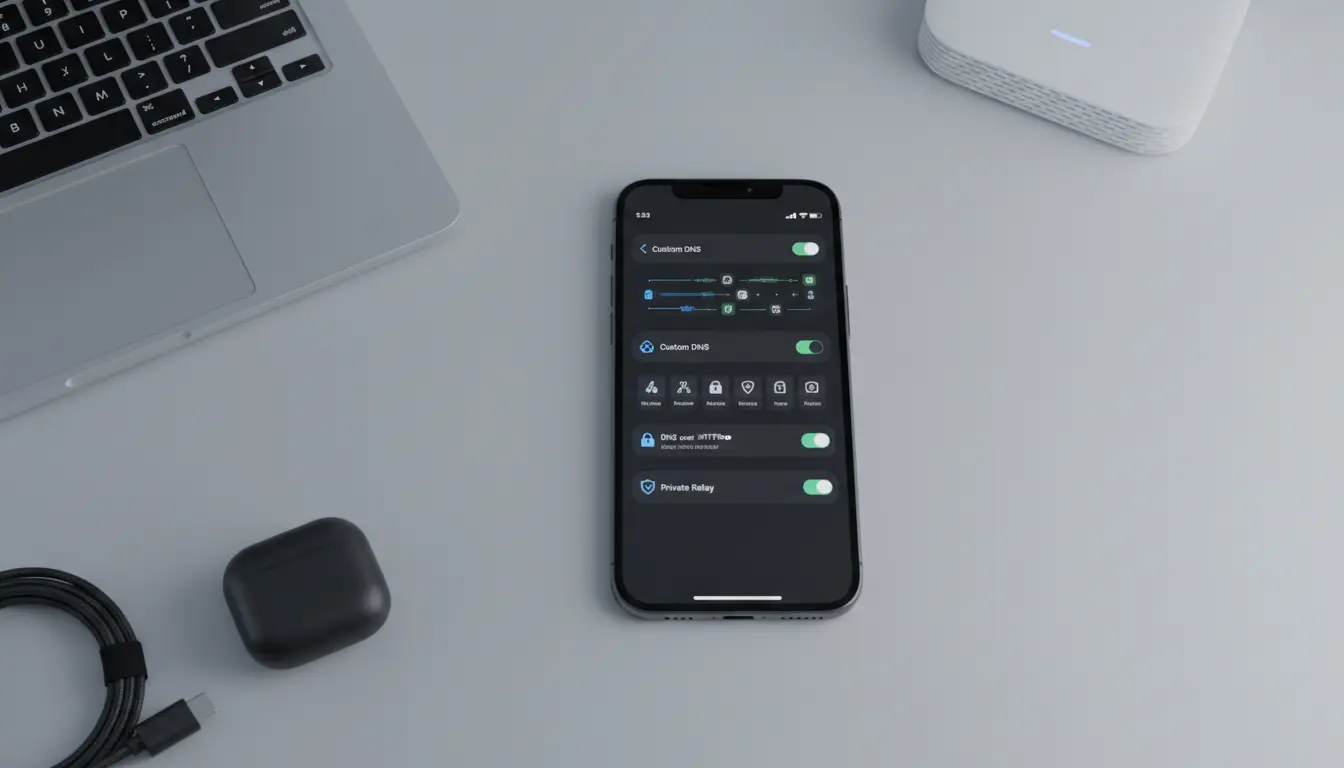

Custom DNS and DoH Settings on iPhone: Complete Guide, Benefits, and Risks
Configuring a custom DNS or DNS over HTTPS (DoH) on your iPhone can significantly change how your device connects to the internet. From faster browsing to stronger privacy, these tweaks are powerful—but they also come with trade‑offs you should understand. In this guide, you’ll learn what DNS and DoH are, how custom settings work on iOS, their real‑world effects, and when it makes sense to use them.
What Is DNS and Why Does It Matter on iPhone?
DNS (Domain Name System) is like the phone book of the internet. When you type a website address such as example.com in Safari, your iPhone asks a DNS server to translate that name into a numerical IP address. Without DNS, your iPhone wouldn’t know where to connect.
By default, your iPhone uses the DNS servers provided by your mobile carrier or Wi‑Fi network. These default servers:
- Resolve domain names for every app and browser
- Can log your DNS queries
- Might filter, block, or redirect certain sites
Custom DNS settings replace these default servers with ones you choose. Many users pick privacy‑focused or performance‑optimized DNS providers to gain more control over their internet experience.
What Is DNS over HTTPS (DoH) on iPhone?
DNS over HTTPS (DoH) is a newer standard that sends DNS requests through encrypted HTTPS connections instead of plain text. Normally, DNS traffic is unencrypted and visible to:
- Your internet service provider (ISP)
- Network administrators (e.g., office, school, or public Wi‑Fi)
- Potential attackers performing traffic monitoring
With DoH, DNS requests look like regular secure web traffic. This means:
- Third parties have a harder time seeing which domains your iPhone is resolving
- DNS tampering, injection, or simple blocking becomes more difficult
- Your browsing habits are less exposed at the network level
On iPhone, you can enable encrypted DNS by using a supported DNS profile or configuration from a compatible provider. This works system‑wide, not just in Safari, so all apps benefit from the same protection.
How Custom DNS and DoH Work on iPhone
When you set a custom DNS or DoH configuration on your iPhone, iOS changes the way your device resolves domains:
- Global effect: The new DNS settings apply to most apps and browsers, not just one single app.
- Overriding default DNS: Instead of using the Wi‑Fi router or carrier DNS, your iPhone sends queries to the DNS servers or DoH endpoints you specify.
- Encrypted requests (with DoH): If you configure DoH, DNS queries are wrapped in HTTPS and sent to a secure DNS endpoint.
In practice, this can:
- Reduce DNS lookup time and speed up page loading
- Bypass some basic content filtering and DNS‑based blocking
- Improve privacy against local network snooping
However, the exact behavior depends on your provider and how iOS integrates the configuration.
Key Benefits of Custom DNS and DoH on iPhone
1. Stronger Privacy on Public and Shared Networks
When you connect to coffee shop Wi‑Fi, hotel networks, or campus hotspots, default DNS queries can be monitored or logged. Using a privacy‑focused DNS or DoH provider:
- Limits what the network owner can see about your browsing
- Reduces the risk of DNS manipulation or redirection
- Helps protect against basic tracking by ISPs and third parties
While this does not make you fully anonymous, it is a meaningful step toward better online privacy on iOS.
2. Potentially Faster Browsing and More Reliable Connections
Some DNS providers invest heavily in global infrastructure and caching. By switching to a performance‑optimized DNS:
- DNS lookups can complete faster
- Websites may load more quickly, especially media‑rich pages
- Connection errors due to slow or unstable DNS become less frequent
This effect is more noticeable if your default DNS is slow or overloaded.
3. Additional Security Features
Many custom DNS services offer extra protections that are useful on an iPhone:
- Blocking known malware and phishing domains
- Protecting against typo‑squatting domains
- (Optionally) Filtering adult or inappropriate content
These features can add an extra security layer for families, children, or business devices without installing heavy security apps.
Possible Drawbacks and Side Effects on iPhone
Custom DNS and DoH are powerful, but they are not risk‑free. Before switching, consider the following:
1. Compatibility Issues with Some Apps or Services
Certain apps, streaming platforms, or corporate tools rely on default DNS behavior. With custom DNS or strict blocking rules:
- Region‑locked content may fail to load correctly
- Some internal corporate or school resources may become unreachable
- Apps that depend on specific DNS records could misbehave
If you notice connection problems after enabling custom DNS, reverting to the default configuration is often the quickest fix.
2. Reduced Effectiveness of Network‑Level Parental Controls
Some routers, ISPs, or mobile providers implement parental controls via DNS‑based filtering. When you override DNS on your iPhone:
- Built‑in filtering at the router or provider level may stop working
- Content restrictions configured by parents or administrators can be bypassed
For family setups, it’s important to coordinate DNS changes with any existing parental control strategy.
3. Centralizing Trust in a DNS Provider
Using a custom DNS or DoH service shifts trust from your ISP or carrier to a new provider. That provider:
- Can still log DNS queries (depending on their privacy policy)
- Might be located in a different legal jurisdiction
- Has the technical ability to filter or manipulate responses
Choosing a reputable, transparent DNS provider with a clear privacy policy is essential.
When Should You Use Custom DNS or DoH on iPhone?
Custom DNS and DoH settings are worth considering if you:
- Regularly connect to public Wi‑Fi and want extra privacy
- Experience slow page loads or frequent DNS‑related errors
- Want better protection against malicious or phishing domains
- Need more control over content filtering at the device level
On the other hand, you might prefer default DNS if:
- Your organization manages network security centrally
- You rely heavily on ISP‑level parental controls
- You use apps tied to local or corporate DNS rules that cannot be changed
For many iPhone users, a privacy‑oriented DNS with optional filtering provides a balanced approach.
Practical Tips for Safely Using Custom DNS/DoH on iOS
To get the best experience while protecting your device:
- Start with a well‑known provider that offers clear documentation for iOS.
- Test one network at a time (home Wi‑Fi, then mobile data) and watch for any app issues.
- Avoid stacking multiple filtering layers (router filtering, ISP controls, and strict DNS filtering) that may conflict.
- Review your DNS provider’s privacy policy to understand how they handle logs and data retention.
- Be ready to roll back to the default DNS settings if something important stops working.
These steps help you enjoy the advantages of custom DNS and DoH while minimizing disruptions to your everyday iPhone usage.
Product Suggestion: iPhone for Power Users of Network Features
If you rely heavily on advanced network features such as custom DNS, encrypted DNS, and secure connectivity, pairing the right device with your configuration can make a real difference in performance and longevity. A high‑end model with strong processing power and long‑term iOS support is ideal.
One option available on Amazon is:
Apple iPhone 17 Pro Max, US Version, 256GB, eSIM, Cosmic Orange – Unlocked (Renewed)
This type of unlocked, high‑capacity iPhone is well‑suited for power users who frequently adjust network settings, use multiple eSIM plans, and demand fast, reliable performance when running privacy tools, VPNs, and encrypted DNS on the go.









