
Best High-Performance ADF Printers: A Complete Guide
Modern offices and home workspaces depend on fast, reliable, and intelligent printing solutions. Among these, printers with Automatic Document Feeders (ADF) stand out because they save time, reduce manual work, and increase overall productivity. Choosing the best high-performance ADF printer is not just about speed; it is also about scan quality, paper handling, connectivity, and long-term cost of ownership.
In this guide, you will learn what makes an ADF printer truly efficient, which features matter most, who should invest in one, and what to look for when comparing models. At the end, you will also find an example product recommendation from Amazon.com to help you get started.
What Is an ADF Printer and Why Does It Matter?
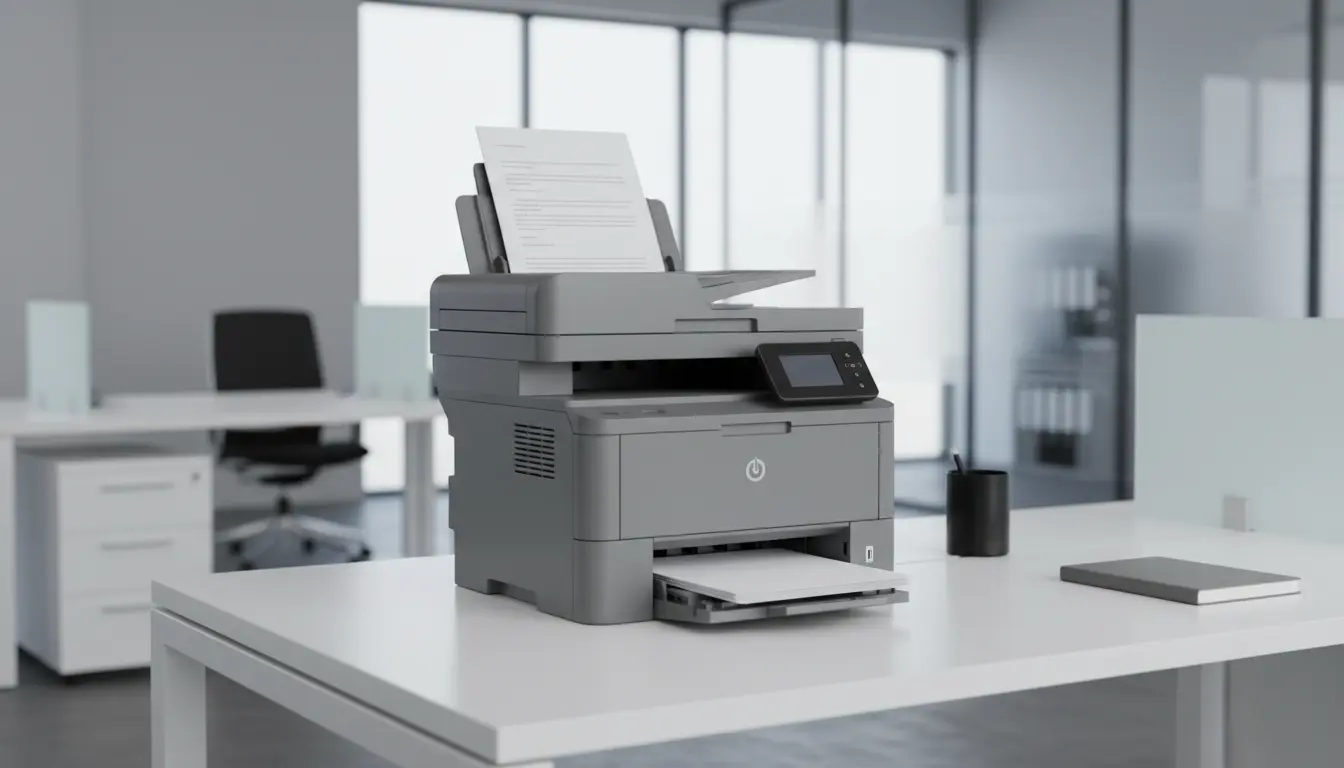
An ADF printer uses an Automatic Document Feeder to pull multiple pages through the scanner or copier tray without manual intervention. Instead of lifting the lid and placing each sheet individually, you simply stack your pages in the feeder and start the job. The ADF then automatically feeds each page one by one.
This feature is essential for:
- Offices that handle large volumes of invoices, contracts, and forms
- Home users who frequently scan or copy multi-page documents
- Small businesses needing efficient document archiving and digitalization
ADF technology is especially useful when combined with duplex printing and duplex scanning, allowing your printer to process both sides of the page automatically.
Key Features of High-Performance ADF Printers
To identify the best ADF performance printers, focus on a combination of technical specs and real-world usability.
1. ADF Capacity and Speed
The ADF tray capacity tells you how many sheets the printer can handle in a single job. High-performance models typically offer 35 to 100+ sheets in the feeder. A larger capacity means fewer interruptions during large scan or copy tasks.
Equally important is the scan speed, often measured as pages per minute (ppm) or images per minute (ipm). Fast ADF printers can scan or copy 20–50 ppm or more, greatly improving workflow in busy environments.
2. Duplex ADF (Single-Pass vs. Reversing)
Not all ADF systems are the same:
- Single-pass duplex ADF: Scans both sides of the page simultaneously. This is faster and reduces the risk of paper jams.
- Reversing ADF: Scans one side, then flips the page to scan the other. It is slower but usually more budget-friendly.
If you frequently handle double-sided documents, single-pass duplex scanning is worth the investment for speed and reliability.
3. Print Quality and Scan Resolution
High-performance ADF printers should deliver sharp text and clear graphics. Look for:
- Print resolution: Around 1200 x 1200 dpi for crisp business documents
- Scan resolution: At least 300 dpi optical for normal office use, 600 dpi or higher if you often archive detailed documents or graphics
For color printers, accurate color reproduction also matters if you prepare reports, marketing materials, or presentations.
4. Paper Handling and Versatility
The best ADF printers support a variety of paper sizes and weights. Consider:
- Main input tray capacity (e.g., 250–500 sheets)
- Additional trays for letterhead, envelopes, or labels
- Support for legal-size paper, ID cards, and thicker media
Powerful paper handling ensures fewer interruptions and helps you manage different types of jobs without constant reconfiguration.
5. Connectivity and Workflow Integration
Modern ADF printers are more than simple peripherals; they are central hubs in your document workflow. Look for:
- Wi‑Fi, Ethernet, and USB connectivity
- Mobile printing support (AirPrint, Mopria, or manufacturer apps)
- Cloud scanning to popular services like Google Drive, Dropbox, or email
- Automatic document routing, such as scanning directly to a network folder or shared drive
Well-integrated connectivity saves time and eliminates extra steps in your daily tasks.
6. Running Costs and Reliability
Performance is not just about peak speed; it is also about long-term efficiency:
- Check cost per page for both color and black-and-white documents
- Consider high-yield cartridges or tank systems if you print frequently
- Look for ADF printers with strong duty cycle ratings, indicating how many pages per month they can reliably handle
- Read about ADF reliability in user feedback, focusing on paper jam frequency and misfeeds
Reliable hardware and affordable consumables keep your total cost of ownership under control.
Who Should Invest in a High-Performance ADF Printer?
You should consider a high-performance ADF printer if:
- You manage a home office with regular scanning and copying tasks
- You run a small or medium-sized business that processes contracts, financial documents, or HR files
- You work in legal, healthcare, education, or accounting, where document workflows are intensive
- You need to digitize archives and store searchable PDFs in the cloud
For these scenarios, an ADF printer with fast duplex scanning, network connectivity, and strong duty cycle is a strategic investment rather than a simple office purchase.
How to Choose the Right ADF Printer for Your Needs
When comparing different ADF office printers, use these practical steps:
- Define your monthly volume
Estimate how many pages you print, copy, and scan each month. Choose a printer whose recommended monthly volume matches or exceeds your needs. - Decide on laser vs. inkjet
- Laser ADF printers: Better for high-volume black-and-white text, often faster and more durable.
- Inkjet ADF printers: More flexible with color, sometimes cheaper upfront, great for mixed documents and occasional photo printing.
- Prioritize duplex ADF scanning
If your documents are often double-sided, a single-pass duplex ADF can save a significant amount of time and reduce wear on moving parts. - Evaluate total cost of ownership
Look beyond the purchase price. Compare cost per page, cartridge yield, and maintenance requirements. A slightly more expensive printer with low running costs often wins in the long term. - Check software and usability
A user-friendly interface, intuitive control panel, and simple driver/software package matter more than most people expect. An easy setup process and clear scan profiles reduce training and support needs.
Example High-Performance ADF Printer on Amazon
As a concrete reference, you can search on Amazon.com for “HP OfficeJet Pro 9015e All-in-One Wireless Printer” (product availability may vary by region and time). This type of model typically offers:
- Fast ADF with duplex scanning
- Solid print quality for text and graphics
- Smart features like mobile printing and cloud scan options
- Reasonable running costs for small and medium offices
Always review the latest product details, user ratings, and Q&A on Amazon to confirm that the current version fits your specific needs.