
Google Expands Gemini to Desktop: A New Era for AI on macOS and Windows
Google continues to push the boundaries of artificial intelligence by bringing its Gemini assistant to desktop platforms. After integrating Gemini across its ecosystem, the company has now launched dedicated apps for both Windows and macOS. This move signals a major shift toward making AI a seamless part of everyday computing, not just mobile or web-based interactions.
A Native Desktop Experience for macOS Users
The newly released macOS Gemini app offers a truly native experience designed specifically for Apple devices. Unlike browser-based tools, this application integrates directly with the operating system, making interactions faster and more intuitive. Users can launch Gemini instantly using keyboard shortcuts, which significantly improves accessibility and workflow efficiency.
By default, pressing Option + Space opens a compact chat window, while Option + Shift + Space expands the interface into a full chat experience. These shortcuts are customizable, allowing users to tailor the app to their personal productivity habits. This flexibility ensures that Gemini adapts to users rather than forcing users to adapt to it.
Smarter Workflow Integration with Screen Sharing
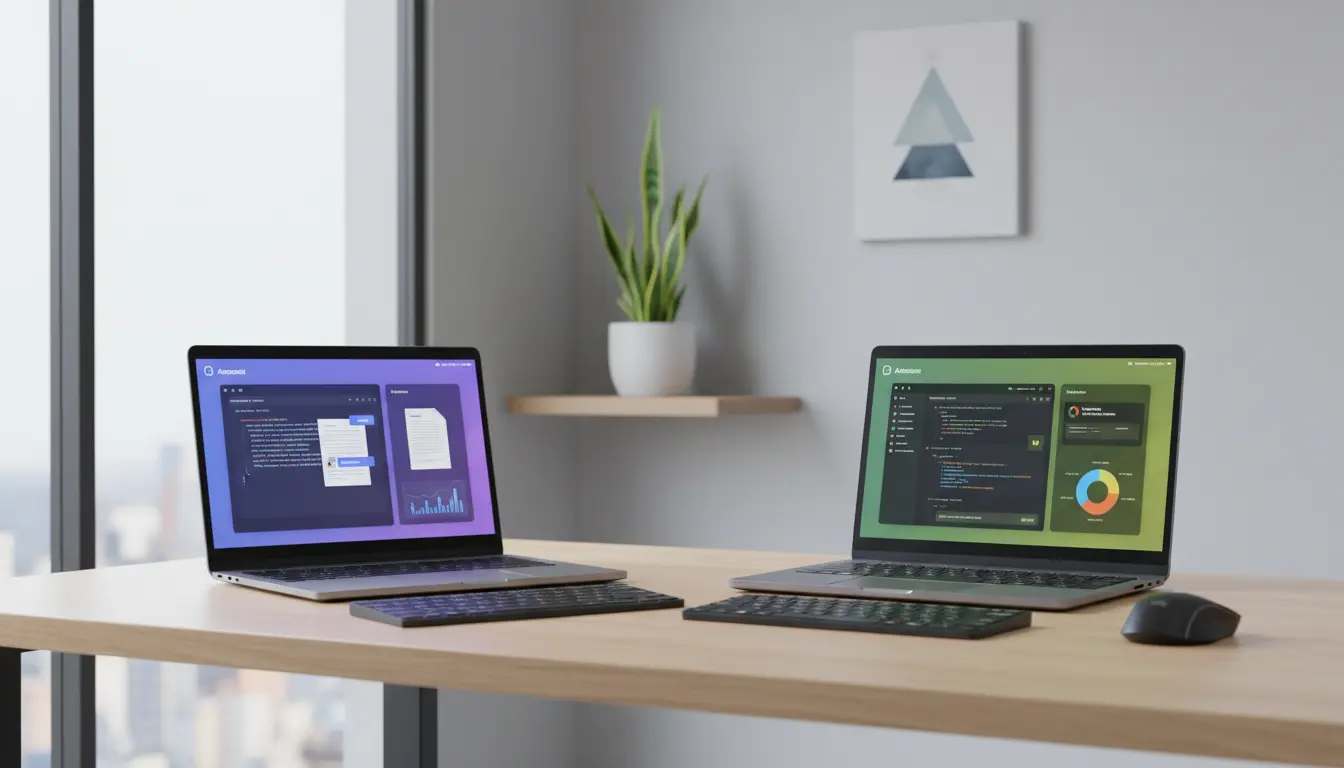
One of the most powerful features of the Gemini desktop app is its ability to interact with on-screen content. Users can share files, images, documents, and even code directly with the assistant. This functionality transforms Gemini into more than just a chatbot—it becomes a real-time productivity partner.
For example, developers can paste code snippets and ask for debugging suggestions, while students can upload documents and receive summaries or explanations. Designers can even share images for feedback or creative ideas. This seamless integration of AI into daily tasks highlights the growing importance of AI-powered productivity tools in modern workflows.
Boosting Productivity Across Platforms
Google’s decision to release Gemini on both Windows and macOS ensures cross-platform consistency. Whether you are working on a PC or a Mac, you can expect a similar experience. This is especially valuable for professionals who switch between devices or work in mixed environments.
The desktop version of Gemini helps users:
- Analyze documents quickly
- Generate content ideas
- Automate repetitive tasks
- Understand complex data
- Improve coding efficiency
By embedding AI directly into desktop environments, Google reduces the need to switch between apps or browser tabs. This streamlined approach saves time and enhances focus.
Privacy and Control Considerations
With the ability to access on-screen content, privacy becomes an important topic. Google emphasizes that users remain in control of what they share. The app does not automatically scan your screen; instead, you explicitly choose what to upload or analyze. This user-driven interaction helps maintain trust while still offering powerful capabilities.
As AI assistants become more integrated into operating systems, balancing convenience with privacy will remain a key challenge. Google’s approach suggests a focus on transparency and user consent.
The Future of Desktop AI Assistants
The release of the Gemini desktop app marks a significant milestone in the evolution of AI assistants. Instead of being limited to voice commands or simple queries, AI is now becoming deeply embedded in how we work, create, and communicate.
This shift aligns with a broader trend toward intelligent computing, where AI tools actively assist users in real time. As features continue to evolve, we can expect even deeper integrations, such as automation across apps, smarter contextual understanding, and enhanced personalization.
For now, Gemini’s desktop apps already provide a strong foundation for what the future of AI-powered productivity looks like.
Why Gemini Matters for Everyday Users
Gemini is not just for tech enthusiasts or developers. Its intuitive design and powerful capabilities make it accessible to anyone. Whether you are writing emails, analyzing data, or brainstorming ideas, Gemini offers real value.
By bringing AI directly to desktops, Google makes advanced technology more practical and widely usable. This move could reshape how people interact with their computers on a daily basis.
Recommended Product for Productivity
If you plan to use AI tools like Gemini extensively, having a comfortable and efficient workspace matters. A great option is the Logitech MX Keys Advanced Wireless Keyboard, available on Amazon. It offers excellent typing comfort, smart backlighting, and seamless multi-device connectivity—perfect for boosting productivity alongside AI tools.