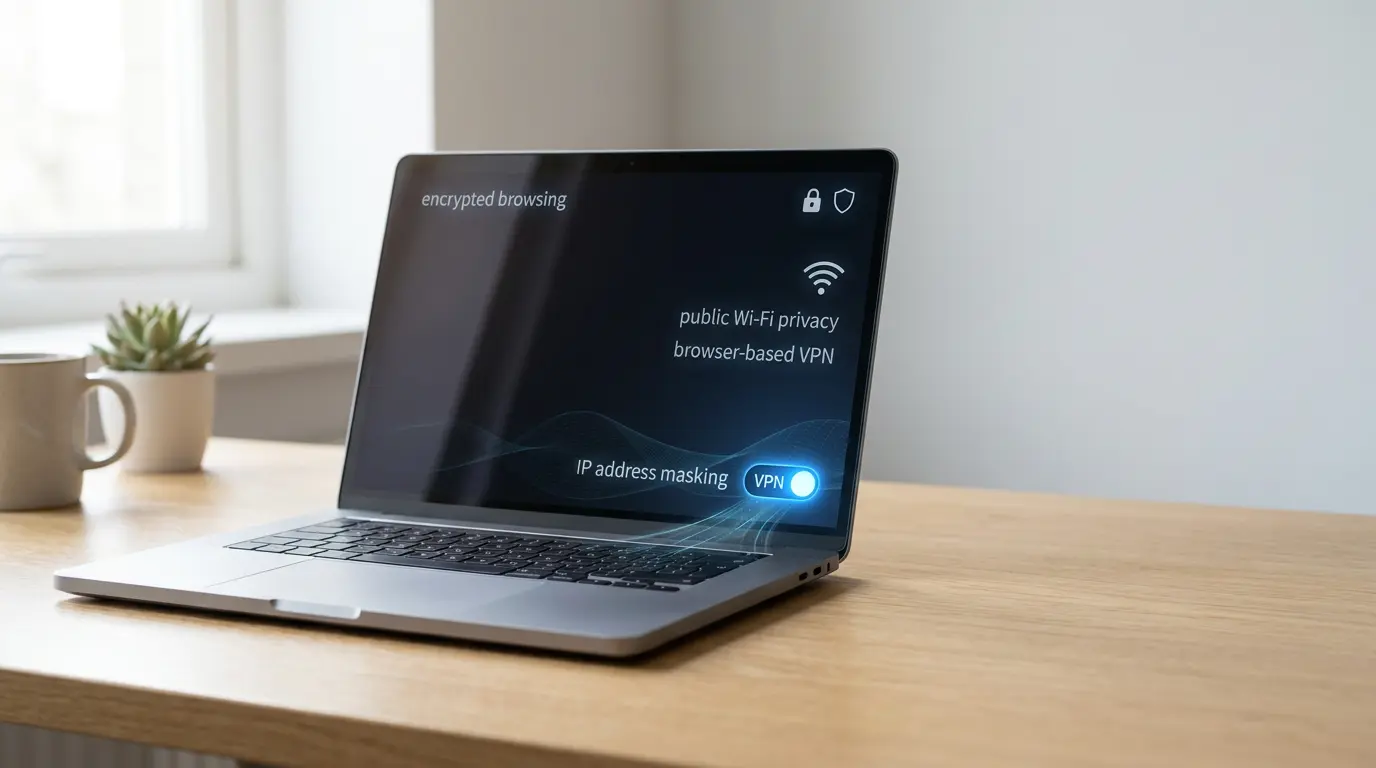

Firefox’s Built-In VPN: A Practical Privacy Upgrade (With Clear Limits)
Privacy shouldn’t feel like a luxury add-on. Many people want safer browsing, but they don’t want another app, another login, or another monthly bill. Firefox’s newest update brings a built-in VPN directly into the browser, giving everyday users a simpler way to add protection to their web sessions.
This change improves the default browsing experience: you can enable a privacy layer inside the tool you already use every day.
What the Built-In VPN Actually Does
A VPN routes your connection through an encrypted tunnel before it reaches the sites you visit. In a browser-based VPN, that tunnel covers the traffic generated by the browser itself. You gain two practical benefits:
- You make it harder for local networks to read your browsing activity.
- You support IP address masking, which reduces how easily websites can associate your session with your location.
In short, you get encrypted browsing for the tabs you open, without installing separate software.
The Key Limitation: It Protects the Browser, Not Your Whole Device
The biggest misunderstanding with any integrated VPN is scope. Firefox’s built-in tool only covers what happens inside Firefox. Your device still sends other traffic normally through your internet connection, including other browsers, apps, and background services.
That isn’t a flaw—it’s a design choice. Treat it as a targeted privacy tool, not a full privacy shield. If you handle sensitive work, remember that non-browser traffic can still bypass the tunnel.
Why “Free VPN” Warnings Still Apply
Free VPNs can be risky when the provider’s business model is unclear. Some services profit from aggressive logging, weak security practices, or monetizing user data in ways that defeat the point of using a VPN.
Firefox positions its built-in VPN around strong privacy principles and a modern technical base. It uses the WireGuard protocol, which is widely respected for performance and security design. Those choices suggest a safer foundation than many random “free VPN” downloads.
Even so, no VPN makes you invisible. A VPN reduces exposure on the network path, but it doesn’t automatically stop tracking cookies, browser fingerprinting, or account-based identification.
How to Use It Responsibly
Turn it on when you browse on shared networks or travel. Turn it off when you don’t need it to conserve your data allowance. Keep expectations realistic: the VPN protects transport, not every way websites can recognize you.
Does It Replace a Paid VPN?
For limited or casual use, it can. If your main goal is safer browsing on shared networks and you live mostly inside one browser, the built-in option may cover your needs.
If you need device-wide privacy, heavy usage, multiple devices, or advanced controls, a standalone VPN client remains the better fit.
Data Cap: Good for Normal Browsing, Not Unlimited Use
The free tier includes a data limit reported at 50GB. For most people, that’s plenty for reading, shopping, email, and research. You’ll hit the cap faster if you stream video for hours, download large files, or keep the VPN on all day.
Treat the cap as a helpful boundary: use the VPN when the risk is higher, and save bandwidth when you’re on a trusted network.
Best Use Cases for Everyday Privacy
Firefox’s built-in VPN shines when you want quick protection during normal browsing, especially for public Wi-Fi privacy. It also helps you reduce exposure when you sign in to accounts on unfamiliar networks. It works well for people who have never used a VPN and want a low-friction way to start.
Use it when you:
- Work from cafes, airports, or hotels
- Share networks with people you don’t know
Pair It With Smart Browser Hygiene
A VPN is only one layer. Combine it with tracker blocking, strict cookie settings, and careful extension choices to reduce tracking beyond the network level. These habits complement a browser-based VPN and make its protection feel more complete.
Product Suggestion
Add a phishing-resistant login layer with a hardware security key such as the Yubico YubiKey 5 NFC