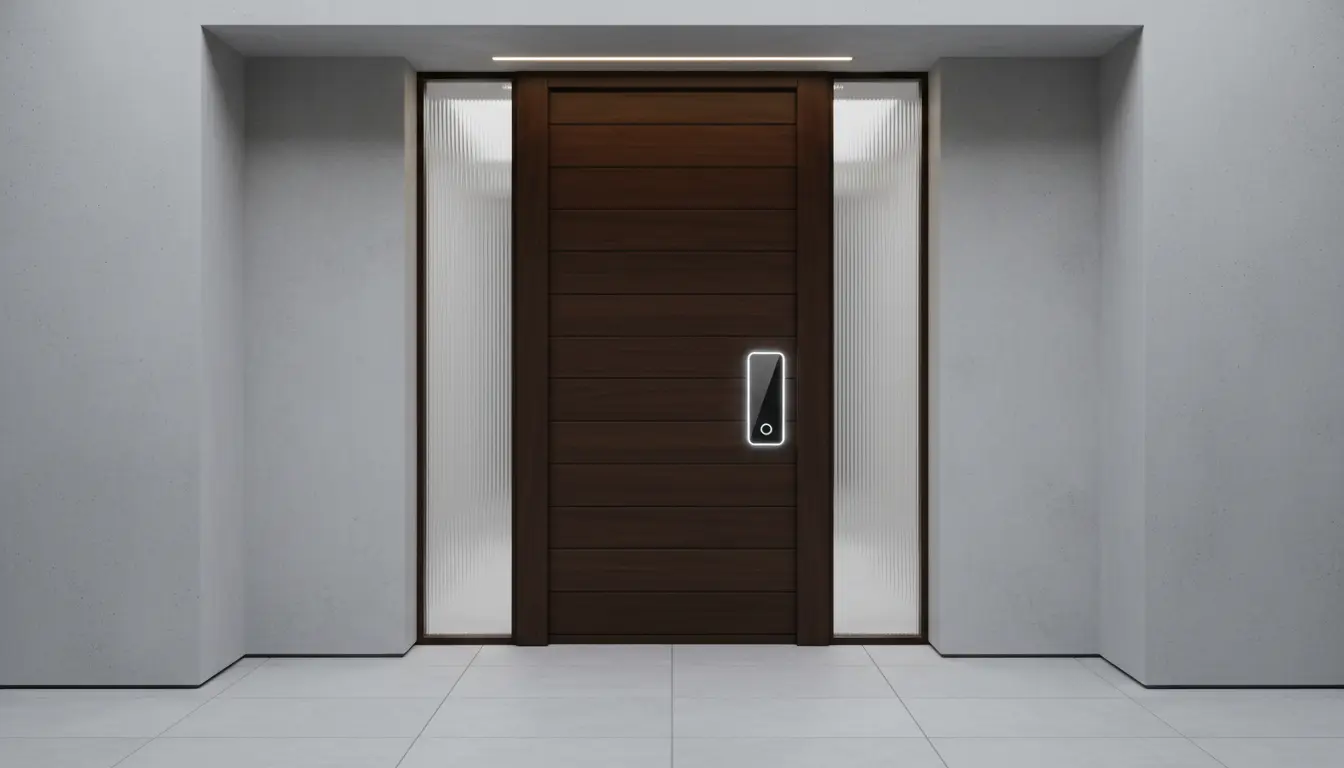

Apple Home Key Adoption: The Future of Unlocking Your Door with Apple Watch
Smart home technology continues to reshape the way people interact with their homes, and one of the most exciting innovations is Apple Home Key. Instead of carrying traditional keys or remembering access codes, homeowners can unlock compatible smart locks with an iPhone or Apple Watch. This seamless experience combines convenience, security, and the trusted Apple ecosystem into a single digital solution.
As more homeowners embrace smart home automation, Apple Home Key adoption is growing steadily. The ability to unlock a front door with a simple wrist tap or phone brings a level of convenience that traditional locks simply cannot match. Whether you’re arriving home with groceries, heading out for a morning run with only your Apple Watch, or granting family members secure access, Apple Home Key simplifies everyday life.
This guide explores how Apple Home Key works, why its popularity continues to increase, and what homeowners should consider before upgrading to a compatible smart lock.



What Is Apple Home Key?
Apple Home Key is a feature built into Apple Wallet that allows users to unlock compatible smart door locks using an iPhone or Apple Watch. Introduced as part of Apple’s smart home ecosystem, it replaces physical keys with encrypted digital credentials stored securely on your Apple device.
Once a compatible smart lock is paired with Apple Home through the Home app, the digital key appears in Apple Wallet. Users can then unlock the door simply by holding their Apple Watch or iPhone near the lock.
Unlike traditional smart locks that rely only on Bluetooth or Wi-Fi apps, Apple Home Key offers a faster and more intuitive experience by leveraging NFC technology.
How Apple Home Key Works
The setup process is surprisingly straightforward.
After installing a compatible smart lock, homeowners connect it to Apple Home using the Home app. During configuration, the digital key is automatically added to Apple Wallet.
From there, unlocking the door becomes effortless.
Simply:
- Wake your Apple Watch or iPhone.
- Hold it near the NFC reader on the smart lock.
- Wait for confirmation.
- Enter your home.
Depending on the lock settings, users may even enable Express Mode, allowing the door to unlock without Face ID, Touch ID, or entering a passcode.
This creates an experience similar to using Apple Pay at retail stores.
Why Apple Watch Makes Home Access Better
While an iPhone offers excellent functionality, many homeowners prefer using Apple Watch.
There are several reasons why.
Hands-Free Convenience
Imagine carrying grocery bags, luggage, or sports equipment.
Instead of searching for house keys or pulling out a phone, simply raise your wrist and unlock the door.
The entire process takes only seconds.
Perfect for Exercise
Many runners leave their phones at home.
An Apple Watch equipped with Apple Home Key lets users return home without carrying keys.
This small convenience becomes a major lifestyle improvement over time.
Faster Everyday Access
The Apple Watch remains attached to your wrist throughout the day.
Because of this, accessing your front door feels almost automatic.
The Growing Adoption of Apple Home Key
Apple Home Key adoption has accelerated as smart home technology becomes more mainstream.
Several trends contribute to its increasing popularity.
Expansion of Smart Homes
Millions of homeowners already use:
- Smart lighting
- Smart thermostats
- Home security cameras
- Video doorbells
- Voice assistants
Adding a compatible smart lock naturally completes the connected home experience.
Better Device Compatibility
More manufacturers now support Apple Home Key than during its initial launch.
Brands continue releasing HomeKit-compatible locks that integrate directly with Apple’s ecosystem.
Consumers now have more options across different price ranges.
Growing Trust in Digital Wallet Technology
People already rely on Apple Wallet for:
- Credit cards
- Boarding passes
- Hotel room keys
- Car keys
- Event tickets
Using the same secure wallet for house keys feels like the next logical step.
Apple Home Key Security Features
Security remains one of Apple’s strongest selling points.
Apple Home Key includes multiple protection layers designed to safeguard digital credentials.
Secure Enclave Protection
Digital keys remain encrypted inside Apple’s Secure Enclave.
This hardware-based security makes unauthorized duplication extremely difficult.
Lost Device Protection
If an iPhone or Apple Watch is lost, users can remotely disable Home Keys using Find My.
Physical house keys cannot offer this advantage.
Optional Authentication
Users may choose between:
- Express Mode
- Face ID authentication
- Touch ID authentication
- Device passcode verification
This flexibility allows homeowners to customize their preferred security level.
Benefits of Using Apple Home Key
Homeowners increasingly choose Apple Home Key because it offers practical advantages beyond convenience.
No More Physical Keys
Traditional keys can:
- Break
- Bend
- Wear out
- Become lost
- Be copied
Digital keys eliminate many of these common issues.
Easy Family Sharing
Through Apple Home, homeowners can invite family members to access the property.
Each user receives their own digital key instead of sharing duplicate physical copies.
Temporary Guest Access
Visitors, relatives, or trusted service providers can receive limited access permissions when needed.
Access can later be revoked instantly.
Better Integration
Apple Home Key works alongside:
- HomeKit automations
- Smart lighting scenes
- HomePod
- Siri voice control
- Home security devices
The entire smart home responds together.
Choosing a Compatible Smart Lock
Not every smart lock supports Apple Home Key.
Before purchasing, homeowners should verify compatibility.
Look for locks that specifically advertise:
- Apple Home Key support
- Apple Home compatibility
- HomeKit integration
- NFC unlocking
Popular manufacturers continue expanding their product lines with Apple Home Key support.
Always review the latest compatibility information before making a purchase.
Apple Home Key vs Traditional Smart Locks
Many smart locks rely only on mobile apps or Bluetooth.
Apple Home Key introduces several improvements.
| Feature | Apple Home Key | Standard Smart Lock |
|---|---|---|
| Apple Wallet Integration | Yes | Usually No |
| Apple Watch Unlocking | Yes | Limited |
| Express Mode | Yes | Rare |
| Secure Enclave Protection | Yes | Varies |
| HomeKit Automation | Yes | Limited |
These advantages make Apple Home Key particularly attractive for Apple ecosystem users.
Potential Limitations
Although Apple Home Key offers many advantages, homeowners should understand its limitations.
Compatibility remains the largest consideration.
Only selected smart locks currently support Home Key functionality.
Users also benefit most when they already own Apple devices such as:
- Apple Watch
- iPhone
- HomePod
- Apple TV acting as a Home Hub
Android users should consider other smart lock platforms.
Future of Apple Home Key
Industry experts expect digital home access to become increasingly common over the next several years.
Several developments may accelerate adoption.
More Smart Lock Manufacturers
Competition encourages additional companies to support Apple Home Key.
Consumers benefit from greater product variety.
Matter Smart Home Standard
The Matter standard improves interoperability among smart home devices.
As adoption increases, integrating compatible locks should become even easier.
Smarter Home Automation
Future automations could trigger multiple actions when unlocking the door.
Examples include:
- Turning on hallway lights
- Adjusting the thermostat
- Disarming security systems
- Opening garage doors
- Playing welcome music
Apple Home Key serves as the entry point for these connected experiences.
Is Apple Home Key Worth It?
For users invested in Apple’s ecosystem, the answer is often yes.
The combination of convenience, security, and seamless integration creates a premium smart home experience.
Unlocking the front door with an Apple Watch quickly becomes second nature. Over time, many homeowners find themselves wondering how they ever managed with traditional keys.
As compatible smart locks continue entering the market, Apple Home Key adoption is expected to grow significantly. Digital home access represents more than a technological trend—it reflects the future of secure, connected living.
If you already own an Apple Watch and use Apple Home, upgrading to a Home Key-compatible smart lock can simplify your daily routine while enhancing both security and convenience.
Recommended Amazon Product
One highly regarded option available on Amazon is the:
- Level Lock+ (Apple Home Key Compatible) — A sleek smart lock that supports Apple Home Key, Apple HomeKit integration, and Apple Watch unlocking while maintaining the appearance of a traditional deadbolt.