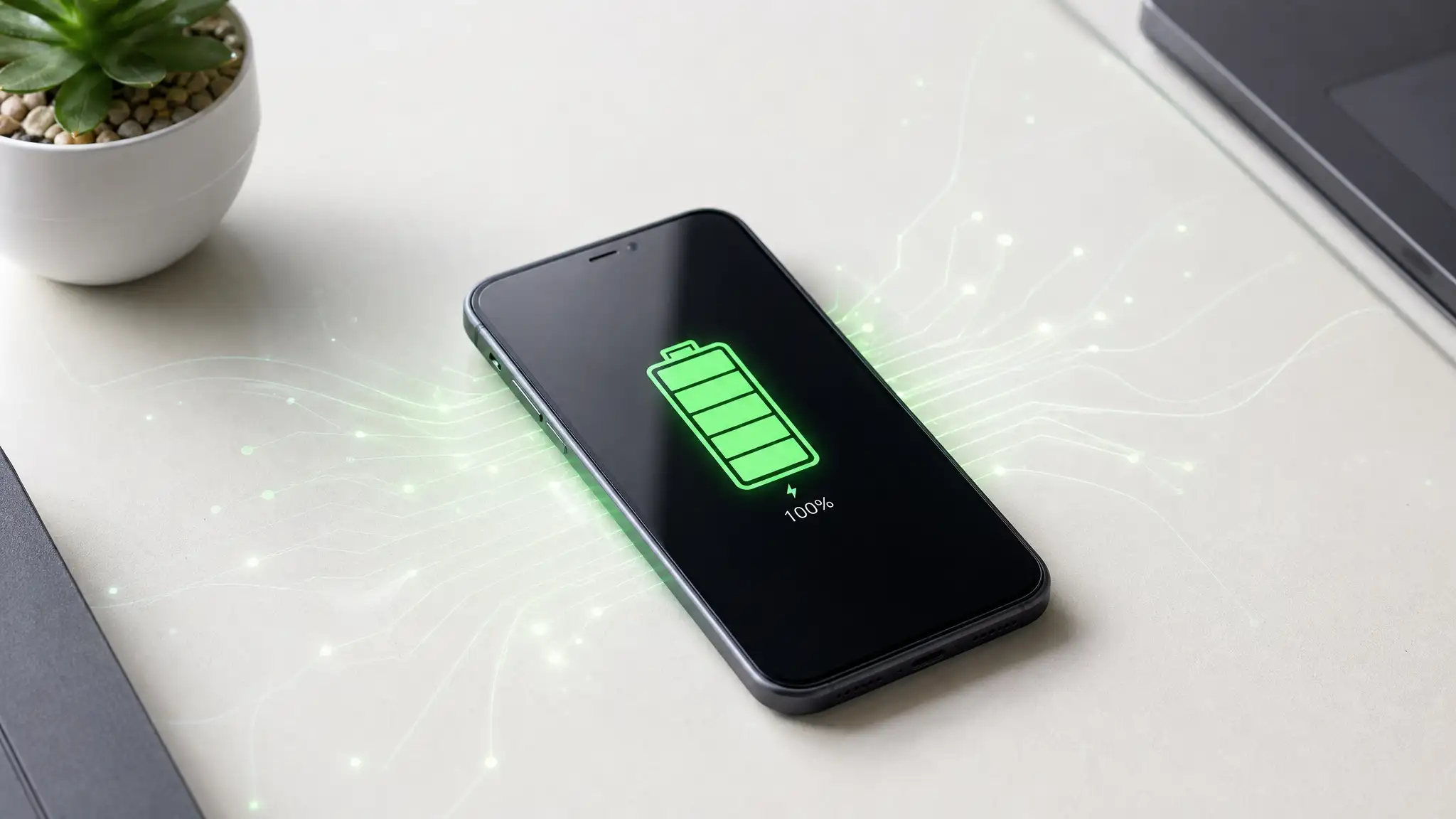

5 Easy Ways to Extend Your Smartphone Battery Life
Smartphone users around the world continue searching for practical ways to keep their devices running longer throughout the day. As mobile technology becomes more powerful, battery consumption also increases due to high-refresh displays, demanding apps, background services, and constant connectivity. Experts now recommend several simple habits that can significantly improve smartphone battery life without requiring expensive upgrades or technical knowledge.
Many people replace their phones too early because of poor battery performance. However, adjusting a few daily settings and usage patterns can help preserve battery health while improving overall device efficiency. Here are five effective methods that users can apply immediately.
Reduce Screen Brightness and Use Adaptive Display Settings
The display remains one of the biggest sources of battery drain on modern smartphones. Bright screens, especially on devices with OLED or high-refresh-rate panels, consume a considerable amount of energy throughout the day.
Users can extend battery performance by lowering screen brightness manually or enabling adaptive brightness. This feature automatically adjusts display intensity based on surrounding light conditions. Experts also suggest reducing screen timeout settings so the display turns off faster when not in use.
Dark mode has also become a popular battery-saving feature, especially for OLED screens. Since dark pixels require less power, enabling dark mode can help reduce battery usage during long browsing sessions or nighttime use.
In addition, lowering the refresh rate from 120Hz to 60Hz can provide noticeable energy savings without heavily affecting daily performance.
Disable Background Apps and Unnecessary Notifications
Many applications continue running in the background even when users are not actively using them. Social media platforms, location services, cloud synchronization tools, and messaging apps constantly refresh data, which places continuous pressure on battery resources.
Experts recommend checking battery usage statistics regularly to identify power-hungry apps. Disabling background activity for rarely used applications can improve mobile battery optimization and extend standby time.
Notifications also contribute to battery drain because each alert activates the screen, vibration motor, or wireless connection. Limiting unnecessary notifications helps conserve power while reducing distractions.
Turning off features like Bluetooth, GPS, or Wi-Fi when they are not needed can also make a measurable difference during busy days or travel situations.
Activate Battery Saver Mode Before Power Gets Low
One common mistake among smartphone users is waiting until the battery reaches critical levels before enabling power-saving features. Modern devices include intelligent battery saver modes designed to reduce energy consumption automatically.
Battery saver mode limits background processes, reduces visual effects, and optimizes processor performance to preserve remaining power. Activating this feature earlier in the day can help users avoid sudden shutdowns during important tasks.
Several manufacturers now offer advanced AI battery management systems that learn user behavior and prioritize essential applications. These systems improve smartphone power management while extending long-term battery lifespan.
Experts also recommend avoiding excessive gaming or video streaming while battery saver mode is active, as high-performance tasks can still drain energy rapidly.
Avoid Extreme Temperatures and Improper Charging Habits
Temperature plays a major role in battery health. Excessive heat remains one of the leading causes of battery degradation in smartphones. Leaving a device inside a hot car, under direct sunlight, or near heating sources can permanently damage lithium-ion cells.
Cold weather can also temporarily reduce battery performance and shorten usage time. Keeping devices within moderate temperature ranges helps maintain stable battery efficiency.
Charging habits are equally important. Experts advise users to avoid draining batteries completely before recharging. Instead, maintaining charge levels between 20% and 80% can support healthier charging cycles over time.
Fast charging technologies are convenient, but constant high-speed charging may generate additional heat. Using certified chargers and high-quality cables remains essential for safe and stable charging performance.
Update Software Regularly for Better Battery Efficiency
Software updates do more than introduce new features. Manufacturers frequently release updates containing battery optimization improvements, bug fixes, and enhanced power management systems.
Outdated operating systems or applications may contain inefficient processes that increase battery consumption. Installing the latest updates ensures that smartphones operate with improved energy efficiency and better system stability.
Experts also recommend removing unused apps and clearing unnecessary cache files regularly. Storage clutter can slow system performance and increase background activity, leading to faster battery drain.
Restarting the device occasionally can also refresh system processes and reduce hidden battery usage caused by frozen applications or software conflicts.
Growing Demand for Longer Smartphone Battery Life
As smartphones become central to work, communication, entertainment, and navigation, consumers increasingly prioritize battery longevity when choosing devices. Manufacturers continue developing larger batteries, energy-efficient chipsets, and smarter optimization software to meet rising expectations.
Still, daily user habits remain one of the most important factors affecting battery performance. Small adjustments in display settings, app management, charging behavior, and software maintenance can collectively deliver major improvements.
Technology analysts believe that users who follow these battery-saving strategies consistently can extend both daily battery duration and overall device lifespan without sacrificing performance.
Product Recommendation
Anker PowerCore Portable Charger – Compact high-capacity power bank designed for fast and reliable smartphone charging during travel or daily use.










