
Best Surge Protectors for Georgia Storms: A Practical Homeowner’s Guide
Georgia storms can arrive with intense lightning, driving rain, high winds, and sudden power interruptions. While no plug-in device can make a house immune to a direct lightning strike, the right surge protector can reduce exposure to common voltage spikes that enter through electrical lines. Choosing wisely matters because televisions, computers, routers, appliances, smart-home hubs, and chargers all contain sensitive electronic components. This guide explains what Georgia homeowners should look for, where to install protection, and how to build a more reliable layered defense.
Why Storm Protection Matters in Georgia
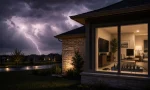
Thunderstorms place unusual stress on a home electrical system. A nearby lightning event, utility switching action, fallen line, or power restoration after an outage can create a brief electrical surge. That extra energy may travel through wiring and damage equipment immediately or slowly weaken it over time. A dependable lightning surge protector does not stop the weather. Instead, it diverts or absorbs excess energy before it reaches connected devices.
Many households only think about surge protection after a damaged television or modem. A better approach protects critical electronics before storm season. Start by listing the equipment you would find expensive, inconvenient, or difficult to replace. That list often includes a Wi-Fi router, desktop computer, gaming console, refrigerator control board, home-office display, and security system.
Choose a Layered Protection Strategy
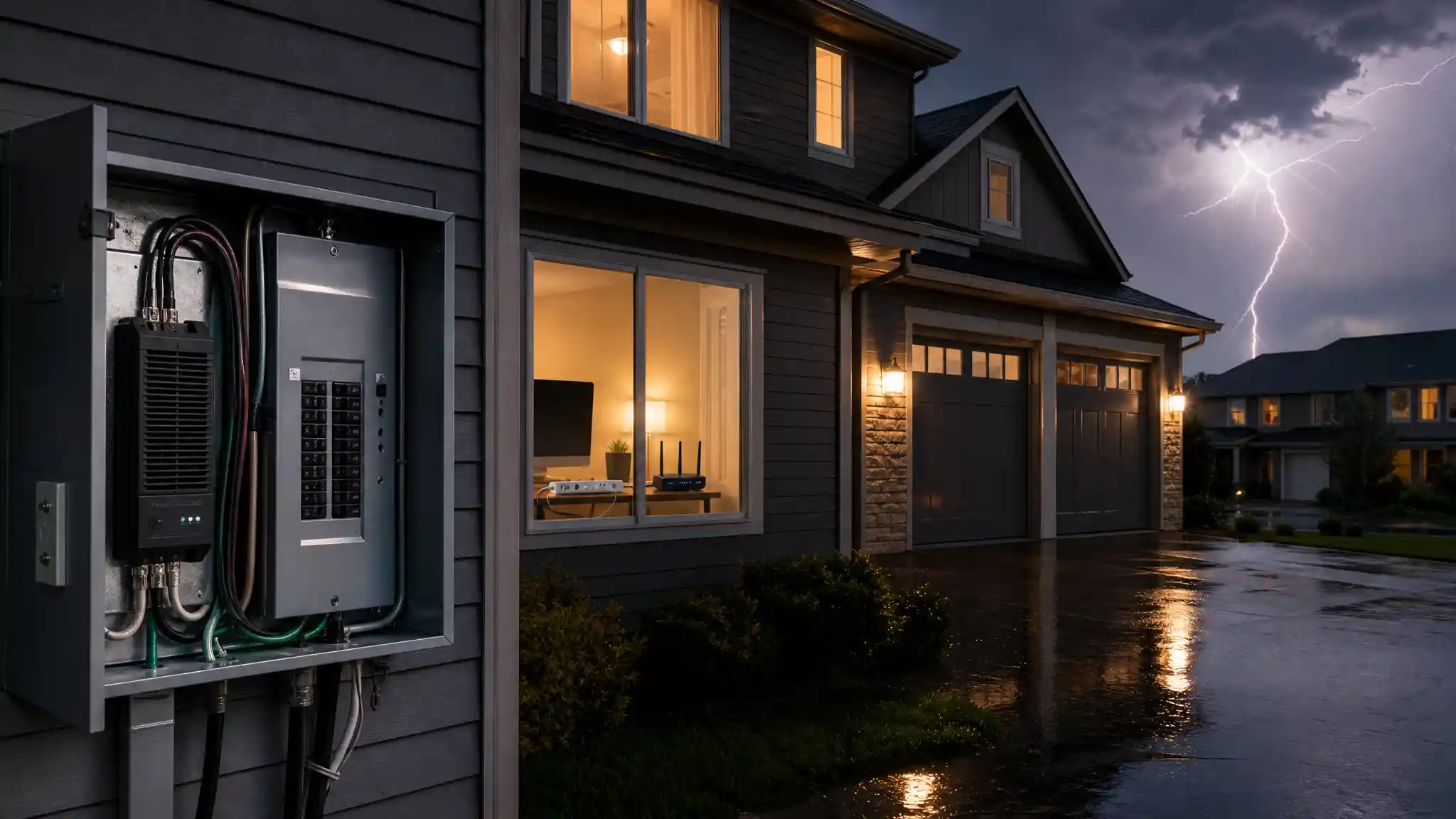
The strongest plan combines whole house surge protection with point-of-use units. A whole-home surge protector installs at the electrical panel and helps manage surges that arrive through the service entrance. A qualified electrician should select and install this equipment according to local requirements and the panel’s configuration.
Plug-in surge protectors add another layer near valuable electronics. They are especially useful for entertainment centers, computer desks, networking equipment, and bedside charging stations. A quality surge strip protects only the devices plugged into it, so it cannot replace panel-level protection. Conversely, a panel device does not eliminate the value of local protection for delicate electronics. Together, these solutions provide a more complete home electrical protection plan.
Key Features to Compare Before Buying
Start with the joule rating, which describes how much surge energy a protector may absorb over its service life. A higher number can be useful for expensive equipment, but it should not be the only deciding factor. Also review the clamping voltage. Lower clamping voltage generally means the unit begins limiting excess voltage sooner, provided the product meets applicable safety standards.
Look for a UL listed surge protector, clear status lights, and an automatic shutoff feature when available. A protection indicator lets you see whether the unit still offers surge defense. Some models continue delivering power after their protective components wear out; an automatic shutdown feature can prevent that misleading situation. Read the manual to understand exactly what each light and feature means.
Check the number and spacing of outlets. Large power adapters can block neighboring sockets on a crowded power strip. USB charging ports may be convenient, but they should not outweigh core electrical protection specifications. For a computer area, consider a model with enough room for the monitor, tower, speakers, router, and external drive without overloading the strip.
Match the Protector to the Location
An office needs reliable protection for computers and network gear. A surge protector for computer equipment should offer ample outlets, a long enough cord, and a placement that keeps cords away from foot traffic. For a living room, choose a surge protector for TV and entertainment devices with widely spaced outlets and, if needed, protection for compatible signal lines. Avoid relying on obsolete coaxial or phone-line features unless your setup actually uses them.
Kitchen and laundry equipment deserve attention too. Large appliances often need dedicated circuits and may require solutions beyond a typical power strip. Do not plug a refrigerator, washer, dryer, air conditioner, space heater, or other high-draw appliance into an ordinary surge strip unless both the appliance guidance and product instructions explicitly allow it. Ask an electrician about appropriate appliance surge protection and panel-based options.
A surge protector for WiFi router and modem is particularly valuable during stormy weather because outages can interrupt work, communication, and connected-home functions. Place the unit in a dry, ventilated space, keep cables organized, and avoid daisy-chaining power strips. If the internet service enters through coaxial cable, fiber equipment, or another path, remember that voltage events can also travel through connected data lines. Coordinate protection across every relevant entry point.
Installation and Storm-Season Habits
Use only properly grounded outlets. A surge protector cannot perform as intended when grounding is absent or faulty. If outlets feel loose, show heat damage, or trip breakers frequently, address that electrical issue first. Never hide a power strip under rugs, overload it with too many devices, or run it in wet areas.
During severe weather, unplugging sensitive electronics can add protection when it is safe and practical to do so. However, do not handle cords during an active lightning event. Plan ahead: save work, shut down equipment, and disconnect before the storm is overhead when conditions allow. Battery backup surge protection through an uninterruptible power supply may help a computer shut down cleanly during short outages, but confirm that its surge specifications and battery capacity fit the equipment.
Replace units after a major surge, visible damage, a lost protection light, or the manufacturer’s recommended service interval. Surge protectors are not permanent. Their protective components gradually wear as they absorb events, so periodic inspection is part of responsible ownership.
How to Make the Final Choice
Select products based on the equipment you own, outlet layout, and the type of protection already installed. For most Georgia homes, start with an electrician’s assessment for whole-home protection, then add well-reviewed plug-in protectors for high-value electronics. Prioritize certified safety features over decorative extras, and compare warranty terms carefully without treating any connected-equipment policy as a substitute for proper installation or insurance.
The best surge protector for Georgia storms is ultimately part of a system, not a standalone promise. Combine panel protection, local surge strips, grounded wiring, careful appliance use, and sensible storm preparation. That practical approach gives your electronics a better chance of riding out everyday surges and storm-related power disturbances. Review setup annually, test outlet grounding, and update protection whenever you add costly electronics or significantly change the home system.
Amazon.com Product Recommendation
Recommendation: Consider an APC SurgeArrest surge protector for home-office or entertainment-center devices. Before purchasing, verify the current listing’s outlet count, joule rating, safety certification, protection-status indicator, and compatibility with your setup on Amazon.com.