
For iPhone users in the United States and worldwide, one of the most common concerns is battery health. Over time, lithium‑ion batteries naturally degrade, losing their ability to hold a charge. This leads to shorter daily usage, slower performance, and the eventual need for replacement. But here’s the good news: with the right strategies, you can slow down this decline and extend your iPhone’s battery lifespan substantially.
In this comprehensive guide, we’ll cover expert-backed tips and actionable steps to maintain your iPhone’s battery health, prevent premature degradation, and keep your device running at peak performance for years.
Understanding iPhone Battery Health
Apple measures battery health as a percentage of its full capacity compared to when it was brand new. Typically:

- 100% to 90%: Excellent condition.
- 89% to 80%: Normal wear expected.
- Below 80%: Apple often recommends battery replacement for stable performance.
What affects this health rating are charge cycles, heat exposure, and charging habits. Knowing how these factors play a role helps you make smarter choices.
Expert Tips to Boost iPhone Battery Health
1. Avoid Extreme Temperatures
Lithium-ion batteries are highly sensitive to temperature. Using your iPhone in very hot or freezing conditions accelerates wear.
- Ideal temperature: 62°F–72°F (16°C–22°C).
- Avoid leaving your phone in direct sunlight, cars, or freezing environments.
2. Enable Optimized Battery Charging
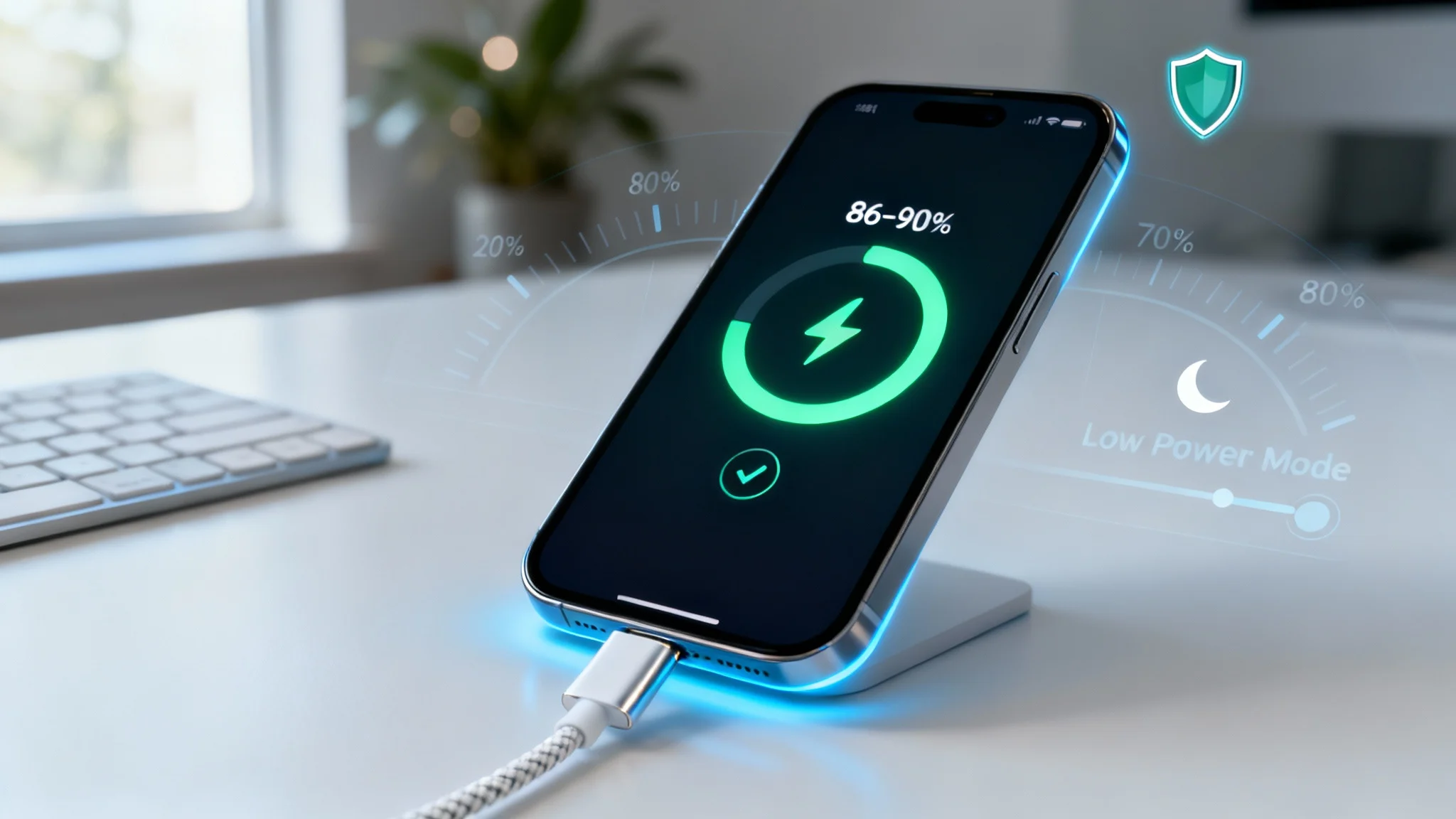
iOS includes a feature called Optimized Battery Charging, which learns your charging routine. Instead of charging to 100% right away, it pauses at 80% and completes charging right before you need your phone. This avoids prolonged high-voltage stress.
- Go to Settings > Battery > Battery Health > Optimized Charging and toggle it on.
3. Keep Battery Between 20% and 80%
Charging all the way to 100% or allowing the battery to repeatedly drop to 0% will reduce long-term capacity. Keeping your iPhone’s charge between 20%–80% is a proven method to preserve health.
4. Use Apple-Certified Chargers
Cheap or uncertified chargers can damage battery cells, deliver unstable current, and increase heat. Always use MFi-certified lightning cables and adapters.
5. Reduce Screen Brightness and Auto-Lock
Your display consumes the most battery. Lower brightness, enable auto-brightness, or set your auto-lock to 30 seconds for efficiency.
6. Limit Background App Refresh
Apps constantly refreshing in the background drain energy and increase charge cycles. Go to Settings > General > Background App Refresh and disable it for non-essential apps.
7. Keep iOS Updated
Apple continuously improves energy optimization. Each iOS update includes better management for CPU, GPU, and charging patterns.
8. Use Low Power Mode When Necessary
When your battery is low, Apple’s Low Power Mode cuts power-hungry features. This reduces cycles during critical times, preserving lifespan.
9. Avoid Overnight Charging (Unless Optimized Charging Is On)
Leaving your iPhone plugged in overnight can expose it to prolonged high voltage. With Optimized Charging enabled, it becomes safer. Otherwise, unplug after it hits ~80–90%.
10. Maintain Physical Care
Dust or lint in the charging port can affect power transfer, causing overheating or slow charging. Regularly clean gently with a dry brush or compressed air.
Advanced Tips for Tech-Savvy Users
- Battery Calibration: Every few months, let your battery discharge entirely, then recharge to 100%. This helps iOS recalibrate its battery health reading.
- MagSafe Charging Awareness: Wireless chargers create more heat compared to wired charging. Use them sparingly to avoid excess thermal stress.
- Battery Usage Insights: In Settings > Battery, you can analyze which apps or habits drain the most energy and take corrective steps.
When Should You Replace the Battery?
Even with the best care, iPhone batteries wear out over time. If your iPhone’s battery health falls below 80% capacity and you notice rapid draining or unexpected shutdowns, it might be time for a replacement. Apple provides official battery replacement, which restores not only capacity but also smooth performance.
Myths About iPhone Battery Health
- Myth 1: Closing all apps saves battery.
Reality: iOS automatically manages background apps efficiently. Force-quitting can actually consume more power when restarting them. - Myth 2: You must always charge to 100%.
Reality: Regularly charging only to 80% is healthier long-term. - Myth 3: Using iPhone while charging damages the battery.
Reality: Modern lithium-ion batteries are designed for multitasking during charge, though high-performance gaming while charging may increase heat.
Long-Term Benefits of Maintaining Battery Health
- Cost Savings: You’ll delay or even avoid the need for expensive battery replacements.
- Environmental Impact: Fewer discarded batteries mean less e-waste.
- Consistent Performance: Less throttling, fewer lags, and stable daily use.
- Resale Value: iPhones with healthier batteries fetch higher resale prices in the U.S. market.
Final Thoughts
Taking proactive measures to keep your iPhone’s battery health strong ensures not only more convenience but also a better long-term return on investment. iPhones are premium devices, and preserving battery life means getting the most out of every dollar spent.
By following expert tips — like optimized charging, avoiding extreme temperatures, and managing settings — you can easily extend your battery’s health into multiple years. While battery wear is inevitable, slowing down the process is entirely in your control.
So next time you plug in your iPhone, remember: little changes in daily charging habits can add years to your device’s usefulness.