
In today’s digital age, cloud storage has become more than just a convenience—it’s a necessity. Whether you’re a student, professional, or business owner in the United States, keeping your files safe, accessible, and shareable across devices is critical. Among the most popular names in the industry stand Google Drive vs iCloud OneDrive. While they all offer cloud-based solutions, their strengths, features, and pricing models differ.
If you’ve ever wondered which option is ideal for your lifestyle or business, this in-depth comparison will help you decide. Let’s break down the unique features, usability, and value of each platform.
Google Drive: The Collaboration Powerhouse
Google Drive is one of the most widely used cloud storage platforms globally, offering seamless integration with Google Workspace apps like Docs, Sheets, and Slides. This makes it more than just a storage solution; it doubles as a productivity hub.

Key Features:
- Free Storage: 15 GB of free storage shared across Google Drive, Gmail, and Google Photos.
- Collaboration: Real-time editing and file sharing with colleagues through Docs and Sheets.
- Compatibility: Works across Android, iOS, Windows, and macOS devices.
- Search Power: Driven by Google’s search algorithm to help you quickly find files.
When it comes to business collaboration, Google Drive stands tall. Teams can edit documents simultaneously, leave comments, and track version changes seamlessly.
Pricing Plans:
- Basic Free Plan: 15 GB
- Google One Plans: Start at $1.99/month for 100 GB, with larger tiers up to 30 TB.
For professionals or small businesses, Google Drive offers a cost-effective, collaboration-friendly ecosystem.
Apple iCloud: The Apple Ecosystem Companion
If you are an Apple enthusiast who uses iPhone, iPad, and MacBook daily, iCloud might be the most convenient option. Apple designed this platform to integrate tightly with its devices and services, making your digital life incredibly organized.
Key Features:
- Automatic Backup: Photos, videos, contacts, and documents automatically sync across all Apple devices.
- Family Sharing: Plans can be shared with up to six family members.
- Security: End-to-end encryption ensures privacy for sensitive data.
- Apple Ecosystem: Perfectly aligned with apps like Photos, Notes, Keynote, and iMessage.
While iCloud storage may seem modest, it works like magic in the Apple ecosystem, syncing everything from Safari bookmarks to app data.
Pricing Plans:
- Free Plan: 5 GB (less generous than Google Drive).
- Paid Plans: $0.99/month for 50 GB, $2.99/month for 200 GB, $9.99/month for 2 TB.
If you already love Apple devices, iCloud offers seamless data management. But if you use mixed devices or need robust sharing with non-Apple users, you may find limitations.
Microsoft OneDrive: The Productivity Business Choice
OneDrive is Microsoft’s answer to cloud storage, tightly integrated with Windows 10/11 and Microsoft 365 apps like Word, Excel, and PowerPoint. It’s a strong contender for professionals who rely heavily on Office apps.
Key Features:
- Windows Integration: Built right into Windows for automatic syncing of files.
- File Sharing & Security: Links with permissions, password protection, and file restore options.
- Offline Access: Work on files offline, sync later when online.
- Business Support: Enterprise-level solutions through OneDrive for Business.
For businesses or teams already using Microsoft 365, OneDrive feels natural. Beyond just storage, it ties directly into Teams and SharePoint, making it a robust hub for enterprise collaboration.
Pricing Plans:
- Free Plan: 5 GB.
- Standalone Plans: $1.99/month for 100 GB.
- Microsoft 365 Bundle: $69.99/year (Personal) with 1 TB storage + Office apps, or $99.99/year for Family with 6 accounts.
OneDrive shines in productivity bundles. For businesses or individuals who frequently use Microsoft tools, OneDrive delivers maximum value.
Side-by-Side Comparison
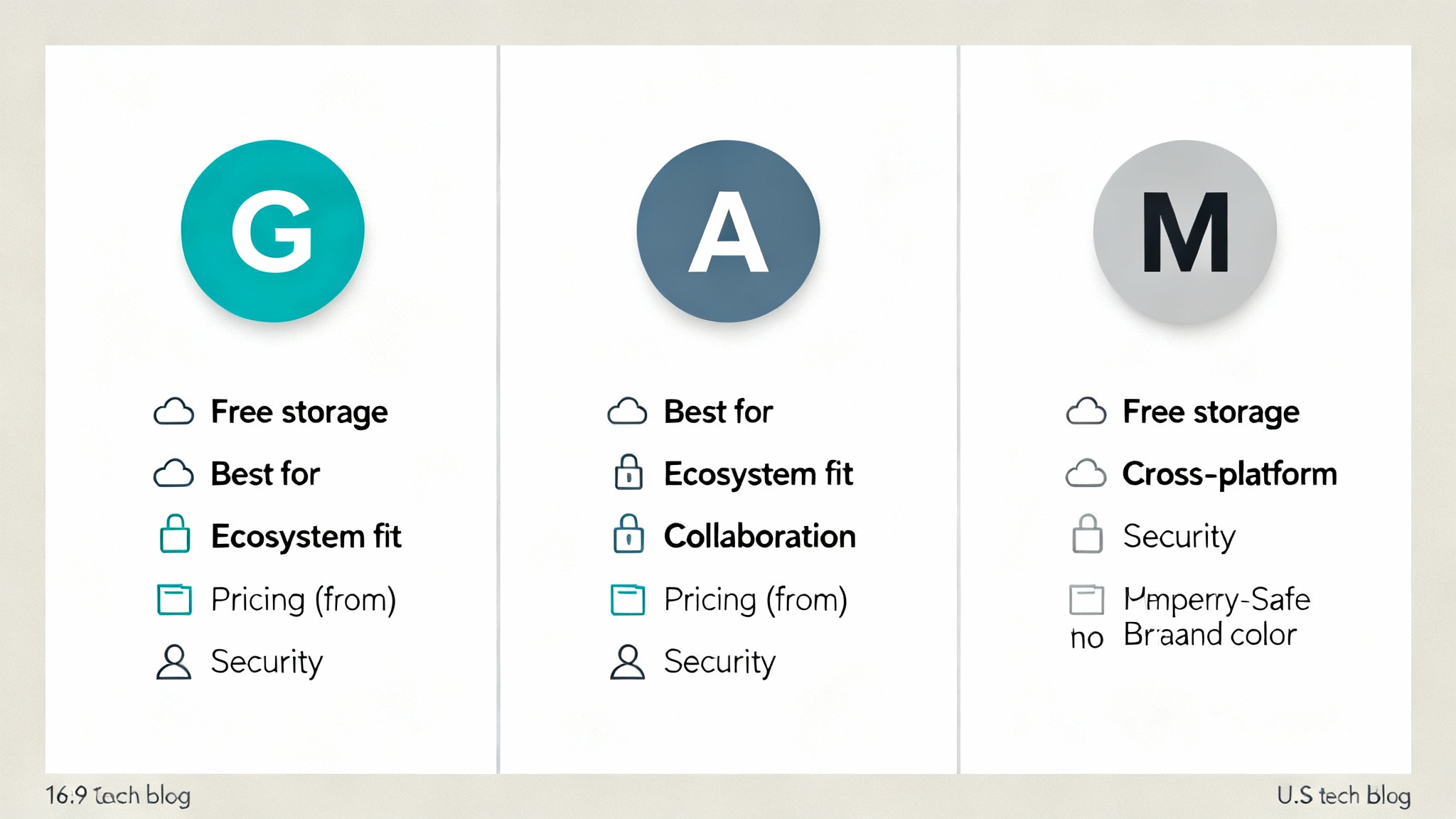
| Feature | Google Drive | iCloud | OneDrive |
|---|---|---|---|
| Free Storage | 15 GB | 5 GB | 5 GB |
| Best For | Collaboration, sharing | Apple users & ecosystem | Microsoft 365 & enterprises |
| Pricing | Starts $1.99/100 GB | Starts $0.99/50 GB | Starts $1.99/100 GB or bundled |
| Cross-Platform | Yes | Limited (best with Apple) | Yes, Windows & Microsoft apps |
| Extra Features | Google Docs, Sheets, AI | iMessage, Photos backup | Office Suite, SharePoint, Teams |
Which One Should You Choose?
- Choose Google Drive if you prioritize collaboration across different devices and need powerful search functions. Perfect for teams and businesses with diverse operating systems.
- Choose iCloud if you’re deeply invested in the Apple ecosystem and want hassle-free backups for iPhones, iPads, and Macs. Ideal for families sharing storage.
- Choose OneDrive if you rely heavily on Microsoft Word, Excel, PowerPoint, and Teams. It’s unbeatable for enterprise usage in the U.S.
Ultimately, the “best” cloud storage depends on your digital lifestyle. Students may find Google Drive’s real-time collaboration indispensable, while professionals may prefer OneDrive’s Microsoft 365 advantage. For Apple users who love simplicity and device synchronization, iCloud is the most natural fit.
Final Thoughts
The cloud storage debate—Google Drive vs iCloud vs OneDrive—is not about which service is universally better but about which one suits you best. Each offers essential storage, backup, and sharing tools. Deciding factors will often be your ecosystem loyalty and productivity needs.
Cloud services are no longer extras—they’re essential tools for modern living in the United States. By choosing the right one, you ensure data safety, seamless file access, and tools that make your work (and digital life) smoother every day.








