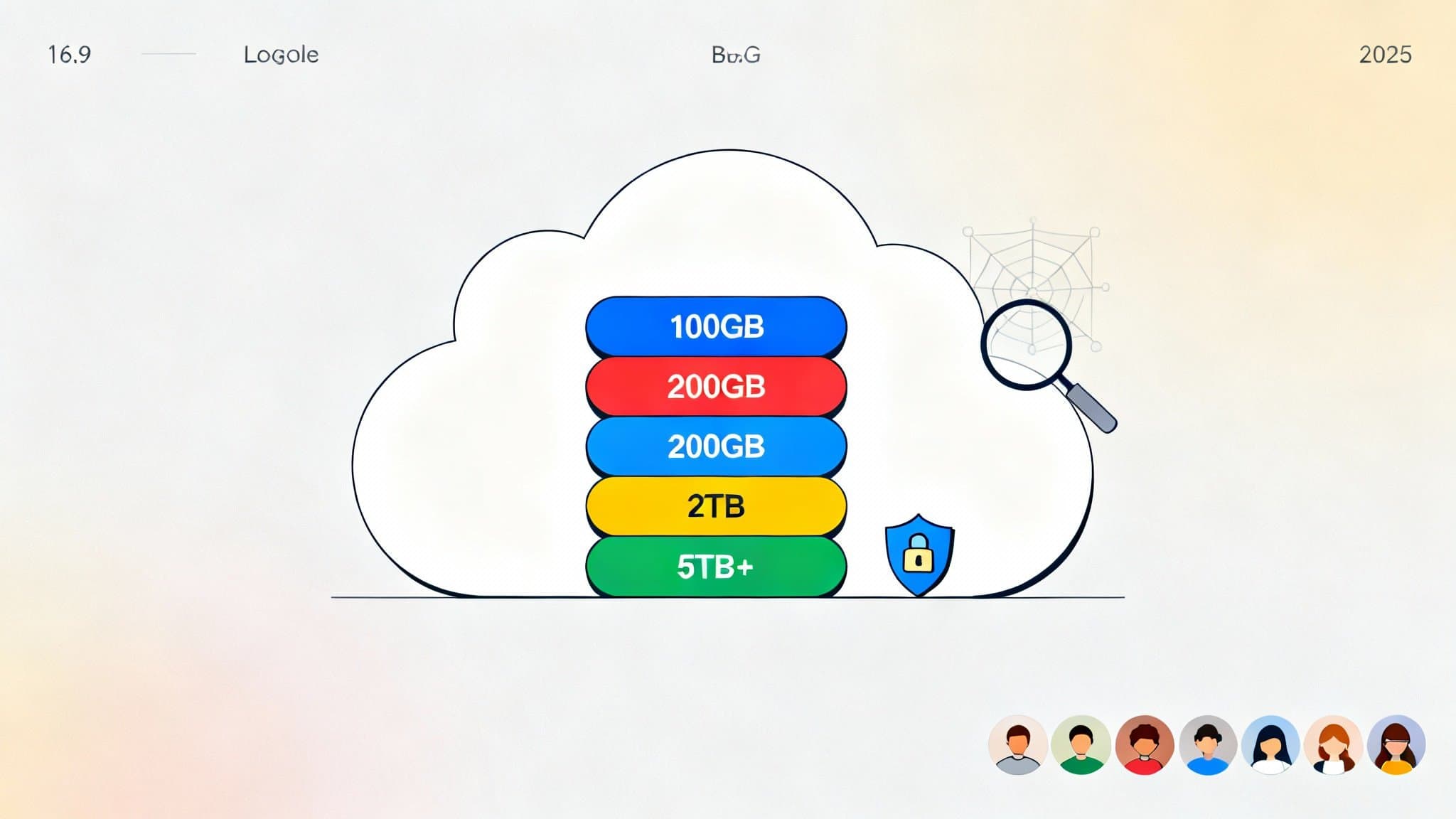

Google One is Google’s unified cloud membership that expands your Google Drive storage, unlocks enhanced privacy and security tools, and adds premium support and member perks across Google services. Whether you’re backing up photos and videos, collaborating on large files, or protecting your online activity with a VPN, Google One consolidates everything under a single subscription with flexible plans for individuals and families.
Below, you’ll find a clear breakdown of what Google One is, how it differs from free Google storage, what each plan tier includes, and how to choose the best option for your needs. This guide is written for clarity and SEO, with natural language, helpful subheadings, and LSI-aligned terms.
Google One vs. Free Google Account Storage
A free Google account typically includes a baseline amount of storage (shared across Gmail, Drive, and Google Photos). Google One upgrades that capacity and adds:
- Expanded cloud storage shared across Gmail, Drive, and Photos.
- Family sharing for up to 5 additional people (total 6 users).
- Premium support from Google experts.
- Safety features like VPN for additional online privacy (select plans).
- Dark web monitoring to alert you if your information appears in data breaches (availability varies by region).
- Member-only extras such as extended editing features in Google Photos and occasional store or partner perks.
In short, Google One is more than “extra Drive space”—it’s a bundle of storage, support, and privacy/security benefits.
Google One Plans and What They Include
Google typically offers multiple storage tiers so you can scale as your needs grow. While exact pricing and availability can vary by country and may change over time, the core plan structure commonly includes the following tiers:
- 100 GB Plan (Entry Level)
- Best for: Individuals who need more space than the free tier for Gmail, Google Photos, and personal files.
- What you get:
- 100 GB of shared storage across Drive, Gmail, and Photos.
- Family sharing with up to 5 additional members.
- Access to Google experts for premium support.
- Extra Google Photos features (e.g., enhanced editing features where available).
- Dark web monitoring in supported regions.
- Why choose it: A low-cost way to eliminate “storage full” warnings and keep email and photos flowing without constantly deleting content.
- 200 GB Plan (Everyday Family Choice)
- Best for: Households sharing storage and backing up multiple phones.
- What you get:
- 200 GB shared storage.
- All benefits of the 100 GB plan.
- Often includes a small percentage back in Google Store rewards in select regions.
- Why choose it: The sweet spot for families who want a buffer for photos, home videos, and school files across multiple accounts.
2 TB Plan (Power User/Prosumer)
- Best for: Content creators, freelancers, or small teams managing RAW photos, 4K videos, and large archives.
- What you get:
- 2 TB shared storage.
- All benefits of lower tiers.
- Google One VPN for additional online privacy on supported devices and regions.
- Higher level of Google Photos editing features and priority support.
- Why choose it: A major capacity leap for active photo/video libraries and a built-in VPN for encrypted traffic when using public Wi‑Fi.
- 5 TB, 10 TB, 20 TB, and 30 TB Plans (High-Capacity Tiers)
- Best for: Professionals with heavy data workflows, long-term archives, or families who never want to think about space again.
- What you get:
- Massive shared storage pools (5–30 TB).
- All the benefits of the 2 TB tier, including VPN and premium support.
- Designed for intensive multimedia storage, backups, and collaborative projects.
- Why choose it: Enterprise-like capacity without the complexity of a business suite, perfect for creators working with high-resolution footage or big datasets.
Note: Benefits like VPN for Google One and dark web monitoring depend on your region and device compatibility. Plan names and exact perks can evolve; always check the current details in your Google One app or account settings before subscribing.
Core Benefits Explained
- Expanded Cloud Storage
Your storage is pooled across Gmail, Drive, and Photos, simplifying management and preventing surprise limits. Google’s search and sharing features make it easy to find, organize, and collaborate on files from any device. - Family Sharing
Add up to 5 family members at no extra cost. Each member gets their own private storage allocation within the shared pool—files aren’t visible to others unless you explicitly share them. - Premium Support
Get help from Google experts with account issues, storage optimization, backup settings, and data recovery guidance. This is especially valuable when juggling multiple devices or migrating data from an old phone. - Google Photos Perks
Google One often unlocks enhanced editing tools in Google Photos (like advanced filters and effects). For anyone who relies on Photos as a memory hub, these tools can elevate your images without third-party apps. - VPN for Google One (Select Plans)
On eligible tiers and regions, VPN for Google One encrypts your device’s online traffic, adding a privacy layer when browsing on public Wi‑Fi or cellular networks. It’s integrated, simple to toggle, and doesn’t require complex configuration. - Dark Web Monitoring
Monitor if your email, phone number, or other info appears in known data breaches. You’ll get alerts with recommendations on how to secure your accounts. - Member Perks and Rewards
Depending on your region, you may see periodic Google Store rewards, partner offers, or cloud-related bonuses. These rotate and are not guaranteed, but they’re a nice extra when available.
How to Choose the Right Google One Plan
Ask yourself:
- How much storage do I need today—and in 12 months?
- If you’re near the free limit or regularly hit Gmail/Photos caps, 100 or 200 GB is a solid first step.
- For creators or anyone storing 4K footage and RAW photos, start at 2 TB.
- Will I share with family?
- Family sharing multiplies the value of 200 GB and 2 TB plans. If two or more people will back up full‑resolution photos and videos, 2 TB is often the safe choice.
- Do I value built-in privacy tools?
- If VPN access and dark web monitoring matter, prioritize the 2 TB plan or higher (subject to regional availability).
- What is my time worth?
- If you spend hours managing storage, upgrading can be cheaper than the time cost of constant cleanup.
Tips for Getting the Most Out of Google One
- Turn on Automatic Backup
Use the Google One app (Android/iOS) to back up device data, photos, videos, and multimedia messages. Set it once; it updates quietly in the background. - Declutter with Storage Manager
The integrated Storage Manager helps find large files, spam emails, or blurry photos for quick cleanup, maximizing your paid capacity. - Set Family Roles and Educate Members
Show family members how to use shared storage wisely—encourage them to archive unneeded videos or use shared albums for communal photos. - Combine with Google Workspace (If Needed)
If you require advanced collaboration tools or custom domain email, consider whether Workspace is a better fit. For most consumers, Google One is simpler and more cost-effective. - Keep an Eye on Perks
Open the Google One app periodically to check for new member benefits or rotating offers. While not the main reason to subscribe, they can add surprise value.
Security and Privacy Considerations
Google One integrates with your existing Google Account protections: 2-Step Verification, security alerts, and account recovery options. The VPN feature (where available) encrypts traffic to reduce snooping risks on public networks, but it does not make you anonymous on the internet. Always combine VPN usage with good security hygiene: unique passwords, a password manager, and regular security checkups.
Frequently Asked Questions
- Does Google One change my Gmail or Drive experience?
Functionally, no—everything works the same. You just have more room and extra features inside your existing apps. - Can I switch plans later?
Yes. You can upgrade or downgrade as your needs change. Prorated billing may apply based on region and platform. - What happens if I cancel?
You keep your files. However, if your content exceeds the free storage threshold, you may lose the ability to add new files or receive new emails until you reduce usage or resubscribe. - Is Google One worth it?
If you rely on Google’s ecosystem and store many photos, videos, and documents, Google One’s convenience, support, and privacy tools generally justify the low monthly cost—especially with family sharing.
Conclusion
Google One provides a streamlined way to expand your Google storage while adding genuine value through privacy tools, expert support, and family sharing. For light users, 100–200 GB removes friction. For creators and power users, 2 TB+ tiers consolidate massive libraries and add VPN protection. If Google services are central to your digital life, Google One is a smart, scalable upgrade.








