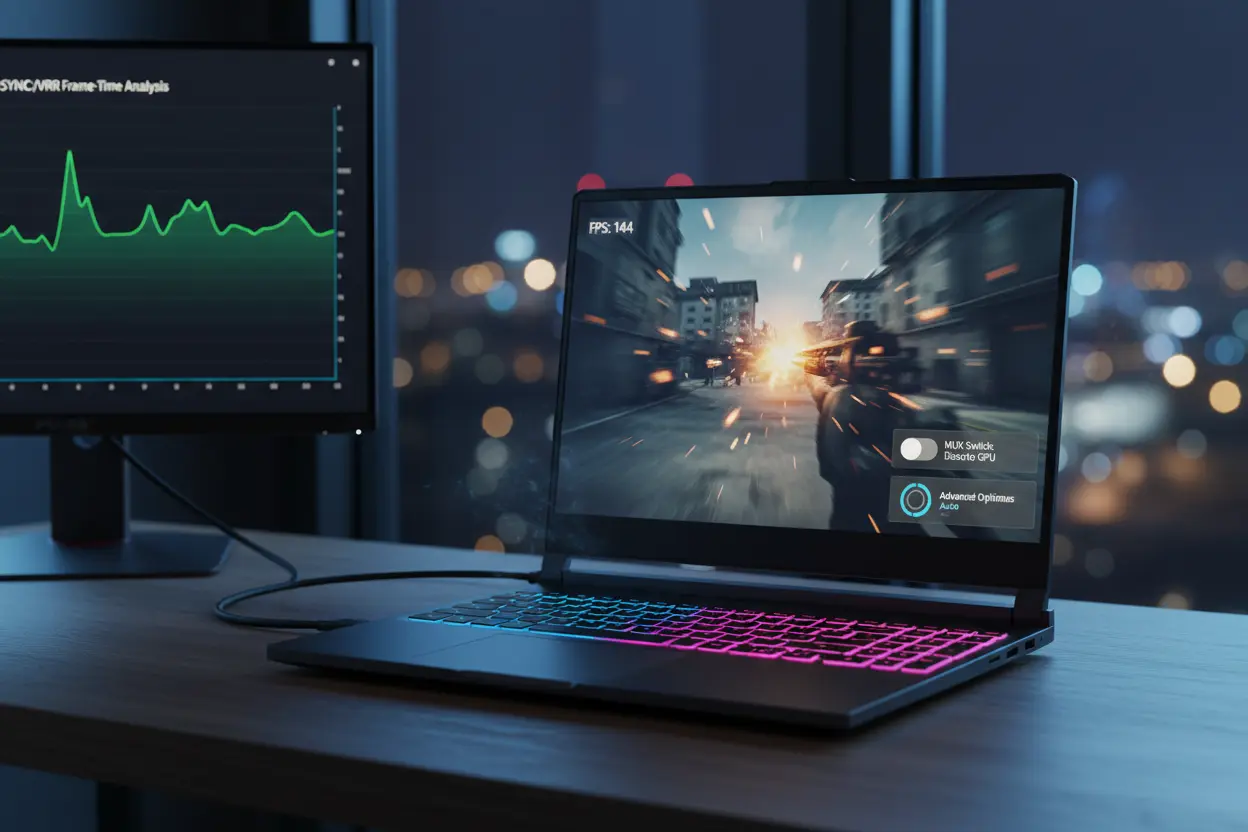

Gaming on Laptops: What Do MUX Switch vs NVIDIA Advanced Optimus Actually Deliver?
If you’re shopping for a gaming laptop or trying to squeeze more performance out of the one you have, you’ll keep seeing two terms: “MUX switch” vs “Advanced Optimus.” Both aim to solve the same core problem—how to get desktop-like GPU performance on a portable machine without destroying battery life. But they do it in different ways, and the differences matter for frame rates, input latency, thermals, and even external monitor behavior. This guide breaks down what a MUX switch is, how NVIDIA Advanced Optimus works, the pros and cons of each, and how to decide which one you actually need.
The iGPU–dGPU Bottleneck Problem
Modern gaming laptops typically include:
- An integrated GPU (iGPU) inside the CPU for efficiency and battery life.
- A discrete GPU (dGPU) like an NVIDIA GeForce RTX for maximum gaming performance.
In many designs, your laptop’s display is physically wired to the iGPU. Even when a game runs on the powerful dGPU, frames must pass through the iGPU before reaching the screen. This “iGPU passthrough” introduces:

- A small but measurable performance tax (often 5–15% depending on resolution and game).
- Additional input latency.
- Potential issues enabling high-refresh-rate features like G-SYNC on the internal panel.
What Is a MUX Switch?
A MUX (multiplexer) switch is a hardware-level display router on the motherboard. It lets you choose which GPU directly drives the internal display:
- iGPU mode: Best battery life, lower heat/noise, fine for web, office, and media.
- dGPU mode: The discrete GPU outputs frames directly to the panel—no iGPU passthrough.
Key advantages:
- Higher FPS and lower latency versus iGPU passthrough.
- More consistent high-refresh performance and wider adaptive sync support (panel-dependent).
- Often the most reliable path for esports responsiveness.
Trade-offs:
- Switching modes may require a reboot on classic MUX implementations.
- dGPU mode reduces battery life significantly.
- Some laptops bury the toggle in BIOS or a vendor app, adding friction.
What Is NVIDIA Advanced Optimus?
Advanced Optimus is NVIDIA’s smarter, dynamic version of switching. It combines a hardware MUX with software logic to:
- Automatically switch between iGPU and dGPU output without rebooting.
- Enable G-SYNC on the internal display while still allowing power savings in lighter tasks.
- Seamlessly push the dGPU to drive the panel during gaming and fall back to iGPU on the desktop.
Key advantages:
- Zero-reboot switching; it happens on the fly.
- Best-of-both-worlds experience—performance when you need it, battery life when you don’t.
- Typically better user experience than manual MUX toggling, with fewer hassles.
Trade-offs:
- Availability depends on OEM implementation (panel, firmware, driver support).
- Slightly more complex software stack; very rare edge cases can require driver or OEM updates.
- Not all panels or models with a MUX necessarily include Advanced Optimus.
Performance Impact: How Much Does It Matter?
- 1080p high-refresh esports titles: The difference between iGPU passthrough and direct dGPU (via MUX or Advanced Optimus) can be the difference between 180 FPS and 205–220 FPS. That extra headroom improves responsiveness and reduces input latency.
- 1440p/4K gaming: Gains are still present but somewhat smaller; CPU limits are less dominant at higher resolutions.
- Latency: Direct dGPU output trims extra milliseconds. Competitive players will notice the smoother, “snappier” feel, especially on 240–360 Hz panels.
External Monitors: A Special Note
If you connect an external display to the laptop’s dedicated dGPU port (often the rear USB-C with DP Alt Mode or HDMI wired to the GPU), you bypass the iGPU regardless of the internal panel path:
- Result: You get direct dGPU output, usually enabling G-SYNC/VRR and cutting latency.
- Practical tip: For stationary gaming sessions, using a dGPU-wired external monitor can replicate many benefits of a MUX/Advanced Optimus even if the internal panel is iGPU-wired.
Battery Life, Thermals, and Noise
- iGPU mode (or Advanced Optimus idle): Lowest power draw, cooler and quieter. Great for travel, meetings, and streaming.
- dGPU mode (manual MUX or Advanced Optimus under load): Higher power, more heat, louder fans—but maximum FPS.
- Hybrid use: Advanced Optimus stands out by automatically moving between these states, reducing fan noise and heat during non-gaming.
Who Should Prioritize a MUX or Advanced Optimus?
- Esports and competitive players: Strongly recommended. The latency and FPS improvements are tangible.
- Creators who also game: Recommended. Direct dGPU output can help with color-accurate, stutter-free previews and smoother timelines.
- Casual gamers on the go: Advanced Optimus is ideal—no-reboot flexibility and better battery life when not gaming.
- Docked/monitor-first users: If you mainly game on an external monitor wired to the dGPU, the internal panel path matters less—but it’s still nice to have for on-the-go sessions.
Common Myths and Realities
- “A MUX always requires a reboot.” Not with Advanced Optimus; classic manual MUX often does.
- “Advanced Optimus hurts performance.” In practice, it usually matches a manual MUX in dGPU mode during games and beats hybrid passthrough setups.
- “You don’t need this at 1440p/4K.” Gains can shrink, but latency and VRR/G-SYNC reliability still benefit.
Practical Buying Checklist
- Confirm the laptop has a MUX switch, and whether it supports NVIDIA Advanced Optimus specifically.
- Check the internal panel’s refresh rate and VRR/G-SYNC or FreeSync support.
- Identify which ports are wired to the dGPU for external monitors.
- Read real-world tests for your exact model; OEM implementations vary.
3 Gaming Laptop Recommendations (Brief)
- Lenovo Legion 5 Pro (RTX 4070/4080 configurations)
- Why: Consistent MUX/Advanced Optimus implementations, strong thermals, 1600p high-refresh panel, excellent price-performance balance.
- ASUS ROG Strix G16/G18 (RTX 4070–4090)
- Why: Robust cooling, high-refresh displays with good color, reliable MUX and Advanced Optimus support, great for both esports and AAA.
- MSI Raider GE68/GE78 (RTX 4080–4090)
- Why: Top-tier performance, premium cooling, multiple dGPU-wired ports for external displays, strong creator-plus-gamer fit.
Note: Availability and exact specs vary by region and year. Always verify panel features and GPU-port wiring in the specific listing or manufacturer page.
Amazon Picks (Popular Models Sold on Amazon)
- ASUS ROG Strix G16 (RTX 4070): Often includes MUX + Advanced Optimus, 240 Hz panel, excellent esports value.
- Lenovo Legion Pro 7i (RTX 4080): Premium build, strong cooling, high-refresh display with solid Advanced Optimus support.
- MSI Raider GE68 HX (RTX 4080): Performance-focused, dGPU-wired outputs, great for external monitor setups.
Search on Amazon using exact model names plus “MUX” and “Advanced Optimus” to confirm features in the listing, as sellers sometimes reuse product pages across configurations.
Bottom Line
- A MUX switch routes the internal display directly to the dGPU for higher FPS and lower latency, but usually requires manual toggling and sometimes a reboot.
- NVIDIA Advanced Optimus adds seamless, automatic switching without reboots and enables a “have-your-cake-and-eat-it” experience—performance when gaming, efficiency the rest of the time.
- If you care about competitive responsiveness or want the smoothest high-refresh experience, prioritize a laptop with a MUX—ideally with Advanced Optimus.









