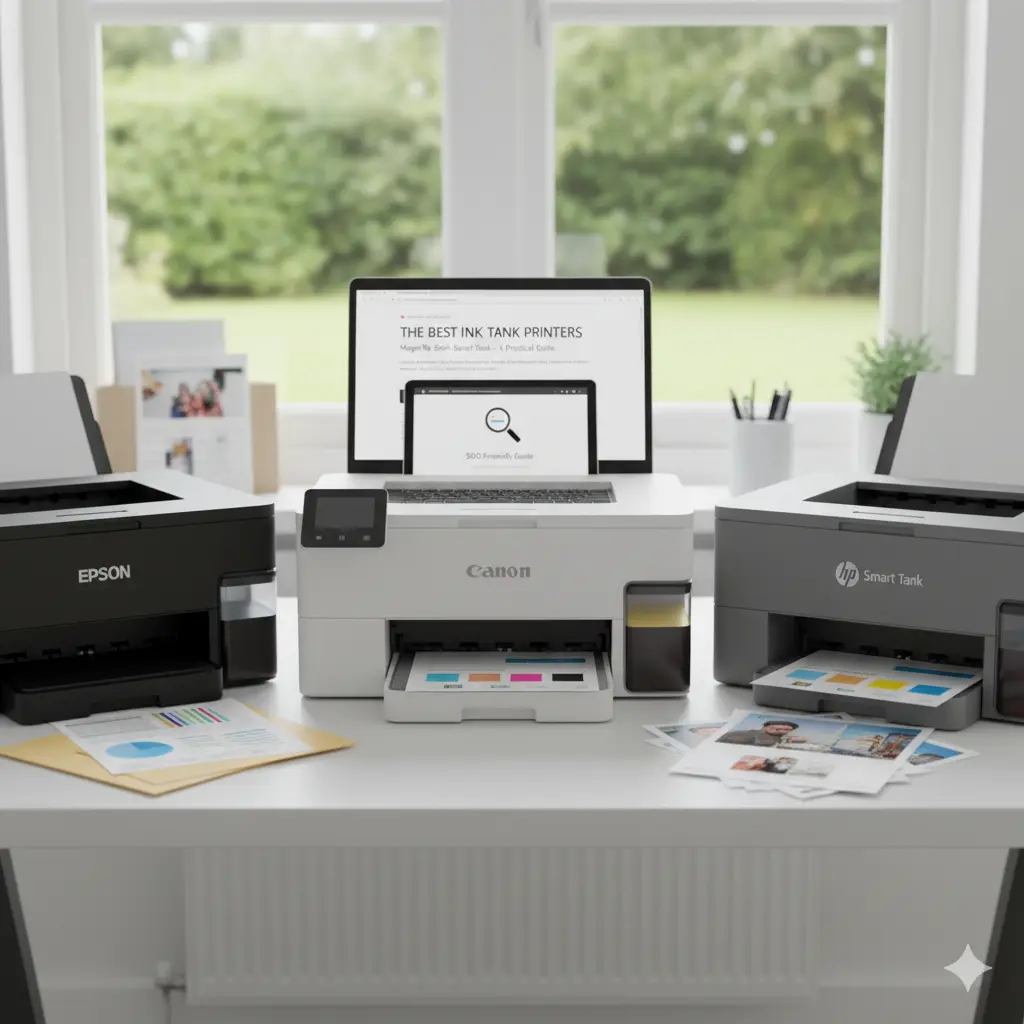

The best ink tank (Ink Tank / MegaTank / EcoTank) printers: a practical, SEO-friendly guide
Ink tank printers — marketed under names like EcoTank, MegaTank, and Smart Tank — have transformed home and small-office printing by replacing disposable cartridges with refillable ink reservoirs. If you print frequently, need photorealistic color outputs sometimes, or want dramatically lower running costs, ink tank systems are now the go-to option. This article explains how ink tank printers work, their advantages and trade-offs, top use cases, buying criteria, and practical tips to get the most value from your purchase.
What is an ink tank printer?
An ink tank printer uses large, refillable reservoirs filled from bottles instead of small single-use cartridges. Manufacturers (Epson EcoTank, Canon MegaTank/PIXMA G series, HP Smart Tank, and others) supply high-volume ink bottles that deliver thousands of pages per refill. The design reduces environmental waste and cuts cost per page because bottles are cheaper per milliliter than cartridges.
Key benefits
- Lower running costs: Ink tanks lower cost per page dramatically for both color and black‑and‑white printing, especially for text-heavy documents.
- High page yield: A single set of bottles can print thousands of pages, reducing refill frequency and operational interruptions.
- Environmentally friendlier: Refillable bottles and fewer discarded cartridges reduce plastic waste.
- Consistent print quality: Modern ink tank printers deliver stable color reproduction and sharp text, suitable for office documents and many consumer photo tasks.
- Good for small businesses: For startups, schools, and home offices that print in volume, ink tank systems are a dependable choice.
Trade-offs and limitations
- Higher upfront cost: Most ink tank models cost more initially than basic cartridge printers, though they pay back over time through lower consumable costs.
- Bulkier footprint: Tanks and bottle storage can make the printer larger.
- Photo specialists may prefer dedicated photo printers: While ink tank printers handle casual photo printing well, professional photographers may still opt for pigment-based multi-color photo printers.
- Maintenance: Infrequent printing can lead to nozzle clogging; regular use or scheduled maintenance is recommended.
Who benefits most from ink tank systems?
- Home users who print frequently (school projects, recipes, household documents).
- Micro and small businesses producing invoices, flyers, and occasional color leaflets.
- Photographers and designers needing good color printing on a budget (for proofing rather than gallery-grade prints).
- Anyone looking to reduce recurring ink spend and plastic waste.
Top features to compare when choosing a model
- Cost per page: Look for manufacturer or third-party measurements for monochrome and color pages.
- Page yield per bottle: Check how many pages a full set of bottles should produce (often expressed in ISO pages).
- Print quality (DPI, color gamut): Evaluate sample prints or review lab tests for color accuracy and photo detail.
- Speed (ppm/ips): Consider pages per minute for business use.
- Connectivity: Wi‑Fi, Ethernet, mobile printing (AirPrint, Google Cloud Print alternatives), and app support.
- Duplex printing: Automatic double-sided printing saves paper.
- Paper handling: Tray size and maximum media weight for photo papers or envelopes.
- Maintenance and warranty: Look for easy head cleaning mechanisms and extended warranty options for heavy users.
Recommended models and families (examples and why they stand out)
- Epson EcoTank series: Known for extremely low running costs and broad model range from compact home printers to office multifunction devices. Strong refill system and widely available ink bottles.
- Canon MegaTank (PIXMA G series): Excellent photo output with pigment black and dye colors in some models, solid build for small offices, and user-friendly refill bottles.
- HP Smart Tank series: Integrates well with HP’s mobile/web services and often provides competitive page yields and straightforward setup.
- Other value models: Some third-party and regional brands offer lower upfront prices or specialized features — research reviews and warranty support before buying.
Practical tips to maximize savings and reliability
- Buy full sets of manufacturer ink bottles during promotions to reduce cost-per-mL even further.
- Print at least once or twice a week to prevent nozzle drying and clogging.
- Use recommended paper types for photo jobs; matte vs glossy affects color saturation and drying time.
- Monitor ink levels rather than waiting for an empty tank to avoid air suction into printheads.
- Keep spare bottles for your most-used colors to avoid downtime.
- Calibrate color settings and use printer profiles if accurate color reproduction is critical.
Maintenance best practices
- Run regular nozzle checks and automatic head-clean cycles when suggested by the printer software.
- Avoid shaking bottles vigorously during refills to reduce air introduction.
- Follow manufacturer guidelines for storage and disposal of partially used bottles.
- If storing a printer long-term, consider a professional service or manufacturer-recommended preservation routine.
Cost considerations: upfront vs long-term
To evaluate true value, calculate total cost of ownership (TCO) over 1–3 years: purchase price + approximate refill costs + paper + service. For medium-to-high print volumes, many buyers recover the higher initial price within months. Compare cost-per-page figures and factor in warranty and local service availability.
Final thoughts
Ink tank printers are an excellent, sustainable choice for high-volume home users and small businesses that prioritize low running costs and consistent output. Choose a respected model family aligned with your printing needs (text-heavy, photos, or mixed) and follow simple maintenance practices to extend printhead life and secure the best ROI.









