
Best QLED TVs for Wide Color Gamut: A Complete Guide
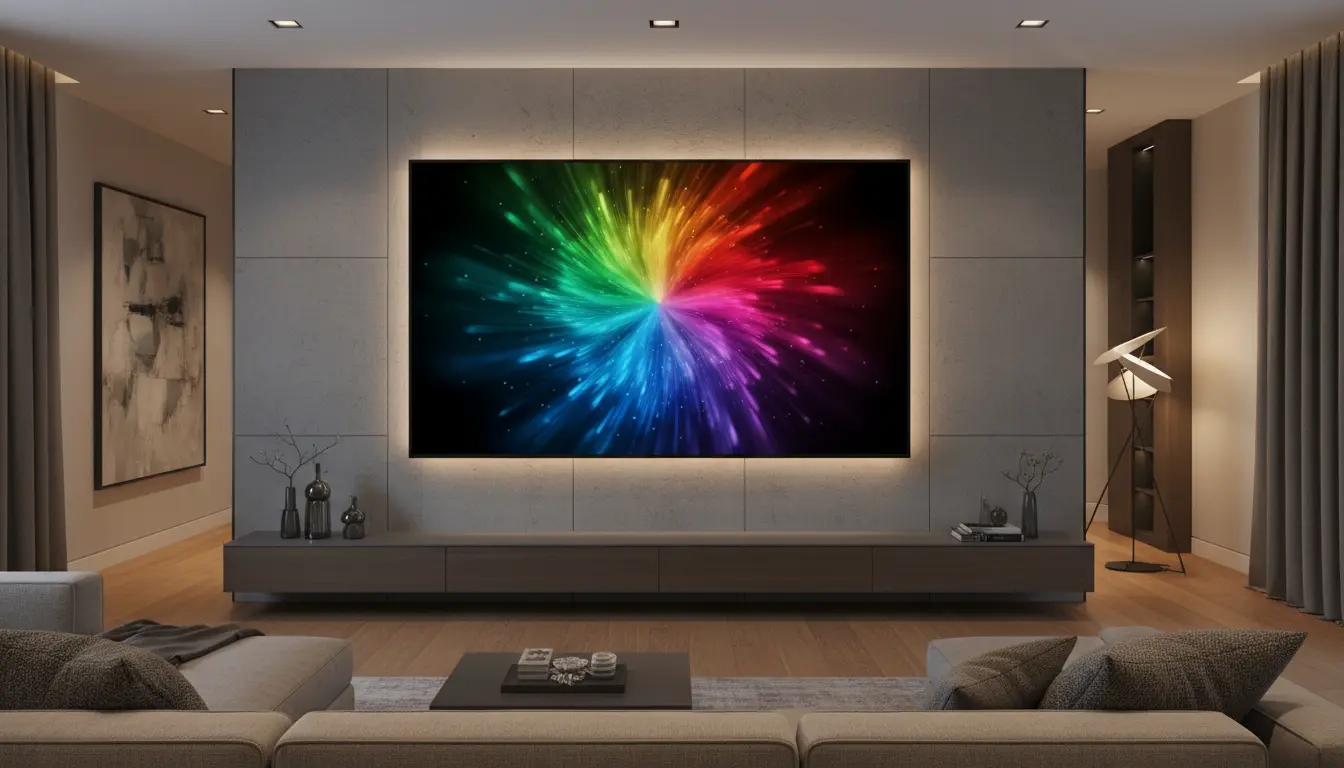
Choosing a new TV today is more confusing than ever. Among all the display types, QLED TVs stand out for their bright images, vivid colors, and excellent performance in bright rooms. If you care about wide color gamut, HDR movies, sports, and gaming, a good QLED TV can transform your viewing experience.
In this guide, you’ll learn what makes QLED special, how wide color gamut actually works, and which features to prioritize when picking the best QLED TV for your home.
What Is a QLED TV?
A QLED TV (Quantum Dot LED TV) is an LCD TV that uses a special quantum dot layer to enhance color and brightness. These microscopic nanoparticles glow at specific wavelengths when hit by light, producing very pure reds, greens, and blues.

In practice, this means:
- Brighter highlights compared to many OLED and standard LED models
- More saturated, accurate colors
- Better visibility in sunlit or brightly lit rooms
QLED does not replace LED; it enhances it. The quantum dot layer sits between the LED backlight and the LCD panel, improving color volume and efficiency.
Why Wide Color Gamut Matters
Modern content, especially 4K HDR movies and TV shows, is mastered using wider color spaces like DCI-P3 and Rec.2020. A wide color gamut (WCG) QLED TV can reproduce much more of these spaces than a conventional TV.
Benefits of a wide color gamut include:
- More realistic colors – natural skin tones, deeper greens, richer skies
- Greater depth and detail – subtle color shading in shadows and highlights
- Cinema-like experience at home – closer to what directors intended
Look for QLED TVs that claim:
- 90–100% coverage of the DCI-P3 color space
- Strong performance in HDR10, HDR10+, or Dolby Vision
These specs indicate that the TV can fully leverage the QLED panel’s potential.
Key Features to Look for in a QLED TV
When choosing among the best QLED TVs, do not rely only on marketing terms. Focus on measurable, practical features that actually impact picture quality.
1. Peak Brightness and Local Dimming
For impactful HDR, you need both brightness and contrast.
- Peak brightness: Aim for at least 600–800 nits for decent HDR, 1,000+ nits for premium performance.
- Full-array local dimming (FALD) or Mini-LED: Improves black levels and reduces blooming around bright objects.
QLEDs with Mini-LED backlighting deliver excellent brightness and more precise control over dark areas, making them ideal for HDR content and gaming.
2. Color Accuracy and Calibration
Wide color gamut is only valuable if colors are accurate.
- Check for Filmmaker Mode, Movie/Cinema Mode, or ISF picture modes.
- Many QLED TVs support basic or advanced calibration options, letting enthusiasts fine‑tune color temperature and gamma.
- Out-of-the-box color accuracy is often good on reputable brands, but calibration can bring it closer to reference quality.
3. Refresh Rate and Gaming Features
If you play games on Xbox, PlayStation, or PC, your QLED TV should support modern gaming features.
Look for:
- 120Hz native refresh rate for smoother motion
- HDMI 2.1 ports with 4K 120Hz, VRR (Variable Refresh Rate), and ALLM (Auto Low Latency Mode)
- Low input lag (preferably under 15 ms for 4K 60Hz)
These specs help avoid stutter, tearing, and delays, especially in fast-paced games.
4. Smart TV Ecosystem and Apps
Most QLED TVs are smart TVs, but their platforms differ.
Consider:
- Availability of key apps: Netflix, Prime Video, Disney+, YouTube, HBO Max, etc.
- Voice assistants such as Alexa, Google Assistant, or proprietary voice control
- Smooth, ad-light user interface and easy navigation
- Support for Apple AirPlay 2 or Cast if you stream from your phone or laptop
A good smart platform makes a big difference in everyday use.
5. Design, Build Quality, and Connectivity
The best QLED TVs combine performance with practical design:
- Thin bezels for an immersive picture
- Sturdy stand or VESA mount compatibility for wall mounting
- Multiple HDMI ports (at least 3–4), plus USB, optical audio out, and Ethernet
- Good cable management to keep your setup tidy
If you plan to use a soundbar or AVR, check for eARC (enhanced Audio Return Channel) to pass high‑quality audio formats.
QLED vs OLED: Which Is Better?
People often compare QLED vs OLED when shopping for a premium TV. Both have strengths and weaknesses, and the right choice depends on your usage.
QLED Advantages:
- Higher peak brightness – better for bright rooms
- Less risk of image retention or burn‑in
- Often more affordable at large screen sizes
- Excellent color volume and wide color gamut
OLED Advantages:
- Perfect black levels and near-infinite contrast
- Wide viewing angles
- Very fast pixel response for smooth motion
If you mainly watch TV in bright environments, love sports, and want a vibrant, punchy image, a high-quality QLED TV is often the better choice. For dark-room movie enthusiasts who crave deepest blacks, OLED might appeal more. Many users find QLED ideal when they need versatility and brightness without worrying about static UI elements.
How to Choose the Right QLED TV Size
Size matters just as much as panel technology. To get a cinematic feeling without eye strain, consider:
- Room size and viewing distance – For 4K, a common rule is that you can sit closer without seeing pixels.
- For a viewing distance of 2–2.5 meters, many users prefer 55 to 65 inches.
- For 3 meters or more, 75 inches or larger can be very immersive.
Always measure your space, including the TV stand or wall mount height, to ensure comfortable viewing angles.
Practical Tips for Getting the Most from Your QLED TV
Once you buy a QLED TV with a wide color gamut, you can optimize its performance with a few simple steps:
- Use the correct picture mode
Select Movie, Cinema, or Filmmaker Mode instead of Vivid or Dynamic. This ensures more accurate colors and balanced brightness. - Enable HDR and gaming features
Make sure HDR is enabled on HDMI ports used by game consoles or streaming devices. Turn on Game Mode or Game Optimizer for lower latency. - Adjust local dimming and contrast settings
Set local dimming to medium or high for deeper blacks while monitoring for blooming. Avoid maxing out sharpness to prevent artificial outlines. - Update firmware regularly
Manufacturers often improve performance, fix bugs, and add apps through software updates. Enable automatic updates or check manually every few months. - Calibrate if needed
For enthusiasts, a basic calibration or even a guided online setup can refine white balance and color tone, boosting perceived picture quality and realism.
Recommended QLED TV on Amazon
If you want a strong all‑rounder that delivers wide color gamut, high brightness, and excellent gaming support, consider:
Samsung QN90C Neo QLED 4K TV (example model on Amazon.com)
This QLED model typically offers:
- Mini‑LED backlighting for high peak brightness and strong contrast
- Near 100% coverage of the DCI‑P3 color space for vivid, accurate colors
- 4K 120Hz, HDMI 2.1, VRR, and low input lag for next‑gen gaming
- Robust smart platform with major streaming apps and voice assistants
Always double-check the latest model year and size options on Amazon.com to match your budget and room.