
Lightweight and Powerful Tablets for Field Journalists: A Complete Guide
In fast‑paced news environments, field journalists need tools that are as mobile and resilient as they are. Lugging around a heavy laptop or relying on a fragile smartphone can slow down reporting, reduce productivity, and even jeopardize important stories. That’s why lightweight and powerful tablets for field journalists have become essential gear in modern newsrooms.
This guide explains what makes a tablet suitable for professional reporting in the field, which specs really matter, how to choose the right model for your workflow, and a concrete product suggestion you can start with today.
Why Field Journalists Need Lightweight and Powerful Tablets
When you report from the street, a disaster zone, or a press conference, every second counts. A tablet that boots quickly, runs multiple apps, and lasts all day can make the difference between breaking the story and missing it.
A lightweight tablet has several advantages:
- Mobility: You can carry it all day without fatigue, even when combined with cameras and audio gear.
- Discreet reporting: Tablets are less intrusive than laptops in sensitive environments, helping you blend in while capturing notes, photos, and videos.
- Versatility: With the right apps, a single device can handle writing, editing, audio recording, video capture, and quick publishing.
At the same time, a tablet for journalists must be powerful enough to handle demanding tasks:
- Editing high‑resolution photos on deadline
- Trimming and exporting short video clips for social media
- Running secure communication tools and VPNs
- Managing cloud‑based content management systems (CMS)
Balancing low weight with strong performance is the core challenge, and modern tablets are finally delivering that combination.
Key Hardware Features to Look For
1. Processor and Performance
Field journalists often multitask: recording audio while taking notes, switching between messaging apps and CMS dashboards, or quickly editing media before upload. Look for:
- Modern multi‑core processors (e.g., Apple M‑series, Qualcomm Snapdragon, or equivalent high‑end chips)
- Enough power to run professional photo and video apps without lag
- Smooth performance when running several apps side by side
A powerful processor ensures your tablet doesn’t freeze when you have to file a story minutes before deadline.
2. RAM and Storage
For serious reporting, minimum specs should include:
- At least 6–8 GB of RAM to keep multiple apps active and responsive
- 128 GB or more of internal storage, especially if you shoot video or high‑res images
- Support for external storage (microSD or fast external SSDs) if your workflow includes a lot of multimedia
This combination reduces slowdowns and gives you enough headroom for large files on the go.
3. Display Quality and Brightness
Field journalism happens in unpredictable lighting: bright sun, dim conference rooms, or late‑night scenes. A tablet screen should offer:
- High brightness (ideally 500 nits or more) for outdoor readability
- Full HD or higher resolution for clear text and accurate photo review
- Durable glass and, ideally, scratch‑resistant coatings
A good display helps you quickly evaluate photos, double‑check your text, and review recorded footage without straining your eyes.
4. Battery Life and Charging
Long days in the field often mean hours without access to power outlets. Prioritize:
- At least 8–10 hours of real‑world battery life under mixed use
- Fast charging support via USB‑C, so short breaks still add useful battery time
- Optional power‑saving modes or low‑power chips that extend runtime
Carrying a compact power bank that supports fast charging can be a valuable part of your kit.
5. Connectivity: Staying Online Everywhere
Instant publishing is part of modern journalism. To stay connected:
- Prefer tablets with 4G LTE or 5G support, not just Wi‑Fi
- Ensure compatibility with your region’s carriers and bands
- Check for Wi‑Fi 6 for faster and more stable connections in crowded environments
- Look for Bluetooth 5.0 or higher for connecting wireless keyboards, microphones, and headphones
Reliable connectivity means you can file stories, upload multimedia, and stay in touch with your editors from almost anywhere.
Essential Software and Apps for Field Reporting
Hardware matters, but software turns your tablet into a true mobile newsroom.
1. Note‑Taking and Writing Tools
Choose note apps that sync across devices and support offline work. Features to prioritize:
- Rich text formatting
- Offline drafts and autosave
- Easy export to your newsroom’s CMS
Many journalists combine a word processor with a secure cloud drive to keep work backed up and accessible.
2. Photo and Video Editing Apps
A field‑ready tablet should run:
- Photo editing apps that handle RAW files, basic color correction, and cropping
- Video editing apps for cutting clips, adding captions, and optimizing for social platforms
Lightweight editing workflows help you push polished content directly from the field without waiting to return to the office.
3. Secure Communication and Collaboration
Protecting sources and sensitive information is a core journalistic duty. Install:
- End‑to‑end encrypted messaging apps
- A reliable VPN for secure connections on public networks
- Collaboration tools (shared docs, task managers) approved by your newsroom
Security‑focused workflows are especially vital for investigative reporters and those working in high‑risk regions.
Durability and Portability in Real‑World Conditions
Field conditions can be tough: rain, dust, crowds, and constant motion. A tablet for on‑the‑go reporting should be built with this reality in mind.
- Use rugged or shock‑absorbing cases to protect against drops.
- Consider water‑resistant covers and screen protectors for outdoor work.
- Opt for a lightweight design that fits easily into a small shoulder bag or camera backpack.
Hands‑free options, like a cross‑body sling or harness, can keep your tablet accessible while you operate cameras or microphones.
Must‑Have Accessories for Journalists in the Field
To get the most from lightweight and powerful tablets for field journalists, add a few accessories to your kit:
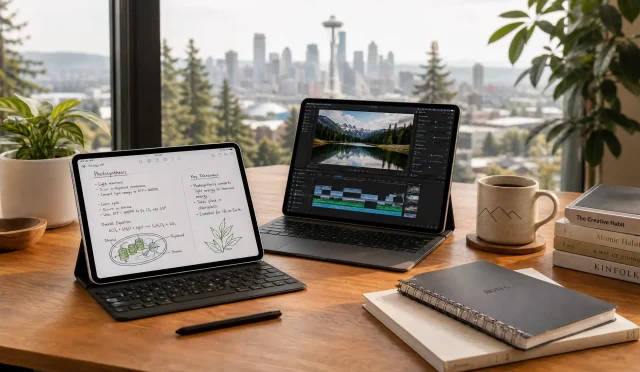
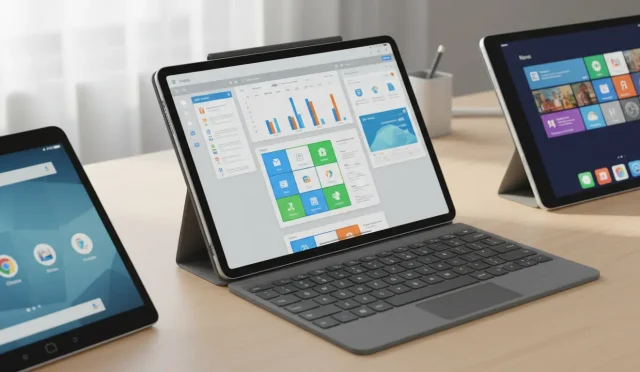
- Detachable or foldable keyboard: Transforms your tablet into a mini‑laptop for long writing sessions.
- Stylus or digital pen: Useful for quick markups, diagramming, or annotating documents on the spot.
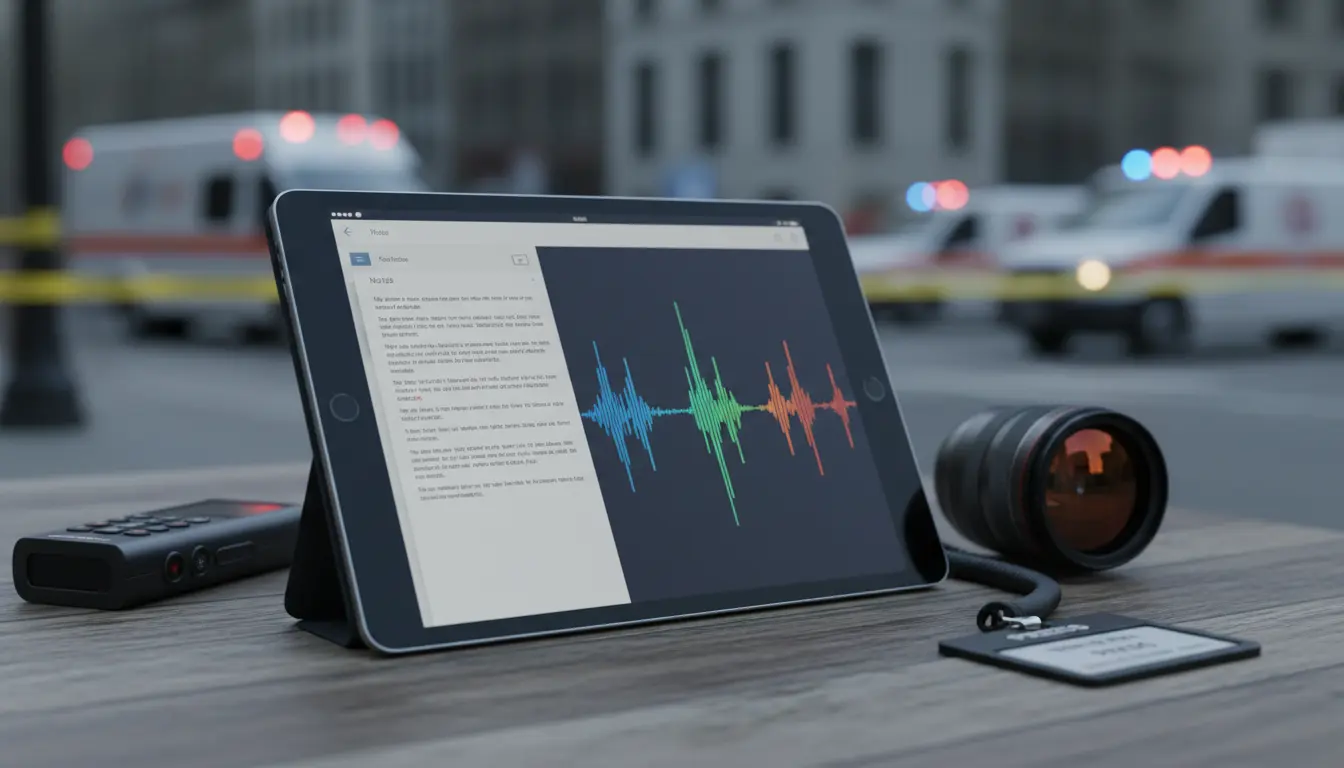
- External microphone or audio interface: Greatly improves sound quality for interviews and voiceovers.
- Power bank: Extends your working day when power outlets are unavailable.
- Compact tripod or stand: Stabilizes the tablet during video calls, recordings, or live hits.
A well‑chosen combination of accessories turns your tablet into a complete mobile workstation tailored to your journalistic style.
How to Choose the Right Tablet for Your Reporting Style
The “best” tablet depends on your typical assignments and workflow:
- If you produce video‑heavy stories, prioritize performance, storage, and strong GPU capabilities.
- If you mostly write and photograph, focus on keyboard comfort, display clarity, and battery life.
- If you work in remote or unstable regions, make connectivity, ruggedness, and long battery life your top priorities.
Before you buy, create a simple checklist of your needs:
How much video do you edit on the go? Do you work primarily indoors or outdoors? How long are your typical reporting days? Answering these questions will help you choose a device that supports you instead of slowing you down.
Recommended Tablet on Amazon for Field Journalists
One well‑balanced option on Amazon that many professionals consider is the Apple iPad Air (M3, 11‑inch) with Wi‑Fi + Cellular:
- Powerful M3 chip for smooth multitasking and media editing
- Lightweight and slim, ideal for all‑day carry
- Excellent high‑brightness display suitable for outdoor use
- Long battery life and a wide ecosystem of professional apps
- Compatible with Apple Pencil and various keyboard covers, making it a highly flexible tool for reporters
While exact availability and configurations can change, searching for “Apple iPad Air M2 Wi‑Fi + Cellular” on Amazon will surface current offers and accessories that fit different budgets and workflows.