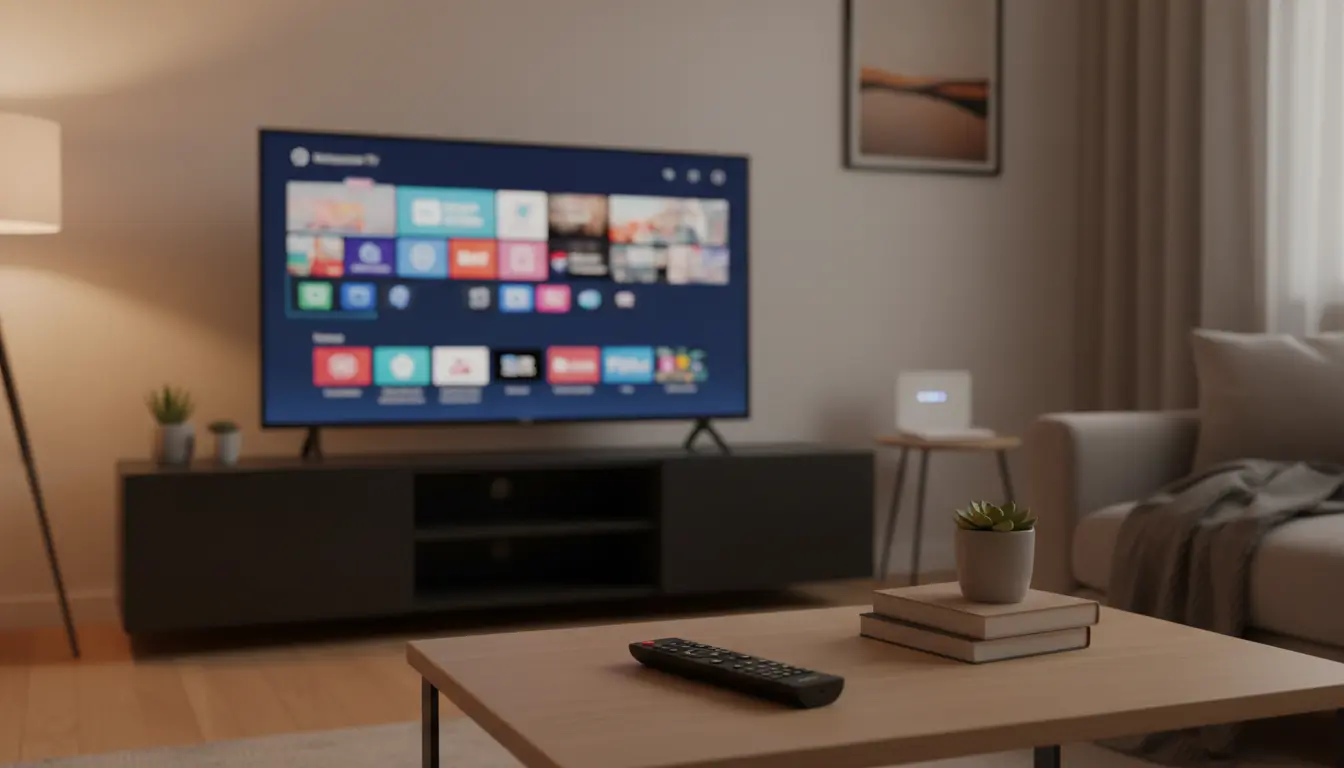

Affordable TVs with Pre-Installed Best Streaming Apps: A Practical Buyer’s Guide (2026)
Streaming has become the default way people watch movies, series, live sports, news, and even local channels. Because of that, many buyers don’t just want “a big screen”—they want a TV that feels like a ready-to-go entertainment hub the moment it’s plugged in. The best value usually comes from affordable smart TVs that already include major streaming apps, run smoothly, and keep updating for years.
In this guide, you’ll learn what “pre-installed streaming apps” really means, which TV platforms tend to deliver the smoothest experience on a budget, what specs actually matter for streaming quality, and how to pick a low-cost TV that won’t frustrate you after the first month.
1) What “Pre-Installed Streaming Apps” Should Mean (And What It Often Doesn’t)
When brands say “pre-installed apps,” they can mean different things:
- Truly built-in and ready: Netflix, YouTube, Prime Video, Disney+, and more already appear in the home screen, and you can sign in immediately.
- Available in the app store (not always preloaded): The TV supports the apps, but you must download them first. This is still fine—if the app store is strong.
- Region-limited availability: Some apps appear in one country but not another. If you travel or live in a region with varying app support, this matters.
- Outdated versions: Some cheap TVs ship with apps that feel slow or buggy because the TV has weak hardware or poor software support.
If “organic” usability matters, prioritize TVs known for stable updates and widely supported platforms. That’s the easiest way to avoid random app crashes, login issues, or missing features.
2) Best Smart TV Platforms for Streaming on a Budget
Affordable TVs can still deliver an excellent streaming experience if they run a reliable operating system. Here are the most common platforms you’ll see:
Google TV / Android TV
Google TV (and Android TV) typically offers:
- A huge app ecosystem
- Strong voice search
- Good compatibility with casting from phones
Best for people who want flexibility and lots of app options. Make sure the TV has enough RAM/storage so navigation stays smooth.
Roku TV
Roku is well-known for:
- Simple, fast menus
- A streaming-first design
- Wide app support
If you want “it just works” simplicity, Roku-based models are often the easiest for families.
Fire TV
Fire TV often shines with:
- A familiar interface for Amazon users
- Convenient Alexa voice control
- Seamless Prime Video integration
It’s a strong option if you already use Amazon services and devices.
Tizen (Samsung) / webOS (LG)
These are great, but usually appear on models that can cost more. You can still find deals, but the cheapest models may not always provide the best performance.
3) Key Specs That Actually Improve Streaming Quality
A low price doesn’t mean low quality—if you choose the right specs. For streaming, these matter most:
4K Resolution + HDR Support
For modern streaming services, 4K is the baseline sweet spot. Also look for:
- HDR10 as a minimum
- Dolby Vision if you want better dynamic range (not required, but nice)
If you watch a lot of Netflix or Disney+ originals, HDR makes a noticeable difference in highlights and shadow detail.
Dual-Band Wi‑Fi (or Ethernet)
Smooth streaming depends more on internet stability than raw TV power. Ideally, choose:
- Dual-band Wi‑Fi (2.4GHz + 5GHz), or
- An Ethernet port for the most stable playback
This reduces buffering, especially in busy households.
Decent Processor / RAM (Real-World Impact)
Budget TVs can feel slow if hardware is too weak. Signs of a smoother TV:
- Fast opening of apps
- Quick switching between apps
- No lag when typing passwords or searching
Even if brands don’t advertise RAM clearly, platform reputation helps. Roku often stays smooth on modest hardware, while Android/Google TV can need more resources.
HDMI Ports (At Least 3)
You may add a soundbar, console, or streaming stick later. More HDMI ports makes your setup future-proof.
4) Must-Have Streaming Apps to Check Before You Buy
Even if many apps come pre-installed, confirm the platform supports the ones you actually use. Most viewers need:
- Netflix
- YouTube
- Prime Video
- Disney+
- Apple TV (availability varies by platform and region)
- Spotify or music apps
- Local sports/news apps (highly region dependent)
If your household watches live content, check for:
- Live TV integration
- IPTV or broadcaster apps
- Built-in Chromecast or AirPlay support (depending on your phone ecosystem)
5) How to Avoid Common “Cheap Smart TV” Mistakes
Budget TVs can be excellent, but buyers often regret one of these issues:
Mistake A: Buying a “smart TV” with weak long-term updates
Some brands offer attractive hardware but poor software updates. Over time, apps stop updating and performance drops. Choose brands/platforms known for steady updates.
Mistake B: Ignoring sound quality
Many slim TVs sound thin. If you care about dialog clarity, plan for:
- A budget soundbar, or
- A TV with better built-in audio modes
You don’t need to overspend—just don’t expect cinema sound from ultra-thin panels.
Mistake C: Overpaying for “extra features” you won’t use
Avoid paying more just for buzzwords. For streaming, prioritize:
- Platform stability
- Wi‑Fi/Ethernet
- HDR + 4K
- App support
Everything else is optional.
6) Best Use Cases: Which Affordable TV Setup Fits You?
If you want the easiest experience for family members
Go for a Roku TV—the interface stays clean and less confusing.
If you love customizing and using many apps
Choose Google TV / Android TV, especially if you already use Google services.
If you are deep in the Amazon ecosystem
A Fire TV model keeps things integrated and convenient.
If you already own a console or plan to upgrade later
Even with a cheap TV, ensure:
- Low input lag (if possible)
- Enough HDMI ports
- Good HDR support
7) Buying Checklist (Quick and Practical)
Before checking out, confirm:
- 4K + HDR (HDR10 at minimum)
- Reliable smart platform (Google TV, Roku TV, or Fire TV)
- The streaming apps you actually use are supported in your region
- Dual-band Wi‑Fi or Ethernet
- At least 3 HDMI ports
- Reasonable warranty + reputable seller
This checklist helps you buy based on daily experience—not marketing labels.
Amazon.com Product Recommendation (1 Item)
TCL 55-inch Class 4-Series 4K UHD Smart Roku TV (55S455 / Roku TV line)
Why it’s a solid budget pick: Roku interface is simple and streaming-focused, 4K resolution is great for Netflix/YouTube, and TCL often delivers strong value in affordable segments.