
Photo Booth / Event Printers (Dye‑Sub): The Complete Guide for Fast, Professional On‑Site Prints
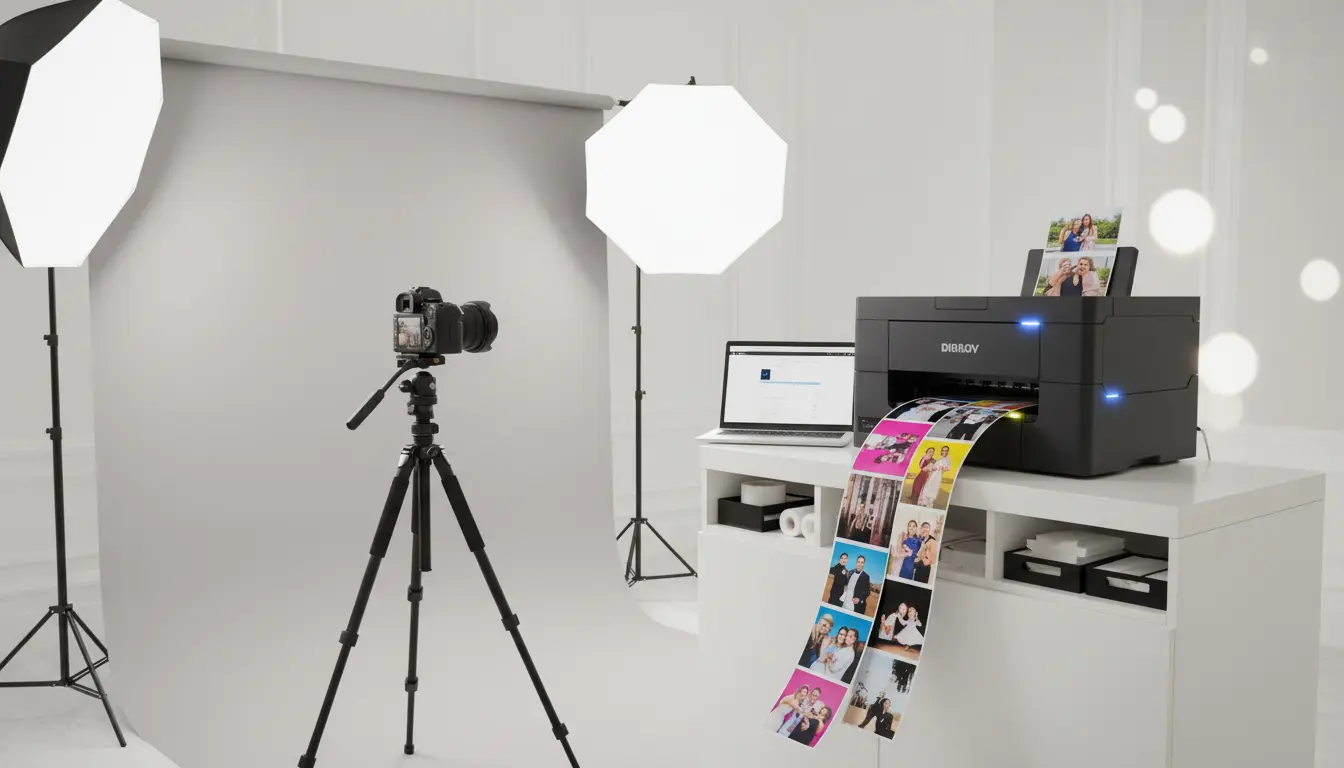
Photo booths have become a core attraction at weddings, corporate launches, festivals, brand activations, and private celebrations. People don’t just want a digital file anymore—they want a physical print they can hold, share, and take home immediately. That’s exactly where photo booth and event printers come in, especially dye‑sublimation (dye‑sub) printers, which dominate the event printing world for a reason: speed, consistency, and a polished, lab‑quality finish.
In this article, you’ll learn what dye‑sub event printers are, why they’re preferred for photo booth setups, what to look for when buying one, and how to optimize your workflow for reliable, high‑volume printing. If you run events, rent photo booths, or manage experiential marketing, you’ll also find practical tips that help you reduce downtime and keep guests happy.
Why Dye‑Sub Printers Are the Standard for Events
Dye‑sub technology uses heat to transfer dye onto paper (often through a ribbon system), creating smooth gradients and vibrant colors. Unlike some consumer inkjet solutions, dye‑sub printing is designed for repeatable results under pressure—exactly what you need when a line forms at your booth and people expect instant prints.
Event environments demand three things: predictability, speed, and durability. Dye‑sub printers deliver all three. They print fast, maintain consistent output over long sessions, and often include a protective overcoat that helps prints resist fingerprints, light splashes, and fading.
The Real Value: Instant Keepsakes and Brand Impact
For events, prints do more than satisfy guests—they extend the experience beyond the venue. A well-designed photo strip or 4×6 print becomes a mini billboard on fridges, office desks, and social feeds. This is why brands love on‑site printing: it produces a physical souvenir that keeps the logo, hashtag, or campaign message visible long after the event ends.
If you’re running photo booth services, your printer is not a “nice-to-have.” It’s a revenue engine. Faster printing means shorter queues, higher guest throughput, and a smoother overall experience. Reliable printing also reduces refunds, negative reviews, and last‑minute panic when the venue is packed.
Common Print Sizes and What They Mean for Your Setup
Most event workflows revolve around a few popular formats:
- 4×6 prints: The most common event giveaway. Great for portraits, branded frames, or sponsor overlays.
- 2×6 photo strips: A classic photo booth style. Many printers produce 4×6 and then cut into two strips.
- 5×7 or 6×8 (supported by some models): Useful for premium packages and VIP experiences.
Your choice affects costs, speed, and how your booth software formats templates. Always match your printer’s supported media sizes with your primary event offering. When you standardize formats, you reduce complexity and train your staff faster.
Key Buying Factors for a Photo Booth / Event Dye‑Sub Printer
Not every dye‑sub unit performs equally under event pressure. Here are the decision points that actually matter in real operations:
1) Print Speed Under Continuous Load
Manufacturers list print times, but you should think in “event reality”: continuous output for hours. A printer that handles sustained printing without thermal slowdowns helps you keep the booth flowing. Speed directly impacts guest satisfaction.
2) Media Capacity and Changeovers
In events, downtime is expensive. Larger media rolls mean fewer interruptions. Many event printers use “print kit” consumables—paper + ribbon matched to a specific yield. This simplifies inventory planning: you know exactly how many prints a kit should produce.
3) Color Consistency and Finish
Clients notice quality. Skin tones, contrast, and saturation need to look consistent across different lighting scenarios and throughout the night. Dye‑sub printers typically deliver a clean, professional finish—especially when you choose the right paper type (glossy or matte) and ensure your color workflow stays stable.
4) Connectivity and Compatibility
You want straightforward connectivity—usually USB, sometimes network options—paired with strong compatibility in your workflow. Event printing lives or dies by whether your photo booth software reliably talks to the printer. Before purchasing, confirm that your preferred software supports the model and that drivers are stable for your operating system.
5) Portability and Build Quality
Event gear gets transported constantly. A solid body, easy access for media loading, and a dependable cutter mechanism (if included) make a major difference. You’re not buying something that sits quietly in an office—you’re buying equipment that travels, works fast, and survives busy weekends.
Workflow Tips to Reduce Printing Problems at Events
Even the best printer can fail if your workflow is messy. Here’s what professionals do to keep things smooth:
Standardize Your Templates
Keep a consistent set of templates for each size (4×6, strips, etc.). When you standardize, you reduce operator mistakes and speed up setup.
Use a “Spare Kit” Rule
Always bring at least one extra media kit beyond your estimated usage. People often print more than expected, especially when guests reprint group photos.
Test Before the Crowd Arrives
Print a few samples on-site as part of your setup checklist. This catches alignment issues, cutting problems, and color surprises early.
Optimize the Booth Computer
Event printers rely on a stable system. Avoid unnecessary background apps, keep drivers updated (but not mid-event), and ensure you’re using quality USB cables and power management settings that prevent sleep mode interruptions.
Keep an Emergency Plan
Carry spare cables, a surge protector, and basic cleaning tools. Most “printer disasters” at events aren’t complex—they’re power issues, loose connections, or rushed media loading.
Dye‑Sub vs Inkjet for Event Printing (Practical Comparison)
Inkjet can produce stunning images, but in event contexts it often struggles with speed, smudging risk, and unpredictable consumable behavior. Dye‑sub printers shine because they’re purpose-built for fast, consistent output with minimal babysitting.
If your business model depends on high-volume printing—weddings, proms, conferences, mall activations—dye‑sub is typically the more dependable choice. It also makes your cost-per-print easier to forecast since kits often provide a defined print count.
How to Market Photo Booth Printing Services Organically
If you want real organic growth, you should align your offer with search intent and user needs:
- Highlight outcomes: “fast prints,” “lab-quality,” “smudge-resistant,” “on-site printing in minutes.”
- Create service pages by event type: wedding photo booth printing, corporate event printing, festival photo booth.
- Use location pages if you operate in specific cities.
- Showcase real prints and behind-the-scenes workflow: people trust what they can see.
- Build packages: standard (digital + prints), premium (larger prints, custom branding, reprints, guestbook station).
When you write content, keep it helpful and specific—exactly like a buyer or planner thinks. That’s the kind of content that ranks and converts.
Maintenance Basics (So Your Printer Keeps Earning Money)
Dye‑sub printers are relatively low-maintenance, but you should treat them like professional equipment:
- Store media properly (avoid humidity and extreme heat).
- Keep the printer clean, especially around rollers and the cutter area.
- Transport in a padded case when possible.
- Use consumables designed for your exact model to avoid jams or color issues.
A printer that prints perfectly once but fails at the busiest moment costs more than its purchase price. Reliability is your real ROI.
Amazon.com Product Recommendation (1 Item)
A widely used option in the event industry is the DNP DS620A Dye Sub Photo Printer, known for strong speed and consistent event output.