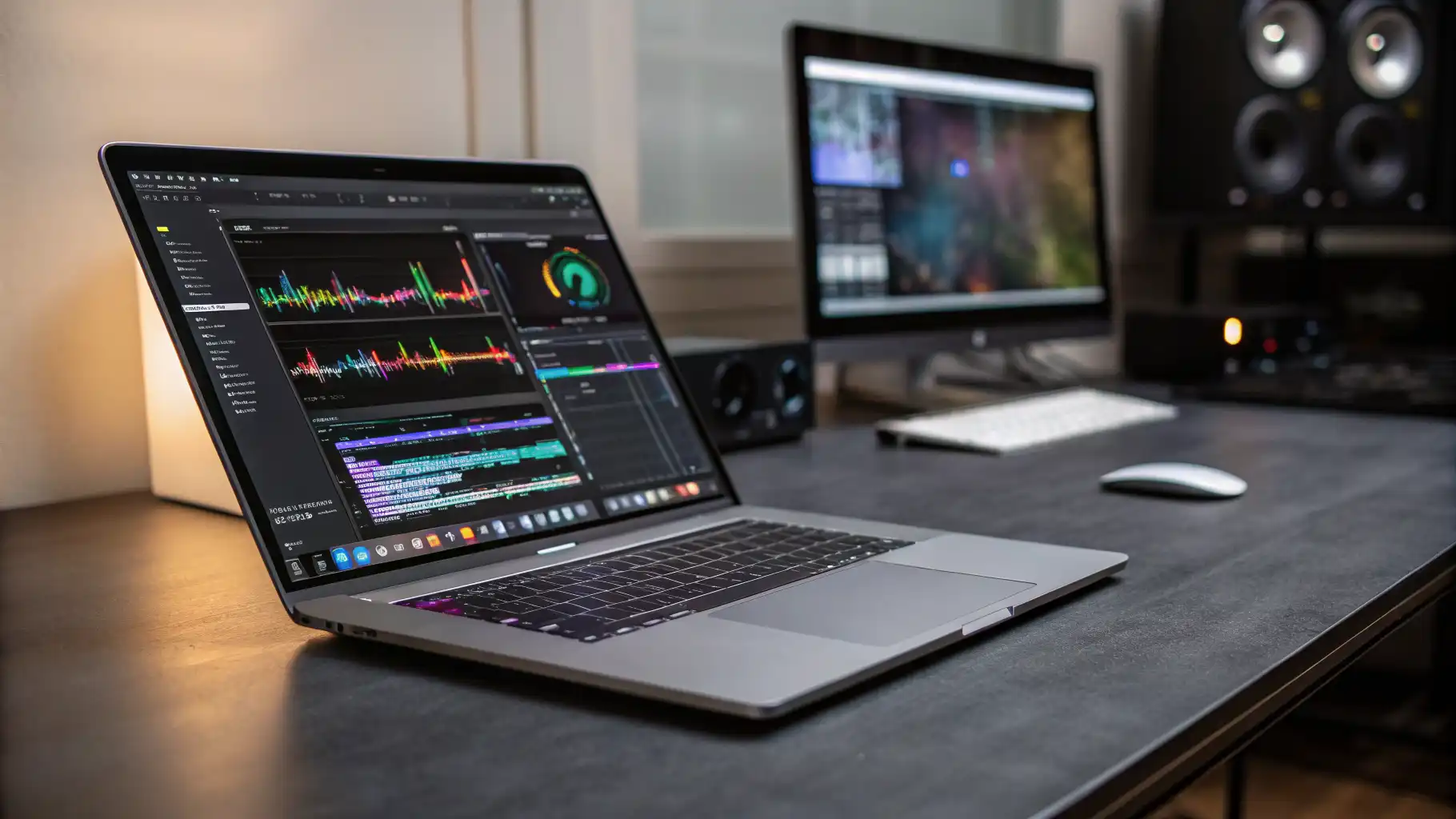

Best Laptops for Video Editing and 4K Rendering (2026 Picks)
Video editing has evolved into a demanding craft that requires powerful hardware, fast storage, and reliable performance. Whether you are a professional filmmaker, a YouTuber, or a content creator, choosing the best laptop for video editing and 4K rendering in 2026 can significantly impact your workflow and productivity. In this guide, we explore top features, performance factors, and the best options available today.
Why Choosing the Right Video Editing Laptop Matters
Editing 4K (and even 8K) footage requires a system that can handle high-resolution files, complex timelines, and rendering tasks without lag. A weak laptop will slow down your creative process, cause crashes, and increase export times. On the other hand, a well-optimized machine allows smooth playback, faster rendering, and seamless multitasking.
Modern video editing software like Adobe Premiere Pro, DaVinci Resolve, and Final Cut Pro relies heavily on GPU acceleration, fast SSD storage, and multi-core CPUs. Therefore, investing in the right laptop ensures you can work efficiently without interruptions.
Key Features to Look for in a Video Editing Laptop
1. Powerful Processor (CPU)
The CPU acts as the brain of your laptop. For video editing and 4K rendering, you should prioritize high-performance processors like Intel Core i7/i9 or Apple M3/M4 chips. More cores mean better multitasking and faster rendering.
2. High-End Graphics Card (GPU)
A dedicated GPU is essential for smooth playback and rendering. NVIDIA RTX 40-series GPUs or Apple’s integrated GPUs deliver excellent performance for professional editing tasks.
3. Ample RAM Capacity
At least 16GB RAM is the minimum requirement, but 32GB or more is ideal for heavy projects. More RAM allows smoother timeline scrubbing and faster processing of large video files.
4. Fast SSD Storage
Video files are large, so you need fast storage. NVMe SSDs provide high read/write speeds, reducing load times and improving workflow efficiency.
5. High-Resolution Display
A color-accurate display with at least 100% sRGB or DCI-P3 coverage is crucial. A 4K display enhances precision when editing high-resolution content.
6. Battery Life and Portability
If you work on the go, a laptop with long battery life and a lightweight design becomes essential.
Best Laptops for Video Editing in 2026
Apple MacBook Pro (M4 Pro / M4 Max)
Apple continues to dominate the creative industry with its MacBook Pro lineup. The M4 Pro and M4 Max chips deliver exceptional performance for 4K and even 8K editing. The Liquid Retina XDR display offers stunning color accuracy, making it ideal for professional editors.
Key advantages:
- Outstanding battery life
- Optimized for Final Cut Pro and DaVinci Resolve
- Silent and efficient performance
Dell XPS 16 (2026 Edition)
The Dell XPS series remains a top choice for Windows users. The XPS 16 combines a sleek design with powerful Intel processors and NVIDIA RTX GPUs.
Why it stands out:
- Premium build quality
- High-resolution OLED display
- Strong performance for Adobe Premiere Pro
ASUS ROG Zephyrus G16
Originally a gaming laptop, the Zephyrus G16 has become a favorite among video editors. Its powerful GPU and cooling system make it perfect for heavy rendering tasks.
Highlights:
- NVIDIA RTX 4070/4080 options
- Excellent thermal performance
- High refresh rate display
HP Spectre x360 16
For creators who prefer flexibility, the HP Spectre x360 offers a 2-in-1 design without compromising performance. It handles 4K editing efficiently while providing touchscreen functionality.
Key features:
- Convertible design
- OLED display
- Solid battery life
Lenovo Legion Pro 7i
This laptop offers desktop-level performance in a portable form factor. With high-end GPUs and strong CPUs, it excels in demanding video editing workflows.
Advantages:
- Excellent cooling system
- High performance under heavy load
- Competitive pricing
Windows vs macOS for Video Editing
Choosing between Windows and macOS depends on your workflow. MacBooks are optimized for creative software and offer better battery efficiency. Windows laptops provide more hardware customization and often better GPU performance for certain tasks.
If you use Final Cut Pro, macOS is the obvious choice. For Adobe Premiere Pro or Blender workflows, both platforms perform well, but Windows may offer more flexibility.
Tips to Optimize Laptop Performance for Editing
Even with the best laptop, optimization plays a crucial role:
- Use proxy files for smoother editing
- Keep your software updated
- Store projects on fast SSDs
- Close unnecessary background apps
- Use external cooling if needed
These steps ensure consistent performance during long editing sessions.
Future Trends in Video Editing Laptops
In 2026, we see major advancements in AI-assisted editing, GPU acceleration, and energy efficiency. Laptops are becoming more powerful while maintaining portability. Features like AI noise reduction, automatic color grading, and real-time rendering are now standard in high-end devices.
Additionally, cloud-based rendering and collaboration tools are gaining popularity, allowing editors to work from anywhere without relying solely on local hardware.
Final Thoughts
Choosing the best laptop for video editing and 4K rendering requires balancing performance, portability, and budget. Whether you prefer macOS or Windows, investing in a high-performance machine will save you time and enhance your creative output.
If you are a professional editor, prioritize CPU, GPU, and RAM. For casual creators, a mid-range laptop with solid specs will still deliver great results.
Amazon Product Recommendation
A highly recommended option currently available on Amazon is:
Apple MacBook Pro 16-inch (M4 Pro Chip, 32GB RAM, 1TB SSD)
It offers exceptional performance, long battery life, and industry-leading display quality, making it ideal for serious video editors.









