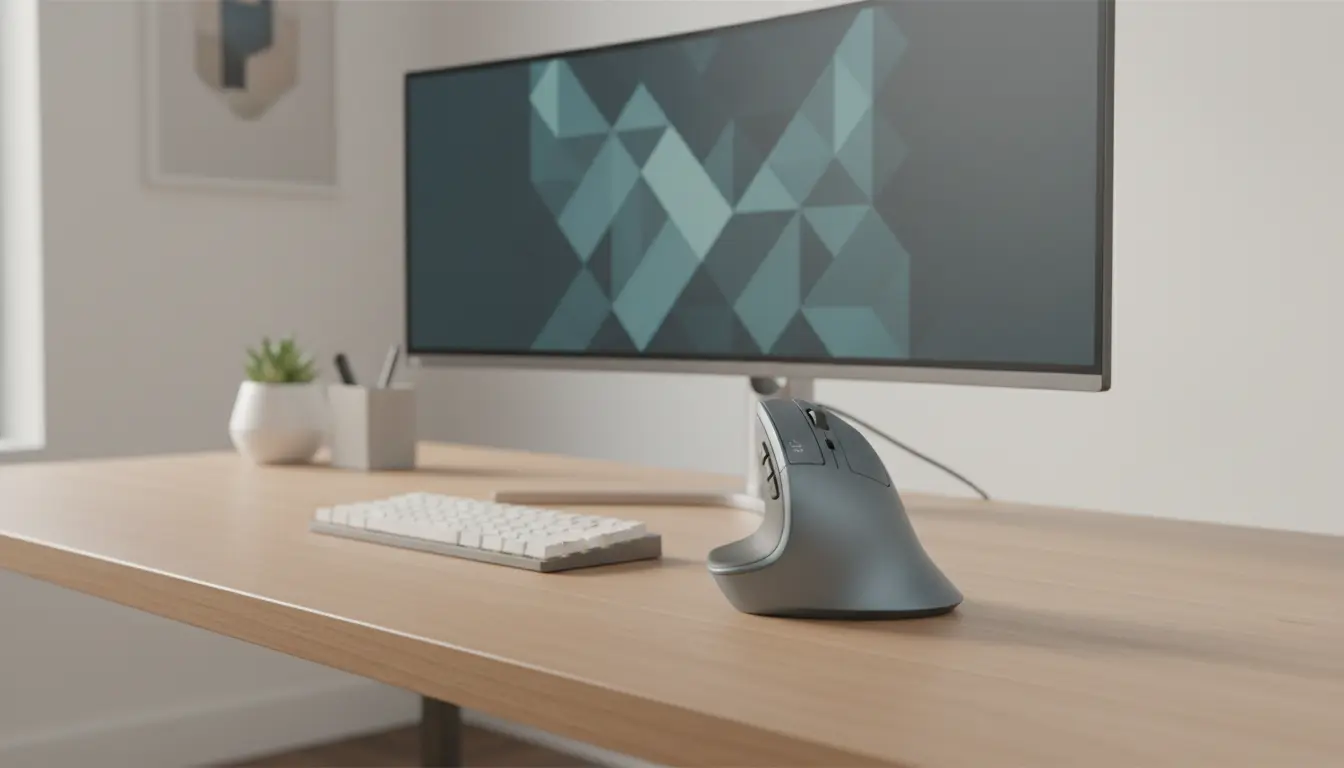

Best Vertical Mice for Ergonomic Comfort and Productivity
Modern work habits demand long hours at a desk, and traditional mice often strain the wrist and forearm. If you want to reduce discomfort and boost efficiency, a vertical mouse can be a game-changer. Designed to promote a natural handshake position, these devices help minimize pressure on your wrist and improve posture. In this guide, we explore the best vertical mice for ergonomic comfort and productivity, while helping you choose the right one for your needs.
Why Choose a Vertical Mouse?
A vertical mouse aligns your hand in a more natural position. Instead of twisting your wrist flat against a desk, your hand stays upright, which reduces muscle tension and repetitive strain.
Many users switch to vertical mice to prevent or relieve conditions like carpal tunnel syndrome or wrist pain. By improving hand positioning, these devices support long-term comfort and healthier work habits.


You also gain better control and precision once you adapt. While the design may feel unusual at first, most users adjust within a few days and experience noticeable improvements in productivity.
Key Benefits of Using a Vertical Mouse
Improved Ergonomics
Vertical mice are specifically built for ergonomic support. They reduce wrist pronation and encourage a more neutral arm posture, which can help prevent strain injuries.
Reduced Wrist Pain
If you experience discomfort during extended computer use, switching to an ergonomic mouse can significantly reduce pressure on sensitive joints and tendons.
Enhanced Productivity
Comfort directly impacts performance. When your hand feels relaxed, you can work longer without fatigue, improving both speed and accuracy.
Better Grip and Control
Many vertical mice include textured surfaces and contoured designs that provide a secure grip, enhancing precision for both work and gaming.
Features to Look for in the Best Vertical Mouse
Choosing the right vertical mouse depends on several factors. Here are the most important features to consider:
Adjustable DPI Settings
DPI (dots per inch) controls cursor sensitivity. Higher DPI allows faster movement, while lower DPI offers more precision. A good vertical mouse provides adjustable DPI for flexibility.
Wireless vs Wired
Wireless vertical mice offer more freedom and a clutter-free workspace. Wired options, however, provide consistent performance without battery concerns.
Button Customization
Programmable buttons can improve workflow efficiency. You can assign shortcuts for tasks like copy-paste, scrolling, or switching applications.
Size and Fit
Hand size matters. A mouse that is too large or too small can reduce comfort. Look for designs that match your hand dimensions.
Battery Life
For wireless models, long battery life ensures uninterrupted productivity. Rechargeable options are often more convenient than disposable batteries.
Top Vertical Mice for Ergonomic Comfort
1. Logitech MX Vertical
Logitech leads the ergonomic mouse market with the MX Vertical. It features a 57-degree angle that reduces muscle strain and supports natural wrist posture.
This mouse offers customizable buttons, adjustable DPI up to 4000, and seamless connectivity across multiple devices. It is ideal for professionals who prioritize comfort and performance.
2. Anker Ergonomic Vertical Mouse
Anker provides an affordable yet effective option. This vertical mouse includes optical tracking, multiple DPI settings, and a comfortable grip design.
While it lacks premium features, it delivers excellent value for everyday use and basic office tasks.
3. Evoluent VerticalMouse Series
Evoluent specializes in ergonomic design. Their vertical mice feature a patented shape that supports the hand without requiring a strong grip.
These models are particularly useful for users dealing with chronic wrist pain or repetitive strain injuries.
4. J-Tech Digital Scroll Endurance Mouse
This mouse stands out with its detachable palm rest, which adds extra support. It also includes adjustable sensitivity and durable construction for long-term use.
It is a great choice for users who want additional wrist support and customization.
How to Transition to a Vertical Mouse
Switching to a vertical mouse may feel awkward at first. However, you can adapt quickly by following a few simple steps:
- Start with short usage sessions and gradually increase duration
- Adjust your desk setup to maintain proper arm alignment
- Use a mouse pad with wrist support for added comfort
- Practice basic movements to build muscle memory
Within a week, most users feel comfortable and notice reduced strain.
Who Should Use a Vertical Mouse?
Vertical mice are ideal for:
- Office workers spending long hours on computers
- Designers and developers requiring precision control
- Gamers seeking ergonomic alternatives
- Individuals experiencing wrist or forearm pain
If you value long-term health and productivity, a vertical mouse is a smart investment.
Common Misconceptions About Vertical Mice
Some users hesitate to switch due to misconceptions. Let’s clear them up:
- They are not difficult to use. Adaptation takes only a few days
- They do not reduce performance. Many models enhance precision
- They are not only for people with pain. Anyone can benefit from better ergonomics
Understanding these points helps you make a confident decision.
Tips for Maximizing Ergonomic Benefits
To get the most from your vertical mouse, optimize your workspace:
- Keep your wrist straight and relaxed
- Position your mouse close to your keyboard
- Maintain proper chair height and posture
- Take regular breaks to avoid fatigue
Combining these habits with an ergonomic mouse creates a healthier work environment.
Conclusion
Vertical mice offer a powerful combination of comfort, health benefits, and productivity improvements. By reducing wrist strain and promoting natural hand positioning, they help you work more efficiently without discomfort.
Whether you choose a premium model like Logitech MX Vertical or a budget-friendly option like Anker, the key is finding a design that fits your hand and workflow. Once you make the switch, you will likely wonder why you didn’t do it sooner.
Amazon Product Recommendation
A highly recommended option is the Logitech MX Vertical Wireless Mouse available on Amazon.com. It combines advanced ergonomics, precision tracking, and customizable features, making it ideal for professionals and everyday users alike.









