
Galaxy S26 Ultra Privacy Display Brings Built-In Screen Protection for Side-Angle Viewing
The Galaxy S26 Ultra introduces a built-in Privacy Display feature designed to reduce screen visibility from side angles, giving users more control over how sensitive content appears in public spaces. The feature is available through the phone’s display settings and Quick Panel, with options for stronger protection, automatic activation, and notification privacy.
Galaxy S26 Ultra Privacy Display Adds On-Device Screen Privacy
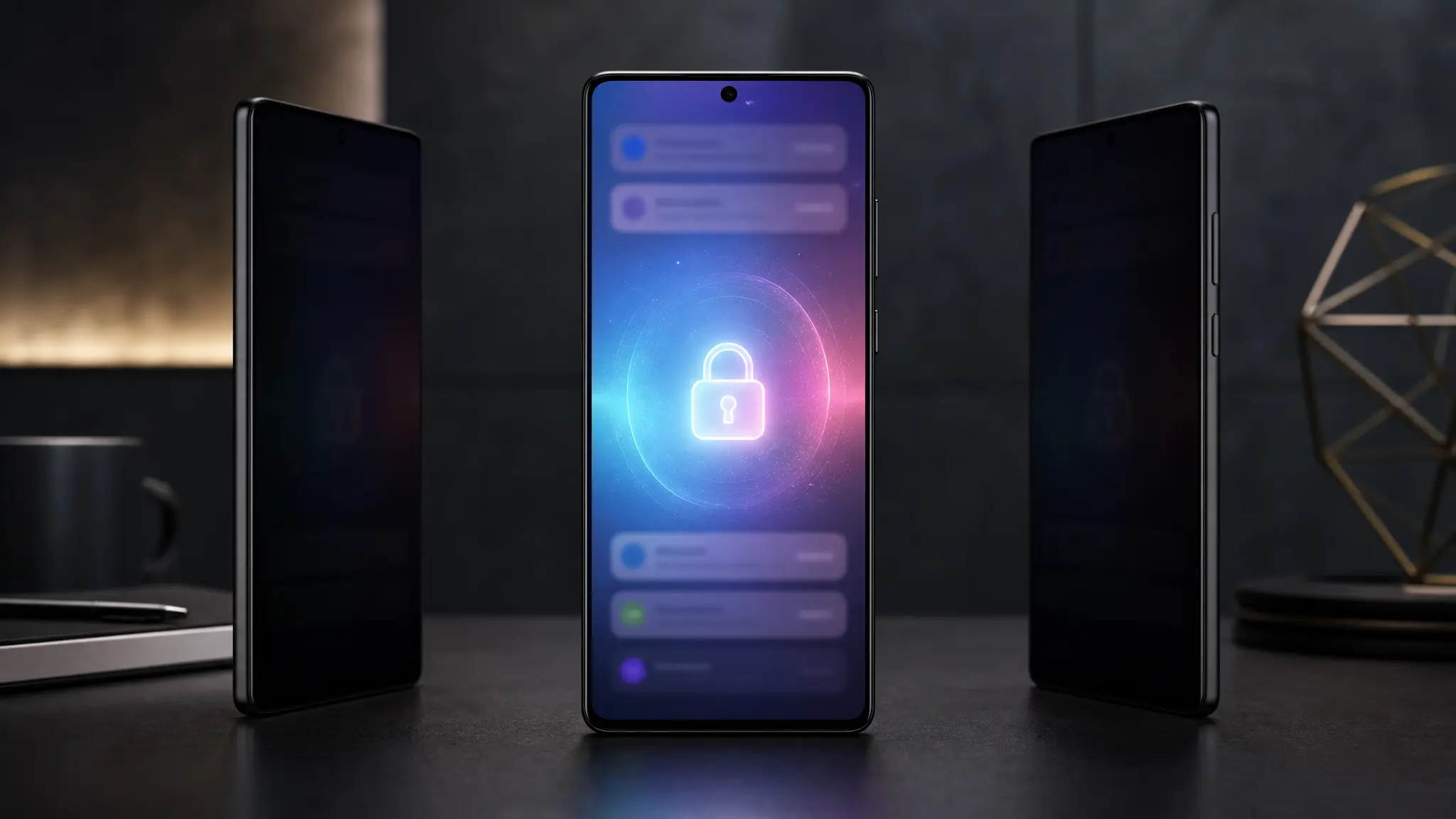
The Galaxy S26 Ultra Privacy Display is designed to make on-screen content harder to read when viewed from the side. The feature reduces visibility for people nearby while keeping the display readable for the person looking directly at the screen.
This built-in approach removes the need for a separate privacy screen protector for users who want additional protection in public places. It may be useful on public transport, in offices, at cafes, or in other crowded environments where screen content can be exposed.
Users can enable the feature by opening Settings, selecting Display, and then choosing Privacy Display. It can also be turned on from the Quick Panel by swiping down twice from the top of the screen and tapping the Privacy Display toggle.
Maximum Privacy Protection Strengthens Side-Angle Blocking
One of the main options in the Privacy Display menu is Maximum Privacy Protection. This mode increases the privacy effect and makes the screen more difficult to read from side angles than the standard mode.
The stronger setting is intended for situations where users need a higher level of privacy. These may include checking financial information, entering secure details, viewing private messages, or using apps that contain personal data.
When Maximum Privacy Protection is active, the screen remains easiest to view from a direct front-facing angle. People looking from the side are less likely to see clear text or images on the display.
Users can turn on this option from Settings > Display > Privacy Display. They can also long-press the Privacy Display toggle in the Quick Panel to access additional controls.
Automatic Activation Offers More Control
The Galaxy S26 Ultra also allows Privacy Display to activate automatically under selected conditions. This helps users avoid turning the feature on manually each time they want extra screen privacy.
Users can choose specific apps that trigger Privacy Display when opened. This can be useful for banking apps, messaging apps, email clients, photo galleries, or other apps that may show sensitive content.
The feature can also activate when users enter authentication information such as a PIN, pattern, or password. This helps protect login details from people who may be looking at the device from an angle.
These controls are available under Settings > Display > Privacy Display > Conditions for turning on. From there, users can select apps or enable the option for PINs, patterns, and passwords.
Notification-Only Privacy Protects Alerts
Another key option applies the privacy effect only to notification pop-ups. This setting is designed for users who want to keep incoming alerts private without changing the visibility of the entire display.
When notification-only privacy is enabled, message previews and alerts become harder to read from side angles. The rest of the screen remains unchanged, allowing users to continue viewing normal content without the full Privacy Display effect.
This option may help users who receive private messages, banking alerts, one-time passwords, or work notifications in public areas. It gives users a more targeted privacy setting instead of applying protection across the full screen.
The setting can be enabled from Settings > Display > Privacy Display > Conditions for turning on. Users can adjust it based on how much privacy they want for alerts and pop-ups.
Built-In Privacy Features Reflect Growing Security Needs
Smartphone users increasingly access banking services, work platforms, personal messages, and identity tools from their devices. As a result, screen privacy has become an important part of mobile security and daily device use.
The Galaxy S26 Ultra Privacy Display addresses this issue through software and display-level controls built into the phone. It gives users different ways to manage side-angle visibility depending on the situation.
While the standard mode offers general protection, Maximum Privacy Protection provides a stronger setting for sensitive moments. Automatic activation and notification-only privacy add flexibility for users who want privacy to apply only when needed.
Conclusion
The Galaxy S26 Ultra Privacy Display adds a built-in way to reduce screen visibility from side angles and protect sensitive information in public settings. Its main features include Maximum Privacy Protection, automatic activation for selected apps and authentication screens, and notification-only privacy for incoming alerts.
Together, these tools give users more control over how and when their display content is protected. The feature may be especially useful for people who often use their phones in shared spaces or handle private information on the go.
Relevant Amazon product: Spigen GlasTR EZ Fit Screen Protector for Samsung Galaxy phones