
Apple AirTag vs. Samsung Galaxy SmartTag2: The Best Tracker (2026 Buyer’s Guide)
Bluetooth trackers look simple, but your day-to-day results depend on three things: your phone, the crowdsourced tracking network behind the tag, and how easily you can locate an item when you’re already close. Apple AirTag and Samsung Galaxy SmartTag2 both deliver reliable “attach and forget” tracking, yet they shine in different ecosystems and scenarios.
If you want the best experience, start with an honest question: Do you live in Apple’s Find My world or Samsung’s SmartThings world? Your answer usually decides the winner before you compare specs.
Quick Overview: What These Trackers Actually Do
Both products work as a Bluetooth tracker that pings nearby phones in their respective networks. When your tag gets detected, the network updates its location so you can see it on a map. That means:

- They don’t behave like a true GPS device with constant live location.
- They work best in areas with plenty of compatible phones nearby.
- They help you find keys, wallets, luggage, and backpacks extremely well—especially in cities.
People often call them an “item finder,” and that’s exactly the right framing.
Ecosystem Fit: The Real Deciding Factor
AirTag: Built for iPhone and the Find My Network
AirTag integrates tightly with iOS using the Find My network. Pairing takes seconds, and the tag feels like a native Apple feature rather than a separate gadget.
If you carry an iPhone daily, AirTag usually delivers the smoothest “set it up once and forget it” experience. It’s also the most straightforward iPhone tracker tag option because Apple controls the full stack: hardware, software, and network behavior.
SmartTag2: Best for Samsung Users and SmartThings Find
Galaxy SmartTag2 focuses on Samsung’s ecosystem through SmartThings Find. If you use a recent Samsung Galaxy phone, SmartTag2 feels natural, fast, and well integrated. In practice, it’s the strongest Android tracker tag choice—as long as you specifically use Samsung, not just any Android device.
If you don’t use Samsung, SmartTag2 won’t make sense. You can’t rely on the full experience without the SmartThings ecosystem.
Finding Something Nearby: UWB and Precision Locating
When you know the item is nearby (home, office, hotel room), you want direction and distance—not just a vague beep.
AirTag and Precision Finding (UWB)
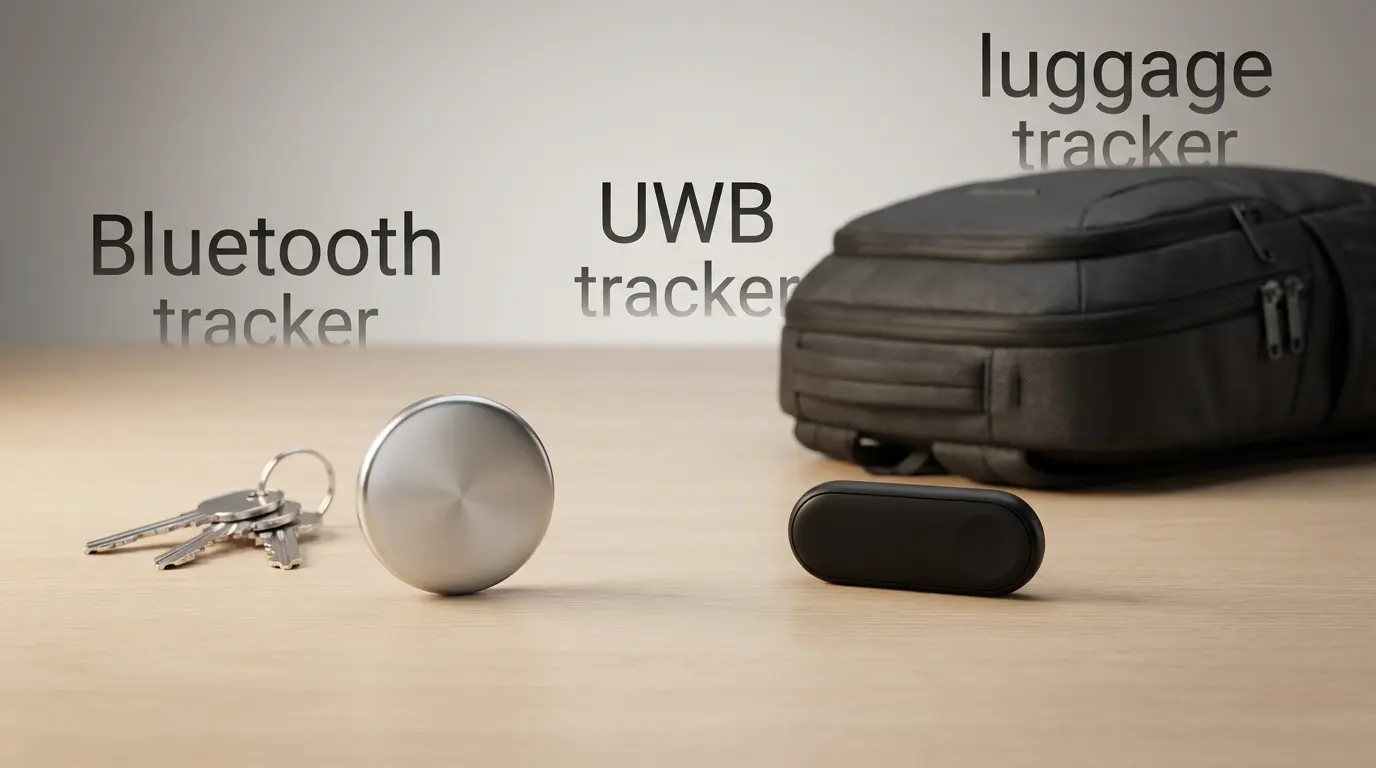
AirTag uses Ultra Wideband for Precision Finding on supported iPhones. This turns “I think it’s somewhere in this room” into “walk 3 meters forward and look under that cushion.” For many users, that feature alone makes AirTag feel premium as a UWB tracker.
SmartTag2 and Nearby Finding Tools (UWB)
SmartTag2 also supports UWB-based close-range guidance on compatible Samsung phones, and Samsung’s interface can feel very practical for quick searches. If you already own the right Galaxy model, SmartTag2 competes strongly in the “nearby” phase.
Bottom line: For in-room locating, both can feel excellent. Your phone model matters more than the tag.
Crowdsourced Network Strength: City vs. Rural Reality
These tags win when lots of compatible phones pass near your lost item.
- In many regions, Apple’s crowdsourced tracking network tends to be broad because iPhones are widespread.
- Samsung’s network can also be strong—especially where Galaxy phones dominate—but results vary more by location and device mix.
If your priority is “I left my bag in a taxi” or “my suitcase went to the wrong terminal,” network density can decide the outcome. This is where “best tracker” becomes personal and location-dependent.
Real-World Use Cases (Where Each One Shines)
Keys and Wallets
Both tags make an excellent key tracker. If you attach one to keys, you’ll appreciate the loud alert sound and the ability to locate it quickly from your phone.
For wallets, thickness and accessory options matter. AirTag’s ecosystem of holders is huge, but the shape sometimes forces bulk. SmartTag2’s design may fit certain keyrings more naturally.
Luggage and Travel
For frequent flyers, both are strong as a luggage tracker. You get peace of mind and a way to confirm where your bag last showed up.
A practical tip: add a clear contact message. Many users treat tags as a lost and found tool, not only a recovery tool. If someone discovers your item, your contact info speeds up returns.
Bags, Backpacks, and Daily Carry
If you often misplace a backpack in a café or office, either tag works well as a luggage tracker alternative for daily carry. The best value comes from consistent habits: put the tag in the same pocket every time so it stays protected and easy to hear.
Pets: Helpful, But Not a Full GPS Substitute
People use these tags as a pet tracker, and they can help in many situations—especially if a pet slips out in a neighborhood with plenty of phones around. Still, you should treat them as “recovery aids,” not continuous tracking. If you need real-time tracking in remote areas, a dedicated GPS collar can fit better.
Battery, Durability, and Maintenance
Both products keep maintenance simple with a replaceable CR2032 battery. That’s a big deal: you won’t throw the tag away when the battery dies.
- AirTag typically targets about a year in normal use.
- SmartTag2 often advertises longer life depending on settings and usage.
Both models usually carry an IP67 water resistant tracker rating, so they handle rain, splashes, and short accidental drops into water. Still, don’t treat them as dive gear—protect them in a snug holder if they’ll see rough use.
Privacy and Safety: Anti-Stalking Protections Matter
Trackers must balance usefulness with safety. Apple and Samsung both include anti-stalking features designed to reduce misuse. In everyday terms, they try to warn people if an unknown tag appears to be traveling with them.
You should still use trackers responsibly:
- Put them on your own belongings.
- Label them clearly.
- Avoid hiding them in a way that could alarm someone if discovered.
When you buy a tracker, you buy into the platform’s approach to privacy and alerts, so it’s worth reviewing how your phone handles unknown tags.
Sharing and Family Use
Many households want one tag set that multiple people can use. Apple and Samsung both support sharing in different ways, and the experience can vary based on OS version and device compatibility. If you expect shared access (family keys, shared car, shared luggage), confirm that your household devices support the sharing workflow smoothly.
Which One Is “The Best Tracker”?
Here’s a practical, honest way to decide:
- Choose Apple AirTag if you use iPhone daily and want the smoothest item finder experience, strong nearby guidance, and easy integration with Apple’s Find My.
- Choose Samsung Galaxy SmartTag2 if you use a compatible Samsung Galaxy phone and want a tag that feels built into your SmartThings environment with excellent day-to-day usability.
The “best tracker” is usually the one that matches your phone ecosystem. The wrong ecosystem turns a great product into a frustrating one.
Buying Tip: Don’t Ignore Accessories
A tracker’s usefulness depends on attachment. A loose tag that falls off helps nobody. Prioritize:
- A secure keyring holder for keys
- A slim holder for bags
- A durable, water-resistant case for outdoor use
Amazon.com Product Recommendation (1 Item)
Apple AirTag (4 Pack) — Great value if you plan to tag multiple items (keys, luggage, backpack) and you use iPhone.