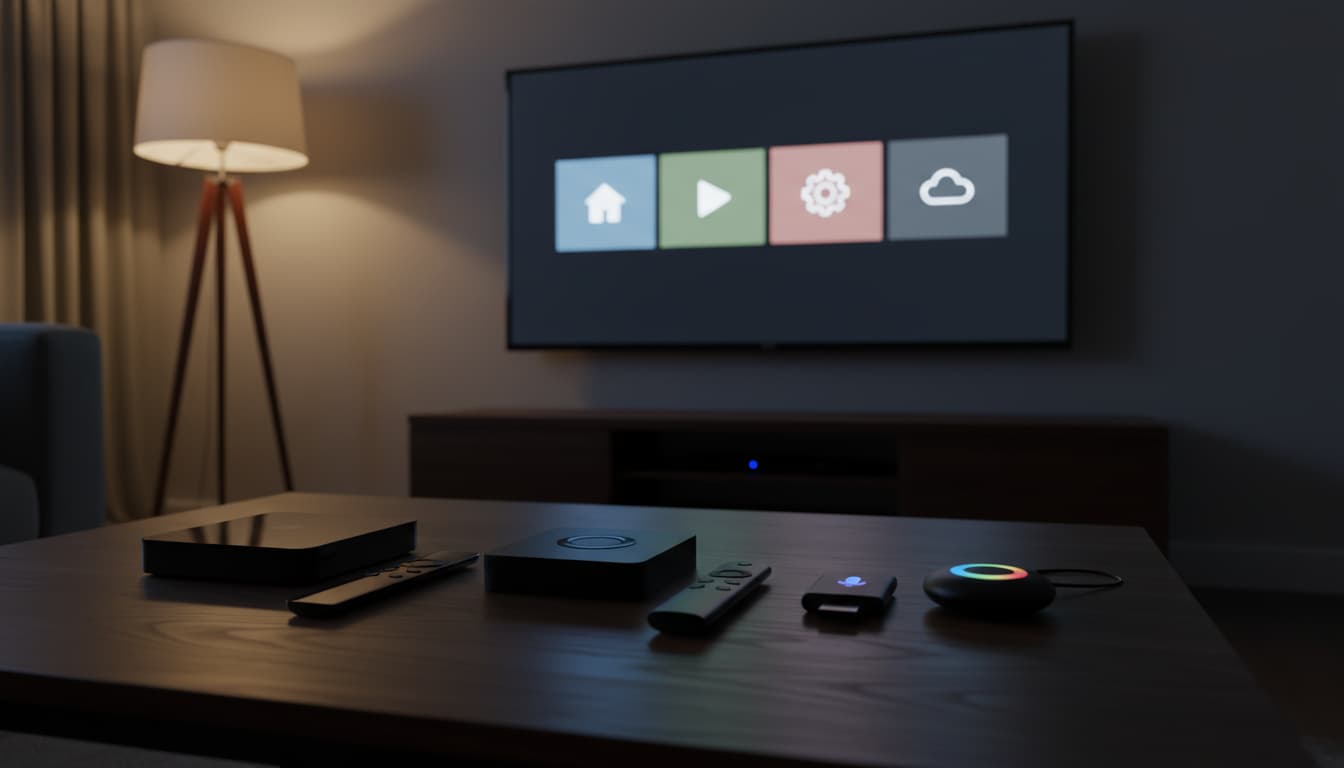

Choosing the right streaming device in 2025 can feel overwhelming. Apple TV, Roku, Fire TV, and Chromecast all deliver 4K streaming, voice search, and access to major apps—but they differ in ecosystem lock‑in, speed, interface, app breadth, gaming support, smart‑home integration, and long‑term reliability. This guide breaks down the strengths and weaknesses of each platform, helping you pick the best option for your budget, home setup, and preferences.
Quick Overview
- Apple TV (tvOS): Premium hardware and interface, best-in-class performance, top for Apple ecosystem and privacy; higher price.
- Roku (Roku OS): Most straightforward UI, widest app support, excellent value; fewer advanced smart-home and gaming features.
- Fire TV (Fire OS): Great value, deep Alexa integration, strong for Prime content; more ads and Amazon-centric experience.
- Chromecast with Google TV (Google TV): Affordable with strong Google Assistant and content recommendations; occasional performance hiccups on lower-end models.
Apple TV (tvOS): Premium Performance and Privacy
Apple TV 4K stands out for its fast A-series chip, fluid animations, and top-tier video/audio formats (Dolby Vision, HDR10+, Dolby Atmos). tvOS emphasizes clean design and privacy: limited ads, consistent updates, and robust parental controls. Siri on Apple TV is far smarter than earlier iterations, and the Siri Remote now offers better ergonomics and precise touch control.
Best for:
- Apple ecosystem households (iPhone, iPad, Mac, HomePod, AirPods).
- Users who value smooth UI, fast app switching, and minimal friction.
- HomeKit users: Apple TV acts as a home hub for secure automation and remote access.
- High-fidelity audio/video enthusiasts with Dolby Vision/Atmos setups.
- Light casual gaming via Apple Arcade with controller support.
Considerations:
- Higher price than rivals.
- Some niche apps may update features later than on Roku/Fire due to smaller market share.
Standout features:
- AirPlay 2 for effortless casting and screen mirroring from Apple devices.
- Fitness+ and Arcade integrations.
- Multi-user profiles with personalized recommendations.
- Private listening with AirPods auto-switching.
Roku: Simplicity, App Breadth, and Value
Roku remains the most approachable streaming platform. The grid-style home screen is uncluttered and fast across budget to premium devices. Roku’s app store (Channels) is vast and typically neutral across ecosystems. Voice search is capable, and the universal search often returns unbiased results across services.
Best for:
- Households that want the simplest, least opinionated interface.
- Budget-conscious buyers who still want 4K, HDR, and Dolby Atmos support on higher-tier models.
- Cord-cutters who care about channel breadth and easy input switching.
Considerations:
- Ad-supported screensavers and promoted content on the home screen.
- Limited deep integration with smart-home platforms outside of Roku’s own basics.
- Gaming and premium features are not a focus.
Standout features:
- Private listening via the Roku mobile app or headphone jack on select remotes.
- Excellent platform neutrality in search results.
- Broad hardware range: sticks, boxes, and TV sets with Roku built-in.
Fire TV: Alexa-Driven, Amazon-First Experience
Fire TV devices balance price and performance, with options from entry-level sticks to more capable 4K boxes. The interface heavily promotes Prime Video and Amazon services, which can be great if you’re invested in Amazon’s ecosystem. Alexa voice control is powerful for media, smart-home routines, and quick lookups.
Best for:
- Amazon Prime households who watch a lot of Prime Video.
- Users who rely on Alexa for smart-home control.
- Budget buyers who still want robust 4K HDR support.
Considerations:
- Ad-forward UI and frequent Amazon content promotions.
- Some users report slower navigation on entry-level hardware as libraries grow.
- App discovery can feel Amazon-centric.
Standout features:
- Deep Alexa integration: voice search, routines, smart-home dashboard.
- Side-loading support for advanced users.
- Strong smart-home tie-ins with Ring and other Alexa-compatible devices.
Chromecast with Google TV: Smart Recommendations and Assistant
Chromecast with Google TV adds a full interface on top of the classic “cast” experience. Google TV’s For You tab aggregates content across apps, making it easy to find what to watch. Google Assistant remains one of the best voice systems for natural queries and controlling Google/Nest smart homes.
Best for:
- Users who love Google Assistant and YouTube, or own Android phones.
- Households that appreciate aggregated, AI-driven recommendations.
- Casting fans who want both an interface and the simplicity of Chromecast.
Considerations:
- Lower-end models may stutter with heavy multitasking or large app libraries.
- Storage can be tight; consider models with more internal storage or use a USB-C hub on supported versions.
- Some apps may prioritize other platforms for new feature rollouts.
Standout features:
- Kid profiles and watchlist sync with Google services.
- Strong YouTube integration.
- Casting from Android and Chrome browsers is seamless.
Picture and Sound: What Actually Matters
All four platforms support 4K and HDR on modern models, but pay attention to:
- HDR formats: If your TV supports Dolby Vision, prefer Apple TV 4K, Fire TV 4K Max, Chromecast 4K, or Roku models with Dolby Vision. If you rely on HDR10+, check Fire TV and some Roku/Chromecast variants.
- Audio: Dolby Atmos is widely supported at the higher end, but real Atmos also depends on your receiver/soundbar and the app’s Atmos stream.
If your TV is mid-range or older, the device’s HDR format flexibility can make a noticeable difference in consistency.
Performance and Longevity
- Apple TV generally offers the fastest navigation, app loading, and the longest OS/update support cycle.
- Roku provides reliable performance for the price and tends to stay smooth due to a simpler UI.
- Fire TV performance varies with model; the latest “Max” or premium boxes are snappy.
- Chromecast with Google TV can run great on higher-spec versions; entry models may need occasional app management.
If you hate lag, consider stepping up one tier in each brand’s lineup.
Privacy and Ads
- Apple TV: Least advertising, strongest privacy stance, transparent permissions.
- Roku: Neutral with occasional ads and sponsored tiles; generally unobtrusive.
- Fire TV: Heavier promotions for Amazon content/services.
- Google TV: Personalized recommendations and some ads; privacy controls available but more data-driven.
If you want minimal marketing in your living room, Apple TV and Roku feel cleaner.
Gaming and Extras
- Apple TV: Apple Arcade library, good controller support, low input latency for casual titles.
- Fire TV: Cloud gaming options exist, but selection and performance vary.
- Google TV: Stadia is discontinued; some Android TV games remain for casual play.
- Roku: Not a gaming platform; focus remains on streaming.
For serious gaming, a console is still best; for casual couch gaming, Apple TV leads.
Smart-Home Integration
- Apple TV: HomeKit hub, Matter/Thread support on newer models, secure automations, great for Apple households.
- Fire TV: Strong Alexa smart-home control and routines; good with Ring doorbells and cameras.
- Google TV: Excellent Google Assistant control, Nest camera/doorbell integration.
- Roku: Basic smart-home features; not a hub replacement.
Pick the device that matches your voice assistant and smart devices.
Pricing and Value
- Best premium experience: Apple TV 4K.
- Best budget value: Roku Streaming Stick/Box or Fire TV Stick/4K.
- Best mid-range with strong smarts: Chromecast with Google TV 4K or Fire TV 4K Max.
If you own multiple TVs, mixing platforms can reduce app gaps and spread ecosystem strengths across rooms.
Verdict: How to Choose
- Choose Apple TV if you’re in the Apple ecosystem, want the smoothest UI, care about privacy, and value long-term support.
- Choose Roku if you want a simple, neutral interface with the broadest app support and great value.
- Choose Fire TV if you’re a Prime user and want deep Alexa integration at a low price.
- Choose Chromecast with Google TV if you prefer Google Assistant, rely on casting, and want smart aggregated recommendations.