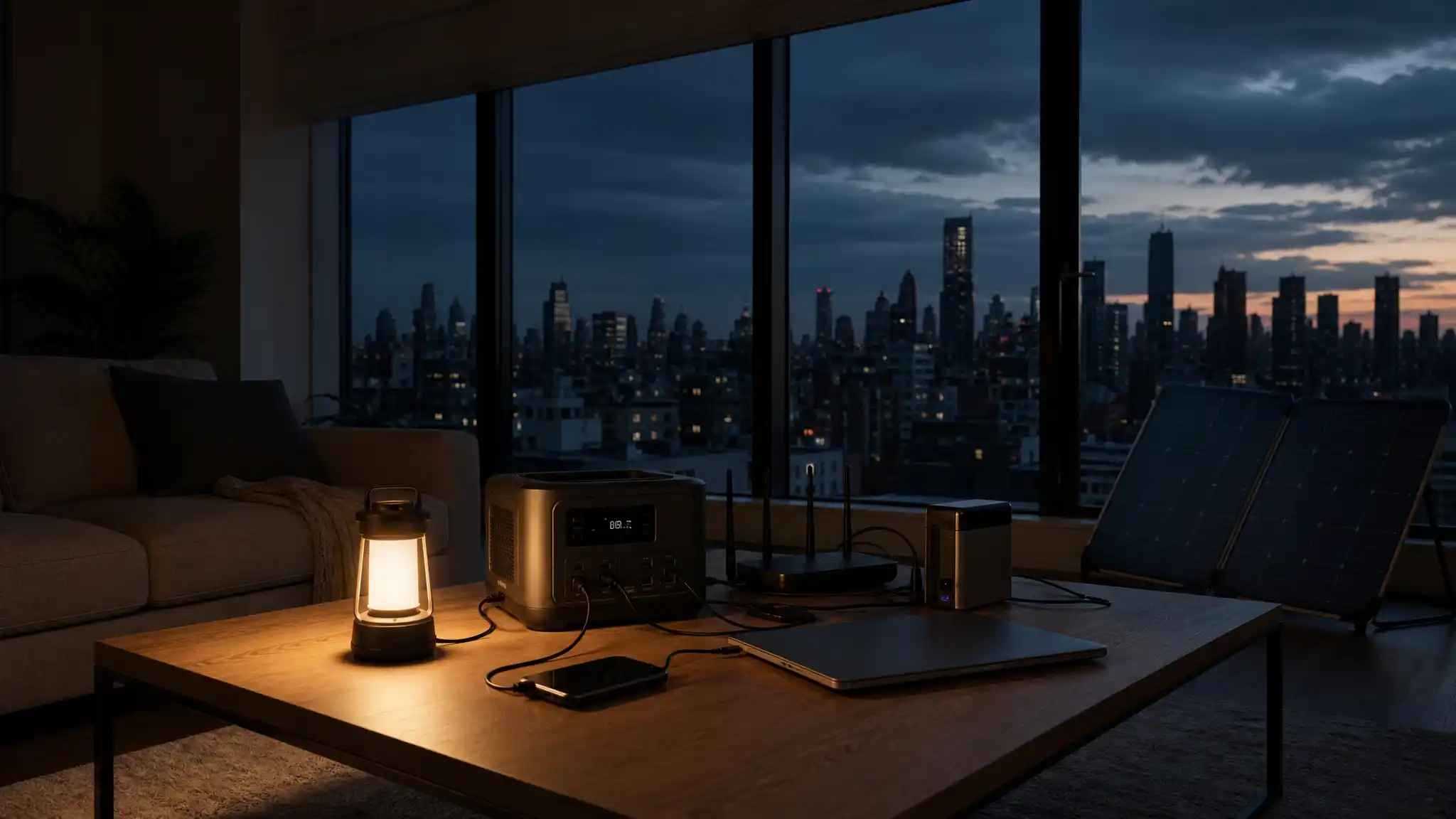

Best Backup Power Sources for New York Power Outages
New York power outages can interrupt remote work, spoil food, disable internet access, and turn a comfortable apartment into a stressful place within minutes. A practical backup plan does not need to power every appliance. It should protect the devices and systems that matter most to your household. The best approach starts with a realistic list: lighting, phones, a router, medical equipment, a refrigerator, or a small heating or cooling need. Once you define those priorities, you can choose a backup power source that fits your space, budget, and safety requirements.
Why New York Homes Need a Layered Backup Plan
An apartment resident may only need a portable power station for a modem, laptop, and lamps. A homeowner may want an emergency generator that supports a refrigerator, sump pump, or selected circuits. Rather than buying the largest unit available, build layers of protection. Keep small devices running with an uninterruptible power supply, rely on rechargeable lights for visibility, and add larger stored energy for longer interruptions.
Start with communications and safety, then add comfort items if capacity allows. A reliable home battery backup gives you quiet indoor power, while a fuel-powered option can cover heavier loads when installed and operated correctly.
Portable Power Stations for Apartments and Small Spaces
A portable power station is often the most flexible choice for New York residents who cannot install permanent equipment. These units store electricity in an internal battery and provide outlets, USB ports, and sometimes DC connections. They can recharge from a wall outlet, a vehicle, or compatible solar panels.
Before purchasing, compare battery capacity in watt-hours with the actual demand of your devices. A phone needs far less energy than a refrigerator or space heater. Check the continuous output rating as well as the battery size. A station with generous storage but limited output may not start a motor-driven appliance.
Solar Generator Setups for Extended Resilience
The phrase solar generator usually describes a battery power station paired with solar panels. This setup can restore some energy during a prolonged outage, provided panels receive usable sunlight.
Choose panels that match the station’s input limits, and place them where they receive safe, unobstructed light. Follow building rules and manufacturer instructions; never run cables through a window in a way that prevents it from closing securely. Solar charging works best as a supplement, not as your only emergency assumption. Charge the battery before severe weather, then use solar power to preserve it for communications, lighting, and other modest loads.
UPS Protection for Internet, Work, and Electronics
An uninterruptible power supply, commonly called a UPS, provides instant battery power when utility electricity drops. Its main advantage is continuity: a router stays online, a desktop computer has time to shut down, and a network device avoids an abrupt restart.
Select a UPS according to the wattage of the connected equipment, not only its outlet count. Plug in your modem, router, essential computer equipment, or a small network switch, then test the runtime. Avoid connecting high-draw appliances. Use surge protection where appropriate, but remember that a surge protector alone does not provide battery power. Replace the UPS battery as recommended by its manufacturer so the unit remains dependable.
Home Battery Backup for Essential Circuits
A home battery backup can support selected household circuits or, with a professionally designed system, broader home loads. This solution fits owners who want automatic operation and a cleaner alternative to routine generator use. The system can detect an outage and supply stored electricity to designated needs, depending on its design and capacity.
Professional planning matters. An electrician can identify critical circuits, evaluate panel capacity, and ensure that equipment complies with local requirements. Focus on essentials first: refrigeration, lighting, communications, selected outlets, and potentially a sump pump. A tailored system protects the services you value without paying for unnecessary capacity.
Choosing an Emergency Generator Safely
An emergency generator can deliver substantial power, but it demands strict safety practices. Never operate a portable generator indoors, in a garage, on a balcony, or near doors, windows, and vents. Carbon monoxide can build up quickly and create a lethal hazard. Place the unit outdoors, follow its manual, and use a carbon monoxide alarm inside the home.
For a home connection, use a properly installed transfer switch. It prevents dangerous backfeeding, which can endanger utility workers and damage equipment. Never connect a generator directly to a wall outlet. Store approved fuel safely and check it periodically. If noise, storage, building rules, or fuel handling makes a generator impractical, focus on battery systems and reduce the loads you expect to power.
Calculate Needs Before You Buy
Good emergency preparedness begins with a simple load plan. Write down each essential device, its rated watts, and the number of hours you expect to use it. Then choose equipment that can meet both the starting demand and the expected runtime. This step keeps marketing claims in perspective and reduces costly mistakes.
Maintain your system throughout the year. Tell household members where lights, chargers, and safety equipment are stored. A plan lets you respond quickly when the grid goes down.
Before relying on a backup source, perform a check. Confirm charging status, inspect outlet covers, and keep a list of your essential loads. Label the devices you will connect first. This simple routine turns equipment into a usable emergency resource rather than an untested purchase.
Amazon Product Recommendation
For a compact option focused on electronics, consider the APC UPS 600VA/330W Battery Backup for Computer, Router, NAS, BE600M1. Amazon lists it with battery backup, surge protection, and USB charging; review the listing, compatibility, and current availability before purchasing. It is most appropriate for low-power connectivity and computer equipment, not for refrigerators, heaters, or other large appliances.












