
Color laser printers remain a smart choice for home offices, small businesses, and creative professionals who need fast, consistent, and cost-effective color output. While inkjet printers often win on photo realism, color laser models excel at crisp graphics, sharp text, high page yields, and lower cost-per-page over time—especially if you print frequently. In this guide, you’ll learn how color laser printers work, what features matter most, how to choose the right model for your needs, and three excellent printer recommendations across different budgets and use cases.
How Color Laser Printers Work (And Why It Matters)
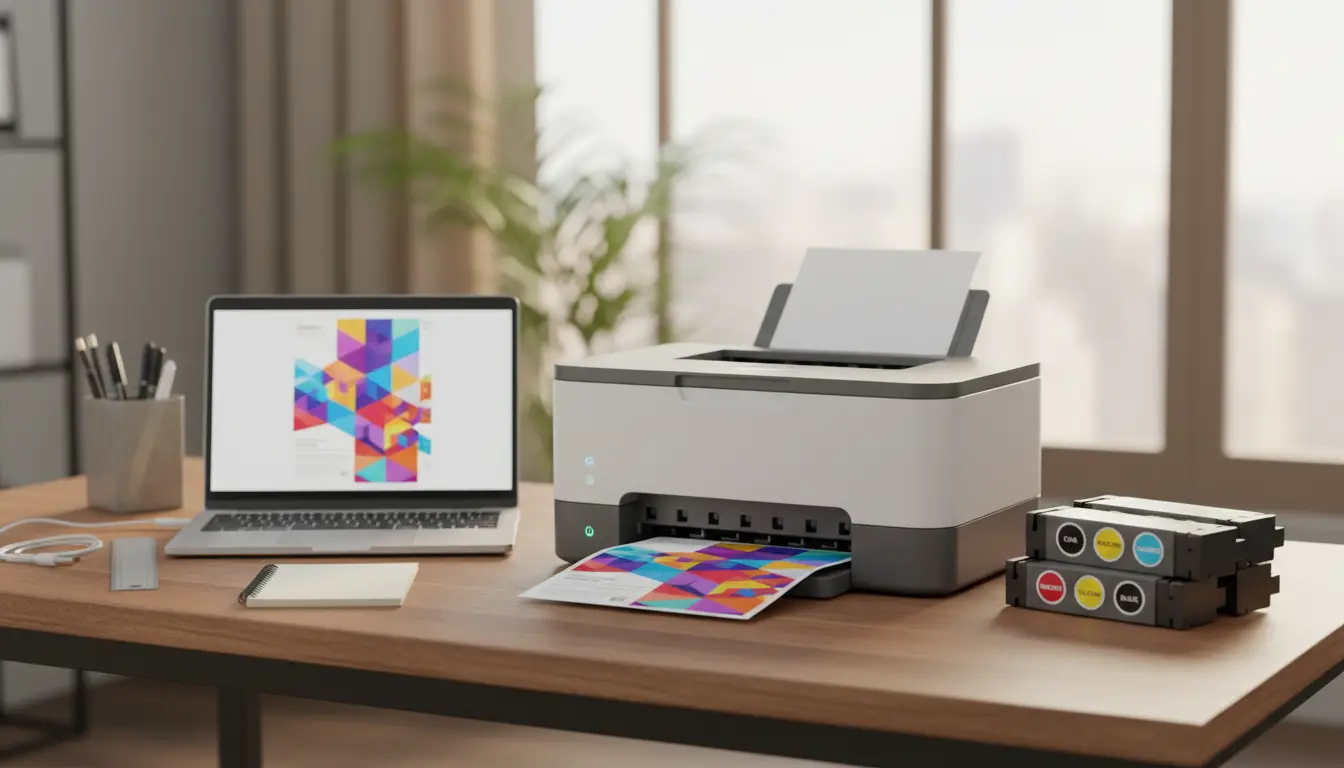
Color laser printers use toner powder (CMYK—cyan, magenta, yellow, black) and a laser/LED imaging system to fuse toner onto paper using heat and pressure. This process delivers:
- Consistent, smear‑resistant output ideal for reports, charts, and marketing materials.
- Faster print speeds than most inkjets, especially for text-heavy documents.
- Lower total cost of ownership for high-volume users, thanks to long-lasting toner cartridges and high-capacity drums.
If you need borderless, gallery-grade photo prints, an inkjet photo printer may be better. But for business documents, brochures, and everyday color prints with professional polish, a color laser is often the smarter investment.
Key Buying Factors for Color Laser Printers
- Print speed (PPM): Look for 20–35 ppm for small offices; 35+ ppm for busy workgroups. Color speeds can be lower than monochrome; check both ratings.
- Print resolution: 600 x 600 dpi is standard; “enhanced” modes can improve color gradients and fine lines. For marketing materials, higher effective resolution helps.
- Duty cycle and recommended monthly volume: Ensure the printer’s monthly recommended volume aligns with your real usage. Overdriving a device shortens lifespan.
- Paper handling: A 250–300 sheet main tray suits most home offices. Add-on trays (500+ sheets) help growing teams. Check support for card stock, labels, envelopes, and duplex printing.
- Connectivity: USB is standard; Ethernet and dual-band Wi‑Fi ensure flexible placement and sharing. Look for Wi‑Fi Direct, AirPrint, and Mopria for mobile printing.
- Total cost of ownership (TCO): Consider toner yields, drum/fuser maintenance, and price of high-yield cartridges. Cost-per-page (CPP) is critical in long-term budgeting.
- Security and management: For small businesses, features like secure print (PIN release), admin password control, and fleet management tools add value.
- Size and noise: Color lasers can be heavier and louder than inkjets. Measure your space and note warm-up noise profiles if you work in a quiet environment.
Who Should Choose a Color Laser Printer?
- Small business owners printing proposals, invoices, marketing flyers, and presentations.
- Home offices needing reliable, quick, smudge-free prints that look professional.
- Schools and nonprofits producing newsletters, certificates, and handouts.
- Creative teams printing proofs, drafts, and layout-heavy documents with charts and vector graphics.
If your printing is sporadic, a laser can also be more forgiving: toner doesn’t dry out like ink, so you won’t waste cartridges after a few idle weeks.
Essential Features Worth Paying For
- Automatic duplex printing: Cuts paper use and looks professional.
- Automatic document feeder (ADF): For scanning/copying multi-page documents on all-in-one (MFP) models.
- Touchscreen control panel: Speeds up setup, maintenance, and Wi‑Fi onboarding.
- High-yield toner option: Lowers CPP and reduces cartridge swaps.
- Cloud/mobile print: Native support for AirPrint, Mopria, and vendor cloud print apps.
The 3 Color Laser Printers We Recommend
Note: Availability and exact model numbers can vary by region; consider the closest in-series equivalents if needed.
- HP Color LaserJet Pro MFP M283fdw (All-in-One Best for Home Offices)
- Why it’s great: Balanced speed, strong color output for business docs, and an intuitive touchscreen in a compact footprint.
- Highlights:
- Functions: Print, scan, copy, fax
- Speed: Up to ~22 ppm black/color
- Connectivity: USB, Ethernet, dual-band Wi‑Fi, Wi‑Fi Direct; AirPrint and Mopria support
- Automatic duplex printing; 50-sheet ADF
- HP Smart app for easy mobile workflows
- Consider if you want professional color and reliable AIO features without taking up too much desk space.
- Brother HL-L8360CDW (Best for Small Teams Focused on Speed and CPP)
- Why it’s great: Excellent running costs with high-yield toner, robust paper handling, and speedy output—ideal for teams printing lots of color charts and reports.
- Highlights:
- Function: Single-function color laser printer
- Speed: Up to ~33 ppm
- Connectivity: USB, Ethernet, Wi‑Fi; mobile print support
- Large paper capacity with optional trays; enterprise-friendly management tools
- Strong reputation for reliability and low CPP with high-yield cartridges
- Consider if you print in higher volumes and want predictable, low-cost color output.
- Canon Color imageCLASS MF656Cdw (Balanced AIO With Strong Graphics)
- Why it’s great: Crisp text, vivid color for charts and marketing assets, plus fast scanning and a polished touchscreen interface.
- Highlights:
- Functions: Print, scan, copy, fax
- Speed: Around ~22 ppm
- Connectivity: USB, Ethernet, Wi‑Fi; AirPrint and Mopria
- Duplex printing and capable ADF
- Canon PRINT Business app for mobile workflows
- Consider if you need an all-in-one that consistently produces professional-looking color documents.
These three models collectively cover a wide range of needs—from solo professionals to small teams—offering dependable color, good management tools, and reasonable costs over time.
Cost-Per-Page and Toner Strategy
Toner is where long-term savings live. Always compare standard versus high-yield cartridges:
- High-yield toner typically reduces CPP significantly and minimizes downtime.
- Third-party toner may be cheaper but can compromise quality, void warranties, or trigger firmware warnings. For mission-critical work, OEM (original) toner is the safer choice.
- Track your print mix. If you print mostly black-and-white, consider a mono laser for bulk text plus an affordable color device for occasional color jobs.
Laser vs. Inkjet: Which Should You Buy?
- Get a color laser if you:
- Print frequently and want dependable, smudge-free documents.
- Need fast text/graphics output and professional color for brochures and charts.
- Prefer predictable costs with high-yield toner and no risk of dried ink.
- Get a color inkjet if you:
- Prioritize photo realism with continuous tones and borderless prints.
- Print infrequently but primarily photos or mixed media on specialty papers.
Many businesses run a hybrid setup: a mono laser for bulk text and a color laser for client-facing documents.
Setup, Maintenance, and Longevity Tips
- Place the printer on a stable surface with ventilation; fuser units get warm.
- Keep firmware updated for security and compatibility with mobile print standards.
- Calibrate color and run maintenance routines (as recommended) for consistent output.
- Store paper in a dry area to prevent curl or jams; use recommended paper weights.
- Monitor supplies via the printer’s dashboard or mobile app; order toner before it runs out to avoid downtime.
Sustainability and Energy Use
Color laser printers have improved energy efficiency with quicker warm-ups and low-power modes. Duplex printing and draft modes can reduce paper and toner usage. If sustainability is a priority, check:
- ENERGY STAR certification
- Recyclable toner cartridge programs
- Long-life drums/fusers to limit waste
The Bottom Line
The best color laser printer is the one that matches your volume, document type, and workflow. When space is limited and mobile printing is essential, the HP Color LaserJet Pro MFP M283fdw stands out as a versatile and user‑friendly option for home offices. For workgroups that handle high volumes and aim to keep printing costs low, the Brother HL-L8360CDW delivers impressive speed, efficiency, and consistent quality. Those seeking an all‑in‑one printer that balances vivid color output with productivity will find the Canon Color imageCLASS MF656Cdw to be a reliable and well‑rounded performer. Prioritize print speed, CPP, and connectivity that fit how and where you work, and you’ll get years of crisp, professional color output.