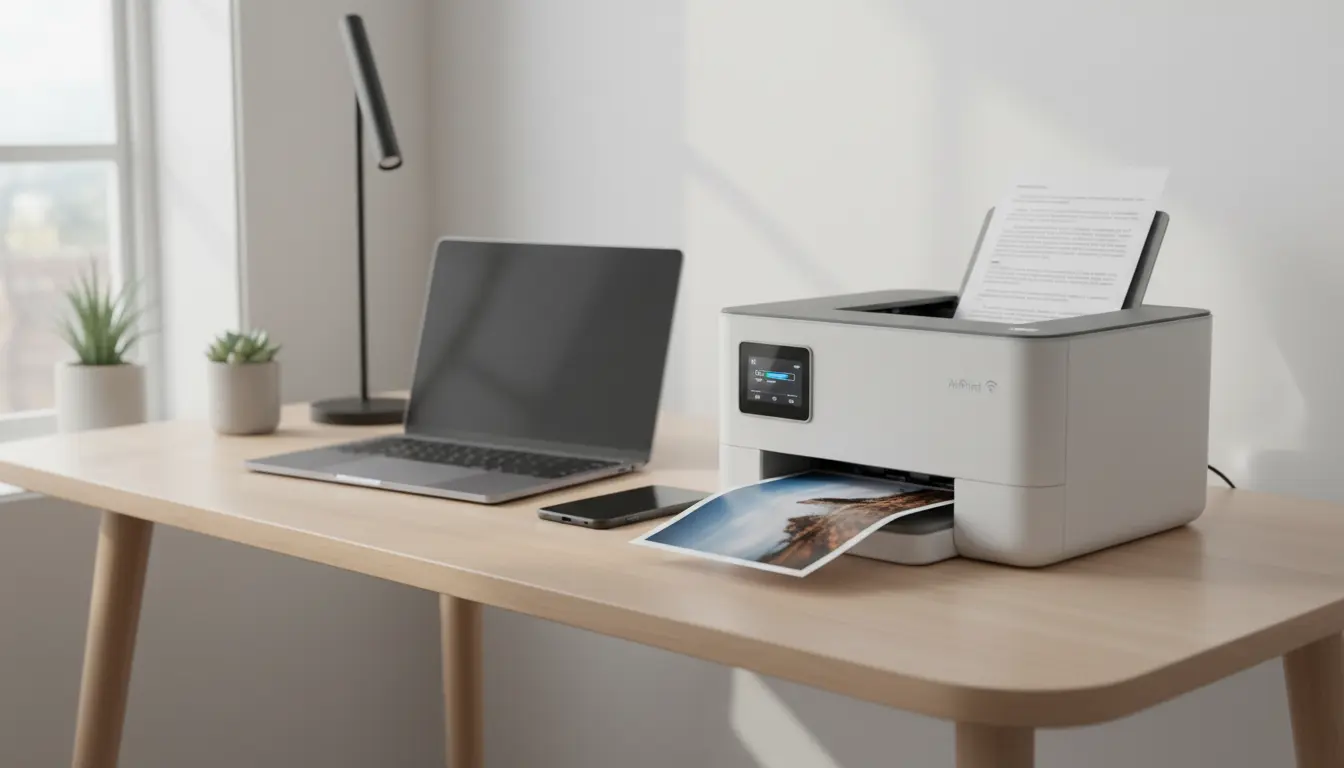

Best Apple AirPrint-Compatible Printers
Apple AirPrint has made wireless printing effortless for iPhone, iPad, and Mac users by eliminating the need for extra drivers or software. If you’re building a home office, upgrading a family printer, or outfitting a small business, choosing the right AirPrint-compatible printer can save you time, ink, and headaches. In this guide, we’ll explain what to look for, compare standout models across categories, and share practical tips to get the most from your AirPrint setup.
What Is AirPrint and Why It Matters
AirPrint is Apple’s native printing protocol that lets you print photos, emails, web pages, PDFs, and documents directly from iOS, iPadOS, and macOS devices. There’s no need to install vendor drivers—your device discovers the printer on the same Wi‑Fi network and prints instantly. For many users, this is the simplest way to maintain a driverless, consistent printing experience across Apple devices.
Key benefits:


- Instant compatibility with iPhone, iPad, and Mac
- No driver installation or updates
- Fast device discovery on the same network
- Reliable printing for photos and documents
How to Choose the Best AirPrint Printer
Consider these factors before you buy:
- Print type and quality: For text-heavy documents, a laser printer delivers crisp, fast pages. For photos and mixed media, an inkjet—especially one with dye-based color inks—offers better color depth and saturation.
- Cost per page: Beyond the upfront price, evaluate ongoing costs. Laser toner typically costs less per page for black-and-white. Ink tank systems (supertank) drastically reduce color printing costs versus traditional cartridges.
- Duty cycle and speed: Look for pages per minute (ppm) and recommended monthly duty cycle to match your usage volume. Home offices might be fine with 10–15 ppm; busy teams may need 20–30+ ppm and higher duty cycles.
- Duplex printing and scanning: Auto-duplex (double-sided) printing and ADF (automatic document feeder) scanning save time and paper—especially useful for multi-page documents.
- Connectivity: AirPrint is key, but Ethernet, dual-band Wi‑Fi, and USB can increase reliability. Some models also support Wi‑Fi Direct if you don’t have a router.
- Paper handling: Input capacity (e.g., 150–300 sheets), secondary trays for photo paper, and support for card stock or envelopes can be critical.
- Footprint and noise: Compact models suit small spaces; quiet modes are useful in shared environments.
Top Apple AirPrint-Compatible Printers by Category
- Best All-Around Home Inkjet: Epson EcoTank ET-2850 (or similar EcoTank model)
Why it stands out:
- Cartridge‑free ink tanks with ultra-low cost per page—ideal for families and students.
- Solid color accuracy for photos and school projects.
- Auto-duplex printing and a compact design for small desks.
Considerations: - Upfront price is higher than cartridge printers, but long-term savings are substantial.
- Print speeds are modest; not built for heavy office throughput.
Best for: Households printing a mix of homework, recipes, and occasional photos, with predictable low costs.
- Best Budget Inkjet for Students: Canon PIXMA TS6420/TS6420a
Why it stands out:
- Affordable price with reliable AirPrint support.
- Good photo output on glossy paper; sharp text for everyday tasks.
- Compact, stylish design with simple setup.
Considerations: - Standard cartridges can be pricey; consider XL carts to reduce cost per page.
- No ADF; not ideal for scanning multi-page documents.
Best for: Light-duty home and dorm use with occasional photo printing.
Other
- Best Photo-Centric Inkjet: Canon PIXMA TS8320/TS8350 Series
Why it stands out:
- Six-ink system that enhances color gamut and photo detail.
- Dedicated photo paper tray and a flatbed scanner for high-quality archiving.
- Excellent for crafting, photo projects, and vibrant graphics.
Considerations: - Ink costs can add up if you print lots of full-color photos.
- Not built for large document volumes.
Best for: Creatives and photo enthusiasts seeking better-than-average color and detail.
- Best Monochrome Laser for Home Office: Brother HL-L2350DW or HL-L2370DW
Why it stands out:
- Fast, crisp black‑and‑white prints with low running costs.
- Compact footprint, auto-duplex, and reliable paper handling.
- Rock-solid AirPrint compatibility and easy Wi‑Fi setup.
Considerations: - Black-and-white only; you’ll need a separate solution for color.
Best for: Writers, lawyers, accountants, and anyone printing large volumes of text documents.
- Best Color Laser for Small Teams: HP Color LaserJet Pro M283fdw (or M255dw for print-only)
Why it stands out:
- Vibrant color documents, charts, and marketing materials with professional finish.
- ADF scanning, copying, fax (fdw variant), and strong network connectivity.
- Fast print speeds suitable for small offices.
Considerations: - Toner costs are higher upfront but predictable; evaluate cost per page before buying.
Best for: Small businesses and home offices that need reliable, high-quality color output.
other
- Best Work-from-Home All-in-One: Brother MFC-J4335DW (INKvestment Tank)
Why it stands out:
- Inkvestment cartridges deliver a very low cost per page similar to tank systems.
- ADF, duplex printing, and excellent text clarity for business docs.
- Reliable AirPrint, plus good scanning quality for receipts and contracts.
Considerations: - Photo prints are decent but not on par with premium photo inkjets.
Best for: Remote workers who print regularly and value low operating costs.
- Best Compact, Quiet Choice: HP ENVY Inspire 7955e
Why it stands out:
- Clean, compact design with strong home-friendly features.
- Good photo quality for family albums and school projects.
- Seamless AirPrint and simple app setup.
Considerations: - Instant Ink subscription can be convenient, but compare costs to your usage.
Best for: Families prioritizing convenience, design, and decent all-around quality.
- Best Heavy-Duty Office Inkjet: Epson WorkForce Pro WF-4820/WF-4830
Why it stands out:
- Business-focused speeds, robust ADF, and duplex scanning.
- Pigment inks for sharp text and smudge-resistant documents.
- Versatile enough for brochures and presentations.
Considerations: - Heavier and noisier than basic home models; ensure space and ventilation.
Best for: Busy home offices or small teams needing stronger productivity features.
- Best Supertank for Color Documents: Canon MAXIFY GX4020/GX5020
Why it stands out:
- Refillable tanks with excellent cost per page for color reports and charts.
- Business-grade features, high input capacity, and durable design.
- Sharp text and strong color for presentations.
Considerations: - Higher upfront cost; pays off with heavy color usage.
Best for: Users who print lots of color documents and want predictable, low costs.
- Best Travel/Portable Printer: HP OfficeJet 250 Mobile
Why it stands out:
- Built-in battery, compact size, and reliable AirPrint on the go.
- Solid document quality and optional scanning.
Considerations: - Slower speeds and higher per-page cost; best for occasional mobile needs.
Best for: Field professionals, freelancers, and travelers who need printing anywhere.
Setup and Optimization Tips for AirPrint
- Keep everything on the same network: Ensure your iPhone/iPad/Mac and printer are on the same Wi‑Fi SSID. For dual-band routers, 2.4 GHz may offer better range; 5 GHz can provide higher throughput in close range.
- Assign a static IP to your printer: In your router’s DHCP settings, reserve the printer’s IP to prevent discovery issues after reboots.
- Update firmware: Check the printer’s web admin page or companion app for firmware updates that improve connectivity and AirPrint reliability.
- Use high-quality paper: For photo printing, use the manufacturer’s photo paper and correct media settings to reduce banding and boost color accuracy.
- Enable duplex by default: Save paper and time by setting auto-duplex as the default in your printer’s web UI or macOS print presets.
- Calibrate and clean: Run nozzle checks and cleaning cycles on inkjets; for lasers, inspect toner levels and run maintenance routines as recommended.
Troubleshooting Common AirPrint Issues
- Printer not showing on iPhone/iPad: Confirm Wi‑Fi connection, reboot router and printer, ensure AirPrint is enabled, and verify that multicast/Bonjour is allowed on your network.
- Slow printing: Check Wi‑Fi signal strength, move the printer closer to the router, or switch to Ethernet for stability.
- Color inconsistency: Update firmware, use correct paper type, and consider color management settings in macOS Preview or your editing app.
- Paper jams: Fan paper before loading, don’t overfill the tray, and verify supported media weights.
Sustainability and Total Cost of Ownership
If you print frequently, prioritize:
- Supertank/Inkvestment models for low color cost per page.
- Duplex defaults to cut paper usage.
- Draft mode for internal docs to save ink/toner.
- Recycling programs for cartridges/toner.
While lasers can have higher standby energy draw, they excel in efficiency for heavy black-and-white workloads. Inkjets—especially tank systems—shine for color mixed use with lower waste.
Final Buying Advice
- Light home use and photos: Canon PIXMA TS8320 or HP ENVY Inspire 7955e.
- Budget-friendly everyday: Canon PIXMA TS6420a.
- Monochrome text workhorse: Brother HL-L2350DW.
- Small office color: HP Color LaserJet Pro M283fdw.
- Lowest color cost over time: Epson EcoTank ET-2850 or Canon MAXIFY GX4020.
- Work-from-home all-rounder: Brother MFC-J4335DW.
Pick the model that aligns with your print volume, media needs, and cost-per-page expectations, and you’ll get a smooth, driverless Apple AirPrint experience.
- Brother HL-L2350DW (Monochrome Laser)
- Why it’s good: Fast, crisp black-and-white prints, low cost per page, automatic duplex printing, compact footprint.
- Best for: Students, freelancers, and home offices with heavy text printing needs.
- Key features: AirPrint, Wi‑Fi/Wi‑Fi Direct, up to 32 ppm, 250-sheet tray.
- HP Color LaserJet Pro M283fdw (Color Laser All-in-One)
- Why it’s good: Professional-looking color documents, ADF scanning/copying, strong connectivity, great for small teams.
- Best for: Small businesses and home offices printing color reports, charts, and presentations.
- Key features: AirPrint, Wi‑Fi/Ethernet, automatic duplex printing, ADF, high-quality color output.









