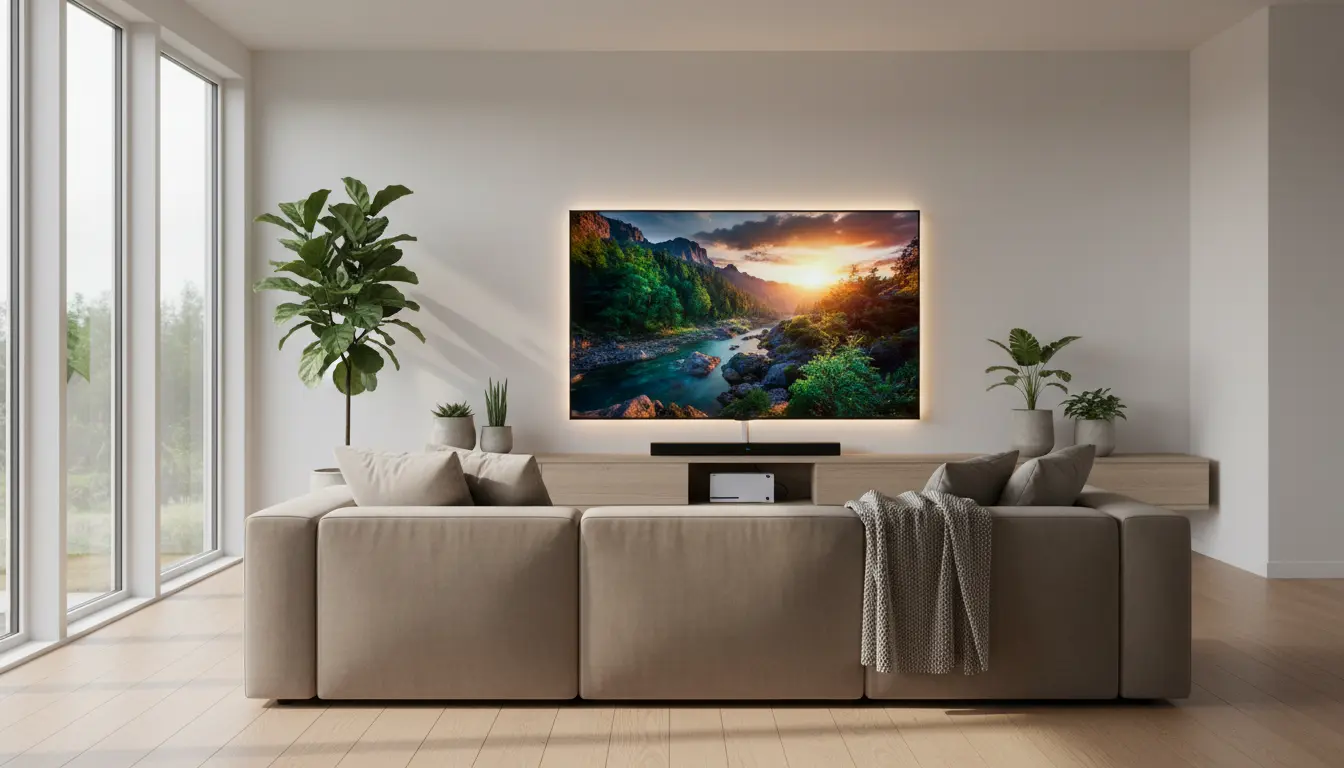

The Best Dolby Vision IQ TVs
If you’re shopping for a premium TV in 2025, Dolby Vision IQ should be at the top of your checklist. It’s an advanced HDR format that not only delivers exceptional contrast, color accuracy, and specular highlights, but also adapts picture settings automatically based on your room’s lighting conditions. In practical terms, Dolby Vision IQ uses the TV’s ambient light sensor plus Dolby’s dynamic metadata to intelligently adjust tone mapping and brightness so movies and shows look their best—morning, noon, or night. Below, we break down what Dolby Vision IQ is, why it matters, the features that separate the best models, and how to choose the right set for your space and budget.
What is Dolby Vision IQ and why it matters
Standard HDR can look too dim in a bright room or overly aggressive in a dark one. Dolby Vision IQ addresses this by:
- Leveraging dynamic metadata on a scene-by-scene or frame-by-frame basis.
- Reading the room’s ambient light through the TV’s sensor to fine-tune brightness and gamma.
- Preserving detail in shadows and highlights without washing out colors or crushing blacks.
The result is consistently accurate HDR—without manual tweaking—so you enjoy cinematic intent in a living room flooded with daylight or a light-controlled home theater.



Key benefits you’ll notice
- Better visibility in bright rooms: Subtle shadow details remain visible even with sunlight.
- Faithful color and contrast: Maintains the creator’s intent across different viewing conditions.
- Less tinkering: Fewer menu dives; smarter defaults that “just work.”
Top features to look for in a Dolby Vision IQ TV
- Panel type and brightness
- OLED and QD‑OLED: Elite blacks and pixel-level contrast. Look for 1,000–1,500 nit peak brightness on flagship QD‑OLEDs for impressive HDR pop.
- Mini‑LED QLED/LCD: Higher full‑screen brightness, excellent for bright rooms; local dimming zones help deliver strong contrast.
- Processing and tone mapping
- A strong picture processor (e.g., proprietary AI or neural processors) improves upscaling, reduces banding, and optimizes dynamic tone mapping alongside Dolby Vision IQ.
- Color volume and coverage
- Wide color gamut (near 100% DCI‑P3) ensures saturated yet accurate hues in HDR content.
- Anti‑reflective coating
- Vital for open-plan living spaces; reduces glare so Dolby Vision IQ has less “heavy lifting” to do.
- Motion handling
- Low persistence panels and refined motion interpolation help preserve clarity in action scenes without soap‑opera effect.
- Gaming features
- HDMI 2.1 with 4K/120Hz, VRR (including AMD FreeSync or NVIDIA G‑SYNC Compatible), ALLM, and Dolby Vision gaming at 4K/120 on supported consoles amplifies the experience.
- Smart platform and app support
- Ensure your TV’s OS (Google TV, webOS, Tizen, Fire TV) supports Dolby Vision across major streaming apps you use.
Ideal screen sizes and seating distance
- 55–65 inches: Great for apartments and mid-sized rooms, optimal at 2.1–2.7 meters viewing distance.
- 77–83 inches: Immersive for large spaces and home theaters; Dolby Vision IQ helps keep HDR balanced even at bigger sizes where brightness demands increase.
Dolby Vision IQ vs. Dolby Vision (standard)
Both use dynamic metadata, but Dolby Vision IQ adds intelligent ambient-aware adjustments. If you watch in mixed lighting, IQ is a tangible upgrade. In a fully dark, calibrated room, the difference narrows, but IQ still aids consistency when lighting conditions change unexpectedly.
Calibration tips even if you have IQ
- Start with the most accurate picture preset: “Filmmaker Mode,” “Cinema,” or “Movie.”
- Disable excessive edge enhancement and overly bright motion smoothing for films.
- Keep ambient light sensor enabled for Dolby Vision IQ to work as intended.
- If you game competitively, use the “Game” preset with Dolby Vision gaming support and low latency.
Streaming and source considerations
- Use reliable high-bandwidth connections (Wi‑Fi 6/6E or Ethernet) for consistent Dolby Vision bitrates on services like Netflix, Disney+, Apple TV+.
- Newer streaming sticks or set-top boxes can improve app performance but confirm they output Dolby Vision correctly to your TV model.
- UHD Blu‑ray still offers the highest bitrates for Dolby Vision; if you’re a cinephile, a dedicated player is worth it.
Room setup and lighting best practices
- Position the TV away from direct windows when possible.
- Use bias lighting behind the TV to reduce eye strain in dark rooms while preserving perceived contrast.
- Control overhead lights with dimmers or warm LED bulbs; consistent ambient light helps Dolby Vision IQ perform predictably.
When to choose OLED vs. Mini‑LED
- Choose OLED/QD‑OLED if you value perfect blacks, near-infinite contrast, and cinematic depth in a dim-to-moderate light room. Modern OLEDs are bright enough for most families, especially QD‑OLED flagships.
- Choose Mini‑LED if you watch a lot in daylight, prefer very large screen sizes at better prices, or want excellent HDR in bright, open spaces.
Longevity and firmware updates
Brands routinely refine Dolby Vision tone mapping, motion handling, and app compatibility via firmware. Enable automatic updates or check periodically in your settings menu. Over time, you can see meaningful improvements in upscaling, near-black detail, and stability.
Sound considerations
Dolby Vision IQ is about video, but pairing your TV with decent audio elevates the experience:
- Look for TVs with eARC to pass lossless Dolby Atmos to a soundbar or AVR.
- If relying on TV speakers, choose models with forward‑firing drivers or integrated soundbars for clearer dialogue.
Buying checklist for the best Dolby Vision IQ TV
- Verified Dolby Vision IQ support (not just Dolby Vision).
- Peak brightness aligned with your room and size.
- Strong anti‑glare treatment for bright rooms.
- HDMI 2.1 ports with 4K/120, VRR, and ALLM for future‑proof gaming.
- A platform with robust app support and fast navigation.
- Positive independent test measurements for color accuracy (ΔE < 2–3 in calibrated modes).
The bottom line
Dolby Vision IQ is one of the most meaningful TV upgrades in recent years because it makes premium HDR more consistent in real-world living conditions. Whether you gravitate toward the inky blacks of OLED or the daylight-punch of Mini‑LED, prioritizing Dolby Vision IQ ensures you’ll get balanced brightness, preserved detail, and accurate colors without babysitting settings. For mixed-use family rooms, bright apartments, or anyone who watches throughout the day, it’s a must-have feature that future‑proofs your setup for streaming, sports, movies, and next‑gen gaming alike.
- LG C4 OLED (2024) – Dolby Vision IQ, 4K 120Hz, HDMI 2.1
- Why it’s good: Excellent per‑pixel contrast, strong peak brightness for an OLED, Dolby Vision IQ for ambient light–aware HDR, great for movies and gaming (VRR/ALLM).
- Typical sizes: 55″, 65″, 77″, 83″
- Samsung S90D QD‑OLED (2024) – Dolby Vision Alternative Note
- Note: Samsung TVs traditionally support HDR10/HDR10+ but not Dolby Vision. If you specifically require Dolby Vision IQ, pick the LG or Sony below instead.