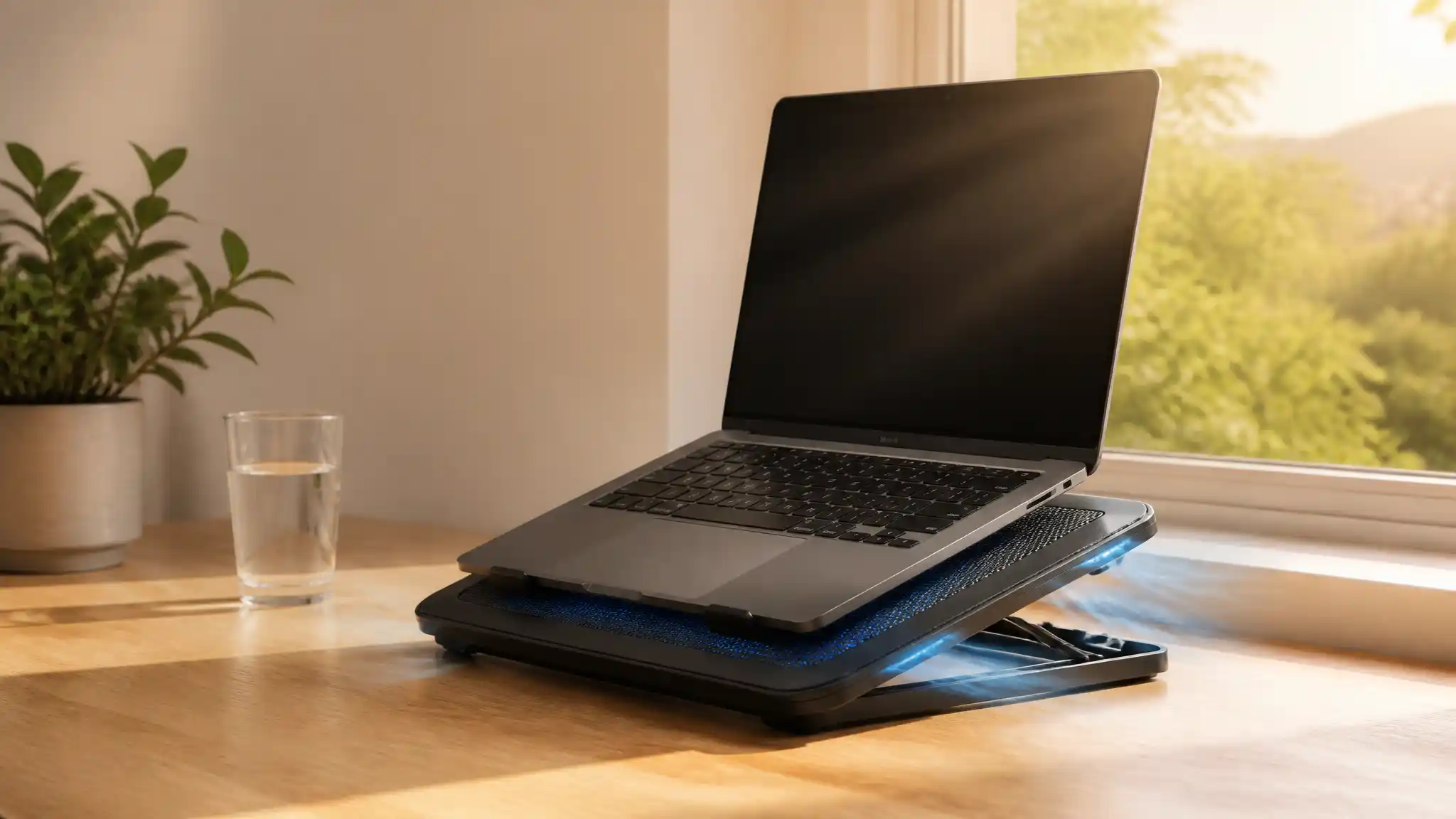

Best Laptop Cooling Pads for Massachusetts Summer Heat
Massachusetts summers can turn a productive desk into a heat trap. A laptop that feels comfortable during a mild morning may run warmer after hours of video meetings, creative work, gaming, or study in an apartment without strong air conditioning. Heat does not automatically damage a modern computer, but repeated high temperatures can trigger fan noise, performance throttling, and an uncomfortable typing experience.
Why Summer Heat Changes the Laptop Setup
Warm indoor air gives a laptop less opportunity to release the heat created by its processor and graphics hardware. Soft surfaces make the situation worse: a bed, couch, or blanket can block bottom vents completely. A cooling pad for laptop use lifts the chassis and creates a clearer path for intake air. Models with active fans add airflow below the device, while a raised laptop stand improves passive ventilation even without dramatic fan power.
Think of the accessory as thermal support rather than a repair for an overheating laptop. If the system suddenly runs hot, shuts down, or shows severe performance drops, clean the vents and investigate the underlying cause.
What to Look for in the Best Laptop Cooling Pads
Start with fit. Measure your laptop rather than relying only on its advertised screen size. A 15.6-inch cooling pad may support many mainstream machines, but a wide gaming laptop needs a stable platform that matches its footprint. Non-slip pads and front retention lips prevent sliding when you raise the angle.
Next, examine airflow design. A large fan can move air across a broad area at a lower sound level. Multi-fan cooling pads can target several sections of the base, although fan placement matters more than the total number of fans. Choose a ventilated metal mesh surface that aligns with your laptop’s intake vents. Adjustable fan speed is valuable because you can use quiet laptop cooling during email and turn the airflow up for demanding tasks.
Ergonomics deserve equal attention. An adjustable laptop stand positions the display closer to eye level and can reduce the habit of hunching over a hot keyboard. Several height settings make the pad useful at a kitchen table, a home office desk, or a dorm room workstation. A portable laptop cooler should also fold or remain slim enough to carry between locations. USB-powered cooling pads keep setup simple, but check whether the pad occupies a port and whether it includes a pass-through USB hub.
Match the Pad to Your Everyday Workload
For office work, browsing, and streaming, prioritize quiet operation, a sturdy frame, and adjustable height. You probably do not need extreme fan speed. A lightweight notebook cooling stand with a single large fan or well-designed mesh platform can make a practical summer desk accessory.
For gaming laptop cooling, prioritize stronger airflow, a sealed or focused air channel when available, and a base large enough for the machine. Gaming produces sustained heat, so fan control lets you balance cooling performance and noise. Avoid judging a product only by RGB lighting or a high RPM number; airflow path, build quality, and compatibility have greater daily value.
Students and travelers should look for a lightweight laptop cooling pad with reliable grip and uncomplicated USB power. A compact design is easier to slide into a backpack, while a durable hinge system makes frequent setup less frustrating. Creators who edit video or render graphics may prefer a larger model with multiple height options, since both sustained load and posture affect long sessions.
Use a Cooling Pad Effectively in Humid Weather
Place the pad on a hard, level surface. Leave clearance around the laptop’s side and rear exhaust areas, and do not cover the pad’s own fans with papers or fabric. Keep the vents free of dust; a cooling pad cannot overcome a blocked intake. In a humid room, avoid placing a cold laptop directly beside a condensation-prone window unit. The aim is stable airflow, not exposing electronics to moisture.
You can further control laptop temperature by closing unnecessary background applications, using the manufacturer’s balanced power setting, and avoiding direct sun on the chassis. When practical, charge and run demanding software in a cooler room. These habits reduce heat at the source and let the laptop fan cooler work more efficiently.
A Practical Buying Decision for Massachusetts Homes
The best cooling pad is not necessarily the loudest one. Select a size that fits, a mesh layout that supports your vents, adjustable height, and a noise level you can live with during calls. For most Massachusetts residents, a dependable laptop cooling stand is a sensible addition to a warm-weather workspace, especially where air conditioning is limited. It preserves comfort, supports laptop airflow, and gives the machine a more suitable surface than a sofa cushion.
Amazon.com Product Recommendation
Consider the Razer Laptop Cooling Pad on Amazon.com for 14- to 18-inch laptops. Its listing describes an airtight pressure chamber, customizable fan curves, and a three-port USB-A hub, making it a strong option for users with larger performance laptops who want active cooling and adjustable control. Confirm the current price, compatibility, seller, and delivery terms before purchasing, as listings and availability can change.