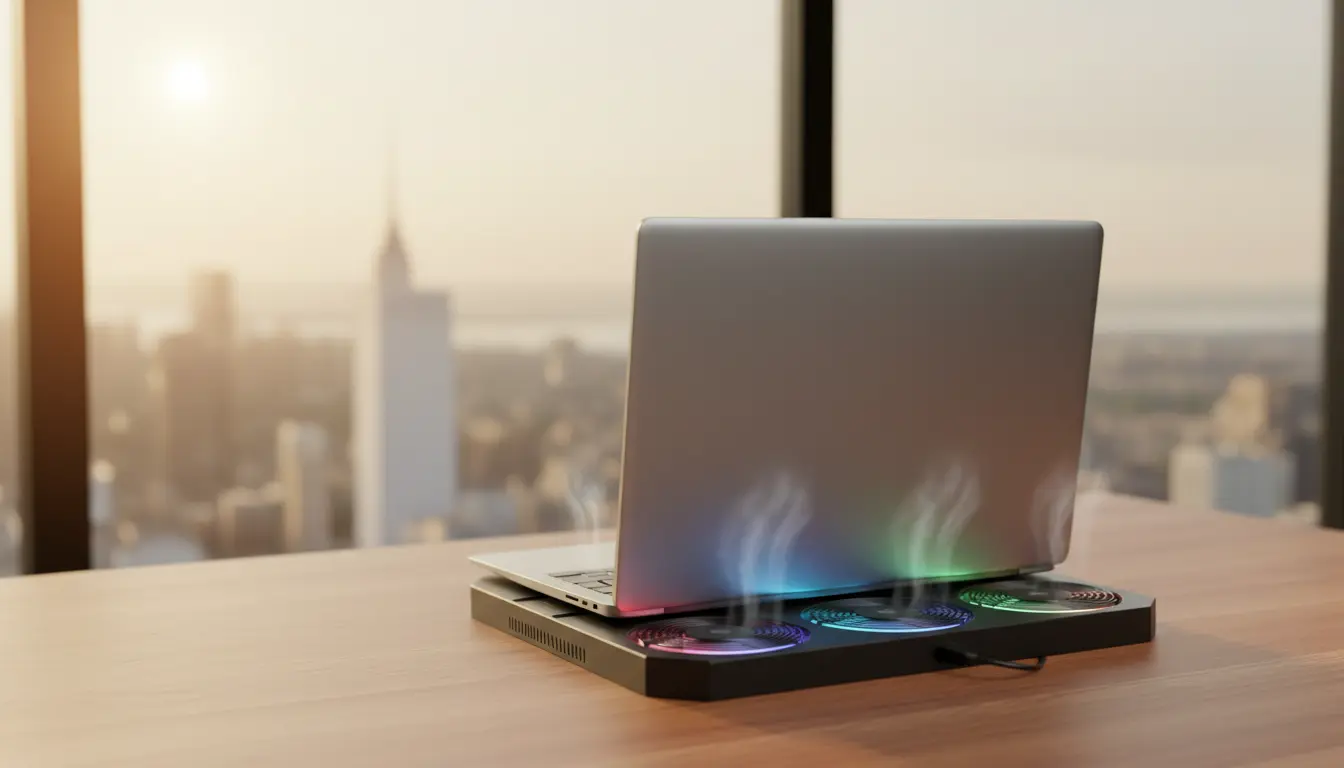

Cooling Solutions for Laptops in New York’s Intense Summer Heat
New York summers are famous for their vibrant streets, outdoor events, and high humidity—but they also bring intense heat that can affect your electronics. One of the devices most impacted by this climate is the laptop. Whether you work remotely in a Manhattan café, game in a Brooklyn apartment, or study in Central Park, keeping your laptop cool becomes essential during peak summer temperatures. Excess heat doesn’t just slow down performance; it can shorten the lifespan of your hardware.
This article explores the most effective laptop cooling solutions specifically suited for New York’s summer heat. We’ll cover practical methods, advanced cooling devices, maintenance tips, and environmental factors that every New Yorker should consider to protect their laptop.
Why Overheating Is a Bigger Problem in New York
New York’s heat is not the same as dry heat in other states. The city’s summer climate combines high temperatures with dense humidity and limited airflow inside small apartments, subway stations, and older office buildings. These conditions trap heat, pushing laptop temperatures beyond normal levels.

Humidity also plays a silent yet significant role. Moisture in the air slows heat dissipation from laptop components, causing fans to work harder. For anyone using intensive software—video editing, graphic design, programming, or gaming—this can lead to thermal throttling and frequent performance drops.
Ventilation: Your First Line of Defense
Before purchasing any external devices, it’s important to ensure that your laptop has adequate ventilation. Many New Yorkers work in tight spaces, sometimes placing laptops on beds, couches, or their laps. Unfortunately, all of these surfaces block airflow.
Here’s how to optimize ventilation instantly:
- Use your laptop on a hard, flat surface.
- Keep the rear and bottom vents unobstructed.
- Elevate the back edge of the device using a small stand or even a book.
- Avoid using the laptop directly under sunlight, especially outdoors.
Good airflow can reduce internal temperatures significantly before adding any cooling accessories.
Laptop Cooling Pads: Essential for NYC Summers
A laptop cooling pad is one of the most reliable and affordable solutions for battling New York’s humid heat. Cooling pads increase airflow directly underneath the laptop using built-in fans.
When choosing a cooling pad suitable for New York conditions, consider:
- Fan size and airflow ratings: Larger fans move more air quietly.
- Noise levels: NYC is already loud—you don’t need more noise at home.
- Portability: Ideal if you frequently move between cafés, co-working spaces, and subways.
- Power source: USB-powered pads are most convenient for on-the-go work.
A good cooling pad can drop laptop temperatures by 5–15°C, which is crucial for heavily used laptops in summer.
Thermal Paste: A Powerful Internal Upgrade
If your laptop is more than two years old, replacing thermal paste can make a dramatic difference. Over time, thermal paste between the CPU, GPU, and heat sink dries out, reducing efficiency.
In New York’s hot climate, refreshed thermal paste helps:
- Improve heat transfer
- Reduce fan noise
- Stabilize performance under load
This task requires opening the laptop, so many people choose to take it to a technician. However, it is one of the most effective long-term cooling enhancements.
External Laptop Stands and Ergonomic Risers
One of the simplest ways to reduce heat buildup is to elevate your laptop. Air naturally rises, so lifting the laptop increases airflow beneath it.
Laptop stands are especially helpful for:
- Remote workers in small apartments where surfaces get warm quickly
- Students studying in spaces without air conditioning
- Users who need ergonomic screen height adjustment
Some stands even include mesh designs that improve passive cooling. Combined with a cooling pad, this method provides excellent temperature control.
Controlling Your Indoor Environment
New York’s buildings can vary dramatically in temperature control. Some apartments rely on window AC units, while others depend on fans. Keeping your environment cool is just as important as cooling the laptop itself.
Here are simple environmental adjustments:
- Use an air conditioner or dehumidifier to lower humidity levels.
- Keep blinds closed during peak sunlight hours.
- Use a desk fan to direct airflow toward the laptop.
- Avoid placing the laptop near heat sources like kitchen appliances or windows.
A cooler room often means a cooler laptop, especially during long work sessions.
Internal Cleaning: The Most Ignored Yet Crucial Step
Dust buildup is a common cause of laptop overheating—especially in New York, where older buildings and open windows introduce fine particles into the air.
Benefits of internal dust cleaning:
- Restores fan efficiency
- Improves airflow pathways
- Reduces the risk of sudden thermal shutdowns
Cleaning every 6–12 months is ideal. This small maintenance habit keeps your laptop performing well even during heatwaves.
Undervolting and Software-Based Cooling Methods
For more advanced users, undervolting is a powerful technique to reduce CPU voltage without affecting performance. This lowers heat output, which is extremely useful in New York’s summer.
You can also use software tools to:
- Control fan speed
- Limit CPU usage during lighter tasks
- Monitor temperature trends
These tools don’t replace external cooling, but they complement it effectively.
Portable Cooling Fans for On-the-Go Work
If you often work outdoors—in Bryant Park, Central Park, or rooftop spaces—a portable fan directed at your laptop can help dissipate heat quickly. These fans are compact, battery-powered, and surprisingly effective when combined with a ventilated stand.
Recommended Laptop Cooling Product on Amazon
Thermaltake Massive 20 RGB Laptop Cooling Pad
This cooling pad features a large 200mm fan, adjustable height settings, and strong airflow, making it ideal for New York’s hot, humid summers. It supports large laptops and runs quietly—perfect for both work and gaming.









