
Best Power Products for Small Businesses and Home Studios
Running a small business or home studio means you can’t afford downtime. A short power cut can ruin a recording session, corrupt a design file, or interrupt an important client call. That’s why choosing the best power products for small businesses and home studios is essential for both productivity and professionalism.
In this guide, you’ll learn which power solutions you actually need, how to choose the right models, and what to look for in terms of safety, capacity, and expandability.
Why Reliable Power Matters for Small Businesses and Home Studios
Small businesses and home studios rely heavily on digital tools: computers, audio interfaces, lighting, external drives, and networking equipment. The more digital your workflow becomes, the more vulnerable you are to:
- Sudden blackouts
- Voltage spikes and surges
- Brownouts (low voltage) that stress electronics over time
- Power fluctuations that cause noise in your audio or video chain
Even a brief power interruption can:
- Corrupt active projects
- Damage sensitive equipment
- Cause data loss on external drives or NAS devices
- Interrupt live streams or client meetings, harming your reputation
Reliable power products minimize these risks, protect your investment, and help you deliver consistent results.
Key Types of Power Products You Should Know
1. Uninterruptible Power Supplies (UPS)
A UPS is one of the most important power products for a small business or home studio. It provides battery backup when the electricity goes out and often includes surge protection and voltage regulation.
A quality UPS helps you:
- Keep computers and audio interfaces running long enough to save work
- Prevent sudden shutdowns that corrupt files
- Stabilize incoming voltage to protect sensitive electronics
For studios, a line‑interactive or online UPS is recommended because it handles fluctuations more smoothly and reduces noise or hum that might affect recordings.
2. Surge Protectors and Power Strips
Not all power strips are surge protectors. A basic power strip only adds outlets; a surge protector absorbs voltage spikes and prevents them from reaching your gear.
Look for surge protectors with:
- A clear joule rating (higher is better for heavy use)
- Indicator lights showing protection and grounding status
- Outlets spaced to fit larger power adapters
- Coax and Ethernet protection if you run internet or cable through the same line
For home studios, plug your monitors, audio interfaces, preamps, and outboard gear into a high‑quality surge‑protected power strip instead of the wall.
3. Voltage Regulators and Power Conditioners
Voltage regulators and power conditioners keep your incoming power stable and clean. They’re especially helpful if you live in an area with:
- Frequent brownouts or low voltage
- Old wiring
- Noticeable hum, hiss, or interference in your audio chain
Power conditioners often combine surge protection, noise filtering, and voltage regulation in a single rack‑mount unit. For a home recording studio, a good power conditioner can reduce ground hum, protect audio equipment, and improve overall reliability.
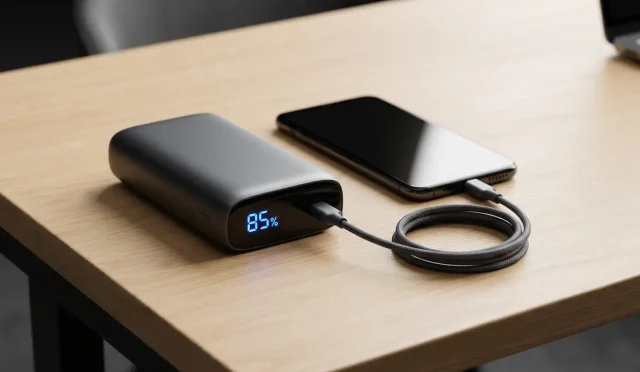
4. Portable Power Stations
Portable power stations are battery‑based units that provide AC outlets and USB ports without needing a wall connection. Many models support solar charging as well.
They are ideal if you:
- Record or shoot video on location
- Operate a pop‑up studio at events or markets
- Need backup power for a Wi‑Fi router and laptop during short outages
For small businesses with mobile setups, a high‑capacity portable power station offers flexibility and a more professional, uninterrupted experience.
How to Choose the Right Power Products for Your Setup
Step 1: List and Measure Your Power Needs
Start by listing every critical device:
- Desktop or laptop
- Audio interface or mixer
- Studio monitors
- External drives or NAS
- Routers and switches
- Lighting and cameras (for content creators)
Check their wattage or VA ratings. For a UPS or portable power station, add up the total and choose a model rated at least 20–30% above that number. This headroom protects you from overload and leaves room to expand your studio.
Step 2: Prioritize Critical Devices
During a power outage, you don’t need everything running. Prioritize:
- Primary computer or DAW machine
- Audio interface or mixer
- Display (or at least one monitor)
- Router/modem for cloud‑based work and calls
Plug these into the battery‑backed side of your UPS. Less critical devices (like printers or extra monitors) can go into surge‑only outlets.
Step 3: Consider Form Factor and Noise
For a home studio, fan noise can be a problem. Check reviews for:
- Fan behavior under load
- Audible hum or transformer noise
Look for units designed for office or studio use rather than data‑center environments, as they tend to be quieter and better suited to recording spaces.
Step 4: Evaluate Management and Monitoring Features
Modern UPS systems often include:
- USB or network connectivity
- Software that safely shuts down your system during long outages
- LCD screens showing load, estimated runtime, and battery health
For a business that runs unattended tasks or overnight renders, automated shutdown and logging can protect both data and hardware.
Best Practices for Power Management in Home Studios
Use Dedicated Circuits When Possible
If your studio shares a circuit with microwaves, heaters, or refrigerators, you’ll see more noise and voltage dips. If possible, use a dedicated circuit for your studio or at least separate your audio gear from high‑demand appliances.
Avoid Daisy‑Chaining Power Strips
Connecting one strip into another can create fire risks and uneven load distribution. Instead, use:
- A single high‑quality surge protector or
- A rack‑mount power conditioner feeding multiple outlets
Label Everything
Small businesses and home studios grow quickly. As you add gear, label:
- Which outlets are battery‑backed
- Which strips are surge‑protected
- Which devices must stay powered during outages
Clear labeling helps you and any collaborators avoid mistakes that could damage gear.
Maintain and Test Regularly
Power products are not “install and forget” items. To keep them reliable:
- Test your UPS every few months by simulating an outage
- Replace batteries according to the manufacturer’s guidelines
- Watch for worn outlets or cracked insulation on power cords
Preventive maintenance is much cheaper than replacing damaged hardware.
Future‑Proofing Your Power Setup
As your small business or home studio grows, you’ll likely add:
- More storage
- Additional monitors
- Outboard audio or video gear
- Network‑attached storage for backups
Plan ahead by choosing power products with:
- Extra outlets
- Higher VA or wattage capacity
- Modular or expandable battery options
This way, you can scale without constantly replacing power hardware.
Example Power Setup for a Home Studio
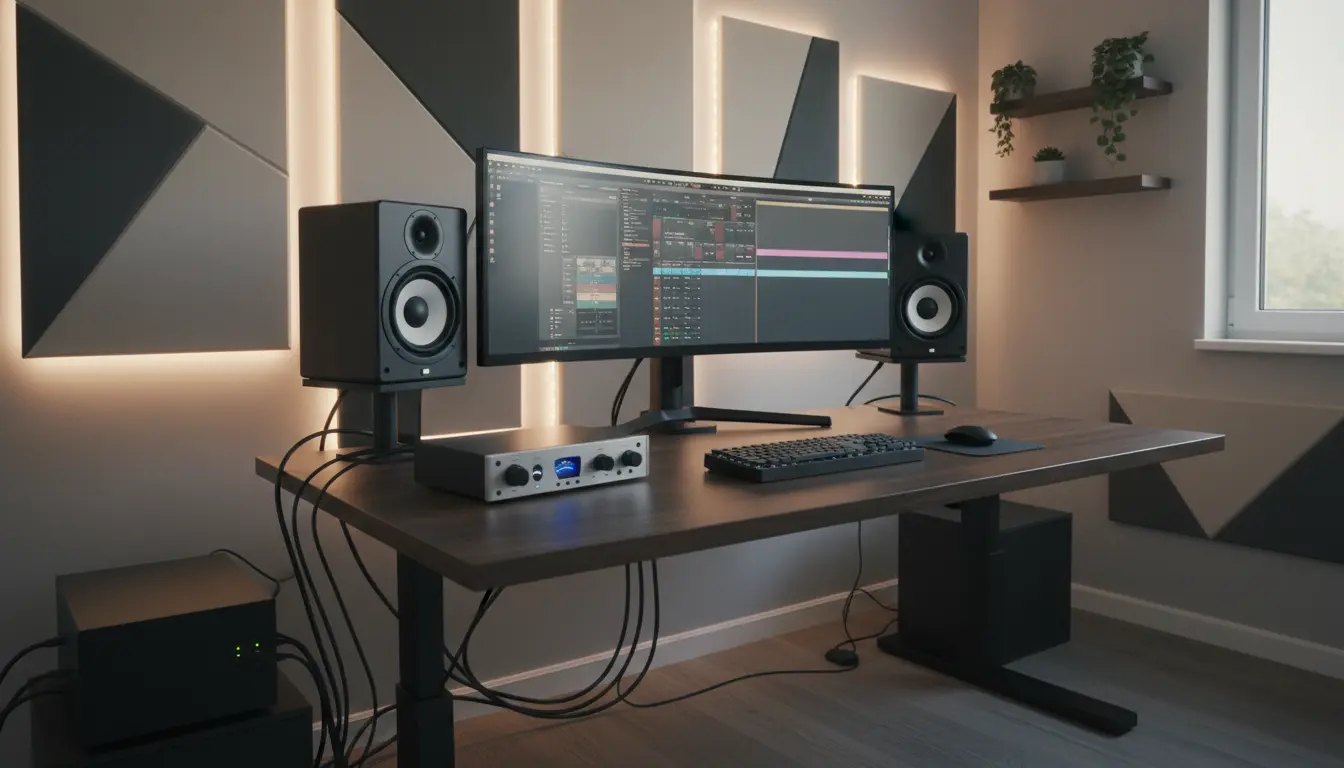
A typical balanced setup for a home recording or content‑creation studio might include:
- 1 line‑interactive UPS (for computer, interface, key drives, router)
- 1 surge‑protected, filtered power strip (for monitors and outboard gear)
- 1 rack‑mount power conditioner (for critical audio devices)
- 1 compact portable power station (for mobile recording or as a temporary backup)
With this combination, you’re protected against surges, brief blackouts, and noisy or unstable power, while staying flexible as your studio and business evolve.
Amazon Product Suggestion
For a reliable, studio‑friendly UPS that many small businesses and home studios use, you can check out:
APC Back‑UPS Pro (e.g., APC Back‑UPS Pro 1000VA or similar model) on Amazon.com.
This line typically offers line‑interactive power protection, multiple battery‑backed outlets, surge‑only outlets, LCD status display, and USB connectivity for automatic shutdown, making it a strong starting point for protecting essential studio and business equipment.