
Best Wearables for Samsung Galaxy Ecosystem Users
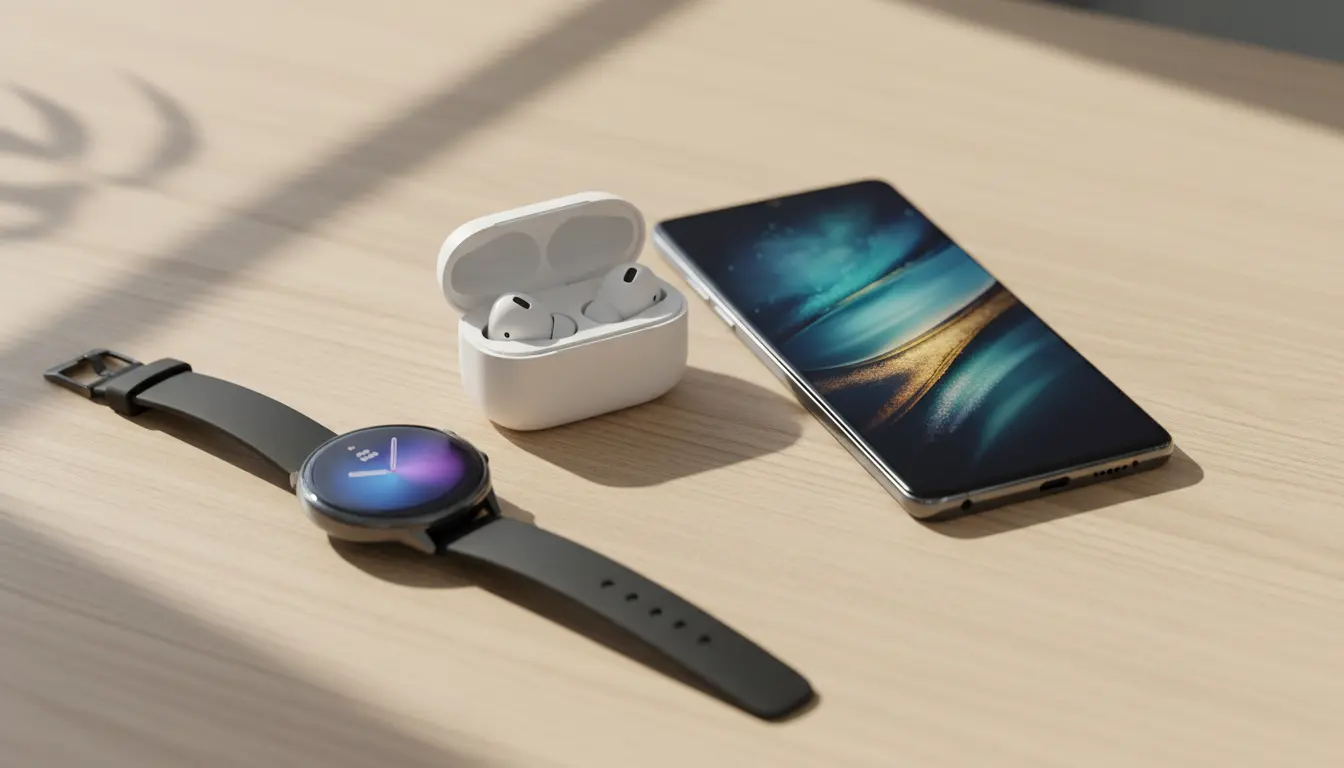
The Samsung Galaxy ecosystem has grown far beyond smartphones. Today, smartwatches, earbuds, and fitness bands integrate tightly with Galaxy phones, tablets, and even SmartThings devices. If you already own a Samsung phone, choosing the right wearable can significantly improve your daily productivity, health tracking, and entertainment experience. This guide explains the best wearables for Samsung Galaxy users, how they work together, and what to consider before buying.
Why Staying in the Samsung Galaxy Ecosystem Matters
When you choose a wearable from the Samsung ecosystem, you gain features that third‑party devices often cannot match. Galaxy wearables use Samsung’s One UI, Samsung Health, and the Galaxy Wearable app to create a smooth, unified experience.
For example:
- Your smartwatch can automatically unlock your Galaxy phone.
- Galaxy Buds switch audio seamlessly between your phone, tablet, and Samsung laptop.
- Health data syncs across devices through Samsung Health, so you can track sleep, workouts, and stress in one place.
This deep integration makes Samsung wearables especially appealing if you already own a Galaxy smartphone such as the Galaxy S24, Galaxy Z Fold, or Galaxy A‑series devices.
Galaxy Watch Series: Best Smartwatches for Samsung Users
The Galaxy Watch line is the centerpiece of the Samsung wearable ecosystem. These smartwatches run Wear OS with Samsung’s One UI Watch on top, offering strong app support and tight integration with Galaxy phones.
Key reasons to choose a Galaxy Watch:
- Smooth pairing: The Galaxy Wearable app makes setup quick and intuitive. Once paired, notifications, calls, and messages appear on your wrist instantly.
- Advanced health features: ECG, blood pressure (in supported regions), heart rate monitoring, body composition analysis, and sleep tracking help you stay on top of your health.
- Fitness tracking: Automatic workout detection, GPS for outdoor activities, and integration with Samsung Health make the Galaxy Watch a capable fitness companion.
- Customization: You can install third‑party watch faces, fitness apps, note‑taking tools, and productivity apps directly from the Play Store.
If you want the best smartwatch experience in the Samsung ecosystem, a flagship Galaxy Watch model is usually the top choice.
Galaxy Fit and Budget‑Friendly Fitness Bands
Not everyone needs a full smartwatch. If your main priority is tracking steps, workouts, and sleep without spending too much, Samsung’s fitness bands offer a lighter, more affordable option.
What a Galaxy fitness band offers:
- Continuous heart rate monitoring and step counting
- Sleep staging and basic stress metrics
- Long battery life compared with full smartwatches
- Simple notifications from your Galaxy phone
These devices are ideal if you want something small and unobtrusive that still integrates with Samsung Health and the Galaxy Wearable app.
Galaxy Buds: The Perfect Audio Companion for Galaxy Phones
Wearables are not limited to watches. Wireless earbuds like the Galaxy Buds series play an important role in the Samsung ecosystem, especially if you frequently move between several Galaxy devices.
Advantages of using Galaxy Buds with Samsung phones:
- Auto‑switching between devices: If you watch a video on your Galaxy Tab and then receive a call on your Galaxy phone, your Galaxy Buds can switch automatically.
- One UI integration: Quick toggles for ANC (Active Noise Cancellation), ambient sound, and equalizer settings appear directly in the Bluetooth menu.
- Gaming and low‑latency modes: When paired with Samsung phones, gaming modes reduce audio delay for a smoother experience.
- Find My Earbuds: Integration with Samsung’s ecosystem helps you locate misplaced earbuds.
If you already own a Galaxy phone, Galaxy Buds typically provide better latency, stability, and feature support than most generic earbuds.
How Samsung Health and Galaxy Wearable Tie Everything Together
The real value of Samsung wearables emerges through Samsung’s software services. Samsung Health acts as a central hub for tracking your well‑being, while the Galaxy Wearable app controls your devices.
Samsung Health benefits:
- Consolidates data from your Galaxy Watch, fitness band, and sometimes third‑party apps
- Tracks steps, workouts, heart rate zones, stress levels, and sleep quality
- Offers guided workouts, meditation content, and goal‑setting tools
Galaxy Wearable advantages:
- Lets you configure notifications, watch faces, Buds sound profiles, and software updates
- Keeps all devices connected to your Galaxy phone and helps with troubleshooting
Because everything syncs through your Samsung account, you can change phones and still keep access to your historical data and device settings.
How to Choose the Right Wearable for Your Galaxy Device
The best wearable for you depends on your lifestyle, budget, and how deeply you use Samsung’s services.
Ask yourself:
- Is health monitoring a priority? If you want ECG, advanced sleep tracking, and detailed workout metrics, choose a Galaxy Watch rather than a basic band.
- Do you prefer a minimalist device? A slim fitness tracker works better if you don’t want a large display on your wrist.
- Do you own multiple Samsung devices? If you use a Galaxy tablet or Galaxy Book laptop alongside your phone, Galaxy Buds give you the smoothest cross‑device audio experience.
- What is your budget? Flagship watches and earbuds cost more but deliver better performance, build quality, and software support.
By aligning these factors with what Samsung wearables offer, you can invest in a device that remains useful for several years within the Galaxy ecosystem.
Tips to Get the Most Out of Your Samsung Wearables
Once you choose a wearable, take a few steps to maximize its benefits:
- Keep your Galaxy phone, Galaxy Wearable app, and firmware updated.
- Explore watch faces and widgets that highlight the data you care about most.
- Turn on auto‑detection for workouts and sleep tracking in Samsung Health.
- Use routines in Bixby or Modes and Routines to automate actions based on your watch or Buds status—for example, enabling Do Not Disturb when your watch detects that you’re sleeping.
- Regularly back up your watch and Buds settings using your Samsung account.
These practices help your wearable remain responsive, accurate, and perfectly in sync with the rest of your Samsung Galaxy devices.
Amazon Product Suggestion
If you want a premium, deeply integrated smartwatch, consider the Samsung Galaxy Watch 7 on Amazon.com as a top option for Galaxy phone owners.