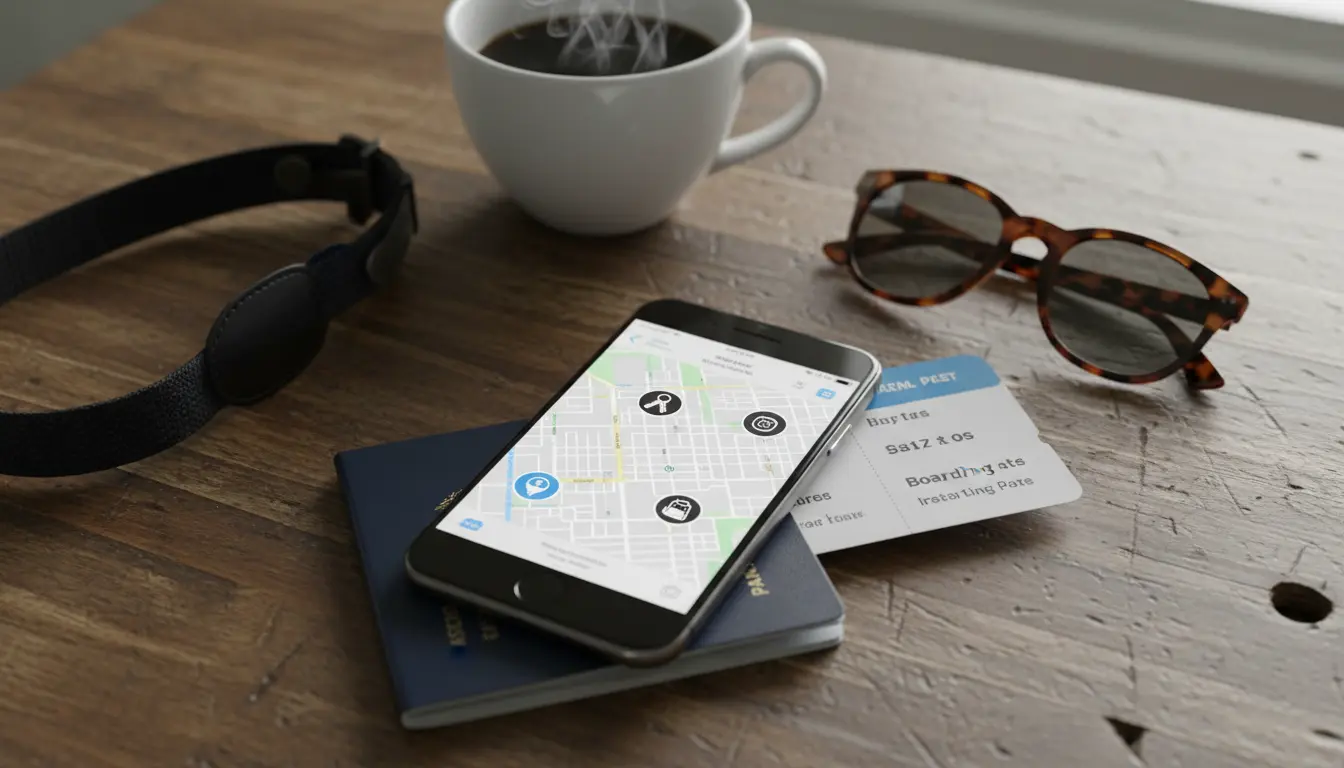

Creative Use Cases of Apple’s Find My Network on iPhone
Apple’s Find My network has evolved from a simple device-locating feature into a powerful, privacy-preserving, crowdsourced platform that helps users find items, share locations safely, and automate everyday life. With billions of Apple devices silently and securely relaying Bluetooth signals, the network provides unparalleled reach without compromising user privacy. In this guide, we’ll explore creative, real-world use cases you can implement today—along with practical tips, safety best practices, and SEO-aligned insights to help your content rank organically.
What Is the Find My Network?
The Find My network is a decentralized, encrypted mesh of Apple devices (iPhone, iPad, Mac, Apple Watch) that can detect compatible items—like iPhones, AirTags, and certified third‑party accessories—and securely transmit their approximate location to iCloud. Owners can then view those locations in the Find My app without revealing identities or precise data to relays.
Key benefits include:

- Global coverage via billions of Apple devices
- End-to-end encryption and rotating Bluetooth identifiers
- Ultra-wideband precision with U1-enabled iPhones (Precision Finding)
- Lost Mode, notifications, and left-behind alerts
1) Travel Smarter: Luggage, Backpacks, and Camera Gear
- Luggage tracking: Attach an AirTag to your suitcase to monitor it during layovers and at baggage claim. Use Precision Finding at the carousel to pinpoint your bag.
- Gear protection: Photographers can hide an AirTag in camera bags. If an airline misroutes gear, you’ll still see its last seen location and receive updates as it moves through airports.
- Anti-loss automations: Set a “Left Behind” alert for travel days to get notified if your backpack, laptop sleeve, or passport pouch loses proximity.
Pro tip: Wrap AirTags in a soft case to reduce rattling and avoid obvious placement.
2) Event and Festival Safety: Crowd Coordination
- Group meetups: Share your location temporarily with friends for concerts or marathons. Use Find My to create rally points and reduce back-and-forth texting.
- Family safety: Parents can share a child’s location during large events without constant check-ins. Use geofenced alerts for entering and leaving zones like “Stadium” or “Parking Lot.”
- Emergency fallback: If someone’s phone dies, nearby iPhones can still help report the last-seen location to the network.
Privacy tip: Use temporary sharing and revoke access after the event.
3) Micro-Logistics: Small Business Operations
- Couriers and local services: Attach AirTags to delivery bags or toolkits for independent contractors to reduce loss and improve accountability.
- Asset control: Track shared equipment (tripods, scanners, demo units) across teams. Set location reminders if a device leaves office boundaries after hours.
- Customer trust: Provide customers with time-window visibility by sharing a one-time location link at delivery windows.
Compliance note: Always obtain consent from staff for tracked items and never use tracking for people without explicit permission.
4) Outdoor Adventures: Hikes, Camps, and Road Trips
- Car and campsite marking: Save your parked car location and add an AirTag inside the vehicle (hidden but safe from heat) to find it in expansive parks.
- Gear tracking: Place AirTags in tents, coolers, e‑bikes, or kayak bags to reduce misplacement during multi-spot excursions.
- Buddy system: Share your live location during solo hikes. Set a geofence alert to notify a trusted contact when you return to the trailhead.
Safety tip: Download offline maps and carry a battery pack; Find My complements but doesn’t replace standard safety gear or emergency beacons.
5) Creative Home Automations with Shortcuts
- Left-behind home alerts: Create a Shortcut to trigger a notification or HomeKit scene when you leave the house without keys or wallet.
- Smart lock reminders: If your iPhone detects your keys remain at home while you’ve left a geofenced area, it can prompt a smart lock status check.
- Workday routines: When your bag (with AirTag) arrives at the office location, automatically set Focus mode, mute notifications, and open productivity apps.
How-to: Use the Shortcuts app with triggers like “When I leave” or “When item is not with me” to build context-aware automations.
6) Pet and Bike Recovery (With Caveats)
- Pets: While Apple doesn’t position AirTag as a pet tracker, many owners attach one to collars for last-seen breadcrumbs if a pet wanders. Consider a proper GPS collar for real-time and rural tracking.
- Bikes and scooters: Conceal AirTags in seat posts or frames. If stolen, you’ll get movement updates when the bike passes near iPhones, improving recovery odds. Coordinate with local authorities rather than confronting thieves.
Ethics: Never use Find My for covert tracking of people. Respect anti-stalking alerts and legal boundaries.
7) Traveling Abroad: Peace of Mind in Transit
- Transit transitions: Track your carry-ons between trains, ferries, and buses. Set region-specific geofences for accommodations.
- SIM-free iPhones: If your iPhone is lost or stolen, the Find My network can still report locations via nearby devices, increasing recovery chances when you’re roaming or off-grid.
- Language barriers: Use Lost Mode to display a custom message with contact details on the lock screen, making returns easier.
Security tip: Always enable Activation Lock and require a strong passcode with Face ID.
8) Shared Households: Borrowed and Shared Items
- Household tools: Add AirTags to commonly borrowed items—power drills, car keys, remotes. Set “left behind” alerts to avoid mix-ups when visiting neighbors.
- Family cars: Share car location responsibly among family members for pick-ups and logistics, not surveillance.
Best practice: Maintain a shared note listing which AirTags map to which items to avoid alert fatigue.
9) Academic and Campus Life: Study Essentials
- Backpack and laptop: Students can protect high-value items across sprawling campuses. If misplaced, the dense device population boosts detection chances.
- Lab kits and rentals: Departments can track loaner calculators, VR kits, or lab sensors across semesters.
- Library runs: Set reminders so you never leave study spaces without your essentials.
10) Photography, Filmmaking, and Creators
- Production kits: Put AirTags in cases for lenses, mics, lighting, and drones to ensure everything returns to the truck.
- Venue turnover: After gigs, use Precision Finding to sweep venues quickly, reducing lost inventory costs.
- Insurance support: Location logs can help substantiate timelines for claims (always keep receipts and serial numbers).
Privacy, Security, and Anti-Stalking Protections
Apple builds robust safeguards:
- Rotating identifiers: Bluetooth beacons rotate frequently to deter tracking.
- Anti-stalking alerts: iPhone and Android users get notifications if an unknown AirTag appears to travel with them.
- Pairing lock: Stolen AirTags can’t be reassigned without the owner’s Apple ID.
- Lost Mode messaging: Owners can leave a phone number or email without exposing personal details.
User guidelines:
- Never track people without consent.
- Use item names that don’t reveal sensitive info.
- Regularly audit who has location-sharing access and revoke when no longer needed.
Optimization Tips for Power Users
- Name items descriptively for clear Siri commands, e.g., “Find my camera bag.”
- Group related items (e.g., “Travel Kit”) in the Find My app to minimize clutter.
- Combine with Focus modes: When “Travel” Focus is on, elevate alerts from tagged items and suppress nonessential apps.
- Battery upkeep: Replace AirTag batteries proactively; add a recurring reminder every 10–12 months.
Troubleshooting Common Issues
- Item not updating: Move to a denser area or wait; updates depend on nearby Apple devices. Toggle Bluetooth and Location Services, then reopen Find My.
- Precision Finding unavailable: Requires a U1-enabled iPhone and proximity within Bluetooth/UWB range.
- Too many alerts: Adjust “Notify When Left Behind” exceptions for safe places like “Home” or “Office.”
The Bottom Line
The Find My network blends scale, security, and subtlety—ideal for travelers, families, creators, students, and small businesses. With thoughtful setup, privacy-aware practices, and smart automations, you can turn Apple’s ambient network into a daily advantage while keeping people’s rights respected.









