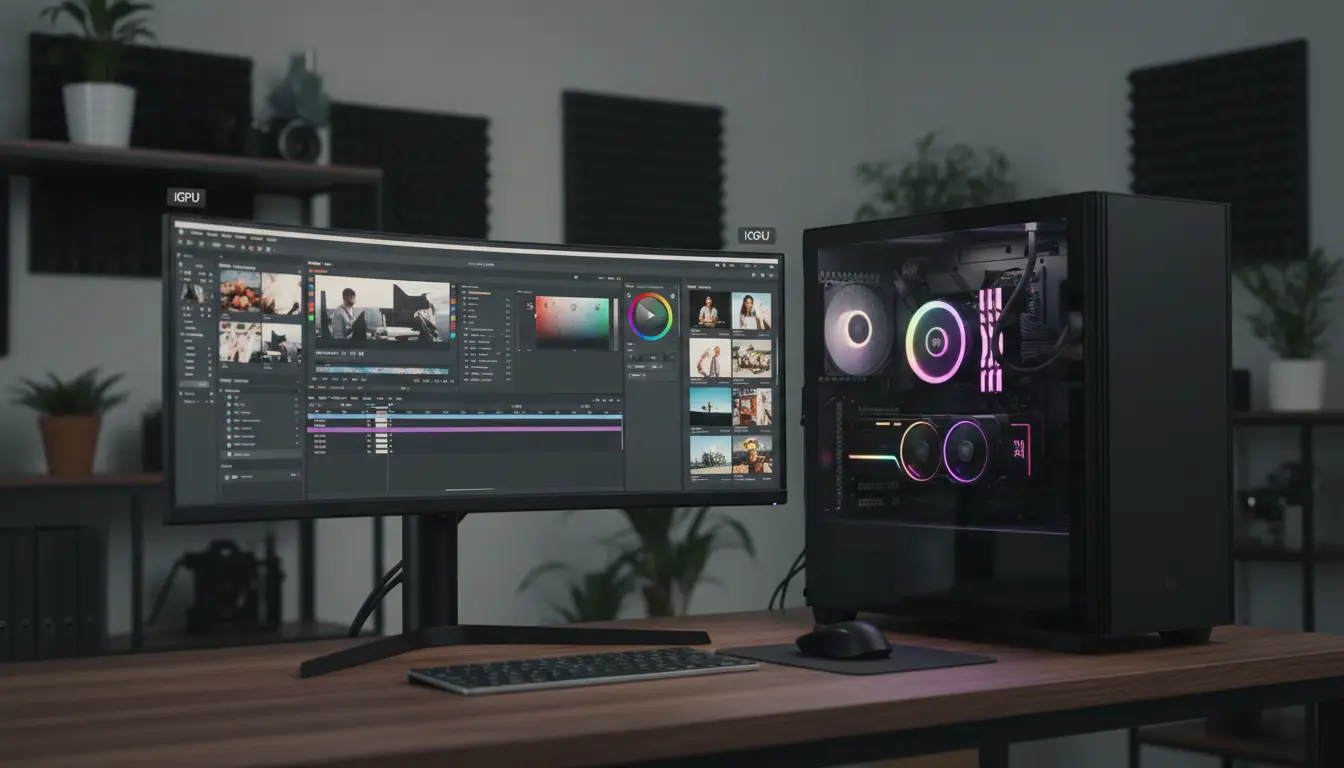

Is a Dedicated GPU Still Necessary in the iGPU Era for Photo, Video, and AI Workloads?
In recent years, integrated graphics (iGPU) performance has improved dramatically. Modern CPUs from Intel and AMD, as well as Apple Silicon chips, now come with iGPUs that can handle everyday tasks, light gaming, and even some content creation. This naturally raises a key question: is a dedicated GPU still necessary in the iGPU era, especially for photo editing, video editing, and AI workloads?
The short answer is: it depends on the complexity of your workflows and your expectations for speed, resolution, and future‑proofing. For many casual users, a powerful iGPU can be enough. For professionals and power users, a dedicated GPU often remains essential.
Photo Editing: iGPU vs Dedicated GPU
Modern photo editing applications like Adobe Photoshop, Lightroom, and Capture One are increasingly optimized for GPU acceleration. They use the GPU for tasks such as:
- Real‑time previews of filters and effects
- Smooth zooming and panning on high‑resolution images
- AI‑based tools (object selection, denoise, upscaling, sky replacement)
A modern iGPU can easily handle:
- Basic to intermediate photo adjustments (exposure, color, curves)
- Editing RAW files from most consumer cameras
- Moderate layer work and non‑destructive editing at standard resolutions
However, a dedicated GPU becomes valuable when:
- You work with very high‑resolution files (e.g., 45–60 MP RAW or medium format)
- You use complex layer‑heavy compositions and advanced masks
- You rely heavily on AI‑powered features (super‑resolution, content‑aware fill, deep denoise)
- You need smooth performance with a 4K or ultrawide monitor at higher refresh rates
For hobbyist photographers and social media content creators, a recent iGPU (especially from newer Intel, AMD APUs, or Apple M‑series) can be enough. For professional photographers, retouchers, or those handling hundreds of images daily, a mid‑range dedicated GPU still offers a noticeably smoother workflow and better longevity.
Video Editing: When iGPU Is Enough and When It Isn’t
Video editing is generally far more demanding than photo editing. Applications like Adobe Premiere Pro, DaVinci Resolve, and Final Cut Pro rely heavily on GPU acceleration for:
- Timeline playback
- Color grading and scopes
- Real‑time effects, transitions, and stabilization
- Export and render acceleration, especially with hardware encoders
A strong iGPU is often sufficient when:
- You edit 1080p footage with light effects and minimal color grading
- Your projects are short (social media clips, simple YouTube videos)
- You use codecs that the iGPU can decode/encode efficiently (H.264, HEVC with hardware acceleration)
A dedicated GPU becomes critical if:
- You work with 4K or higher resolution footage regularly
- You use 10‑bit, Log, RAW, BRAW, ProRes, or multi‑camera timelines
- You do intense color grading, noise reduction, motion graphics, or visual effects
- You want real‑time playback without dropped frames, even with stacked effects
- You aim for fast export times for professional deliveries
DaVinci Resolve, in particular, scales extremely well with GPU power. In many cases, the GPU is the primary bottleneck, not the CPU. While an iGPU can handle light editing, serious video creators still benefit significantly from a dedicated GPU with more VRAM and higher bandwidth.
AI Workloads: Training, Inference, and GPU Requirements
AI workloads are where the gap between iGPU and dedicated GPU becomes the most obvious. Whether you are:
- Running local large language models (LLMs)
- Generating images with Stable Diffusion or similar models
- Training custom models or fine‑tuning existing ones
- Running computer vision or ML pipelines for research or production
you will quickly see that VRAM capacity and compute throughput matter enormously.
A modern iGPU can handle:
- Light ML inference with small models
- Edge/embedded AI tasks that are optimized for low power
- Occasional experiments in frameworks that support iGPU acceleration
However, the limitations are:
- Very limited VRAM, often shared with system memory
- Lower compute performance compared to even mid‑range dedicated GPUs
- Reduced support and optimization in many AI frameworks and libraries
A dedicated GPU is strongly recommended if:
- You want to run image generation models (Stable Diffusion, SDXL, etc.) locally
- You plan to experiment with LLMs beyond very small quantized models
- You train or fine‑tune neural networks with large datasets
- You care about inference speed and want interactive response times
- You need a stable platform with broad framework support (CUDA, ROCm, etc.)
In AI workloads, an iGPU is best viewed as a testing or learning tool, while a dedicated GPU is the practical choice for serious local AI work.
Power Efficiency, Thermals, and Form Factor
One significant advantage of iGPUs is power efficiency. Because they’re built into the CPU:
- They often consume less power than a discrete card
- They produce less heat
- They enable thinner and lighter laptops or smaller desktops
For mobile creators who work mostly on the go and don’t need heavy processing, an iGPU‑only laptop can provide excellent battery life and enough performance for light photo and video work.
Dedicated GPUs, on the other hand:
- Use more power and produce more heat
- Require larger cooling solutions
- Demand stronger power supplies and more internal case space
For compact or silent builds, an iGPU‑focused system can be appealing. But if your priority is maximum performance, especially for video and AI, the trade‑offs of a dedicated GPU are often worth it.
Future‑Proofing and Upgrade Path
When considering whether a dedicated GPU is necessary, think about how your workloads might evolve over the next few years.
You may not need a dedicated GPU today if:
- You only do occasional photo edits and basic 1080p video projects
- You rely mostly on cloud‑based AI services rather than local models
- You don’t expect your resolution and complexity needs to grow much
However, you should strongly consider a dedicated GPU if you:
- Plan to move into 4K video, color grading, or more advanced content creation
- Expect to experiment more with local AI models and tools
- Want a system that remains responsive for several upgrade cycles
A desktop with a dedicated GPU also offers a clear upgrade path. You can replace the GPU later when newer generations arrive, without replacing your entire system.
So, Is a Dedicated GPU Necessary in the iGPU Era?
For many casual and semi‑professional users, a modern iGPU is surprisingly capable. It can handle:
- Everyday computing and productivity
- Light to moderate photo editing
- Basic 1080p video editing
- Occasional AI experiments with small models
However, for professional or aspiring professional workflows in photo, video, and AI, a dedicated GPU is still strongly recommended because it provides:
- Faster and smoother performance under heavy loads
- Better support for advanced effects and AI‑powered tools
- Greater VRAM capacity and bandwidth for complex projects
- More flexibility and future‑proofing as software continues to evolve
The iGPU era does not eliminate the need for dedicated GPUs; it simply means that the baseline has improved. Today, you can start with an iGPU and upgrade later as your needs grow. The key is to honestly evaluate your current and future workloads and choose accordingly.









