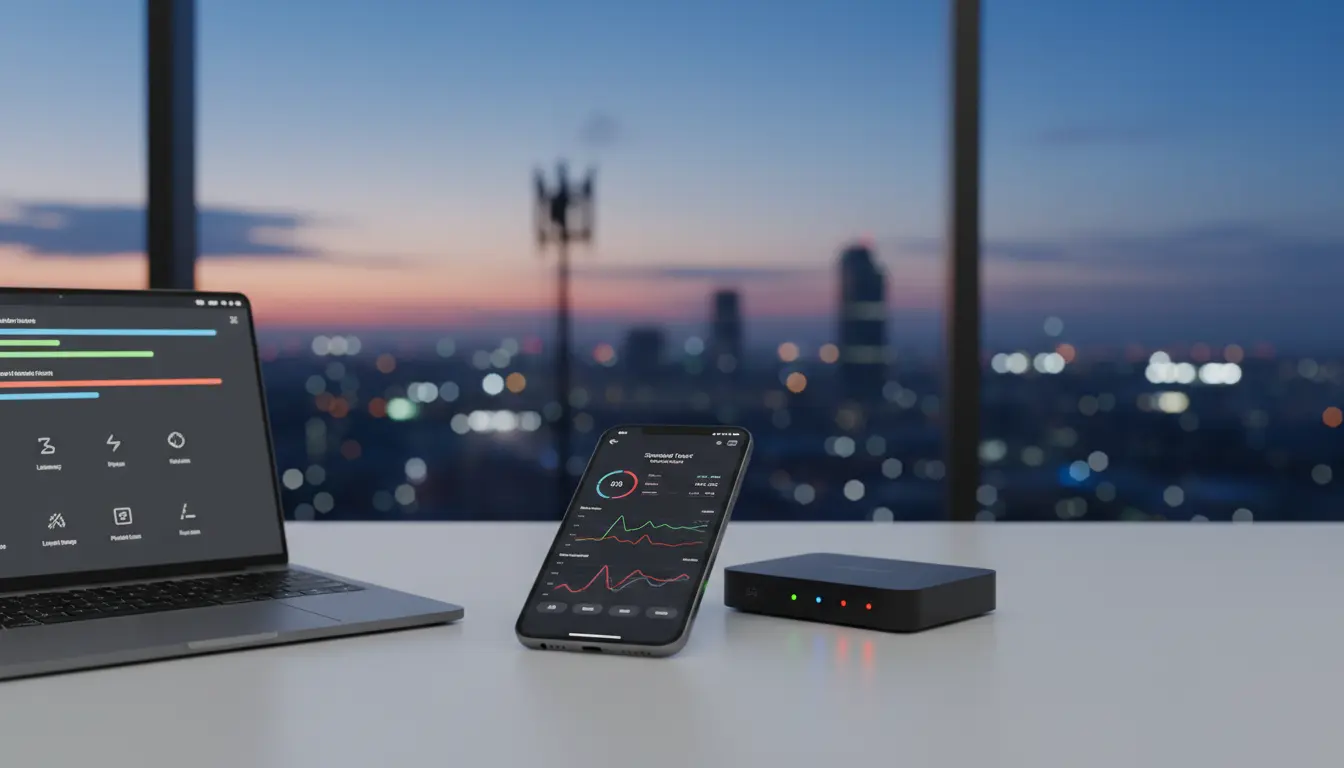

Mastering Mobile Data Simulation: How to Accurately Read and Interpret Speedtest Results
In an era where digital connectivity dictates the pace of business and personal life, understanding the nuances of mobile data performance is no longer just for network engineers. Whether you are a developer testing a new application or a consumer trying to optimize your home office, mobile data simulation and performance analysis are critical. This comprehensive guide explores the mechanics of Speedtest tools, how to interpret the data they provide, and why simulation is the key to future-proofing your digital experience.
The Evolution of Mobile Connectivity
Mobile networks have transitioned from simple voice carriers to complex data highways. With the global rollout of 5G and the refinement of LTE-Advanced, the expectations for speed and reliability have skyrocketed. However, raw speed is only one part of the equation. To truly understand how a network performs under real-world conditions, we must look at the synergy between hardware, frequency bands, and environmental factors.
Understanding the Core Metrics of a Speedtest
When you trigger a Speedtest, the application initiates a series of handshakes between your device and a local server. The results usually highlight four primary metrics: Download Speed, Upload Speed, Ping (Latency), and Jitter.
Download Speed: This measures how fast data travels from the internet to your device. It is the most visible metric for users streaming high-definition video or downloading large files. In mobile data simulation, achieving a high download rate requires a clear line of sight to the cell tower and minimal network congestion.
Upload Speed: Often overlooked, upload speed determines how quickly you can send data to others. This is vital for video conferencing, uploading content to social media, or sending large email attachments. A significant disparity between download and upload speeds is common in asymmetrical mobile networks.
Ping (Latency): Measured in milliseconds (ms), ping is the reaction time of your connection. It represents how fast you get a response after you’ve sent out a request. For gamers and real-time financial traders, low latency is more important than raw bandwidth.
Jitter: This metric measures the variation in latency over time. High jitter can cause “stuttering” in voice-over-IP (VoIP) calls and video streams, even if the average speed remains high.
The Role of Mobile Data Simulation
Mobile data simulation involves creating a controlled environment that mimics various network conditions. Developers use this to see how an app behaves when a user moves from a 5G zone into a basement with poor reception. By simulating packet loss, high latency, and bandwidth throttling, creators can build more resilient software.
Simulation tools allow you to test “edge cases.” For instance, what happens to a banking app when the signal drops mid-transaction? Does the app hang, or does it gracefully recover? Accurate simulation provides these answers without requiring the tester to physically travel to remote locations.
How to Perform an Accurate Speedtest
To get a reading that reflects your true network potential, follow these steps:
- Close Background Apps: Many applications consume data silently. Ensure your social media feeds and cloud backups are paused.
- Check Your Hardware: A modern 5G connection is useless if your smartphone’s modem is five years old.
- Location Matters: Physical barriers like concrete walls and reflective glass significantly degrade signal quality. For the most accurate reading, test your speed in an open area.
- Test at Different Times: Network traffic fluctuates. A test at 3:00 PM on a Tuesday will likely yield different results than one at 9:00 PM on a Sunday.
- Server Selection: Always choose a server closest to your physical location to minimize the impact of the wider internet infrastructure on your local mobile results.
Interpreting the Results: Beyond the Numbers
A “fast” speedtest doesn’t always mean a “good” connection. If your download speed is 100 Mbps but your jitter is 50ms, your video calls will still be blurry. Conversely, a stable 20 Mbps connection with 10ms ping can feel much faster for daily browsing than a high-speed connection with erratic stability.
When interpreting results, look for consistency. If you run three tests in a row and the results vary by more than 20%, your network is experiencing instability. This could be due to interference or the network switching between different frequency bands (e.g., jumping from 5G to 4G).
Optimizing Your Mobile Data Experience
If your Speedtest results are disappointing, several factors might be at play. Network congestion is the most common culprit. In crowded areas like stadiums or city centers, thousands of devices compete for the same bandwidth.
Another factor is “Throttling.” Some service providers limit speeds once a user reaches a certain data threshold. Using a mobile data simulation tool can help you identify if your provider is intentionally slowing down specific types of traffic, such as streaming or P2P file sharing.
The Future of Mobile Testing: 6G and Beyond
As we look toward the horizon, the integration of AI in network management will make Speedtests even more complex. Future simulations will likely include “Slicing,” where a single physical network is divided into multiple virtual networks, each optimized for a specific use case (e.g., one slice for autonomous vehicles, another for casual browsing).
Conclusion
Mastering the art of reading and interpreting Speedtest results is essential for navigating the modern digital landscape. By understanding the relationship between latency, jitter, and bandwidth, and by utilizing mobile data simulation, you can ensure that your connectivity meets your professional and personal demands. Don’t just settle for the numbers on the screen; analyze the stability and the context of your connection to truly stay ahead.
Recommended Product on Amazon.com
To improve your mobile data reception and ensure more accurate testing environments at home or in the office, we recommend the Netgear Nighthawk M6 Pro 5G WiFi 6E Portable Mobile Hotspot. This device allows for professional-grade mobile data simulation and provides a stable, high-speed connection that outperforms standard smartphone hotspots.