
Tablets for Business Travelers and Digital Nomads: A Practical Buying Guide for Work on the Move
Why a Tablet Makes Sense for Travel-First Work
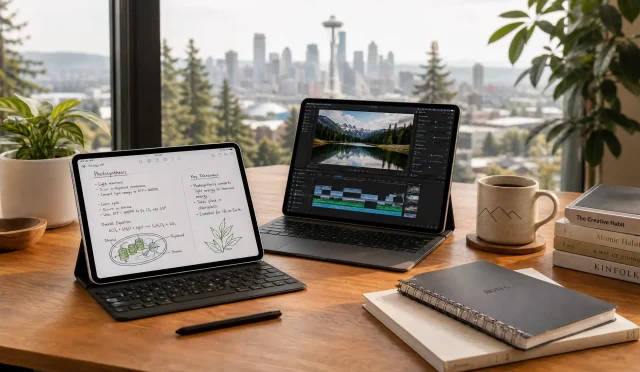
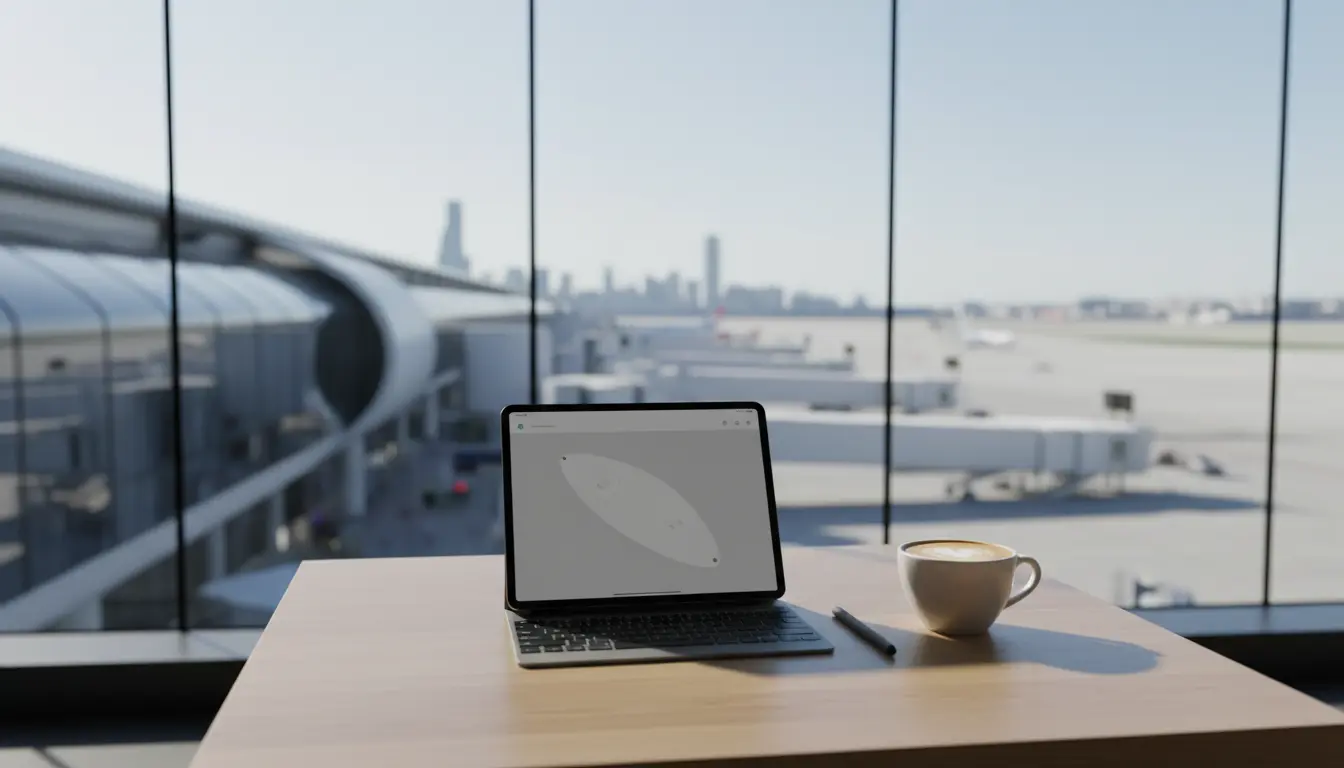
Business travel and nomadic work demand a device that starts fast, travels light, and stays reliable under pressure. A good tablet can replace a laptop for many people, especially if your work involves email, documents, presentations, video calls, note-taking, and light creative tasks. You can open it in a taxi, use it in an airport lounge, and switch from reading to writing in seconds.
Unlike a phone, a tablet gives you real screen space for multitasking. Unlike many laptops, it stays quiet, runs cool, and often delivers excellent battery life. If you choose the right model, you will reduce your carry weight without sacrificing professional output.
What “The Right Tablet” Looks Like for Travelers
Before you compare brands, define your travel workflow. You likely need quick access to files, stable connectivity, and a comfortable writing setup. That’s why the best tablets for travelers usually share a few traits:
- A lightweight build that fits easily in a backpack
- A bright display that stays readable in cafes and terminals
- Strong performance for video calls and multitasking
- Reliable accessories like a keyboard and stylus
- Solid security for business accounts and sensitive documents
This guide focuses on real-world requirements so you can pick a tablet for business travel that supports your day-to-day tasks, not just a spec sheet.
Portability: The Advantage You Feel Every Day
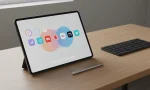
When you move between hotels, co-working spaces, and client offices, portability becomes a daily benefit. A travel-friendly tablet should feel effortless to carry and quick to deploy. Most people find the sweet spot around 10–11 inches because it balances comfort and screen space.
If you travel frequently, choose a device that stays slim even with a protective case. A compact setup reduces friction, and less friction means you work more consistently.
Battery Life: Your Insurance Against Busy Travel Days
Long battery life matters when you hop across time zones or spend hours away from outlets. A tablet for remote work should last a full day of mixed use: documents, browsing, messaging, and video calls.
Look for honest endurance, not marketing claims. If you plan to work in transit, you want stability—your tablet should not force you to ration brightness or close apps just to survive a flight. Pairing strong battery life with USB‑C charging also simplifies your kit, because you can share chargers across devices.
Display and Comfort: Work Longer Without Burnout
You read, edit, and review on a tablet more than you expect. A quality screen supports focus. Prioritize sharp text, strong brightness, and good color accuracy if you do design work. For frequent travel, glare control also matters because you will work near windows and under harsh overhead lights.
A bright, crisp panel improves productivity because you stop fighting your device. That makes “portable tablets for professionals” more than a buzz phrase—it reflects how comfort impacts output.
Performance for Multitasking: Keep Your Work Moving
Modern work rarely happens in a single app. You join a call, take notes, reference a doc, and respond to messages—all within minutes. That’s why mobile productivity tablets need enough memory and CPU/GPU performance to handle multitasking smoothly.
If you mainly do office work, you can prioritize efficiency over raw power. If you edit photos, manage large spreadsheets, or run heavy web apps, you should choose a higher-performance model and more RAM. A device that feels fast in month one should still feel fast in month twelve.
Connectivity: Wi‑Fi, 5G, and the Reality of Remote Work
Connectivity decides whether you deliver on time. In real travel conditions, Wi‑Fi can be crowded, weak, or insecure. If you rely on stable access, consider models with cellular options. With 5G where available, you can upload files, join meetings, and work reliably without hunting for the “good” corner of a cafe.
At the same time, do not ignore the basics: modern Wi‑Fi standards and a strong antenna design matter. For many digital nomad devices, connectivity is the feature that most directly affects your income.
Keyboard, Stylus, and Ergonomics: Turn a Tablet Into a Workstation
A tablet becomes a true work tool when you build the right input setup.
- Keyboard: If you write emails, proposals, or reports, a quality keyboard transforms speed and posture.
- Stylus: If you brainstorm, annotate PDFs, sign contracts, or sketch ideas, a stylus adds precision and reduces friction.
- Stand/Case: A stable kickstand or keyboard case improves video calls and prevents neck strain.
The goal is to create a portable workstation that opens quickly and supports real typing. When your setup feels natural, you work more confidently and make fewer mistakes.
Storage and Cloud Workflow: Keep Files Accessible Everywhere
Travel work often involves sharing, editing, and presenting files across devices. Local storage matters, but a smart cloud strategy matters more. Choose enough storage for offline access—especially if you travel to regions with unstable networks.
Then use cloud sync for resilience: you reduce the risk of data loss, and you can switch devices without stress. For business travel technology, redundancy is professionalism.
Security: Protect Your Accounts on Public Networks
Digital nomads often work on public Wi‑Fi, and that introduces risk. Tablet security features should not be optional. Prioritize:
- Biometric unlock (Face ID / fingerprint)
- OS updates with a strong security track record
- App permission controls
- Support for VPN use and encrypted storage
If you work with client data, secure login and safe browsing habits protect your reputation. Nomadic work devices must balance convenience with strong defaults.
Operating System: Choose Based on Your Tools, Not Trends
Your operating system shapes what you can do quickly.
- iPadOS often excels in app quality, accessory ecosystem, and creative workflows.
- Android can offer flexibility, customization, and a wide variety of hardware options.
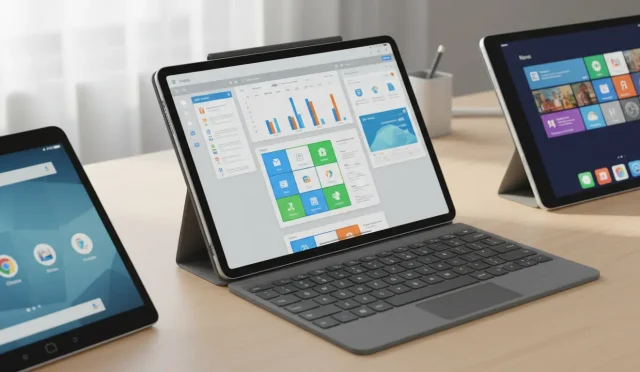
- Windows tablets can fit workflows that require desktop-grade software compatibility.
Choose what matches your apps and files. Productivity comes from fewer workarounds, not from chasing what’s popular.
Cameras and Audio: Video Calls Are Part of the Job Now
Remote work includes frequent meetings. A good front camera and clean microphones improve how you show up professionally. You do not need a “creator” camera system, but you do want stable performance in mixed lighting and clear voice capture.
If you present to clients, strong audio matters as much as video. The more dependable your calls are, the less you worry about tech and the more you focus on the conversation.
How to Decide Quickly: A Simple Buyer Checklist
When you compare options, use this shortlist:
- Does it feel light enough for daily carry? (lightweight tablets win here)
- Can it last a full workday with real use? (long battery life tablets matter)
- Can you type comfortably and quickly?
- Does it support your core apps and file formats?
- Does it protect your accounts and data on the road?
If a device fails any of these, it will slow you down over time—even if the price looks good today.
Recommended Device for Professionals: Apple iPad Air 11-inch (M3)
For those seeking the ultimate balance of power and portability, the Apple iPad Air 11-inch with M3 chip is the premier choice. Built for Apple Intelligence, this model ensures you are ready for the next generation of AI-driven productivity tools. The Liquid Retina Display provides stunning clarity for document review and creative tasks, while the M3 chip handles intensive multitasking without a hitch.
With Wi-Fi 6E support, you get the fastest possible wireless connectivity in airports and hotels. Its all-day battery life and lightweight design make it the perfect companion for long flights and remote work sessions. Whether you are taking video calls with the 12MP landscape front camera or securing your data with Touch ID, this device is engineered for the modern professional.