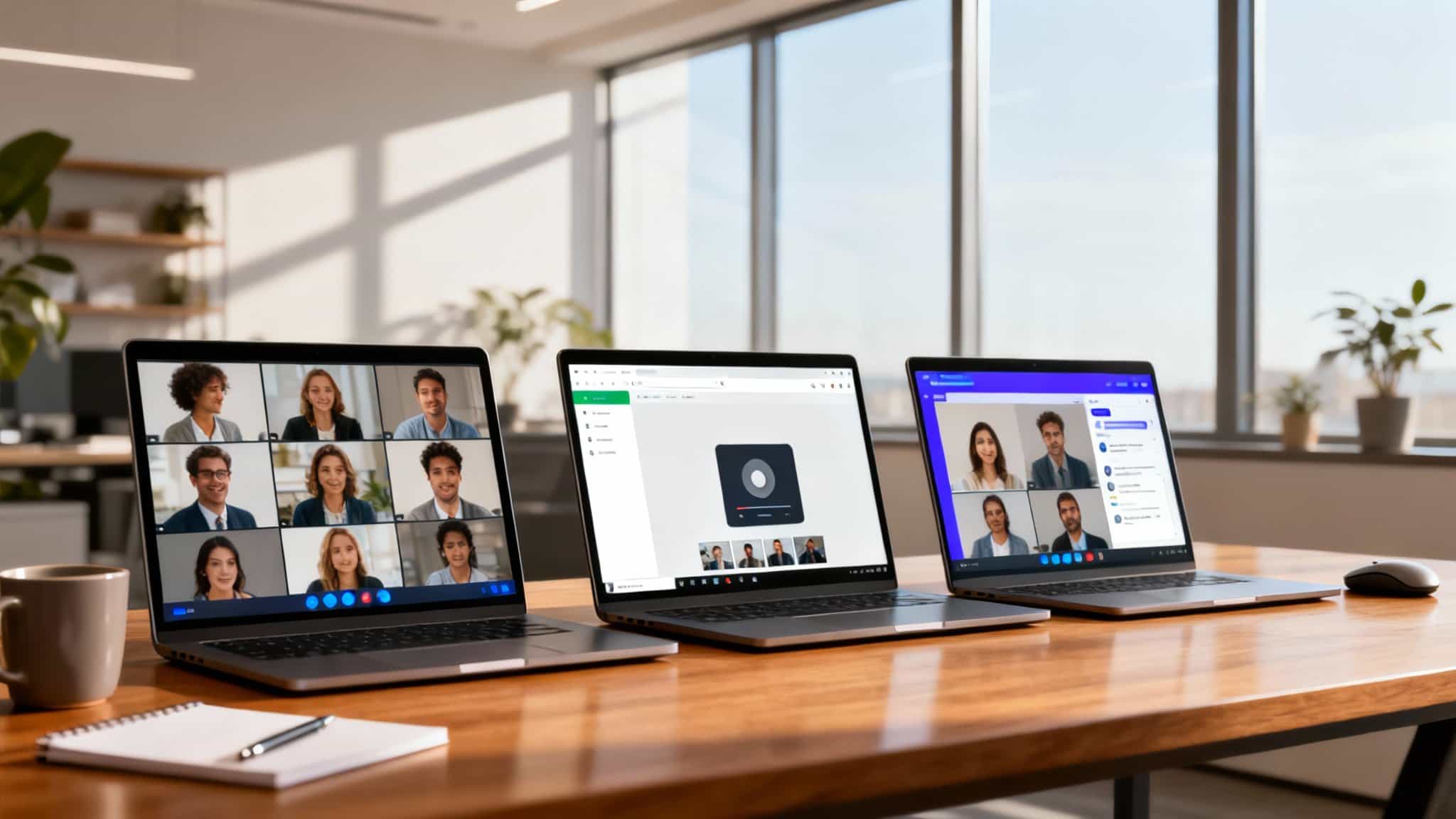

In the crowded world of video conferencing and collaboration tools, three platforms consistently lead conversations: Zoom, Google Meet, and Microsoft Teams. Each promises crystal-clear calls, secure meetings, and easy collaboration—but the best choice depends on your business goals, size, and existing tech stack. This in-depth, sales-focused comparison breaks down features, pricing, performance, security, and real-world use cases so you can confidently choose the platform that drives productivity and growth.
Why this comparison matters
Choosing the right platform affects sales demos, client onboarding, internal training, cross-functional collaboration, and remote teamwork. The tool you pick shapes how fast teams communicate, how smoothly meetings run, and how reliably your message lands. Reliability, simplicity, and integrations aren’t just “nice to have”—they’re mission-critical.
Quick positioning
- Zoom: Best-in-class for video quality, large webinars, external client calls, and ease of use.
- Google Meet: Best for organizations embedded in Google Workspace; simple, lightweight, and secure.
- Microsoft Teams: Best for Microsoft 365 users needing deep collaboration (chat, files, channels, apps) in one hub.
Core features compared
1) Video and audio quality
- Zoom: Famous for consistently high video and audio performance even on unstable networks. Background noise suppression and virtual backgrounds are top-tier. If you run demos or webinars with hundreds to thousands of attendees, Zoom is a safe bet.
- Google Meet: Strong, clean, and increasingly AI-enhanced. Meet performs well in-browser, with minimal setup. For quick, no-fuss calls that “just work,” Meet feels snappy and dependable.
- Microsoft Teams: Excellent quality inside Microsoft ecosystems. Teams shines when your meetings live alongside documents, channels, and co-authoring. For enterprise-grade quality paired with collaboration depth, Teams is compelling.
Sales takeaway: If video fidelity is paramount for demos and webinars, start with Zoom. If you need seamless browser-based simplicity, Meet delivers. If your meetings are part of a broader collaboration workflow, Teams wins.
2) Ease of use and learning curve
- Zoom: Intuitive interface; hosts and guests rarely need instructions. Joining via link is effortless, which removes friction in sales processes and customer onboarding.
- Google Meet: No downloads needed for most users; runs in the browser with a clean UI. It’s ideal for rapid internal syncs and client calls where time-to-join matters.
- Microsoft Teams: Deeper tool with more features. Initial learning curve is higher, but power users gain massive productivity with channels, tabs, and integrated files.
Sales takeaway: For speed and guest-friendliness, Zoom and Meet are hard to beat. For structured, ongoing collaboration, Teams pays off over time.
3) Scheduling and integrations
- Zoom: Strong integrations with Google Calendar, Outlook, Salesforce, HubSpot, Slack, and more. You can embed Zoom links in CRM workflows and automate follow-ups after demos.
- Google Meet: Built directly into Google Calendar and Gmail; near-zero friction for scheduling. Integrates with many CRMs and marketing platforms through Workspace add-ons.
- Microsoft Teams: Deeply integrated with Outlook, SharePoint, OneDrive, and Microsoft 365 apps. Robust app ecosystem (Planner, Power BI, Dynamics 365) makes Teams a collaboration command center.
Sales takeaway: Choose the platform that aligns with your calendar, email, and CRM stack. Google-based teams will love Meet; Microsoft-led environments will unlock the most value with Teams. If you need broad, cross-stack integrations, Zoom stays flexible.
4) Collaboration tools in-meeting
- Zoom: Breakout rooms, polls, Q&A, whiteboard, and robust webinar features. Ideal for workshops, training, onboarding, and large marketing events.
- Google Meet: Live captions, hand raise, whiteboarding via Jamboard alternatives, and reactions. Great for straightforward collaboration without distraction.
- Microsoft Teams: Advanced collaboration with persistent chat, channels, file sharing, co-authoring in Office apps, and app tabs. It’s not just meetings—Teams structures your team’s entire workflow.
Sales takeaway: For one-off events and webinars, Zoom is powerful. For lightweight collaboration, Meet is simple. For end-to-end teamwork with documents and channels, Teams leads.
5) Security and compliance
All three platforms have matured to meet enterprise standards:
- Zoom: End-to-end encryption options, waiting rooms, passcodes, and advanced admin controls. Supports HIPAA/FERPA/SOC compliance (with appropriate plans).
- Google Meet: Secure by design with Google’s infrastructure, encryption in transit, and granular admin controls via Google Workspace.
- Microsoft Teams: Enterprise-grade security baked into Microsoft 365, including data loss prevention, eDiscovery, and conditional access policies.
Sales takeaway: For regulated industries, Teams and Meet offer deep enterprise controls integrated with their suites. Zoom’s security has strengthened dramatically and offers extensive admin configurability.
6) Pricing and value
- Zoom: Free plan with time limits; paid tiers for Pro, Business, Business Plus, and Enterprise. Webinar and Zoom Events add-ons add cost but deliver exceptional marketing value.
- Google Meet: Included with Google Workspace plans (Starter to Enterprise). If you already pay for Workspace, Meet’s value is excellent.
- Microsoft Teams: Included with Microsoft 365 Business and Enterprise plans. If your company standardizes on Microsoft, Teams often offers the best total cost of ownership.
Sales takeaway: If you already invest in Google Workspace or Microsoft 365, Meet or Teams may be the most cost-effective. If webinars and external engagement are central to growth, Zoom’s add-ons can maximize ROI.
Real-world use cases
- SaaS sales and product demos: Zoom wins for frictionless guest access, HD video, and webinar features that convert interest into pipeline. Breakout rooms also support multi-track workshops and customer training.
- Internal cross-functional collaboration: Microsoft Teams is a powerhouse—persistent chat, channels, files, tasks, and meetings in one place keep projects moving and knowledge centralized.
- Agencies and consultancies: If your client mix spans different ecosystems, Zoom’s ubiquity and reliability make it easy to meet anyone, anywhere, with minimal setup.
- Startups and SMEs on Google Workspace: Google Meet’s simplicity, low overhead, and native Calendar/Gmail integration make day-to-day meetings effortless and affordable.
Performance at scale
- Zoom scales smoothly for webinars and large events, offering control over registration, Q&A, and attendee experience.
- Google Meet scales well for internal meetings and cross-org collaboration when both parties use Google accounts—no downloads, few barriers.
- Microsoft Teams scales for enterprise collaboration, governance, and cross-department projects—especially where compliance and reporting matter.
AI features and future readiness
- Zoom AI Companion: Summarizes meetings, suggests follow-ups, and supports tasks—particularly helpful for sales notes and action items.
- Google Meet AI: Enhances lighting, noise cancellation, and captions; integrates with Google’s growing AI features across Workspace for summaries and content assistance.
- Microsoft Teams Copilot: Deep integration with Microsoft 365. It can summarize threads, meetings, and documents, and draft messages—ideal for enterprises leaning into AI-driven productivity.
Decision framework: Which should you choose?
1.Pick Zoom if:
- You run frequent external demos, customer training, or large webinars.
- Video quality and host controls are top priorities.
- You want a platform non-technical guests can join instantly.
2.Pick Google Meet if:
- Your company runs on Google Workspace.
- You value speed, simplicity, and in-browser reliability.
- You need secure, light-weight meetings with minimal setup.
3.Pick Microsoft Teams if:
- You live in Microsoft 365 and need a full collaboration hub.
- You want channels, files, tasks, and meetings in one place.
- You need enterprise-grade governance, DLP, and lifecycle management.
The bottom line
Zoom, Google Meet, and Microsoft Teams are all excellent—but their strengths differ. For sales-led growth and events, Zoom delivers premium experiences; for frictionless everyday meetings within Google Workspace, Meet offers the utmost convenience; and for deep, structured collaboration at an enterprise scale, Teams provides unmatched integration. Align the choice with your stack, your workflows, and the experiences you need to create for teammates and customers. When you do, meetings stop being a bottleneck and start becoming a growth catalyst.