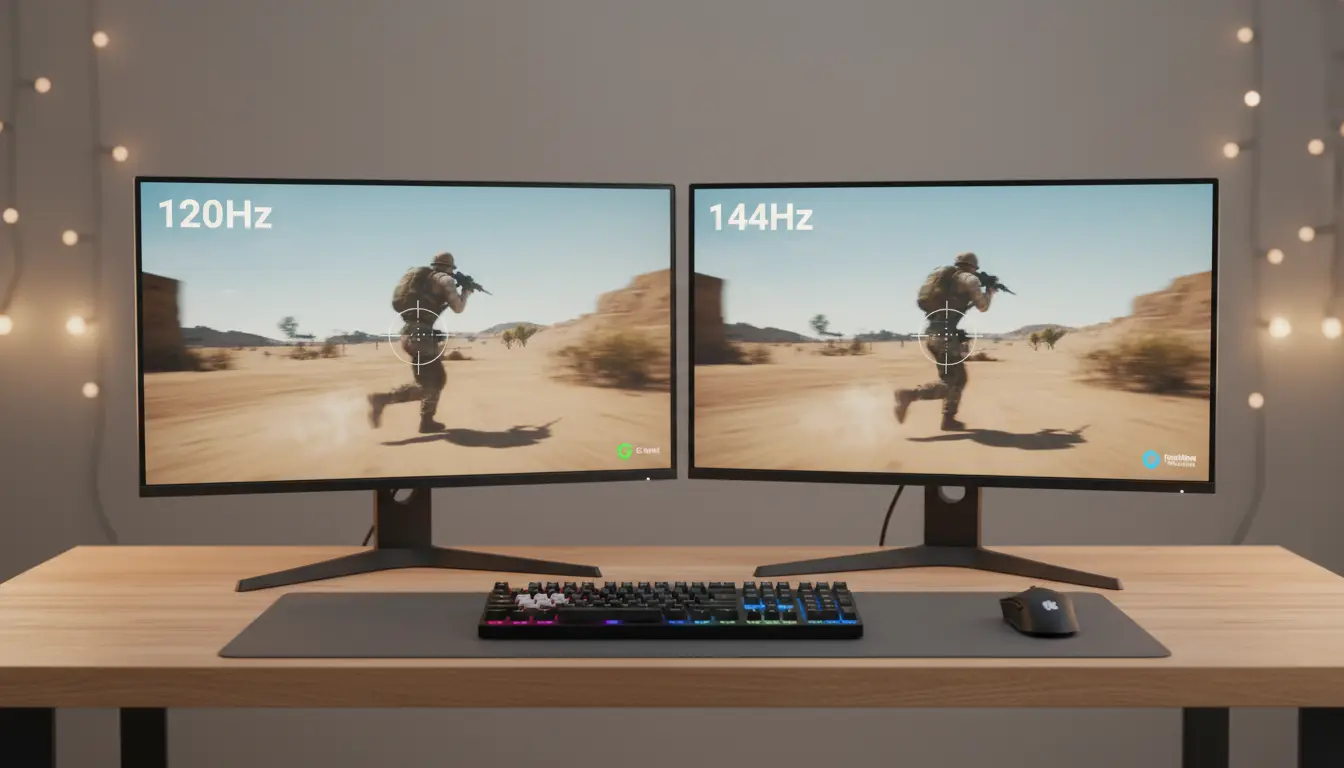

120Hz vs 144Hz: How Much Does Screen Refresh Rate Matter in Real Life?
If you’re choosing a new monitor, laptop, or phone, chances are you’ve stumbled upon the 120Hz vs 144Hz debate. On paper, 144Hz is the faster refresh rate. But how much does that extra 24Hz actually matter in everyday use, gaming, creative work, and media consumption? This guide breaks down the real-world differences, who benefits most, and how to choose the right refresh rate for your budget and use case.
What Is Refresh Rate and Why It Matters
Refresh rate, measured in Hertz (Hz), is the number of times per second your display updates the image. A 60Hz screen refreshes 60 times a second, 120Hz refreshes 120 times, and 144Hz refreshes 144 times. Higher refresh rates reduce perceived motion blur, minimize input latency, and make motion look smoother. For gamers, this can improve aiming precision and reaction consistency. For creators and power users, it makes scrolling, timeline scrubbing, and stylus input feel more fluid.
120Hz vs 144Hz: The Practical Difference
- Smoothness: Going from 60Hz to 120Hz is a dramatic jump. Going from 120Hz to 144Hz is noticeable but subtle. Most users describe it as a small improvement in motion clarity.
- Input latency: 144Hz can shave a few milliseconds off input lag compared to 120Hz. Competitive players in fast-paced shooters or esports titles may feel the difference, especially when paired with high FPS output.
- Visual clarity in motion: Slightly better at 144Hz, reducing ghosting/trailing by a small margin when the panel, overdrive, and response times are well-tuned.
- Power and thermals (laptops/phones): 120Hz often hits a sweet spot between smoothness and battery life. 144Hz can draw a bit more power, though adaptive refresh (VRR) can mitigate this.
In short, the biggest leap is from 60Hz to 120Hz. The 144Hz upgrade is incremental and most meaningful for competitive gaming.



Gaming: Where 144Hz Can Matter Most
- Esports/FPS titles: If you play Valorant, CS2, Apex Legends, or Fortnite at high frame rates (120–240 FPS), 144Hz offers a marginal competitive edge. Micro-stutters feel less pronounced, and tracking targets can feel a touch smoother.
- Casual gaming: For story-driven or console-capped titles (often 60–120 FPS), a 120Hz panel provides excellent fluidity. You’ll rarely miss 144Hz unless you’re particularly sensitive to motion.
- VRR/G-Sync/FreeSync: Variable refresh rate is more important than 120 vs 144 alone. VRR reduces tearing and stutter by syncing the display to your GPU’s frame output. A well-implemented 120Hz with VRR can look and feel better than a poorly tuned 144Hz without it.
Tip: Make sure your GPU can deliver the frames. A 144Hz panel doesn’t help if you’re averaging 80 FPS with frequent dips. Optimize settings or consider a GPU upgrade first.
Creative Work and Productivity
- Scrolling and UI responsiveness: Both 120Hz and 144Hz feel significantly smoother than 60Hz for web browsing, coding, spreadsheets, and multi-window workflows.
- Video editing and animation: Timeline scrubbing feels fluid on both. If you finish to 24/30/60 fps, display refresh rate won’t change your final export; it just improves your editing experience.
- Stylus and 2D design: Reduced perceived latency can make strokes feel more immediate. Many designers find 120Hz already excellent. The 144Hz bump is minor unless you’re extremely sensitive to latency.
Media and Entertainment
- Movies/TV: Most content is 24fps or 30fps. Higher refresh rates don’t increase content frame rate, but they can improve scrolling menus and navigation. For video playback, color accuracy, contrast, and HDR matter more than 120 vs 144.
- Streaming and sports: Some live sports streams benefit from higher refresh displays paired with motion interpolation or higher source frame rates. Still, panel quality and motion processing make a bigger difference than 120 vs 144 alone.
Panel Quality > Hertz Alone
Refresh rate is one piece of the puzzle. Consider:
- Panel type: IPS (color accuracy, viewing angles), VA (contrast), OLED (perfect blacks, instant response), TN (speed, lower color accuracy).
- Response time and overdrive: Poor tuning can cause inverse ghosting even at high Hz.
- Color accuracy and coverage: sRGB, DCI-P3, or Adobe RGB coverage is crucial for creators.
- Brightness and HDR: True HDR requires high sustained brightness and local dimming or per-pixel control (OLED).
- Build and ergonomics: Height/tilt/pivot adjustments reduce fatigue and improve productivity.
A high-quality 120Hz OLED or IPS with great response and color can outperform a mediocre 144Hz panel in overall experience.
Battery Life on Laptops and Phones
- Many modern devices use adaptive refresh rates (LTPO on phones) to drop from 120/144Hz to 10–60Hz when static, saving power.
- 120Hz often hits a better balance; 144Hz may draw more power under sustained motion. If battery life is top priority, choose adaptive 120Hz or use a dynamic mode.
Connectivity and Compatibility
- PC monitors: Check DisplayPort/HDMI versions. For 1440p 144Hz or 4K 120Hz, you’ll typically need DP 1.4 or HDMI 2.1. Ensure your cable supports the bandwidth.
- Consoles: PS5 and Xbox Series X generally target up to 120Hz at 1080p/1440p/4K depending on the game. 144Hz isn’t a console standard; 120Hz support is more relevant.
- Phones and tablets: Many flagships offer 120Hz with excellent adaptive control. 144Hz exists but is rarer and mostly a spec flex.
Price and Value
- 120Hz displays are widely available and often more affordable.
- 144Hz usually carries a small premium. If that price difference could be spent on better panel quality (color, HDR, response time) or a GPU upgrade, that may deliver more noticeable benefits.
How to Choose: A Simple Framework
- Competitive PC gamer (FPS/esports) with a strong GPU: Choose 144Hz or higher (165–240Hz), plus VRR. Prioritize low response times and good overdrive.
- Mixed gamer and productivity user: 120Hz with VRR is an excellent sweet spot. Consider panel quality and resolution.
- Console gamer: Focus on 120Hz support, HDR, and HDMI 2.1. 144Hz isn’t necessary.
- Creators and professionals: Choose the best panel quality you can afford (color accuracy, uniformity, HDR). 120Hz is already great for UX; 144Hz is a minor bonus.
- Mobile users who care about battery: 120Hz with adaptive refresh for efficiency.
Bottom Line
The jump from 60Hz to 120Hz is transformative; 120Hz to 144Hz is a refinement. If you compete seriously in high-FPS titles and have the hardware to push frames, 144Hz can provide a small but meaningful edge. For most users, a high-quality 120Hz panel with VRR, strong response times, and accurate color will feel fantastic in day-to-day use and often provides better value.









