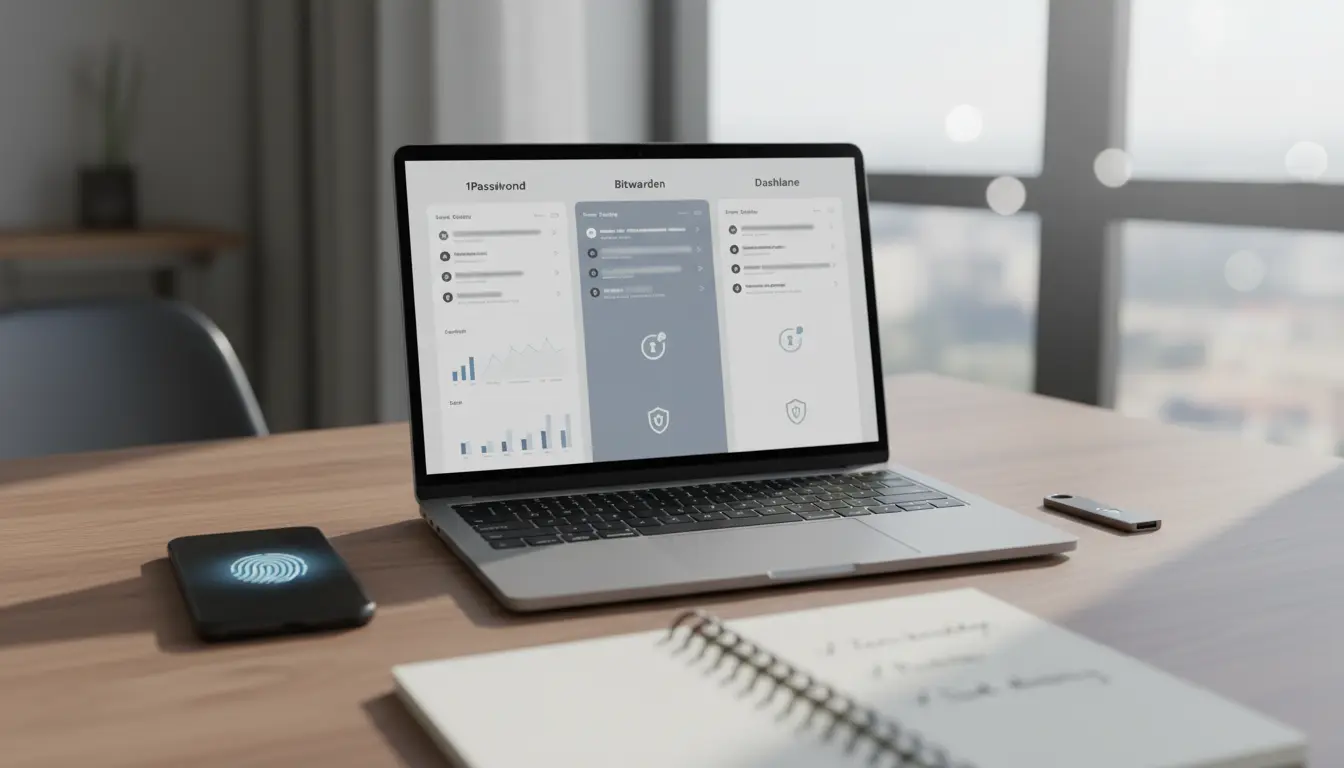

1Password vs Bitwarden vs Dashlane: Which Password Manager Should You Trust in 2025? In a digital world where every account holds value, password managers have become essential. Among the top contenders, 1Password, Bitwarden, and Dashlane stand out for their security-first design, cross-platform support, and productivity features. Yet each takes a distinct approach to encryption, pricing, business readiness, and quality-of-life tools like autofill and dark web monitoring. This in-depth comparison helps you choose the right password manager for your needs—whether you’re an individual, family, or scaling business.
Security Architecture and Zero-Knowledge Design
All three solutions follow a “zero-knowledge” model, meaning your master password and vault contents are never visible to the provider. However, implementations differ:
- 1Password: Uses end-to-end encryption with a unique Secret Key (an extra locally generated key) that significantly strengthens resistance to credential stuffing or data leaks. Its use of PBKDF2 and Secure Remote Password (SRP) for authentication provides robust protection even on untrusted networks.
- Bitwarden: Open-source from end to end, audited regularly, and supports Argon2id KDF for stronger, modern password hashing. Transparency is a major plus, especially for security-conscious teams that value verifiable code and community oversight.
- Dashlane: End-to-end encryption with strong cryptography and reliable breach monitoring. Dashlane moved to a fully web-based architecture, which some users love for convenience; others prefer traditional desktop apps. Security posture remains strong, and its Dark Web Monitoring is among the most user-friendly.
Verdict: If you want the strongest layered authentication model, 1Password’s Secret Key is a differentiator. If you value open-source transparency and modern KDF options, Bitwarden leads. Dashlane remains highly secure and polished, especially for users who appreciate streamlined web-first access.



Core Features and Everyday Usability
A great password manager should make secure behavior effortless:
- Autofill and Capture: All three provide accurate autofill and capture on major browsers and mobile. Dashlane’s form-fill and 1Password’s inline suggestions are especially smooth. Bitwarden has improved autofill reliability and remains highly configurable.
- Secure Notes, Payment Cards, and Identities: Each supports secure storage for cards, notes, and personal data. 1Password’s item templates and “watchtower” actionable alerts are well-designed. Bitwarden offers solid, clean item structures. Dashlane adds polished UX and identity autofill.
- Password Sharing: 1Password’s shared vaults and item-level control are excellent for families and teams. Bitwarden supports collections and organizations with granular access. Dashlane’s sharing is easy for small groups and non-technical users.
Verdict: For pure ease and polish, 1Password and Dashlane are neck and neck. Bitwarden shines for power users who like fine-tuning and OSS flexibility.
Platforms, Browsers, and Ecosystem
- 1Password: Native apps for macOS, Windows, iOS, Android, Linux, plus top-tier browser extensions. The desktop experience is refined, with fast search and delightful details like “Quick Access” on desktop.
- Bitwarden: Broad platform coverage, lightweight apps, and CLI tools for developers. Self-hosting is a unique advantage for organizations with compliance needs or strict data governance.
- Dashlane: Polished mobile apps and strong browser support. Web-first approach means quick setup—great for users who don’t want heavy desktop clients.
Verdict: If you love native apps and a premium experience, 1Password leads. If you want flexibility, self-hosting, or a great free tier, Bitwarden is compelling. Dashlane is ideal for users who want a simple, modern, browser-centric flow.
Advanced Features for Power Users and Teams
- Multi-Factor Authentication (MFA): All three support TOTP generation within the vault. 1Password’s integration with platform biometrics is excellent; Bitwarden supports a wide range of authenticators; Dashlane offers streamlined MFA prompts and guidance.
- Passkeys (FIDO2/WebAuthn): 1Password and Dashlane both support passkey creation and storage with slick UX. Bitwarden supports passkeys as well, and continues to expand capabilities quickly.
- Secure File Storage: 1Password offers secure document storage tied to items. Bitwarden supports attachments on paid plans. Dashlane also allows storing files securely.
- Admin Controls and Reporting: For businesses, 1Password’s fine-grained permissions, SCIM provisioning, and detailed audit logs are standout. Bitwarden’s Organizations, SSO, and self-hosting options make it popular with technical teams. Dashlane’s admin console is clean and approachable, with effective dark web alerts for org-wide risk reduction.
Verdict: Enterprises may prefer 1Password for mature admin tooling and seamless onboarding. Technical teams that prioritize OSS and self-hosting often favor Bitwarden. Dashlane suits SMBs wanting fast setup and strong monitoring.
Pricing and Value
- 1Password: Premium-focused with Individual, Families, and Business tiers. Not the cheapest, but the polish, Secret Key security model, and family sharing features justify the price for many.
- Bitwarden: Best-in-class value—generous free plan, very affordable premium, and competitive business pricing. The ability to self-host can lower total cost of ownership for some orgs.
- Dashlane: Priced similar to 1Password, with ongoing improvements to web-first experience. Great bundle if you care about dark web monitoring and a smooth consumer UX.
Verdict: Bitwarden is the value winner. 1Password offers the premium experience. Dashlane is a strong middle-ground for users who want simple, secure, and modern.
Privacy, Transparency, and Audits
- 1Password: Undergoes regular security audits; strong track record and transparent disclosures. Proprietary but trusted by many large organizations.
- Bitwarden: Fully open source with third-party audits. Community trust and peer review are core strengths.
- Dashlane: Audited, with a long-standing consumer reputation and clear privacy documentation.
Verdict: If open source is non-negotiable, Bitwarden is your pick. Otherwise, all three are reputable with solid audit histories.
Migration and Onboarding
- Import/Export: All three support importing from CSV and other managers. 1Password and Dashlane make migrations straightforward with guided flows. Bitwarden’s import supports a wide range of formats and is well-documented.
- Learning Curve: 1Password is intuitive for families and teams. Bitwarden is easy but more utilitarian; power users love the control. Dashlane is extremely beginner-friendly.
Who Should Choose Which?
- Choose 1Password if:
- You want the most polished experience across desktop and mobile.
- You value the Secret Key and a premium security model.
- You’re a family or business that needs excellent shared vaults, provisioning, and admin controls.
- Choose Bitwarden if:
- You want open source, transparency, and the best overall value.
- You may self-host or need maximum flexibility.
- You’re price-sensitive but still want enterprise-ready security and features.
- Choose Dashlane if:
- You prefer a clean, browser-first workflow with minimal setup.
- You want effortless dark web monitoring and consumer-friendly UX.
- You’re an SMB or individual who prioritizes simplicity and speed.
Best Practices Regardless of Platform
- Use a strong, unique master password and enable biometric unlock where available.
- Turn on 2FA/MFA for your password manager account.
- Embrace passkeys where supported; they resist phishing and credential reuse.
- Regularly review Watchtower/Breach Reports/Dark Web Monitoring alerts and rotate exposed passwords.
- Organize vaults with clear naming and shared collections for teams or families.
Final Recommendation
For most users seeking a polished, secure, and teamwork-ready manager, 1Password is the best all-around pick. Bitwarden is unbeatable for value, open-source transparency, and flexibility—including self-hosting. Dashlane is excellent for users who want a streamlined, browser-first experience with great monitoring. You can’t go wrong with any of the three; align your choice with your priorities: premium UX and admin controls (1Password), open-source value and flexibility (Bitwarden), or simplicity and monitoring (Dashlane).








