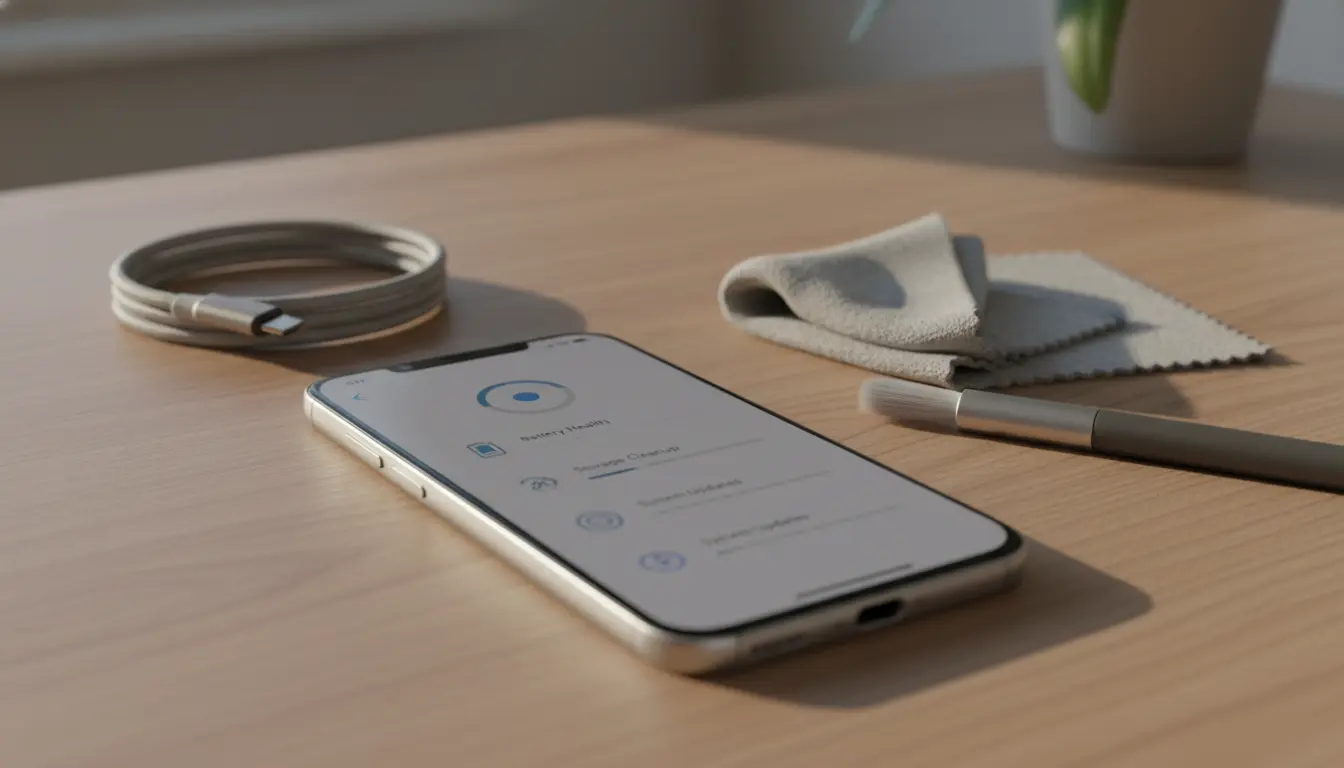

4-Year Phone Performance Plan: A Practical Maintenance Routine to Keep Your Smartphone Fast and Reliable
Keeping a smartphone fast and reliable for four years is absolutely possible with the right routine. Modern devices have powerful chips, decent RAM, and long-lasting batteries—but they still slow down without consistent care. This guide lays out an easy, organic, and actionable four-year maintenance plan to preserve performance, battery health, storage efficiency, and overall longevity. Follow these steps to keep your phone smooth, responsive, and dependable well beyond the typical upgrade cycle.
Year 1: Set the Foundation for Longevity
- Enable automatic OS and security updates:
- Keep your device on the latest stable firmware to benefit from performance optimizations and patches.
- Calibrate healthy charging habits:
- Keep charge between 20% and 80% when possible. Avoid daily 0–100% cycles and frequent fast charging. Overnight charging is fine if your phone supports adaptive charging.
- Install only essential apps:
- Minimize bloat by choosing lightweight, well-reviewed apps that respect privacy and battery. Uninstall any preloaded apps you don’t use (or disable them).
- Set up cloud sync and automatic backups:
- Use Google Drive, iCloud, or OneDrive for photos and files. Keeping large media off-device prevents storage pressure and slowdowns.
- Optimize home screen and widgets:
- Limit live wallpapers and resource-heavy widgets. Keep animations modest for a consistent feel.
Routine (Monthly):
- Clear app cache for heavy apps (social, maps, browsers).
- Review permissions and disable background activity for apps you rarely use.
- Reboot your phone at least once a week to free memory and reset services.
Year 2: Preserve Battery Health and Storage Efficiency
- Battery check-up:
- Review battery health metrics (if available). If capacity has dipped significantly and you feel shorter screen-on time, adjust charging practices or consider a certified battery replacement later in the year.
- Deep storage cleanup:
- Use built-in storage tools to delete duplicate files, large downloads, and unused offline content (e.g., maps, playlists).
- Refresh network settings:
- If connectivity feels unstable, reset network settings to improve Wi‑Fi and Bluetooth reliability. This can also resolve background sync drag.
- Update or replace heavy apps:
- Switch to lighter alternatives for browsers, mail, or social apps if they feel bloated. Consider Progressive Web Apps (PWAs) for some services.
- Privacy and background control:
- Turn off continuous location access for apps that don’t need it. Disable auto-start for nonessential apps.
Routine (Quarterly):


- Audit notifications and disable those that cause constant wake-ups.
- Clear browser data (cookies, cached images), preserving passwords with a password manager.
- Check for OS feature toggles (e.g., adaptive battery) and keep them on.
Year 3: Proactive Hardware TLC and Performance Tuning
- Battery replacement window:
- If battery health is below ~80% or your device frequently throttles, schedule a certified battery replacement. This single step can add another 1–2 years of usable life and performance stability.
- Port and speaker maintenance:
- Gently remove lint from charging ports and speaker grills using a soft brush or compressed air. Better contact equals steadier charging and fewer connection issues.
- Thermal management:
- Avoid gaming while charging. Keep the phone out of direct sun and remove thick cases during heavy workloads to reduce heat, which accelerates wear.
- Clean install opportunity:
- Consider a clean OS reinstall or factory reset (after full backup) to eliminate legacy junk, stale services, and misbehaving apps. Then reinstall only what you truly need.
Routine (Biannual):
- Review accessibility and animation settings; slightly reducing animations helps older hardware feel snappier.
- Optimize photo/video management—offload old media to cloud or external storage.
Year 4: Sustain Peak Usability and Security
- Security-first mindset:
- Keep using the latest security patches. If major OS updates are no longer supported, rely on security updates and vetted, regularly updated apps.
- Minimalist app approach:
- Aggressively remove unused apps and stop background sync for anything nonessential. Lightweight equals faster.
- Accessory refresh:
- Replace the charging cable and power adapter with certified ones if you see intermittent charging. Old cables can cause slow charging and heat.
- Final tune-up:
- Re-run a storage optimization sweep, clear caches, and consider another clean install if performance has drifted.
Routine (Monthly/As Needed):
- Reboot weekly, clear heavy app caches, keep widgets to a minimum.
- Monitor battery temperature during charging. Warm is normal; hot is not.
Cross-Cutting Best Practices for All Four Years
- Use reputable cases and screen protectors:
- Physical integrity prevents performance-impacting failures like ghost touches or damaged ports.
- Smart connectivity:
- Turn off 5G, GPS, or hotspot when not needed. These radios can drain battery and keep processors awake.
- Avoid sketchy APKs and third-party stores:
- Malware or poorly optimized apps create persistent slowdowns and privacy risks.
- Keep free storage headroom:
- Aim for 15–25% free space. When storage is near full, phones slow down due to less room for temporary files and app updates.
- Benchmark responsibly:
- Don’t chase high benchmark numbers. Real-world smoothness comes from good maintenance, stable thermals, and healthy battery.
Simple Monthly Checklist
- Update OS and apps
- Reboot the device
- Clear heavy app caches
- Review app permissions/background activity
- Clean charging port and case
- Ensure 15–25% free storage
- Back up photos and files
By following these steps, you create an easy, sustainable phone care habit that keeps performance consistent, extends battery lifespan, and prevents the slow creep of clutter. The result is a device that feels responsive and reliable through its fourth year—often saving you the cost and hassle of premature upgrades.









