
7 Best Outdoor Security Cameras with No Monthly Subscription Fees (2026)
Home security has changed fast, but one thing still annoys most buyers: monthly fees. In 2026, many homeowners and small business owners want outdoor security cameras with no monthly subscription fees that still deliver sharp video, smart alerts, and reliable storage. The good news is you can get strong protection without paying for cloud plans—if you choose the right setup.
This guide explains what “no subscription” really means, what features matter outdoors, and which camera types tend to perform best. I’ll also share practical buying tips so you don’t end up with a camera that looks great on paper but fails the first rainy night.
What “No Monthly Subscription” Really Means
A camera can be “subscription-free” in different ways:



- Local storage: The camera saves footage to a microSD card, an internal drive, or a home hub/NVR. This is the most common path to a truly no cloud fees system.
- Optional cloud: Many brands offer cloud storage, but you don’t need it. You still get live view, basic motion alerts, and local recording.
- Advanced features may be gated: Some companies reserve person detection, rich notifications, or extended event history for subscribers. If you want a truly subscription-free security system, check which features work without a plan.
In general, the most dependable “no monthly fee” experience comes from cameras designed around local video storage first.
Key Features to Prioritize for Outdoor Cameras (2026)
Outdoor cameras face harsh conditions. To avoid regret, focus on these essentials:
1) High-Quality Video (Resolution + HDR)
Look for at least 2K; 4K is better if you need to identify faces or read plates in a driveway. 4K outdoor camera models are especially useful for wider areas where digital zoom matters.
2) Night Vision That Matches Your Environment
Some homes do fine with infrared; others need a color night vision camera to preserve details like clothing color. If you have exterior lights, color night vision often improves clarity.
3) Smart Detection Without a Subscription
Many buyers specifically want AI person detection without paying monthly. Confirm whether person/vehicle detection works locally, and whether it requires a hub.
4) Reliable Weather and Power
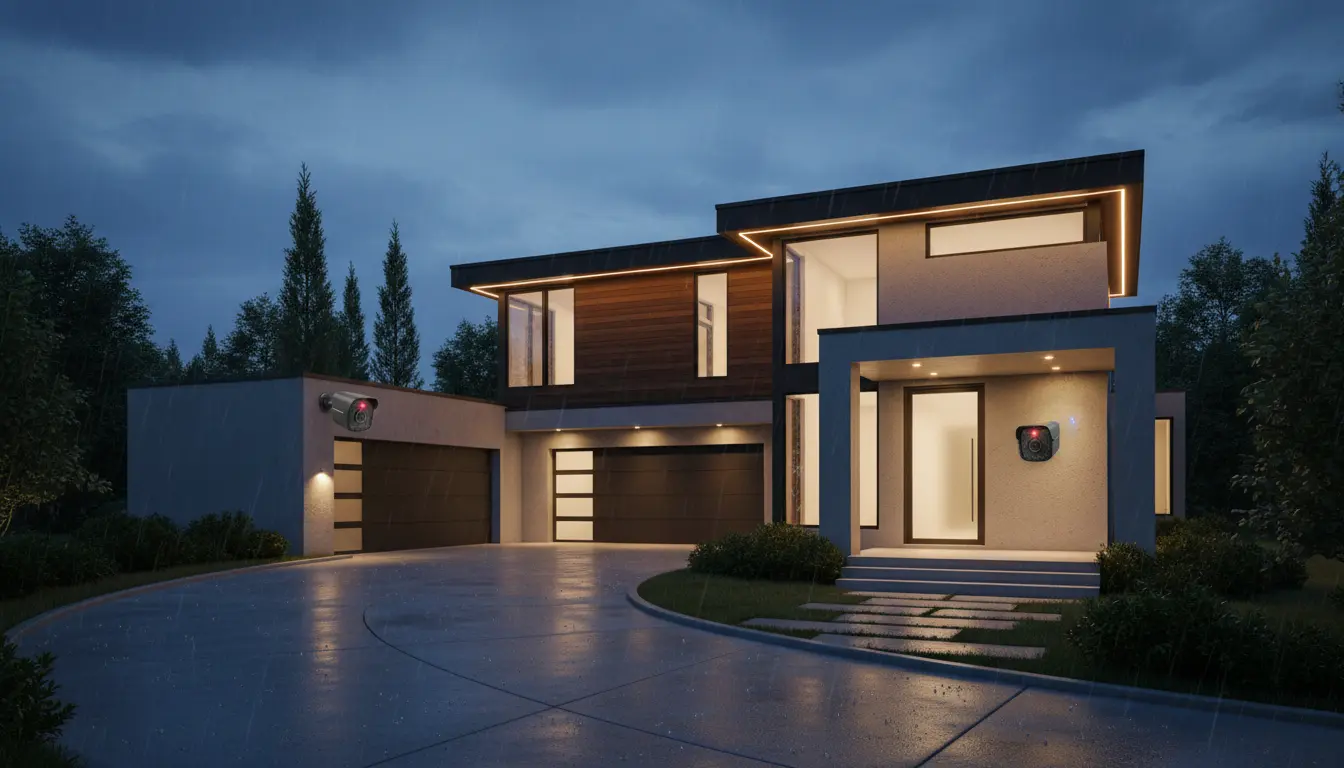
Choose an IP66 weatherproof camera (or higher) for rain, dust, and heat. Decide between:
- PoE security camera (most stable; one Ethernet cable for power + data)
- Battery-powered units (flexible placement; you must charge)
- Hardwired (steady power; may need installation)
5) Local Storage You Can Trust
A microSD card security camera is the simplest subscription-free option, but it can be stolen with the camera. For higher security, use a hub or NVR located indoors.
6) Privacy and On-Device Control
If privacy matters, favor systems that support RTSP camera support or offer clear local-only modes. This makes it easier to integrate with a home security system or NAS and reduces dependence on cloud services.
The 7 Best Outdoor Security Camera Categories (No Monthly Fees)
Instead of pushing one “best brand for everyone,” here are seven top-performing categories (and why they’re strong choices). Each category reflects what consistently works well for buyers who want no subscriptions.
1) Best Overall: Local-Storage Wi‑Fi Camera with Smart Alerts
A subscription-free Wi‑Fi camera with microSD and solid motion detection hits the sweet spot for most homes. It’s quick to install, affordable, and often supports two-way audio for deliveries or unexpected visitors.
Who it’s for: renters and homeowners who want simple setup and strong day-to-night performance.
2) Best Reliability: PoE Outdoor Camera (Wired Ethernet)
If you want maximum uptime, nothing beats a PoE security camera. You avoid battery swaps, reduce Wi‑Fi dropouts, and can run multi-camera coverage confidently. Pair it with an NVR for robust recording and better control.
Who it’s for: homeowners who want “set it and forget it” security and consistent recording.
3) Best Detail: 4K Camera for Driveways and Entry Points
If you need identification-level detail, choose a 4K outdoor camera. This helps when you zoom into footage after an incident. For best results, mount it lower (but not reachable) and angle it to reduce glare.
Who it’s for: driveways, front yards, gates, and small business entrances.
4) Best Night Coverage: Color Night Vision Outdoor Camera
Standard infrared works, but color night vision can capture key clues. Pair it with motion-triggered spotlights or ambient lighting. Even without cloud plans, these cameras can still provide strong local recordings and actionable alerts.
Who it’s for: dim backyards, side alleys, and parking areas.
5) Best Flexibility: Battery-Powered Outdoor Camera with Local Backup
Battery models help when wiring is impossible. The best ones combine decent battery life with local storage options. You’ll still want to fine-tune zones so you don’t trigger constant alerts and drain the battery.
Who it’s for: rentals, detached garages, and locations far from outlets.
6) Best for Large Properties: Multi-Camera Kit with Local NVR
If you need broad coverage, a kit built around a local recorder is ideal. Many offer continuous recording and easier camera management. This approach also helps if you want to expand later and keep everything inside one home security system.
Who it’s for: larger homes, farms, warehouses, or anyone adding 4+ cameras.
7) Best Smart-Home Integration: Local-First Camera with RTSP Support
If you like Home Assistant, Synology, Blue Iris, or a custom setup, prioritize RTSP camera support. It gives you more freedom to choose storage, notifications, and automations—without relying on subscription services.
Who it’s for: tech-savvy users who want control, customization, and long-term flexibility.
How to Choose the Right Camera for Your Home
Use this quick framework to buy smarter:
Match camera type to the location
- Front door: prioritize sharp detail + two-way audio
- Driveway: prioritize 4K outdoor camera clarity and stable power
- Backyard: prioritize color night vision camera and wide coverage
Decide how you want to store video
- microSD: simplest local video storage
- hub/NVR: better protection if the camera gets stolen
- RTSP/NAS: best control and long-term scaling
Check what works without paying
Before buying, confirm:
- recording works without a plan
- motion alerts work without a plan
- AI detection (person/vehicle) works without a plan if you care about AI person detection
This is where many “no subscription” cameras quietly disappoint, so read the feature table carefully.
Installation Tips to Improve Results (and Reduce False Alerts)
Even the best camera fails with bad placement. Do this instead:
- Mount 8–10 feet high to reduce tampering while keeping face-level angles.
- Avoid pointing directly at bright lights to reduce glare and missed motion.
- Set activity zones to ignore busy streets or moving trees.
- Use a high-endurance microSD card if you choose a microSD card security camera.
- For wired systems, keep cables protected and consider surge protection.
These steps improve event accuracy, reduce notification spam, and keep recordings usable when you actually need them.
Amazon.com Product Recommendation (1 item)
If you want a practical, subscription-free path and you’re open to a wired setup, consider a PoE security camera kit with an NVR and local storage on Amazon. A common option buyers look for is:
- Reolink 4K PoE Security Camera System (NVR kit, local recording, no required monthly fee) on Amazon.com
(When you search on Amazon, look for “Reolink 4K PoE NVR kit” and verify it includes the NVR and supports local recording.)
Conclusion
The “best” outdoor security camera in 2026 isn’t the one with the flashiest app—it’s the one that reliably records, alerts you accurately, and stores footage locally without forcing a subscription. Choose stable power (PoE if possible), demand strong night performance, and confirm which smart features work without cloud plans. When you do that, you can build real security with no monthly subscription fees and keep control of your footage.