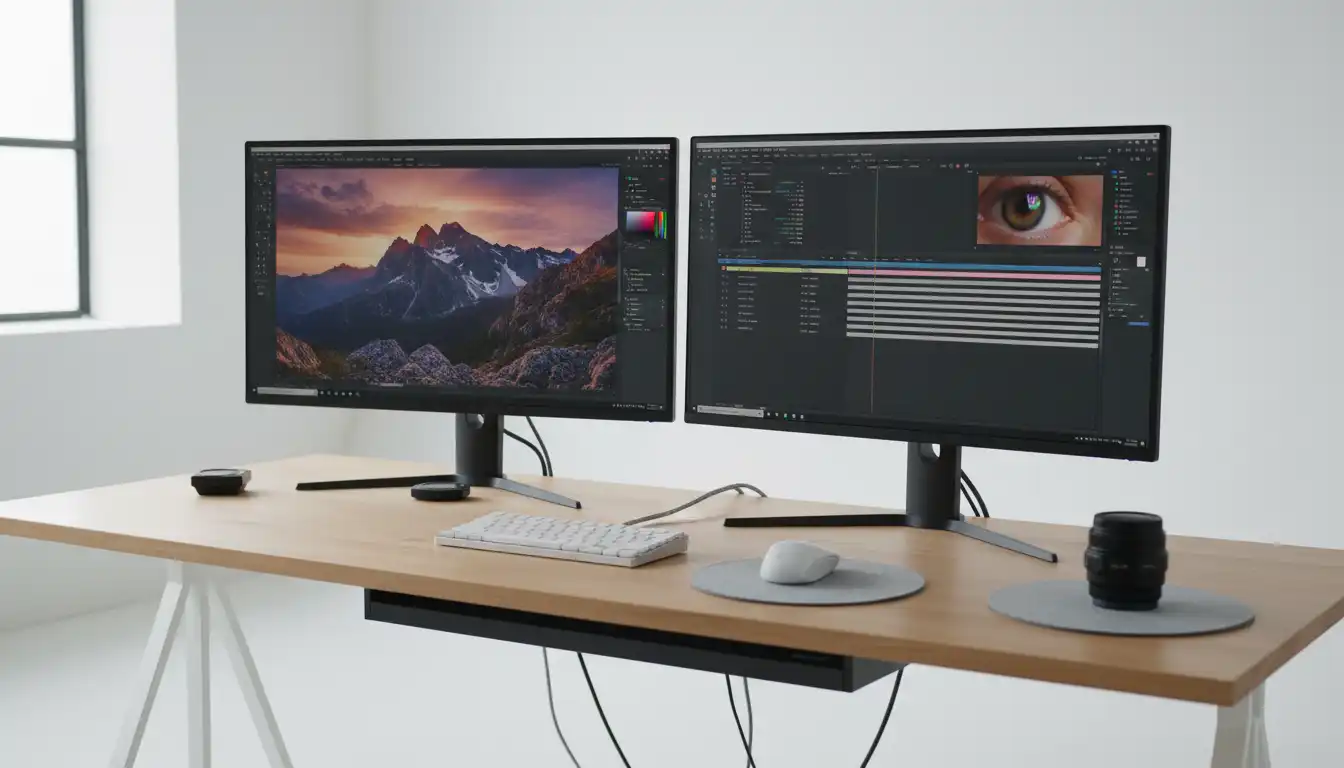

Dell UltraSharp 27 4K vs. ASUS ProArt: Which Monitor Is Better for Creators?
Choosing the right monitor can dramatically improve your creative workflow. Whether you are a professional photographer, video editor, graphic designer, or digital illustrator, color accuracy, resolution, connectivity, and long-term comfort matter just as much as raw performance. Two product families consistently appear at the top of creators’ wish lists: the Dell UltraSharp 27 4K series and the ASUS ProArt lineup.
Both brands have built a strong reputation among creative professionals, yet they target slightly different users. Dell focuses on premium office productivity combined with excellent factory color calibration, while ASUS ProArt emphasizes professional-grade creative tools and broader support for content production.
In this detailed comparison, we’ll examine the strengths and weaknesses of both monitor families to help you decide which one fits your creative needs.



Why a Professional Monitor Matters
A high-quality display is more than just a screen. It becomes your workspace, your editing studio, and your creative canvas. A monitor with poor color accuracy may cause images to appear different across devices, leading to disappointing print results or inconsistent digital content.
Professional creators should prioritize:
- Accurate color reproduction
- 4K UHD resolution
- Wide color gamut
- HDR compatibility
- Ergonomic design
- Reliable USB-C connectivity
- Factory calibration
- Long-term viewing comfort
Both Dell UltraSharp and ASUS ProArt address these priorities, but they approach them differently.
Dell UltraSharp 27 4K Overview
The Dell UltraSharp 27 4K series has become one of the most trusted choices for photographers, business professionals, and creative freelancers.
Its sleek design immediately stands out with extremely thin bezels that create an immersive viewing experience. The minimalist appearance also fits perfectly into modern workspaces.
Key Features
- 27-inch IPS panel
- 4K UHD (3840 × 2160) resolution
- Factory color calibration
- Excellent sRGB and Display P3 coverage
- USB-C connectivity with power delivery
- Comfortable ergonomic stand
- Premium build quality
Dell’s factory calibration saves professionals valuable setup time. Right out of the box, colors appear remarkably accurate, making the display suitable for editing photos, creating digital artwork, and producing online content.
Another major advantage is Dell’s excellent quality control. UltraSharp monitors consistently receive praise for uniform brightness and dependable long-term performance.
ASUS ProArt Overview
ASUS designed the ProArt series specifically for creators. Instead of focusing only on productivity, ProArt monitors include professional features that benefit photographers, filmmakers, 3D artists, architects, and colorists.
Many ProArt displays arrive Calman Verified and support extensive hardware calibration options.
Key Features
- Professional IPS display
- 4K Ultra HD resolution
- Wide Adobe RGB coverage
- High DCI-P3 color accuracy
- HDR support
- USB-C and Thunderbolt options
- Calibration software compatibility
- Creator-focused OSD controls
The ProArt lineup includes several models, allowing buyers to choose between budget-friendly options and premium studio displays.
Color Accuracy Comparison
For creators, color accuracy is often the deciding factor.
Dell UltraSharp delivers exceptional factory calibration. Most users experience accurate colors immediately after installation, making it ideal for photographers and office professionals who want reliable performance without additional adjustments.
ASUS ProArt goes one step further by offering broader professional calibration features. Many models provide Delta E values below 2 and support hardware calibration, making them attractive for commercial photography, video production, and graphic design studios.
If your projects demand extremely precise color consistency across multiple displays, ASUS ProArt has a slight advantage.
Winner: ASUS ProArt
Display Quality
Both monitors feature IPS technology, which provides:
- Wide viewing angles
- Excellent brightness
- Sharp details
- Rich colors
The 4K resolution delivers outstanding clarity for editing high-resolution photographs and 4K video content.
Dell’s anti-glare coating offers comfortable viewing during long editing sessions.
ASUS often includes HDR support and additional color space presets, providing more flexibility for creators working across different media formats.
Winner: Tie
Build Quality and Design
Dell UltraSharp focuses on premium business aesthetics.
The stand feels sturdy, the bezels are extremely thin, and cable management is excellent. Height, swivel, tilt, and pivot adjustments allow users to create an ergonomic workstation.
ASUS ProArt adopts a more professional studio appearance. While not quite as minimalistic as Dell, it offers outstanding durability and functional design.
Both manufacturers deliver excellent construction quality.
Winner: Tie
Connectivity Options
Modern creators frequently connect laptops, cameras, storage devices, and tablets to a single monitor.
Dell UltraSharp commonly offers:
- USB-C
- HDMI
- DisplayPort
- USB hub
- Ethernet (selected models)
ASUS ProArt often includes:
- USB-C
- Thunderbolt (premium models)
- HDMI
- DisplayPort
- USB Hub
- SD card compatibility on selected versions
If you rely heavily on multiple creative devices, ASUS generally offers slightly more flexibility.
Winner: ASUS ProArt
Performance for Photo Editing
Photo editors require:
- Consistent brightness
- Wide color gamut
- Excellent contrast
- Accurate skin tones
Dell UltraSharp performs exceptionally well in Lightroom, Photoshop, and Capture One.
However, ASUS ProArt’s broader Adobe RGB coverage makes it especially appealing to professional photographers preparing images for print production.
Winner: ASUS ProArt
Performance for Video Editing
Video editors working in Premiere Pro, DaVinci Resolve, or Final Cut Pro benefit from:
- High-resolution panels
- HDR support
- DCI-P3 color coverage
- Excellent shadow detail
ASUS ProArt generally provides stronger HDR capabilities and wider cinema color support.
Dell UltraSharp remains an excellent editing display, but serious video professionals may appreciate ASUS’s extra flexibility.
Winner: ASUS ProArt
Productivity and Everyday Use
Not every creator spends the entire day editing media.
Many professionals also write articles, attend meetings, manage projects, and browse the web.
Dell UltraSharp shines in productivity thanks to:
- Comfortable viewing
- Crisp text
- Excellent USB-C docking
- Elegant design
- Reliable multitasking
For office productivity, Dell slightly pulls ahead.
Winner: Dell UltraSharp
Eye Comfort During Long Sessions
Creative work often involves spending eight or more hours in front of a monitor.
Both displays include:
- Flicker-Free technology
- Low Blue Light modes
- Adjustable stands
- Matte screen coatings
These features help reduce eye strain and improve long-term comfort.
Winner: Tie
Value for Money
Pricing varies depending on the specific model.
Dell UltraSharp generally provides excellent value with premium build quality and reliable factory calibration.
ASUS ProArt often costs slightly more but includes additional creator-focused features, broader color support, and advanced calibration capabilities.
If your work directly depends on professional color management, the extra investment in ASUS can be worthwhile.
If you need an outstanding all-around professional monitor, Dell remains one of the strongest values available.
Which Monitor Should You Choose?
Choose the Dell UltraSharp 27 4K if you:
- Work from home
- Edit photos regularly
- Need excellent office productivity
- Prefer elegant minimalist design
- Want dependable factory calibration
- Use USB-C laptop docking
Choose the ASUS ProArt if you:
- Produce commercial photography
- Edit professional video
- Need Adobe RGB coverage
- Require hardware calibration
- Create digital illustrations
- Demand studio-level color precision
Final Verdict
Both the Dell UltraSharp 27 4K and ASUS ProArt series rank among the best monitors available for creative professionals. They deliver outstanding image quality, sharp 4K resolution, ergonomic designs, and dependable performance.
The Dell UltraSharp excels as a balanced solution for professionals who divide their time between creative work and everyday productivity. Its clean design, impressive factory calibration, and excellent USB-C connectivity make it an outstanding investment for freelancers, remote workers, and photographers.
The ASUS ProArt series, meanwhile, targets creators who need maximum color precision and advanced calibration capabilities. If your workflow revolves around professional photography, video production, or print design, ProArt provides the extra level of accuracy that demanding creative projects require.
Ultimately, there is no universally better monitor. The ideal choice depends on your workflow, budget, and the level of color accuracy your projects demand. Investing in either of these premium displays will significantly improve your editing experience, increase workflow efficiency, and help produce consistently professional results.
Recommended Amazon Product
If you’re looking for an excellent creator monitor available on Amazon, consider the:
- Dell UltraSharp U2723QE 27-Inch 4K USB-C Hub Monitor
It offers exceptional color accuracy, extensive connectivity, ergonomic adjustments, and outstanding productivity features, making it one of the best all-around choices for photographers, designers, video editors, and creative professionals.









