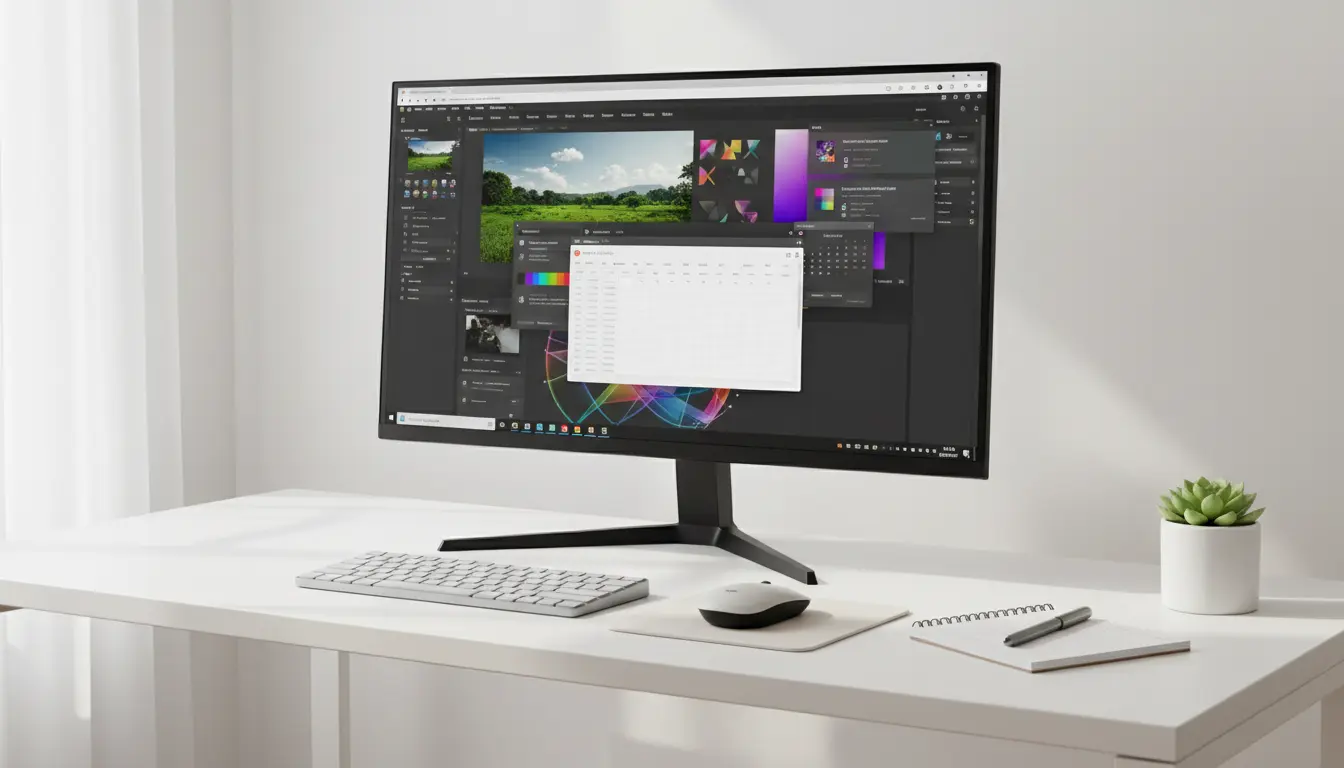

Best Budget 4K Monitors for Office Work and Creative Projects
In today’s fast-paced digital world, having a reliable monitor can significantly improve productivity and creativity. Whether you’re working from home, editing photos, designing graphics, creating videos, or simply managing spreadsheets, a high-quality 4K monitor offers exceptional clarity and workspace flexibility. Fortunately, you no longer need to spend a fortune to enjoy Ultra HD resolution. The market now offers many affordable options that deliver impressive color accuracy, ergonomic features, and modern connectivity.
This guide explores the best budget 4K monitors for office work and creative projects while helping you understand the key features that matter before making a purchase. If you want excellent performance without exceeding your budget, this article will help you choose wisely.
Why Choose a Budget 4K Monitor?
A 4K monitor features a resolution of 3840 × 2160 pixels, providing four times the detail of a Full HD display. This increased resolution makes text sharper, images clearer, and multitasking much more efficient.


Affordable 4K monitors have improved dramatically over the past few years. Manufacturers now include premium features such as IPS panels, HDR support, USB-C connectivity, and factory-calibrated colors even in mid-range models.
For office users, a 4K display allows multiple windows to remain open simultaneously without sacrificing readability. Creative professionals also benefit from higher pixel density, making photo editing, digital illustration, and video production more precise.
Key Features to Look For
Before buying a budget 4K monitor, consider the following features carefully.
IPS Panel Technology
IPS panels provide excellent viewing angles and accurate color reproduction. They outperform standard TN panels for creative work while offering consistent image quality from different angles.
Color Accuracy
Graphic designers, photographers, and video editors should prioritize monitors covering high percentages of the sRGB color space. Some affordable models even support DCI-P3 or Adobe RGB, making them suitable for color-sensitive tasks.
Screen Size
The most popular sizes include:
- 27-inch 4K monitors
- 28-inch 4K monitors
- 32-inch 4K monitors
A 27-inch monitor delivers excellent pixel density, while larger displays provide additional workspace for multitasking.
Refresh Rate
Most office users only need a standard 60Hz refresh rate. However, some budget 4K monitors now offer 75Hz or even 144Hz refresh rates, creating smoother scrolling and enhanced overall responsiveness.
Connectivity Options
Modern users often connect multiple devices simultaneously. Look for:
- HDMI 2.0
- DisplayPort
- USB-C
- USB Hub
- Audio Out
USB-C becomes especially useful for laptop users because it can transmit video, data, and power using a single cable.
Ergonomic Design
An adjustable stand helps maintain proper posture during long work sessions. Height adjustment, tilt, swivel, and pivot functions increase comfort throughout the day.
Benefits of Using a 4K Monitor for Office Work
Many professionals underestimate how much a better monitor affects daily productivity.
Increased Productivity
A larger 4K workspace lets users organize spreadsheets, emails, documents, and browsers without constantly switching windows.
Sharper Text
High-resolution displays reduce eye strain because fonts appear cleaner and easier to read.
Better Video Conferencing
Whether using Microsoft Teams, Zoom, or Google Meet, higher resolution improves image clarity while keeping documents visible beside video calls.
Improved Multitasking
Instead of purchasing two smaller monitors, one large 4K display often provides enough workspace for several applications at once.
Why Creatives Love Affordable 4K Monitors
Creative professionals require more than just a sharp screen.
Photo Editing
Higher pixel density helps photographers notice fine details while editing RAW images. Better color accuracy also reduces surprises when printing photos.
Graphic Design
Designers benefit from crisp vector graphics and improved precision when working with Adobe Illustrator, Affinity Designer, or CorelDRAW.
Video Editing
Editors working with Adobe Premiere Pro, DaVinci Resolve, or Final Cut Pro can preview Ultra HD footage at native resolution while maintaining space for editing panels.
Digital Illustration
Artists using drawing tablets appreciate the extra workspace and accurate colors offered by quality IPS displays.
Best Budget 4K Monitor Categories
Rather than focusing on one perfect monitor, it’s better to understand which category best fits your needs.
Best Overall Value
These monitors balance price, image quality, and reliability. They usually feature IPS panels, HDR support, and strong color accuracy, making them suitable for both productivity and creative tasks.
Best for Home Office
Office-focused monitors emphasize ergonomics, eye-care technology, flicker-free backlighting, and low blue light modes for comfortable all-day use.
Best for Designers
Creative users should prioritize wide color gamut coverage, factory calibration, and uniform brightness across the screen.
Best for Video Editors
Editors often benefit from larger 32-inch displays with accurate colors and multiple connection options.
Best USB-C Budget Monitor
USB-C monitors simplify cable management by charging laptops while transmitting high-resolution video simultaneously.
Tips for Choosing the Right Budget 4K Monitor
Not every affordable monitor offers the same value. Follow these practical tips before purchasing.
Set Your Priorities
If you primarily use Microsoft Office, prioritize comfort and screen quality.
If you edit photos professionally, focus on color accuracy.
If you create videos, choose a larger display with excellent brightness and HDR compatibility.
Don’t Overpay for Gaming Features
Unless you also play competitive games, expensive high refresh rates above 144Hz offer limited benefits for office productivity.
Read Color Performance Reviews
Manufacturer specifications sometimes exaggerate color performance. Independent reviews often provide more reliable measurements.
Consider Future Compatibility
USB-C, DisplayPort 1.4, and HDMI 2.1 increase long-term compatibility with future computers and accessories.
Common Mistakes to Avoid
Many buyers make avoidable mistakes that reduce satisfaction after purchase.
Buying Based Only on Price
The cheapest monitor isn’t always the best investment. Spending slightly more often delivers significantly better color accuracy and build quality.
Ignoring Ergonomics
A fixed stand may become uncomfortable after several hours of work.
Forgetting Connectivity
Always confirm your computer supports the monitor’s available ports before purchasing.
Choosing the Wrong Size
A 32-inch monitor may overwhelm a small desk, while a 24-inch display might not fully utilize 4K resolution.
How a 4K Monitor Improves Daily Workflow
Small improvements accumulate throughout the workday.
Instead of zooming documents repeatedly, you can comfortably view more content.
Instead of switching between applications, you can display several programs side by side.
Instead of struggling with blurry images, every photo appears sharp and detailed.
Creative professionals also save time by spotting editing errors earlier in the workflow.
These advantages improve efficiency while making daily work more enjoyable.
Is a Budget 4K Monitor Worth It?
For most professionals, the answer is yes.
Affordable 4K monitors now offer exceptional value. Many include premium features previously reserved for expensive professional displays. Office workers enjoy improved productivity, while designers, photographers, and content creators gain better image quality without exceeding their budget.
Although premium monitors still offer superior calibration and advanced HDR performance, today’s budget models satisfy the needs of most users remarkably well.
Investing in a quality budget 4K monitor often delivers one of the highest returns among computer upgrades. The display serves as your primary workspace every day, making visual comfort and productivity worthwhile investments.
Final Thoughts
Choosing the best budget 4K monitor for office work and creative projects requires balancing price, performance, and long-term usability. Focus on IPS technology, color accuracy, ergonomic adjustments, and modern connectivity rather than chasing unnecessary premium features.
A carefully selected affordable 4K monitor can dramatically improve productivity, reduce eye strain, enhance creative workflows, and provide years of reliable performance. Whether you’re managing business tasks, editing high-resolution photos, designing digital artwork, or producing professional video content, today’s budget-friendly Ultra HD displays offer outstanding value for nearly every user.
If you compare specifications carefully and prioritize your actual workflow, you’ll find an excellent 4K monitor that meets both your professional needs and your budget.
Recommended Amazon Product
A highly recommended option available on Amazon.com is the:
- Dell S2722QC 27-Inch 4K UHD USB-C Monitor – It offers a sharp IPS display, excellent sRGB color coverage, USB-C connectivity with power delivery, ergonomic adjustments, and outstanding value for office work, photo editing, graphic design, and everyday productivity.









