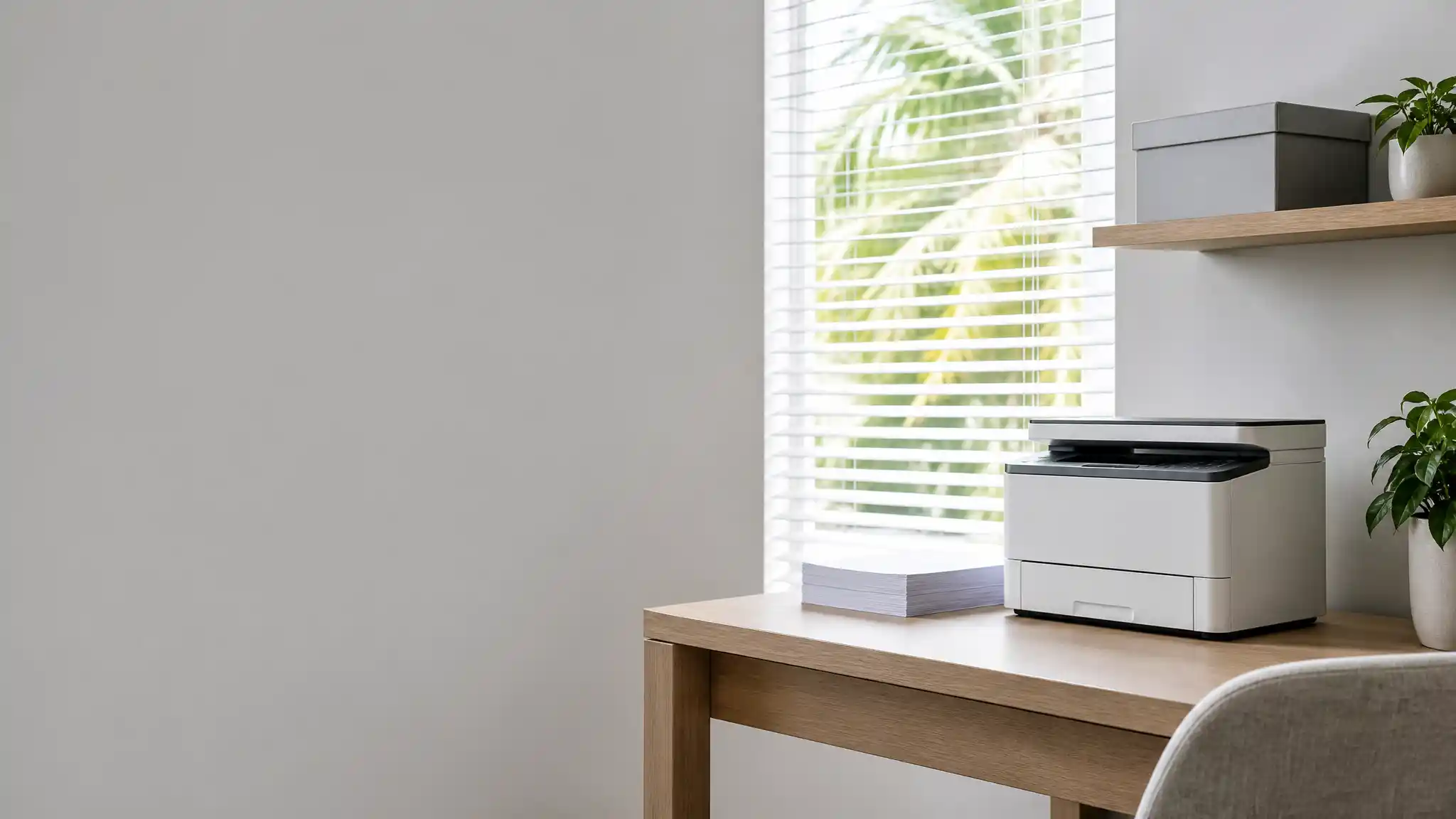

Best Printers for Florida Home Offices: Humidity-Ready Choices That Help Prevent Paper Jams
Florida home offices need more than a basic printer. Warm, humid air can affect paper before a print job even begins. Sheets absorb moisture, develop a slight curl, and cling together in the input tray. That combination makes feeding less consistent and can interrupt invoices, school forms, contracts, and shipping labels. The right home office printer cannot eliminate climate risk, but it can give you stronger paper handling, sensible capacity, and simple maintenance options.
This guide explains how to choose a reliable printer for a Florida workspace. It focuses on practical features that support smooth feeding rather than making unrealistic promises. Pair a capable machine with dry paper storage and you can build a less frustrating printing routine.
Why Florida Humidity Changes Printer Performance
Paper is hygroscopic, meaning it absorbs moisture from the surrounding air. In humid conditions, pages may swell, curl, or stick together. Those changes can lead to multiple-sheet feeds, skewed pages, wrinkles, and paper jams.

For that reason, the best printers for humid climates combine dependable feed rollers, adjustable paper guides, and a protected paper tray. Keep specialty media in its package until you need it, then use a manual feed slot or multipurpose tray when the manufacturer supports that media type.
Features That Matter Most for Jam Prevention
Start with a printer that has an adjustable, enclosed input tray. Firm side and length guides help align paper and reduce sideways feeding. A higher-capacity tray also helps if you print regularly, but never fill it past its marked limit. Too many sheets put pressure on the pickup mechanism and encourage misfeeds.
Look for automatic duplex printing if you often print two-sided documents. This feature saves paper and offers a predictable paper path. A multipurpose tray is valuable for envelopes, labels, cardstock, and occasional legal-size pages because it lets you use a shorter or straighter feed path where the design allows.
An automatic document feeder is another useful home office feature. It speeds up scanning and copying multi-page records while keeping originals organized.
Laser or Inkjet: Which Fits a Florida Home Office?
A monochrome laser printer suits users who mainly print text-heavy documents. Laser models deliver crisp everyday pages and avoid liquid ink cartridges, which can simplify high-volume document work. Many all-in-one laser printers also include scanning, copying, wireless printing, and duplex printing. Their larger footprint and toner costs may matter in a compact office, so check space and running costs first.
A color inkjet printer makes sense for colorful handouts, occasional photos, and flexible home use. Modern inkjet all-in-one printer options can be compact and feature-rich. However, paper storage remains especially important: damp sheets can still curl and feed poorly, regardless of printing technology. Select a model whose supported media weights match what you plan to load.
Create a Humidity-Smart Printing Setup
Place the printer inside an air-conditioned area, away from open windows, exterior doors, laundry rooms, and direct sunlight. Give it enough clearance for ventilation and tray access. Do not set the device on the floor, where dust and accidental moisture pose greater risks.
Store printer paper flat in sealed packaging inside a cabinet or lidded container. Open only the amount you expect to use soon. Before loading, fan the stack gently to separate sheets, remove bent pages, and set the guides snugly against the edges. These steps support moisture resistant paper storage and reduce static-related feeding problems.
If a room often feels damp, use a hygrometer to monitor conditions and consider a dehumidifier. Regularly wipe the exterior, empty paper dust from the tray, and follow the manual’s approved procedure for cleaning rollers. Never spray cleaner directly into the machine. Keeping firmware and printer drivers updated also helps the printer receive correct paper-size and media settings.
Buying Checklist for Florida Remote Workers
Before you choose, estimate your normal monthly volume and the documents you print most. Then compare home office printer features rather than selecting solely by price. Prioritize an enclosed paper tray, clear jam-access doors, wireless connectivity, automatic duplex printing, compatible mobile printing, and scanning if your workflow needs it.
Confirm that the model supports your common paper sizes and weights. Verify whether it handles envelopes or labels through a dedicated tray. Read the product manual for tray capacities, care instructions, and supported media. A durable printer with straightforward maintenance is often a better long-term fit than a cheap unit that struggles with your routine.
Also plan for supplies. Buy paper in manageable quantities, keep unopened reams sealed, and avoid mixing different weights in one tray. When a jam happens, turn the printer off, let a laser model cool if necessary, and pull paper gently in its feed direction. Repeated jams in the same area may indicate dirty rollers, worn parts, or a sensor issue that requires professional service.
A Practical Amazon Product Recommendation
For a document-focused Florida home office, consider the Brother MFC-L2900DW. Amazon lists it as a monochrome all-in-one laser printer with a scanner, wireless duplex printing and scanning, and a 3.5-inch touchscreen. These productivity features make it a sensible option for remote workers who handle frequent text documents and want fewer manual page turns.
It is not marketed as humidity-proof, so protect its paper supply with sealed storage, proper loading, and regular cleaning. Review the listing, specifications, price, and details before purchasing because availability can change.
Final Thoughts
The best Florida home office printer is one that matches your real workload and supports careful paper handling. Choose an enclosed adjustable tray, flexible media path, duplex capability, and easy maintenance access. Most importantly, control what reaches the printer: store paper dry, load modest stacks, and remove damaged sheets. Those ordinary habits work alongside hardware to help prevent paper jams throughout Florida’s humid seasons.