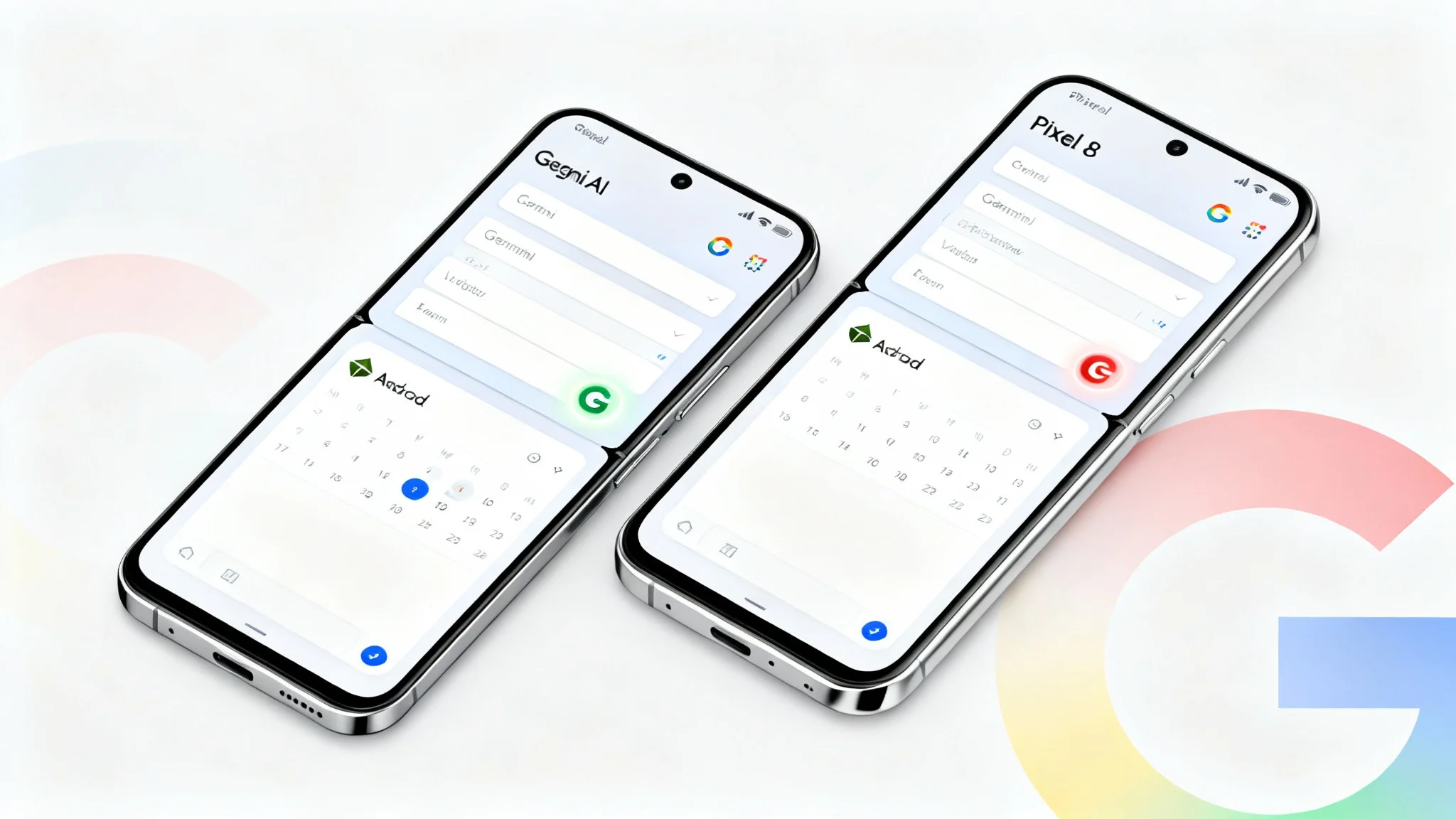

Google is expanding its Gemini split-screen multitasking feature beyond foldable phones and tablets. Previously available on devices like the Pixel Fold, Samsung Galaxy Z Fold/Flip series, and Android tablets such as the Pixel Tablet or Galaxy Tab, the feature is now rolling out to non-foldable Pixel smartphones. The first models to receive it appear to be the Pixel 8 and Pixel 8 Pro.
How Gemini Split-Screen Works
When an app is open, users can swipe up the Gemini overlay bar to enable split-screen mode.
- On regular Pixel phones, the screen is divided into top and bottom sections.
- On foldable devices, the split appears side-by-side (left and right).
This makes multitasking far smoother, as you can run Gemini alongside another app without switching screens.


Availability and Beta Testing
Currently, this update has been spotted only for Pixel 8 series models running the Google app version 16.35.63.sa.arm64 beta. The feature has not yet appeared on certain newer phones like the Pixel 10 Pro XL, or older ones like the Pixel 6 Pro, unless running the compatible beta app.
A Smarter Way to Multitask on Android
Android has supported split-screen mode since Android 7.0 Nougat, but Gemini adds a more integrated and user-friendly approach. Instead of using the recent apps carousel, you can now access Gemini and another app instantly. For power users and multitaskers, this offers a significant productivity boost.
Google is officially bringing the Gemini split-screen multitasking feature to non-foldable Pixel phones, starting with the Pixel 8 series, making multitasking on Android smoother, faster, and more convenient than ever.